Aura
Description
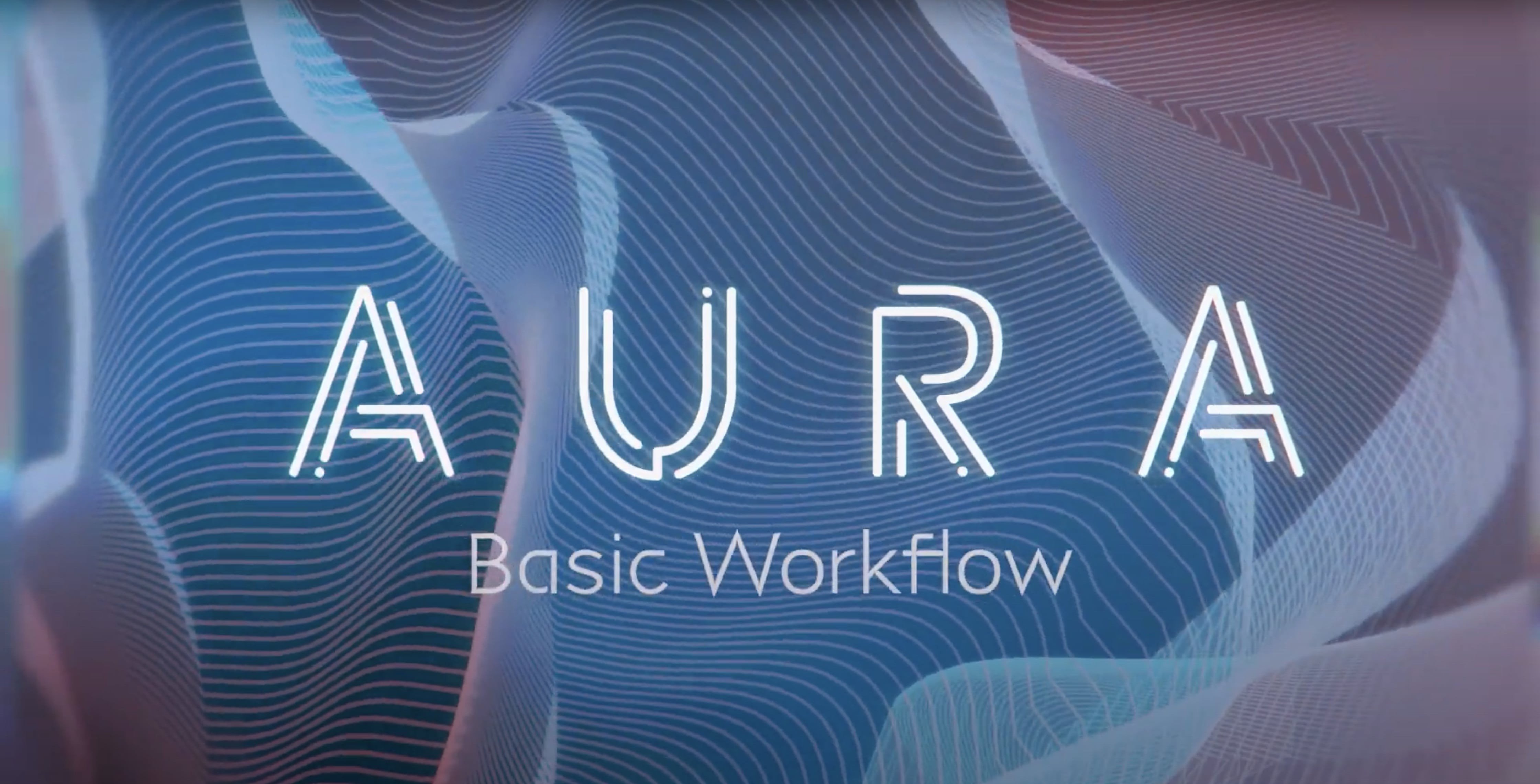
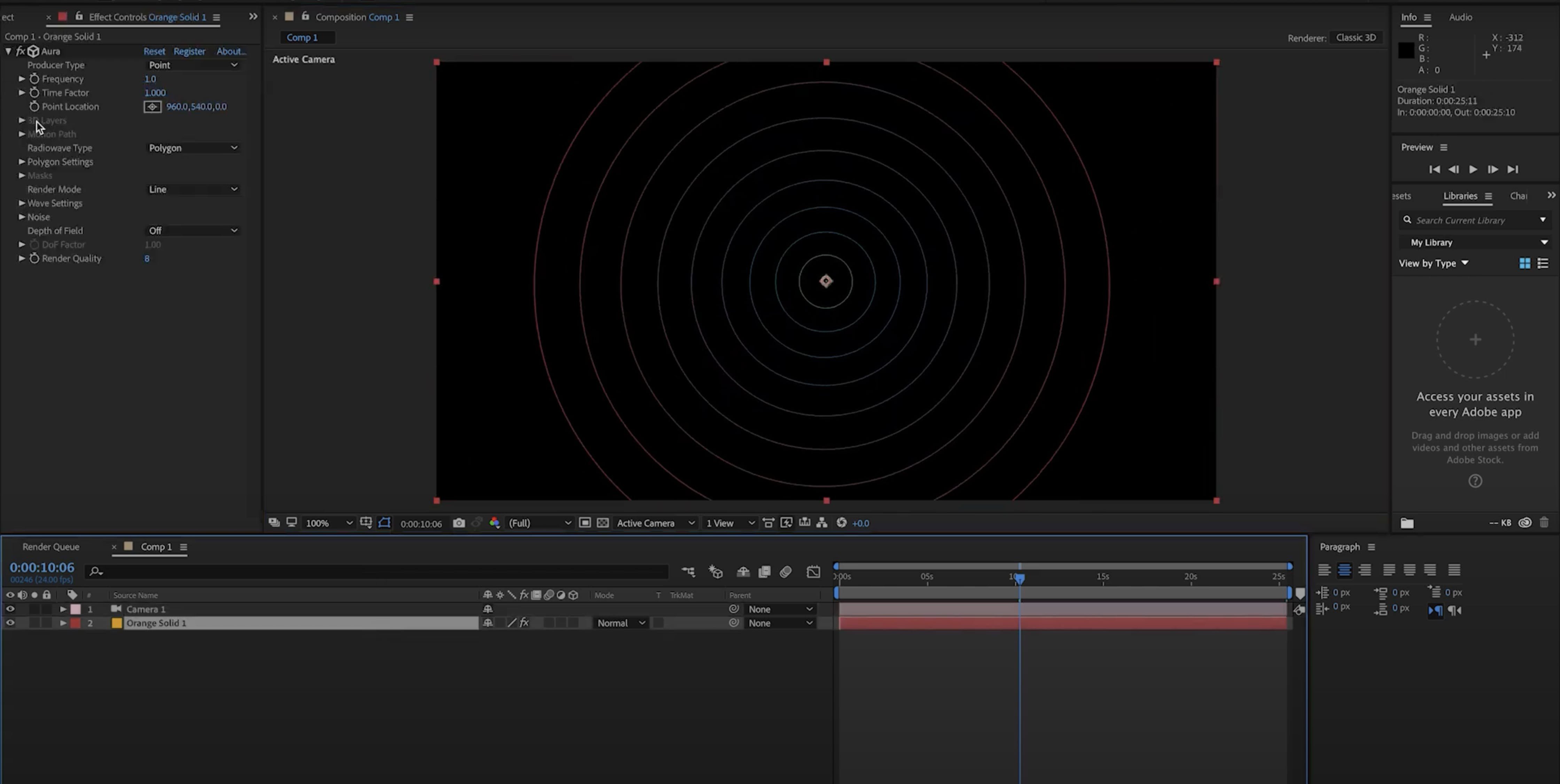
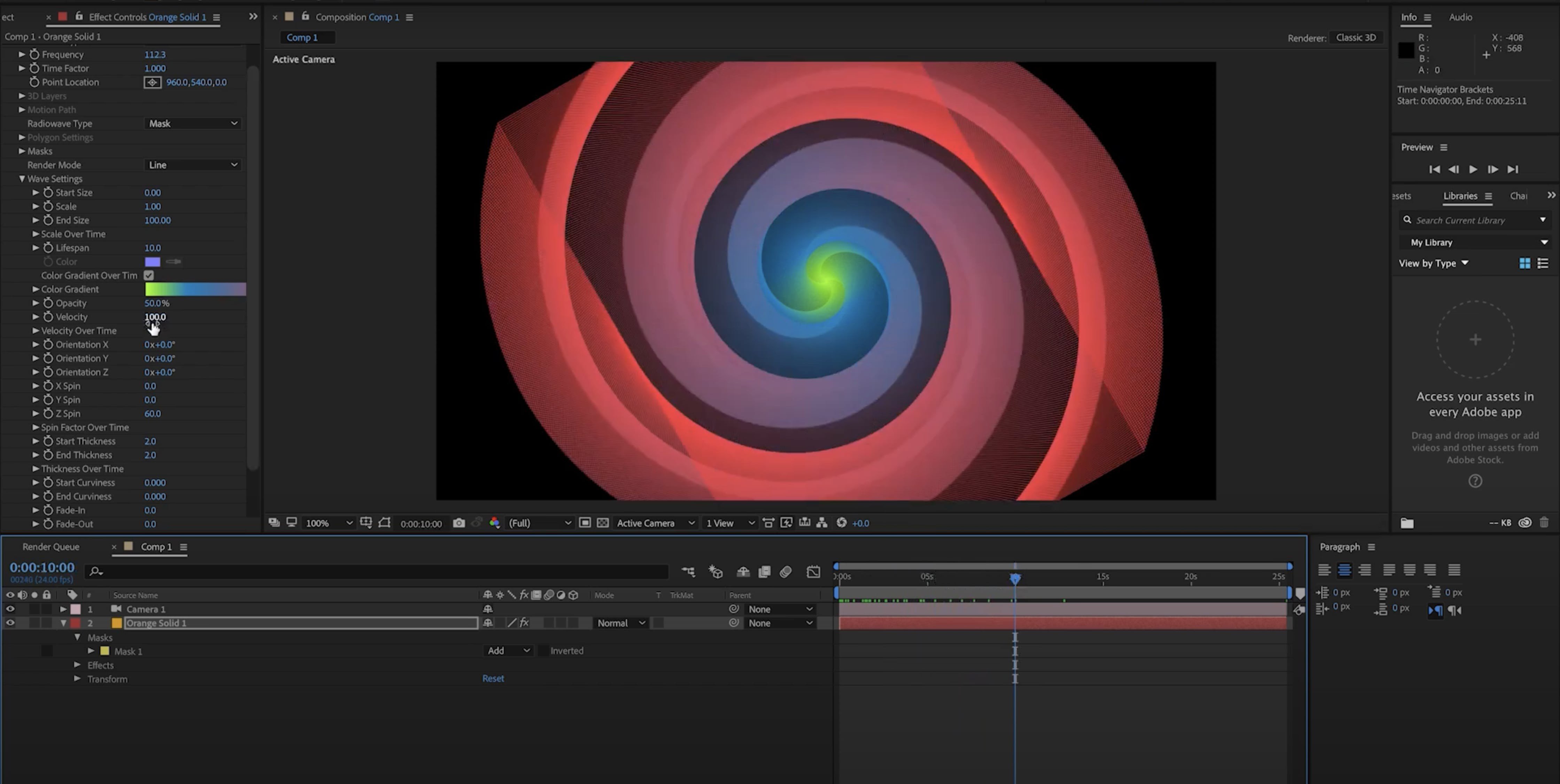
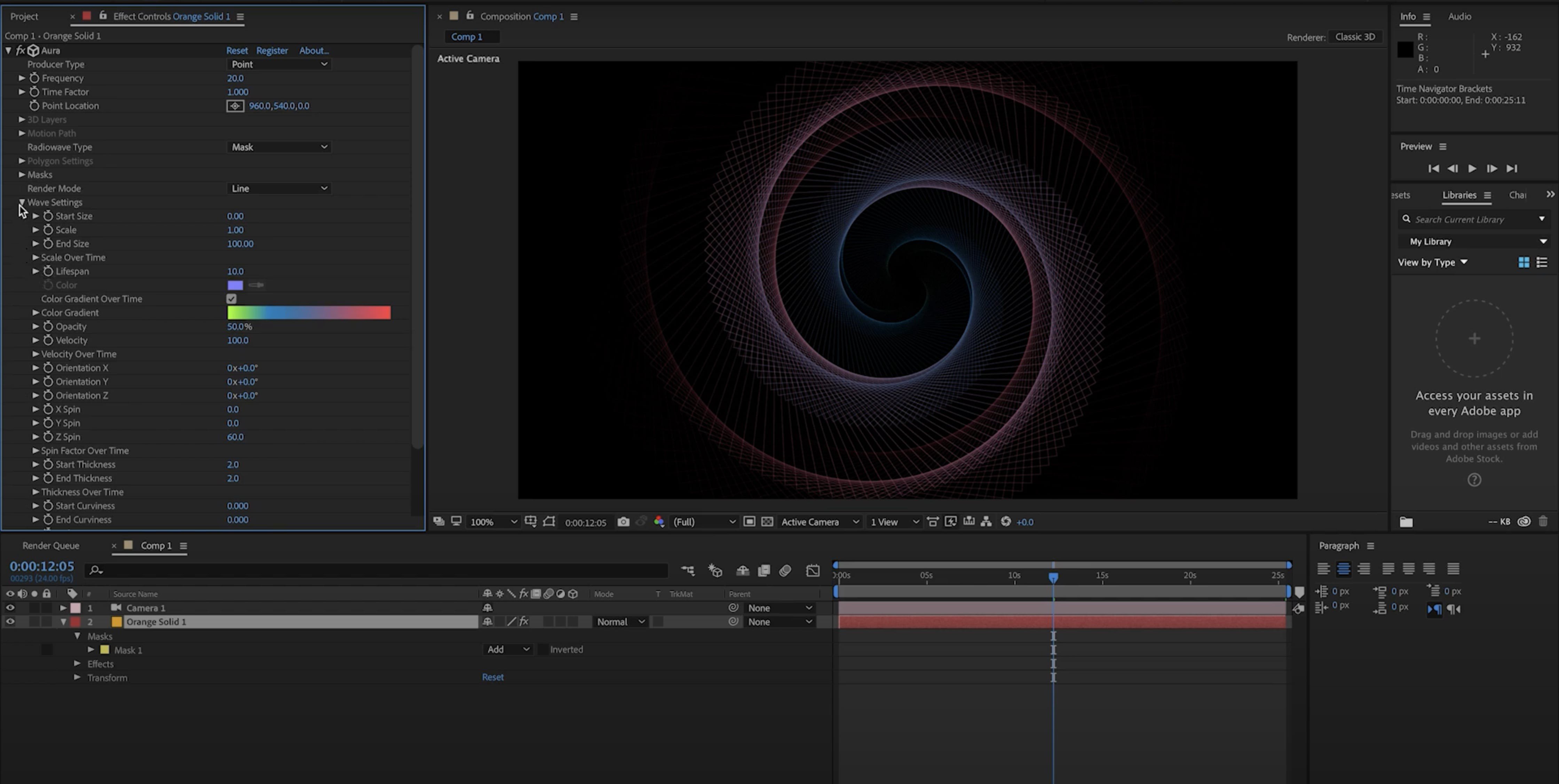
Aura is a procedural plugin for After Effects on Mac that creates elegant geometric forms within 3D space. Unlike traditional particle systems that simply display countless small particles, aura plugin generates evolving vector shapes—unique waves that transform over time, reminiscent of the classic Radiowaves plugin. It is capable of displaying hundreds of thousands of ultra-high frequency waves effortlessly, resulting in captivating and hypnotic animations.
Aura mac is specifically built for rendering sophisticated wave systems at extremely high frequencies with minimal effort by leveraging Mac GPU acceleration. The more complex your scenes, the greater the visual excitement. By fine-tuning rendering quality, you gain complete control to perfectly balance the trade-off between fidelity and performance for even the most demanding Mac workflows.
Aura offers native 3D camera integration within After Effects for Mac, enabling the creation of beautiful camera effects such as bokeh depth of field. With extensive aperture customization, you have the ability to shape camera characteristics and achieve visually striking results.
Features:
-Turbulent Noise
No plugin is truly complete without turbulent noise! Inject dynamic character into waves evolving over time in aura mac. Detailed noise settings provide all the nuanced controls necessary to craft subtle, lifelike animations using turbulence.
-Advanced Wave Parameters
All wave controls feature start and end parameters, and many are paired with graph-based settings to define precisely how attributes change through time.
-Motion Paths
Make use of motion paths to guide waves along custom trajectories. An invaluable feature for freeform wave movement and geometry extrusion within your Mac environment.
-Multilayer Emitters
Utilize 3D layers in your After Effects composition to deploy multiple wave emitters in a single aura instance, powering intricate animations with ease.
-Custom Shapes Using Masks
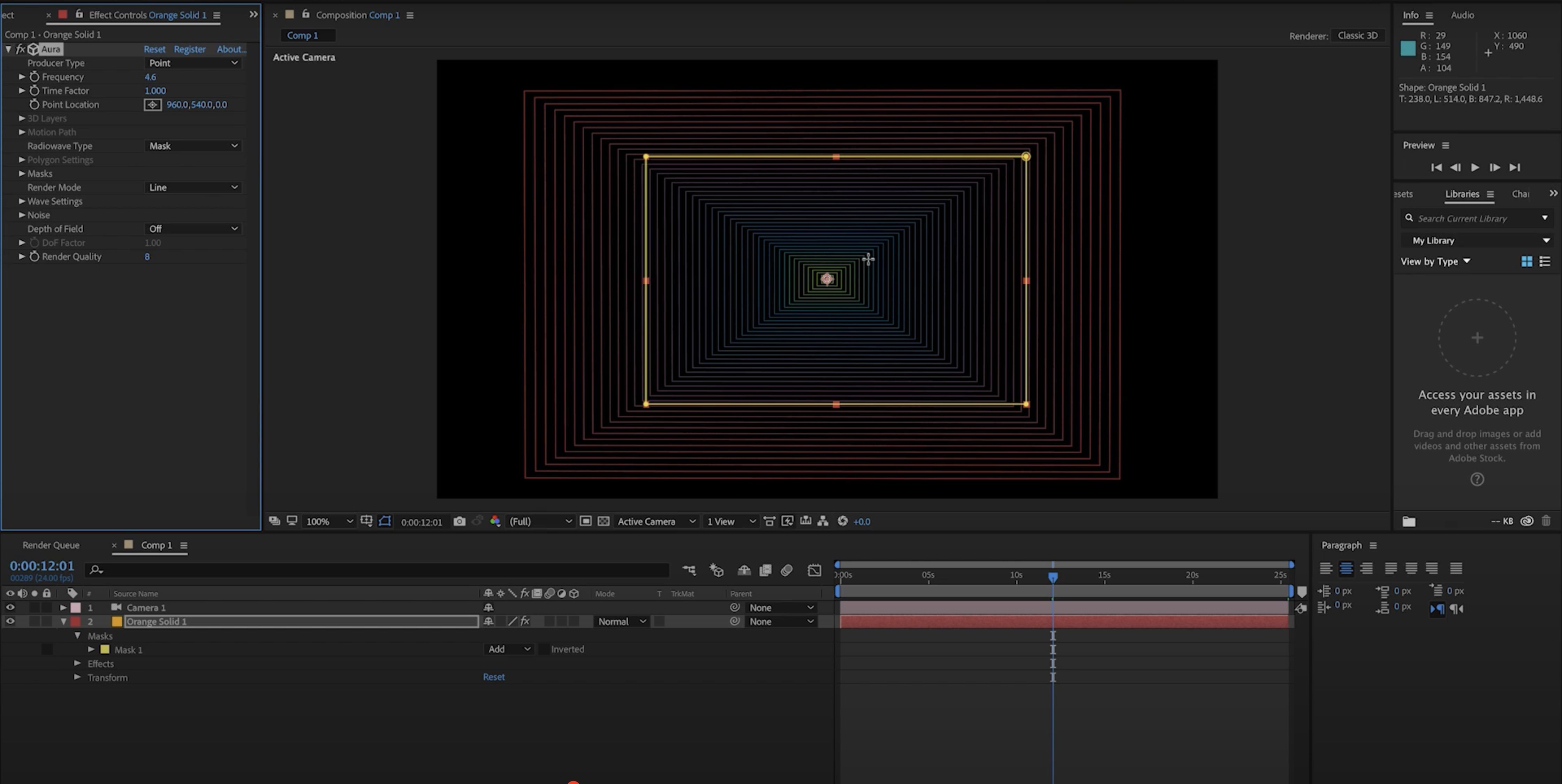
Integrate the built-in polygon shape generator, or craft entirely unique shapes using After Effects’ powerful mask tools. You can also convert text layers into masks and leverage them for wave creation with aura mac.
-Band Rendering
Visualize waves through the “Band” rendering mode, forming distinctive groups between waves and revealing complex, intriguing patterns.
-Surface Rendering
Render flowing, seamless surfaces that encompass all waves using the surface rendering mode. This feature is ideal for creating extruded geometric animations and visualizing organic surfaces, reducing the need to render high-frequency waves in all scenarios.
Frequently Asked Questions
You May Also Like
Reviews & Comments
No comments yet. Be the first to share your thoughts!