Geometric Filter
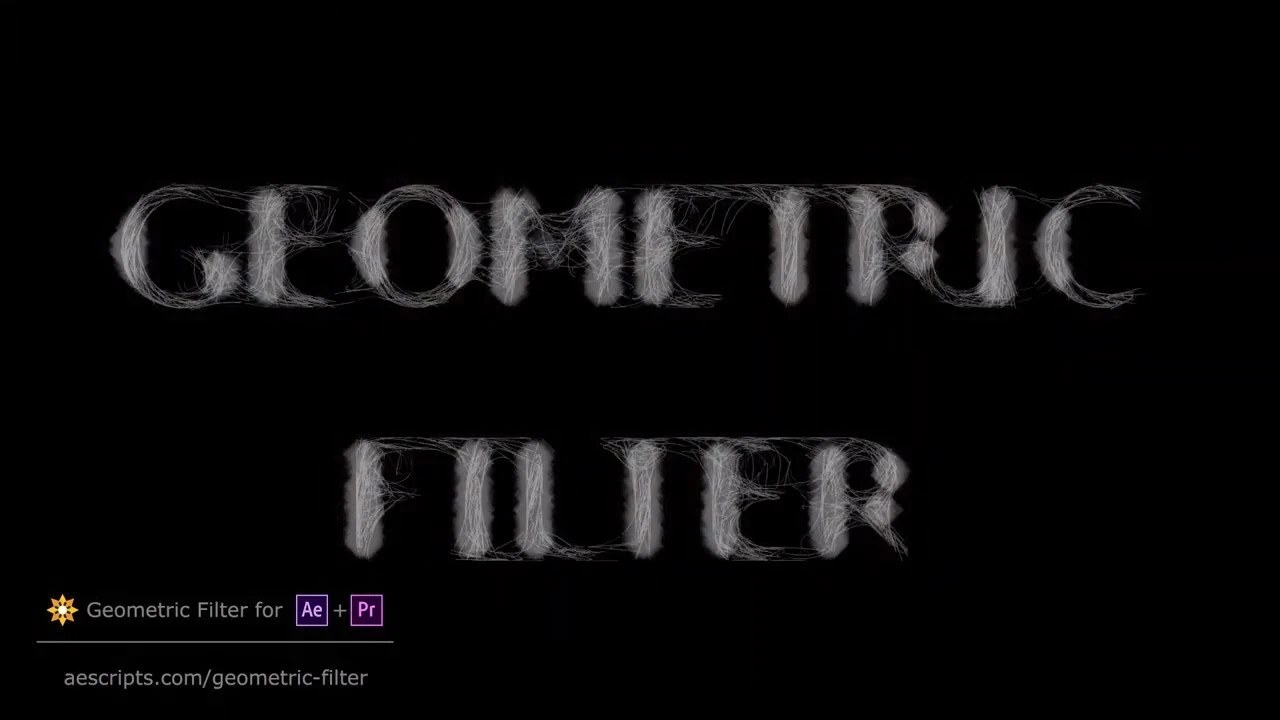
Description
The geometric filter transforms an original image into a multitude of geometric shapes, recreating a rendition closely approximating the source. On Mac, the output often resembles the effect seen with style transfer filters, but stands out with its own distinct look and a wide range of fine-tuning possibilities. The all geometric filter provides users with creative flexibility while maintaining a high degree of customization.
There are 20 built-in presets in this geometric filter mac plugin, each designed to showcase different capabilities of the filter. Exploring these presets gives users a thorough understanding of the filter’s potential. If desired, creating custom presets is intuitive, and every parameter is fully adjustable for personalized results.
How it works
This filter operates by detecting similar pixels within a range in the original image and connecting them through geometric primitives. On Mac, following areas of the same color often results in visually traced contours that evoke the feel of hand-drawn sketches. The process for selecting pixels can be tuned to be either more predictable or randomized, depending on the desired outcome, which further demonstrates the flexibility of this geometric filter.
Summary of Available Parameters
Preset – Select one of the twenty preloaded styles to quickly begin working with a specific aesthetic or visual expression.
Keep Original Image – Enable this setting to overlay the geometric filter’s output atop the base image. This is especially useful for masking or hiding unprocessed areas.
Skip Frame(s) – Adjust the frames-per-second setting of source material, enabling the filter to process fewer frames for a stylized output. This helps reduce flickering and more closely simulates the look of traditional animation.
Shape Parameters
In the “Shape” section, users define which geometric forms approximate the original image. Shape type – Choose from six geometric primitives: lines, curves, triangles, squares, circles, or rectangles.
Count – Set the number of shapes the filter uses to render the output.
Recursion Steps – This option lets the filter seek continuous sequences of identical color in a specific direction, which increases the amount of drawn contours in the output.
Size – Set the initial size of the geometric figure or the length of a line.
Size Growth – Establish how much a shape can grow during the search for similar colors, introducing a variable element of size randomness.
Line width – Adjusts the thickness of shapes, especially when fill is disabled.
Fill – Toggle whether shapes are filled or only their outlines are preserved.
Opacity – Adjusts the alpha transparency of the shapes to introduce softness or visual blending.
Starting Angle/Angle Randomization – Defines the initial angle for each shape. By applying randomization, users can prevent the result from appearing overly uniform or repetitive.
Angle Range – Sets the tolerance for angle selection while the algorithm searches for a color match.
Image Matching Parameters
These options dictate the placement strategy for shapes and regulate color-matching sensitivity.
Matching Accuracy – Determines how closely the filter's output matches the original colors. Lowering this value gives the output a wilder, less predictable look and speeds up image processing.
Fade Type – Controls opacity changes for each shape, based on recursion step or shape size, making the visual effect more dynamic.
Fade Level – Adjusts the degree of opacity fading to suit user preferences.
Minimum/Maximum Luminosity – Restricts the brightness range of the image that is processed, helpful for skipping overly bright or dark parts.
Starting Position Strategy – Dictates the placement method for new shapes, a valuable setting for stable or wavelike animated results. Options include Random, Stable Random, and Grid.
Grid Randomization – Randomly shifts positions on the grid if grid mode is selected for starting position strategy.
Random Seed (Evolution) – Sets the seed for random placement of geometric shapes, which ensures repeatable outcomes. It is ideal when using the geometric filter mac plugin to animate randomness or to experiment with different seeds for creative compositions.
Frequently Asked Questions
You May Also Like
Reviews & Comments
No comments yet. Be the first to share your thoughts!