iZotope Velvet
Description
Meet Velvet: iZotope’s smart de-esser plugin, designed exclusively for Mac users seeking pristine vocal quality. With izotope velvet, you get an all-in-one solution for seamlessly softening harshness and sibilant sounds, dynamically sculpting tone, and eliminating unwanted mouth noises such as clicks and lip smacks—right within a simple, intuitive plugin for Mac-based production.
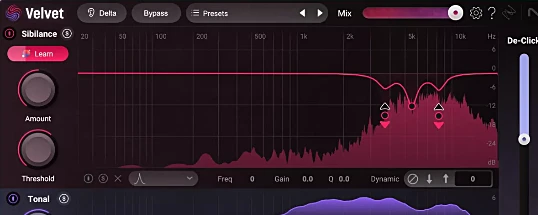
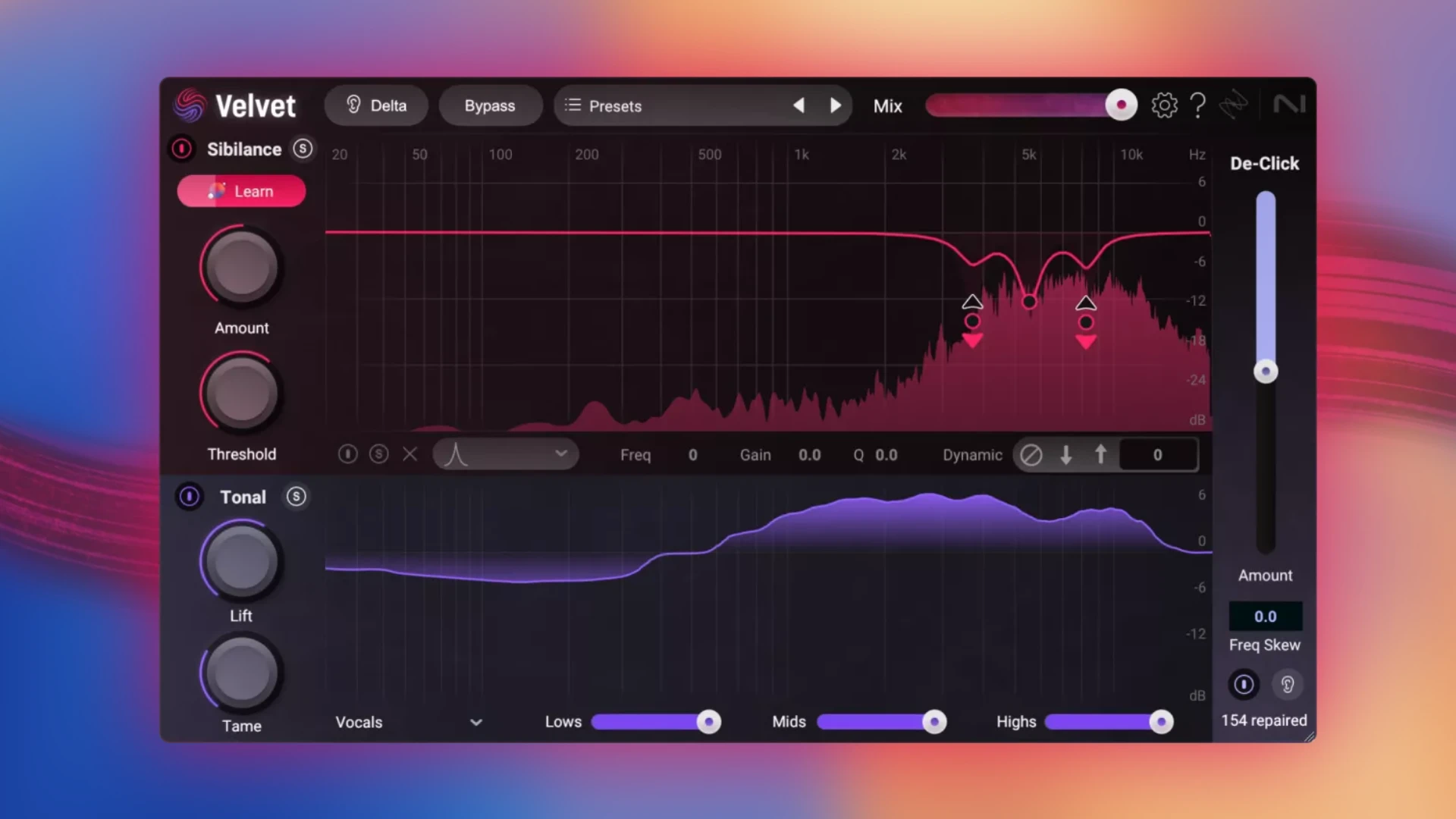
De-essing, click removal, tonal correction, and sonic enhancement: izotope velvet mac provides powerful tools to transform raw vocals into refined, professional tracks. Enjoy precise sibilance smoothing and dynamic tone correction through dual-band processing—independently targeting sibilance (Sibilance) and tonal (Tonal) frequencies. The Sibilance Learn feature automatically detects problematic frequencies, streamlining your workflow for optimal vocal clarity.
De-Click: This function enables accurate removal of clicks, lip artifacts, and various subtle noises. Intelligent de-essing eliminates sharp and hissy sounds without degrading vocal presence. Simply click Learn, and izotope velvet plugin automatically sets the correct frequencies, configuring its 6-band dynamic equalizer for real-time spectral correction. Prefer manual control? Adjust EQ nodes, swap filter types, and fine-tune the overall effect effortlessly using a single dial.
Dynamic tonal correction strengthens the unique character of any voice by boosting or attenuating select frequencies only where needed. With Lift and Tame, you get independent control for boosting or reducing, combined with 8 target profiles and precise frequency matching for your specific sound. Instantly get rid of mouth noises with intuitive De-Click—the plugin detects and removes clicks as soon as they appear.
Just lower the slider to reduce noise and distractions. Monitor the number of corrections being made and relish the result: pure, polished vocals with no unwanted interference.
Professional presets and more: harness 50 expertly crafted presets, a Solo mode to process sibilant and tonal elements individually, and a Delta button for instant before/after comparison. Use the parallel processing (mix fader) to balance the wet/dry signal to perfection.
Where to use izotope velvet mac? This plugin is perfect not just for solo vocals, but also for group vocals, dialog editing (voice-over, podcasts), and instruments—including shimmering cymbals or any source needing advanced frequency control on your Mac.
Frequently Asked Questions
You May Also Like
Reviews & Comments
No comments yet. Be the first to share your thoughts!