KORG Gadget 3 Plugins
Description
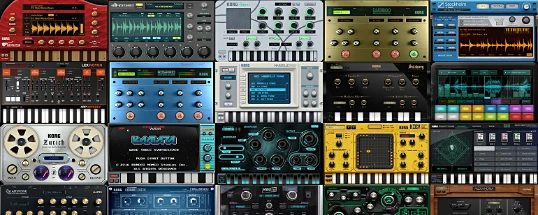
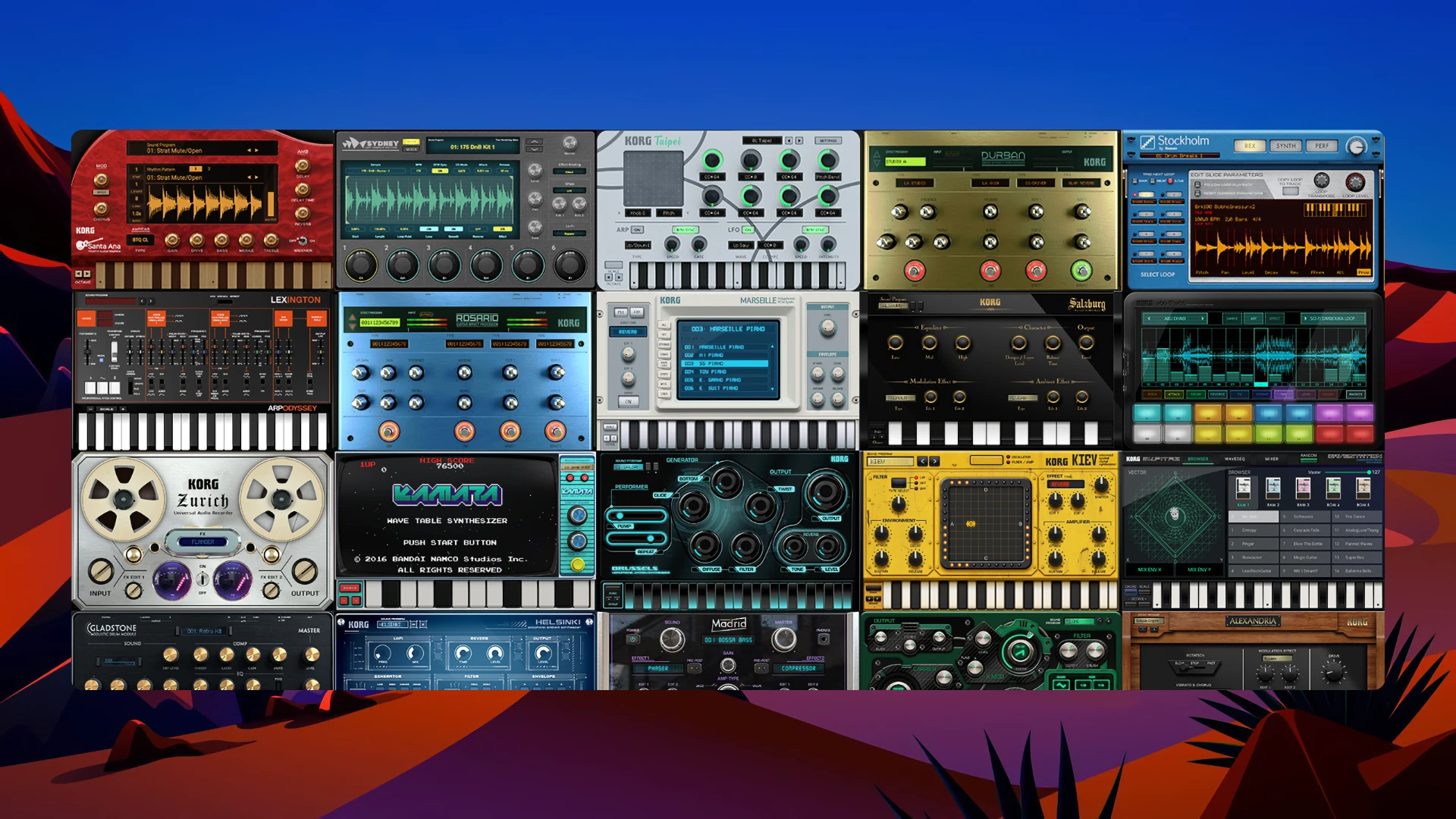
KORG Gadget 3 Plugins is a powerful suite of music production plugins, offering an impressive collection of over 40 virtual instruments and effects, known as "gadgets," for Mac users. These gadgets include high-quality synthesizers, drum machines, samplers, and essential MIDI utilities, providing numerous creative options for modern music makers.
With this extensive plugin bundle, you can access ready-to-use KORG Gadget 3 sounds directly within your favorite DAW on Mac. The suite boasts an intuitive interface, as well as a vast sound library containing more than 6000 unique programs, making it easy to find inspiration and streamline your workflow. All korg gadget 3 plugins mac are designed for seamless integration, ensuring maximum compatibility and creative flexibility for music production.
KORG Gadget 3 Plugins are tailored to suit a wide range of genres, from electronic and pop to rock, jazz, and more. This pack includes both original instruments and faithful emulations of legendary KORG synths such as the M1 and Wavestation, plus additional modules from KORG Module and ELECTRIBE Wave. These plugins offer deep integration with your DAW, providing powerful tools for composing, arranging, and sound design directly on your Mac.
Key Features:
• Over 40 gadgets, including Santa Ana (rhythm guitar), Sydney (sampler with time-stretch), and the new Osaka (drum rompler featuring professional recordings).
• Newly implemented Sound Browser allows fast sound searching by timbre and character.
• Five new insert effects (IFX): 8-band Equalizer, Stereo Imager, Transient Shaper, Auto Pumper, and Pitch Shifter, each expanding creative options.
• Genre Select: choose your genre and effortlessly combine patterns for rapid song production.
• Intuitive Play Page with a redesigned arpeggiator and chord input functionality for creative control.
All korg gadget 3 plugin elements are focused on efficient use within korg gadget 3 plugins mac. Easily find, arrange, and manipulate your sounds, and take advantage of korg gadget 3 plugins download resources for streamlined installation on your Mac music setup.
Frequently Asked Questions
You May Also Like
Reviews & Comments
No comments yet. Be the first to share your thoughts!