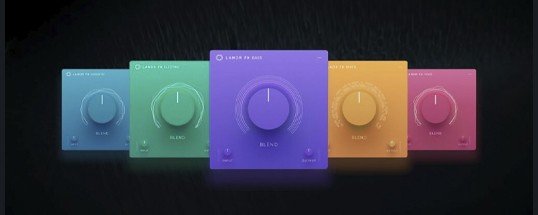
LANDR FX Suite
Description
The LANDR FX Suite plugin collection for Mac gives you instant access to time-tested, reliable mixing techniques, universal presets crafted for all musical styles and genres, and powerful sound processing. Achieve your desired sound more efficiently, with results you can always trust using the LANDR FX Suite Mac. This versatile toolkit allows you to create polished, luxurious tracks in any style, genre, or instrument, thanks to a comprehensive selection of multi-FX plugins fully compatible with any mix.
A Complete Toolset. The full LANDR FX Suite empowers you to craft professional-quality tracks regardless of your musical direction. Enjoy an all-in-one suite of multi-effect plugins designed specifically for seamless integration with your Mac system—ensuring maximum creativity without limitations.
Powerful Presets. Explore over 240 meticulously crafted presets, enabling you to realize your creative vision even faster. With just a few clicks, you can instantly access refined, polished sounds suitable for every context—making your workflow more efficient while expanding your sonic palette.
Effortless Control. Attain your ideal sound as quickly as possible with an easy-to-use blend knob, eliminating the need for complex mixing methods. The intuitive interface on Mac ensures you stay inspired and focused, so sound design always remains straightforward.
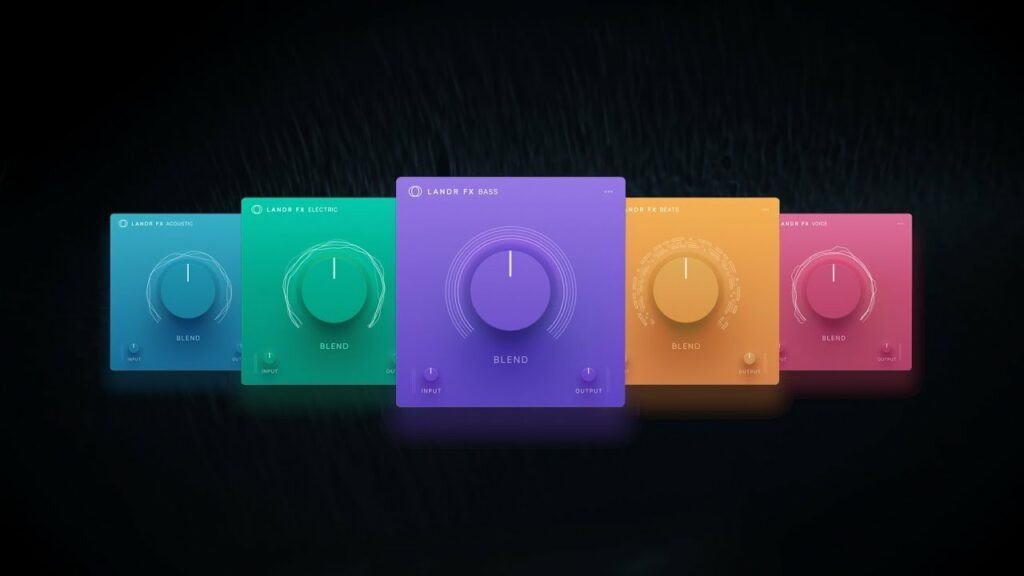
What’s Included. The LANDR FX Suite Mac download includes 5 dedicated plugins, each meticulously engineered to enhance every single aspect of your mix. This set works seamlessly with any setup and is optimized for Mac environments.
Acoustic. Add rich tones and vibrant character to your acoustic and orchestral tracks and samples. This plugin brings out the natural warmth of your instruments, making every detail shine on Mac.
Bass. Shake the room, tighten your low end, or elevate your groove with crisp, iconic bass effects. Bring definition and legendary sound to your basslines, fully tailored for Mac-based production.
Drums. Succeed with epic presets that add power and punch to your drums—from isolated kicks and snares to fully-loaded buses. LANDR FX Suite plugin ensures your percussive elements dominate the mix.
Electric. Layer richness, sparkle, and timeless effects on your electric guitar and synth tracks, across a broad spectrum of musical genres. The Mac-optimized electric plugin guarantees flawless performance and creative flexibility.
Vocal. Perfect and polish your vocal recordings with expertly-designed EQ, reverb, saturation, delay, and more—delivering professional-quality vocal processing optimized for Mac in every LANDR FX Suite plugin.
Frequently Asked Questions
You May Also Like
Reviews & Comments
No comments yet. Be the first to share your thoughts!