Mettle FreeForm Pro
Description
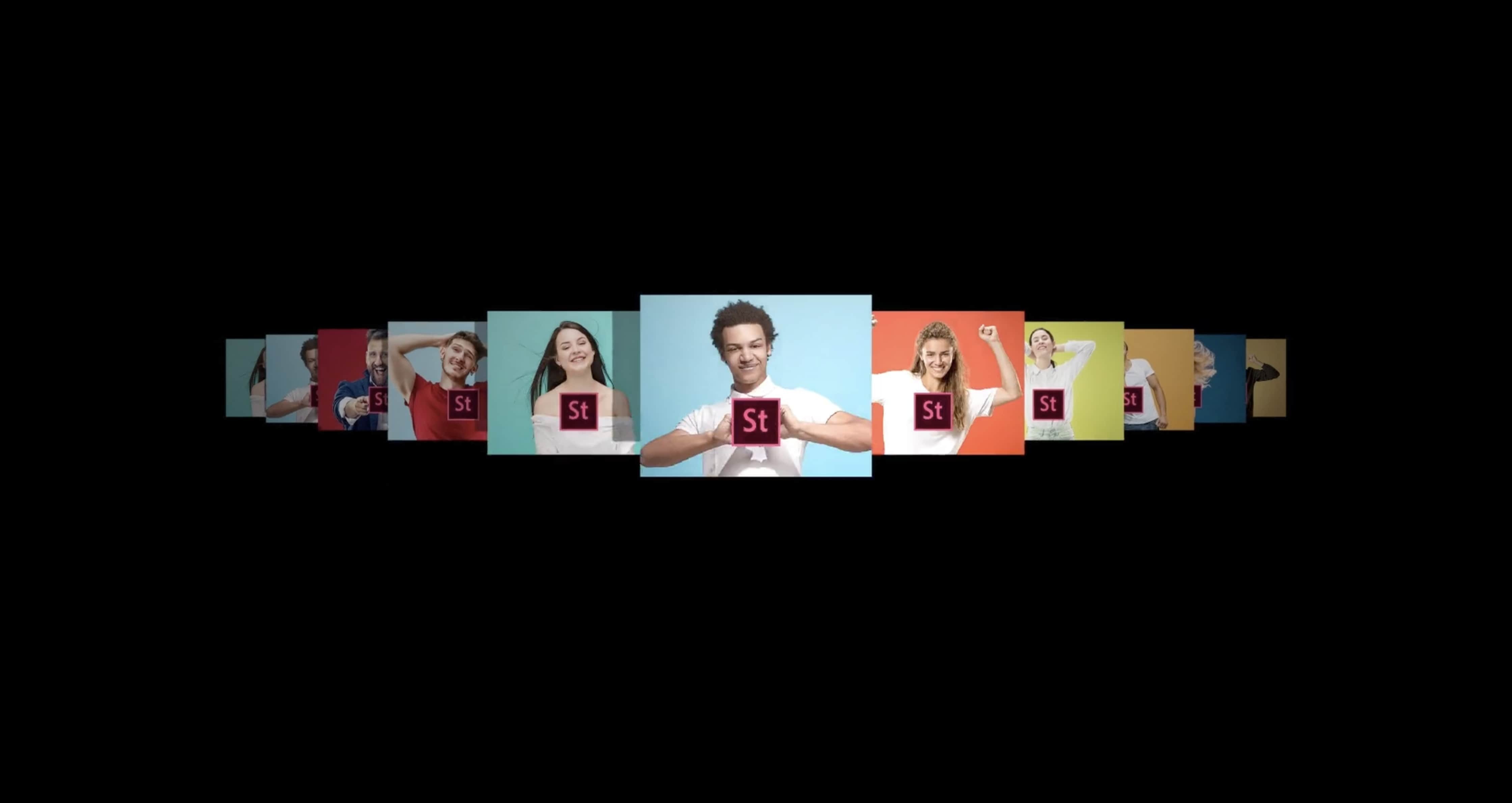
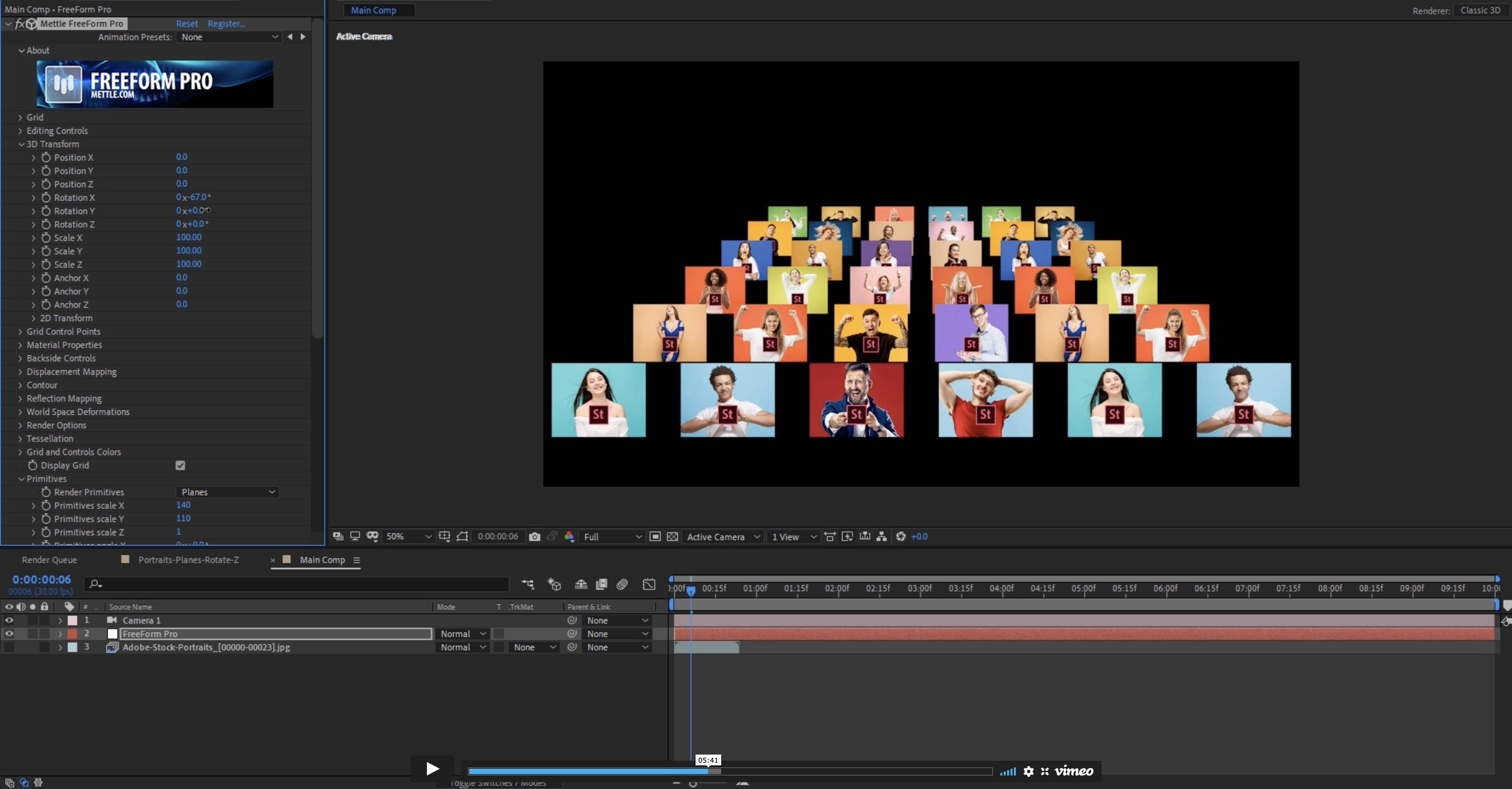
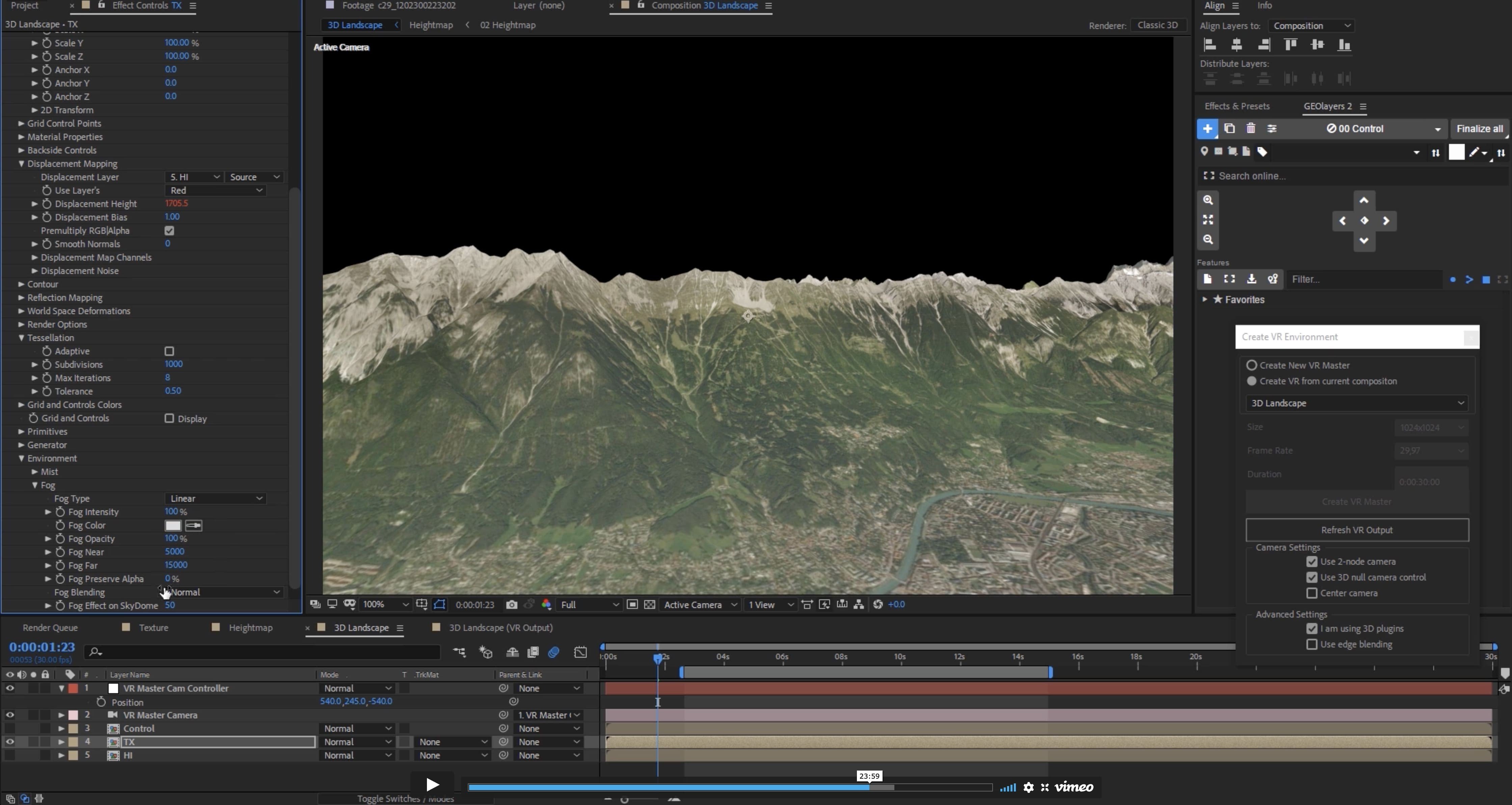
Mettle FreeForm Pro is the easy and versatile way to achieve complex layer deformations in After Effects, now optimized for Mac users. Packed with three core features—Mesh Warp, Displacement Mapping, and Render Primitives—it enables intuitive character animation, advanced shape transformation, terrain generation, sophisticated water modeling, organic dynamic backgrounds, and much more. Experience the power of the mettle freeform pro plugin and expand your creative possibilities on Mac.
FreeForm Pro Features:
3D MESH WARP
Smoothly move and rotate your 3D layer in true 3D space with FreeForm’s powerful mesh controls. Adjust Position X, Y, Z, Rotation X, Y, Z, and Anchor Point X, Y, Z. Add up to 400 control points with their attached tangents, finely tuning each one using Bézier handles for unparalleled precision—an essential for all Mac-based After Effects professionals.
DISPLACEMENT MAPPING
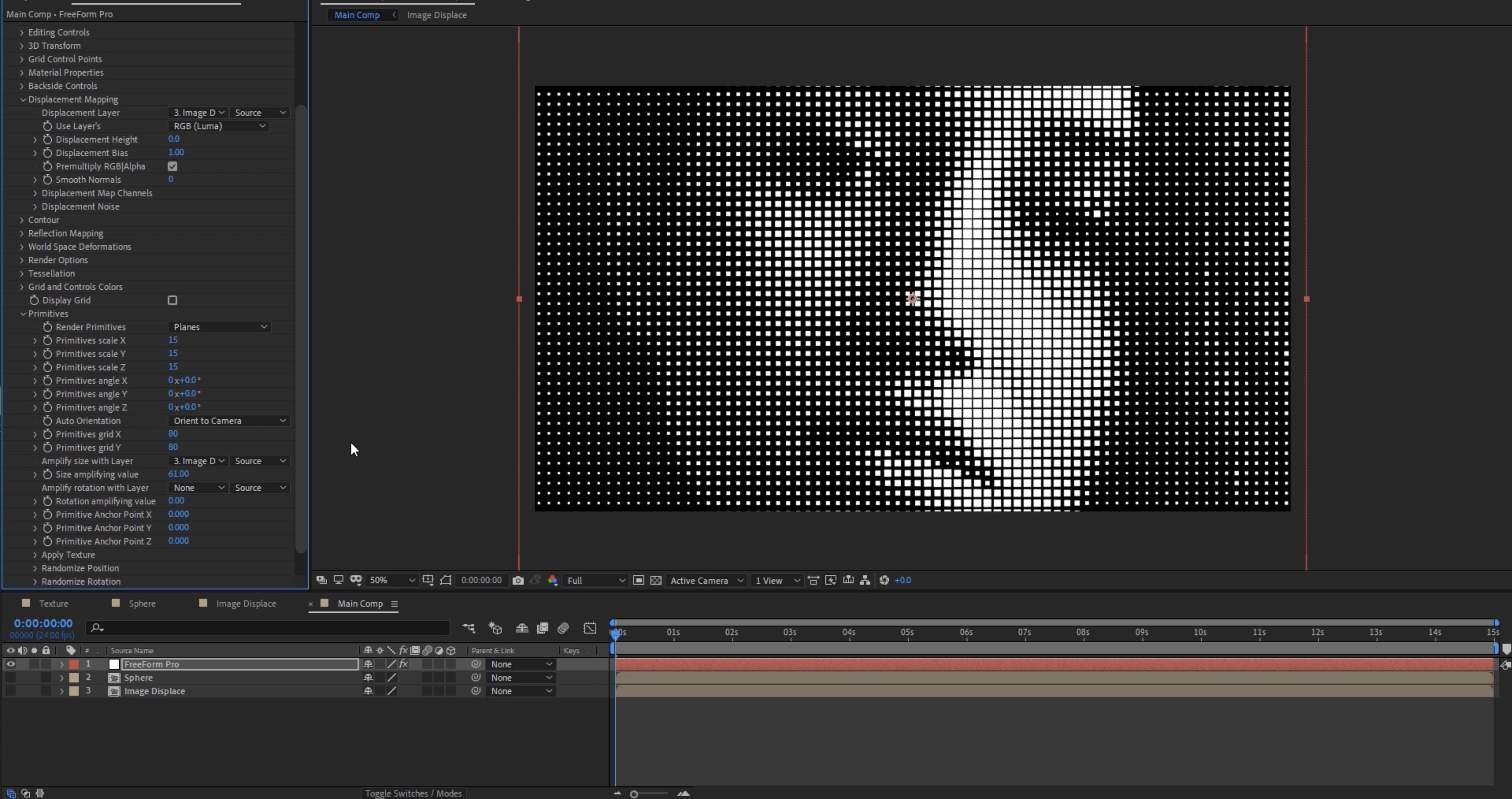
Quickly create highly detailed, organic forms. Use grayscale “maps” to directly set mesh displacement heights. A black and white cloud pattern can instantly turn into a dramatic mountain range, while a simple gradient can generate a graceful curved slope. Displacement Maps can also be animated, producing realistic effects like water ripples, fluttering curtains, or waving flags—features Mac creators will appreciate.
TANGENT ALIGNMENT
An extremely intuitive approach to aligning or breaking the tangent handles, making smooth curves or sharp angles effortlessly with FreeForm’s Tangent Alignment. Toggle the alignment feature on or off as needed, providing full creative control on Mac systems.
3D MESH CONTROLS
Control the movement and rotation of your 3D layer in space using FreeForm’s mesh commands: Position X, Y, Z; Rotation X, Y, Z; and Anchor Point X, Y, Z. These controls are now even more refined for Mac performance.
MANAGE CPU USAGE
Optimize your workflow using mesh controls that speed up editing on Mac hardware. Select from full, shaded, or wireframe previews, and adjust Mesh Subdivision and Smoothing for faster processing. Ramp them up only when you need high-quality previews or final renders—keeping your Mac running smoothly.
MANIPULATION ON THE X, Y AND Z AXIS
A crucial feature missing from most mesh deformation tools, yet standard in the mettle freeform pro mac plugin: choose exactly which axis (X, Y, or Z) your vertex points move along. Opt for "Freeform" mode to move points across all three axes, delivering flexibility Mac designers desire.
3D MESH QUALITY
Achieve flawless, smooth final renders with complete control over the Quality property of your deformed 3D mesh layer. Increase or decrease mesh density and smoothness using Mesh Subdivision. Enhance details with three levels of smoothing and image filtering—absolute precision for Mac users relying on mettle freeform pro download.
SURFACE CONTROLS
DYNAMIC LIGHTING PROPERTIES
Customize Diffuse, Specular, and Roughness settings to emulate a wide range of surface "textures," from highly reflective surfaces like water to soft, light-scattering ones like cloth. FreeForm V2 even lets you display unique imagery on the back side of your 3D layer—perfect for creating “signs” or “maps” that fold, twist, or crumple, exposing their reverse side for truly interactive Mac visuals.
FASTER PREVIEWS AND RENDERS
Thanks to its refined 3D rendering engine, FreeForm Pro v2.0 delivers previews and renders up to 8 times faster than the FreeForm version included with CS5. This major boost in speed makes it the clear choice for Mac-based After Effects professionals seeking top performance from the mettle freeform pro plugin.
Frequently Asked Questions
You May Also Like
Reviews & Comments
No comments yet. Be the first to share your thoughts!