Mocha Pro
Description
Mocha Pro is recognized as the most iconic and powerful planar tracking and VFX post-production tool in the world, especially renowned for its exceptional performance on Mac systems.
Mocha Pro for Mac provides accelerated GPU-powered tracking and object removal, enhanced edge-snapped masking, stabilization, advanced lens calibration, 3D camera support, stereo 360/VR compatibility, and a wide array of additional VFX enhancements, making it an indispensable resource for professional Mac-based workflows.
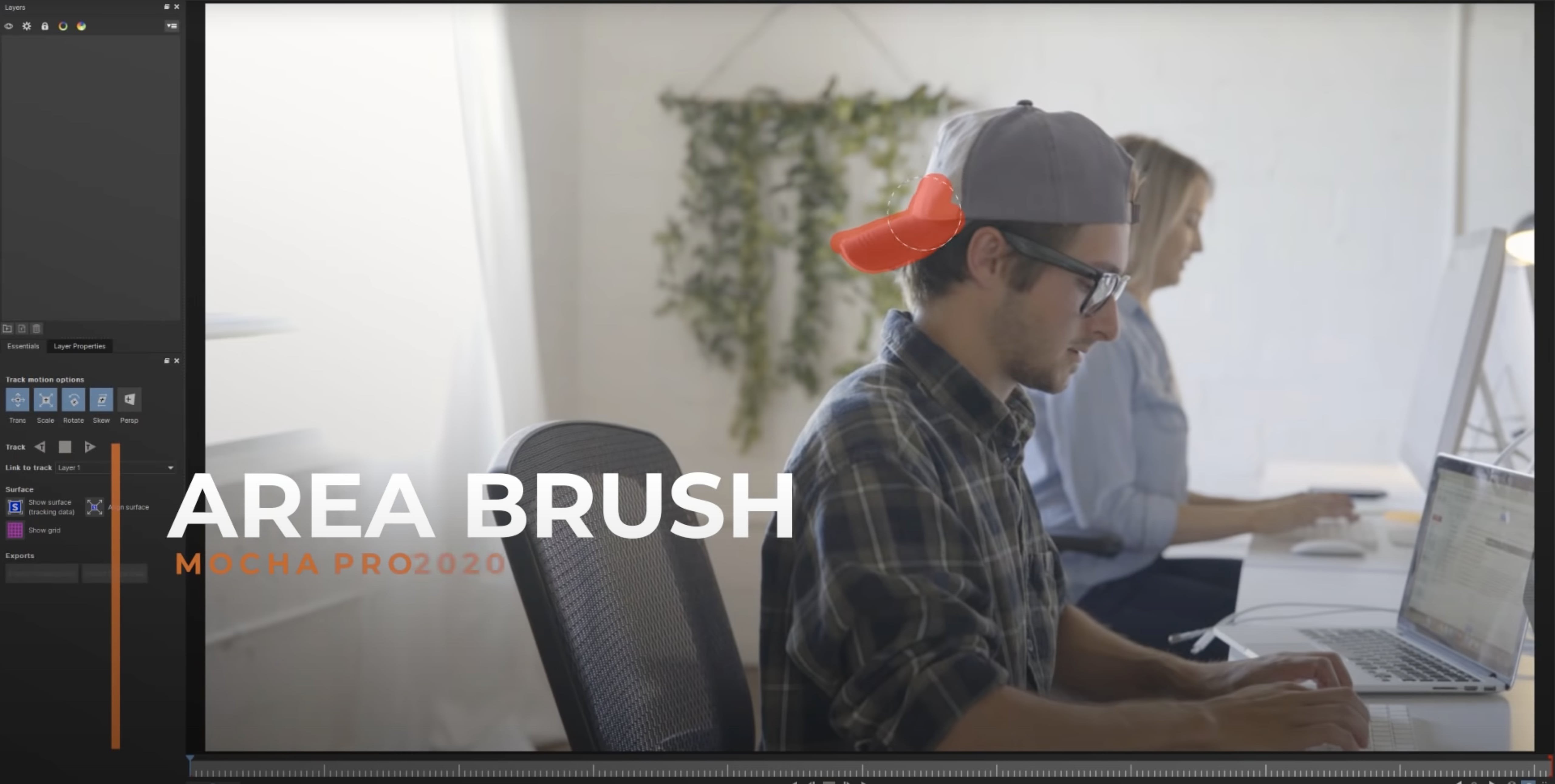
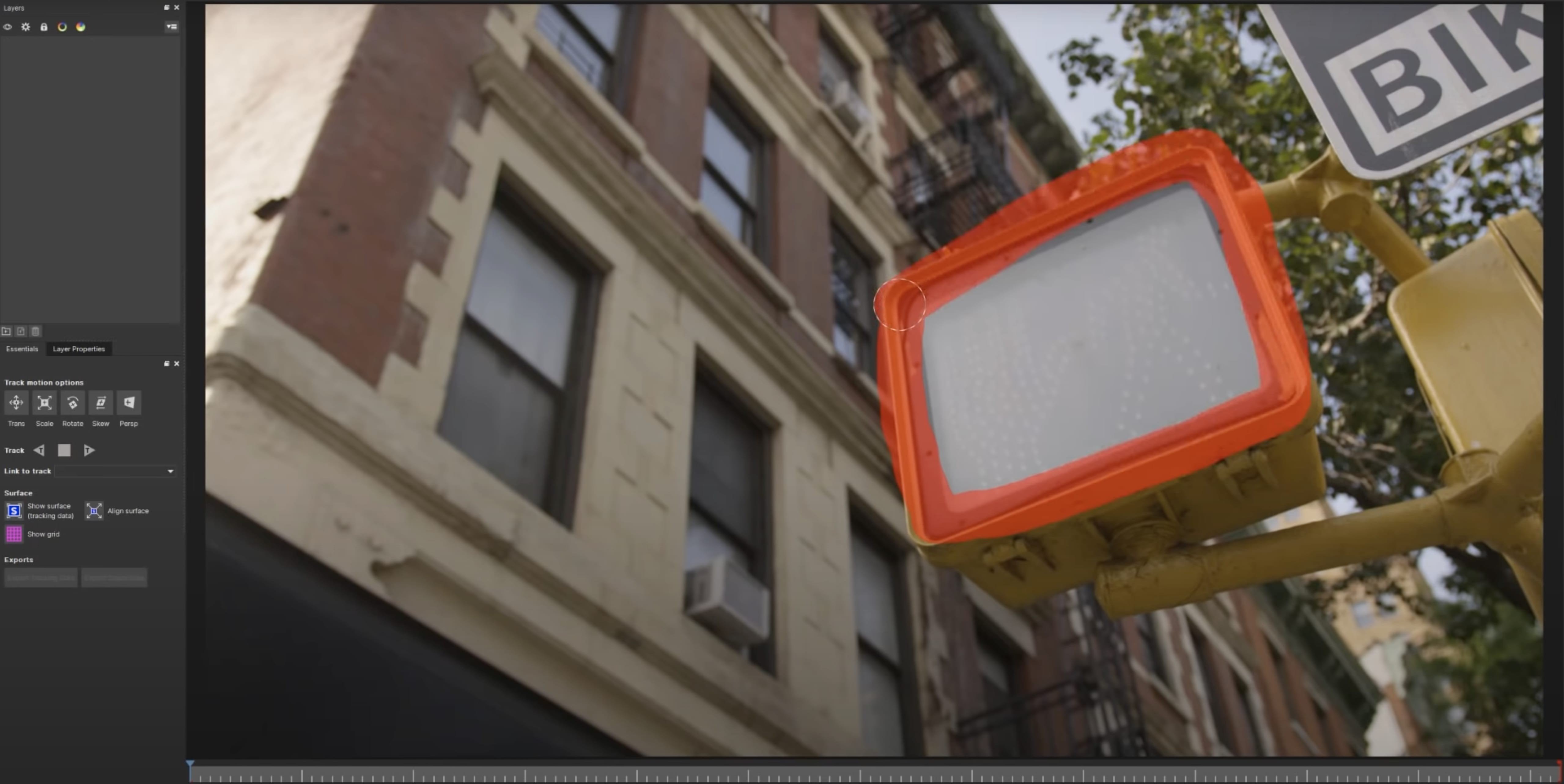
The Area Brush is an innovative and dynamic painting tool with a Quick Mask mode, enabling users to swiftly and efficiently create tracking and masking layers directly within Mocha Pro Mac, dramatically improving speed and precision for VFX artists on Mac platforms.
With integrated OpenColorIO color management, Mocha Pro ensures high-performance, industry-standard consistency in color handling, vital for demanding visual effects workflows and finishing processes on Mac.
Mega Plate introduces a groundbreaking new module, leveraging Mocha Pro’s unmatched planar tracking technology and temporal frame analysis to generate seamless extended frames, specifically for VFX compositing tasks where Macs shine in performance.
Working with Mega Plates represents an entirely new methodology for visualizing and compositing on a canvas larger than standard raster frames—what Mocha Pro calls the "Mega" canvas—designed for essential VFX tasks such as object removal, clean plating, sky replacements, matte painting, and set extension, all optimized for Mocha Pro Mac operations.
The Area Brush streamlines the fundamental process of shape creation, bringing next-generation painting functionality to everyday workflows in Mocha Pro for Mac.
With Quick Mask mode, the Area Brush adds fluid, gesture-based paint capabilities that allow Mac users to quickly define search and mask areas for planar tracking, increasing creative flexibility.
Instead of meticulously clicking and dragging spline points, adding and subtracting paint strokes translates to vector splines, vastly speeding up and simplifying multishape tracking and masking setups, making Mocha Pro Mac unrivaled for efficiency.
Mocha Pro now incorporates industry-standard OpenColorIO color management, guaranteeing consistent and predictable color reproduction across all stages of Mac-based VFX workflows, essential for professional-grade post-production.
Frequently Asked Questions
You May Also Like
Reviews & Comments
No comments yet. Be the first to share your thoughts!