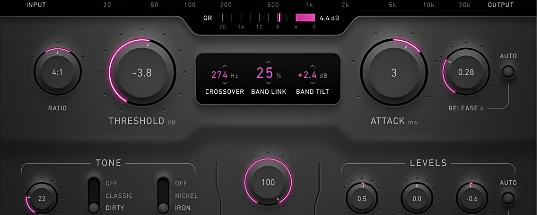
Plugin Alliance Brainworx bx_glue
Description
Plugin Alliance Brainworx bx_glue is a hybrid VCA (Voltage-Controlled Amplifier) compressor specifically designed for Mac and developed by Brainworx, available through Plugin Alliance. This advanced audio plugin is inspired by the legendary British console compressors of the 1980s, like the SSL G-Series, combining authentic analog warmth and transparent dynamic response with versatile modern digital functionality.
The Brainworx bx_glue plugin is engineered to "glue" your mixes together, delivering exceptional density, punch, and cohesion. This makes it ideally suited for Mac-based audio professionals working on drum buses, mastering entire drum kits, subgroups, and individual tracks—such as vocals, guitars, or bass—on the Plugin Alliance Brainworx bx_glue mac platform. With the ability to enhance a variety of sources, bx_glue excels at giving tracks a unified and polished sound.
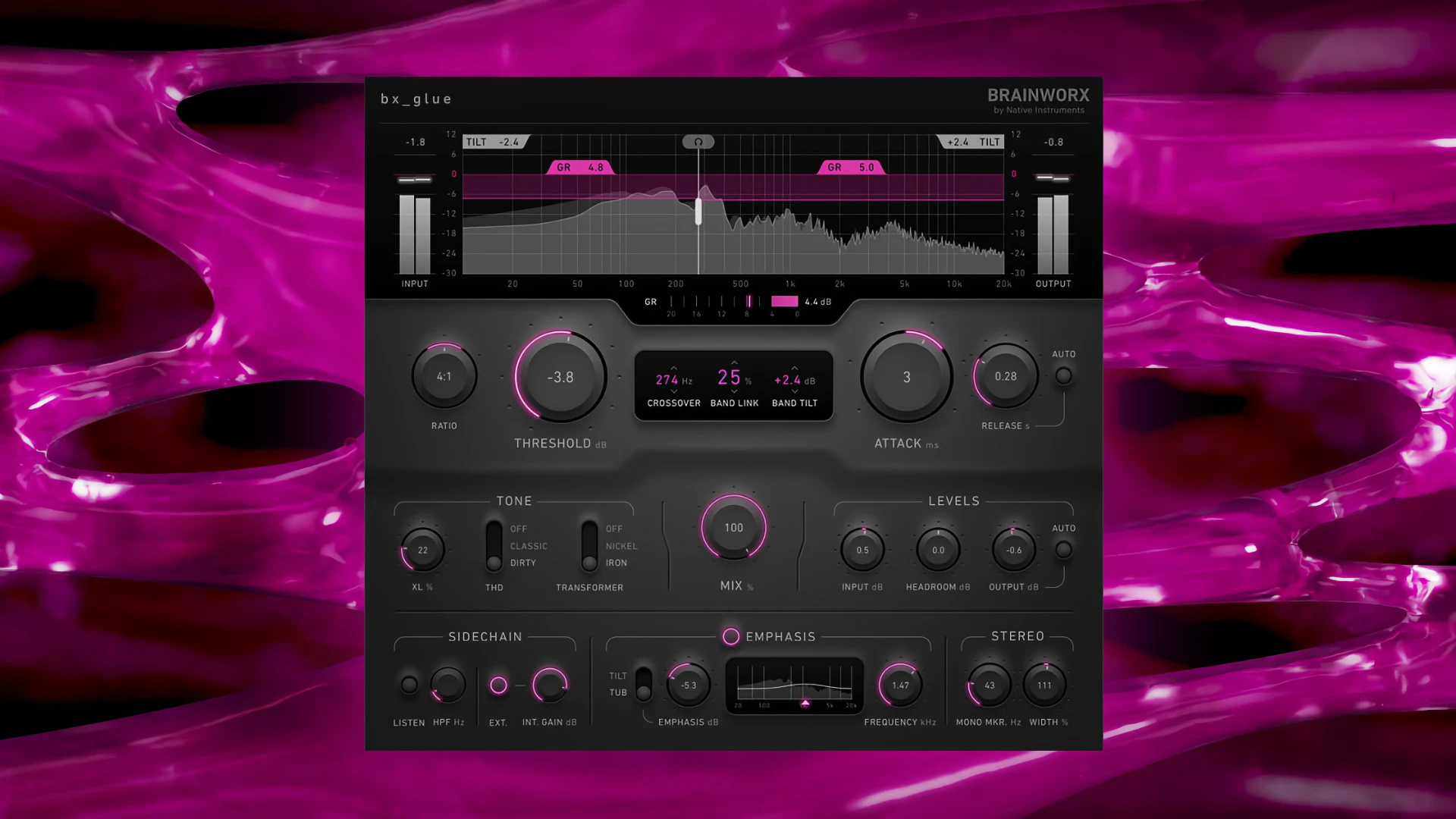
A standout feature of the plugin alliance brainworx bx_glue is its dual-band architecture. This allows independent compression of low and high frequencies, supported by a comprehensive set of tools for fine-tuning, such as harmonic saturation control and precise M/S (Mid/Side) processing, all optimized for Mac systems.
Key Features:
• Dual-Band Compression: Independently control low and high-frequency bands with customizable crossover, and use Band Link up to 100% for traditional full-band compression.
• Tilt/Tub Emphasis: Achieve dynamic tonal balancing, managing the frequency spectrum both before and after compression, and effectively removing harshness from your audio.
• Saturation & Harmonics:
• XL Saturation: Add perceived loudness without increasing peak levels, maintaining clarity.
• Nickel/Iron Transformers: Authentic transformer emulation injects atmosphere or texture into your sound.
• Classic/Dirty THD: Switch between clean and “dirty” styles of harmonic distortion for added character.
• Sidechain & M/S Processing: Utilize external sidechain support and flexible Mid/Side compression for accurate, creative dynamics control.
• Auto Gain and Metering: Benefit from automatic loudness compensation alongside detailed metering for input, output, and gain reduction, giving Mac users maximum control.
• TMT (Tolerance Modeling Technology): Experience the realism of analog variation modeling, enhancing stereo depth and character (US Patent No. 10,725,727).
For Mac users seeking a modern compressor with analog character and digital flexibility, plugin alliance brainworx bx_glue download is a leading solution for professional sound processing.
Frequently Asked Questions
You May Also Like
Reviews & Comments
No comments yet. Be the first to share your thoughts!