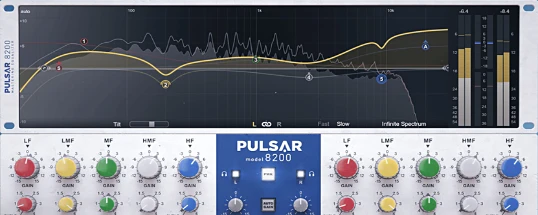
Pulsar Audio Pulsar 8200
Description
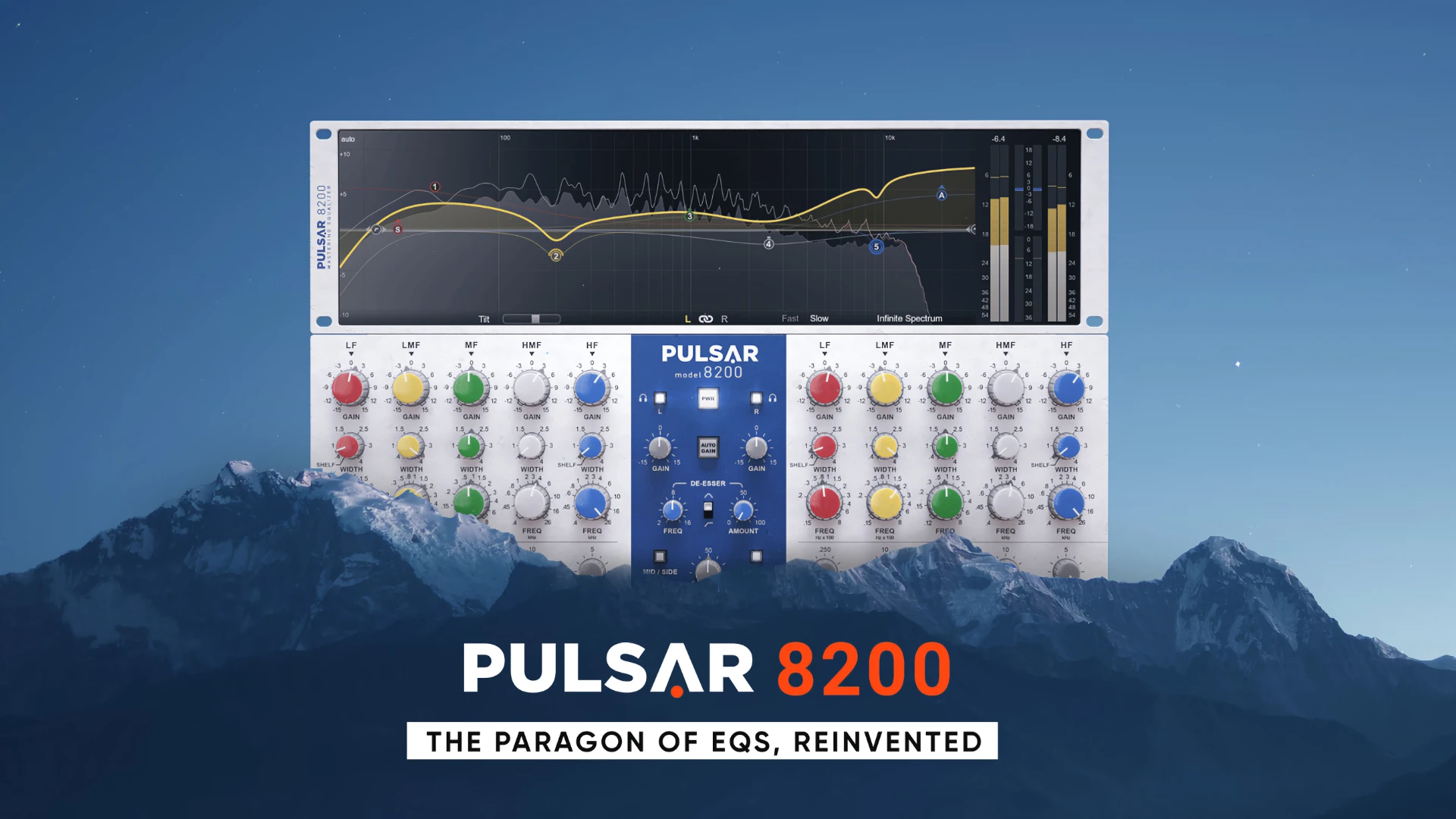
Pulsar Audio Pulsar 8200 is a meticulously engineered EQ plugin for Mac that precisely emulates the legendary GML 8200, originally developed by George Massenburg, the creator of the parametric equalizer. This revered 5-band EQ plugin is celebrated for its pristine transparency, surgical accuracy, and warm analog tone, making it the premier choice for both mixing and mastering stages within any Mac audio production environment.
The pulsar audio 8200 plugin authentically blends the vintage sonic essence of iconic 1980s hardware with advanced digital features, seamlessly integrating a modern curve editor and powerful spectral analyzer, all specifically optimized for Mac users.
Key Features:
▪︎ Five Bands of Equalization: Each of the five bands boasts flexible, overlapping frequency ranges from 15 Hz to 26 kHz, with customizable Gain (±15 dB) and Width (Q) per band, allowing precise spectrum shaping directly on macOS systems.
▪︎ Parallel Topology: Proprietary filter shapes combined with parallel signal paths generate ultra-smooth, musical curves, preserving the unmistakable "analog identity" compared to digital EQs—truly harnessing the classic analog warmth on your Mac.
▪︎ Analog Character: The plugin offers a true-to-life emulation of discrete Class A analog electronics, delivering deep, robust low-end, sparkling highs, and exceptionally musical processing for all your mastering and mixing needs on Mac.
Modern Functionality:
▪︎ Visual Curve Editor: Take intuitive, mouse-based control of EQ curves, with clear spectral visualization directly within your Mac workflow.
▪︎ Spectral Analyzer: Real-time spectrum monitoring, including cumulative analysis features for detailed and accurate EQ decisions tailored for Mac users.
▪︎ De-Esser: Precision sibilance control in the 6–8 kHz range or harshness taming in the 2–4 kHz area, perfect for vocals, guitars, or overheads. Choose between band-pass and high-pass filters for adaptive de-essing without leaving your Mac.
▪︎ Mid/Side and Left/Right Modes: Process stereo or mid signals independently with solo functionality for individual channels, a must-have feature on Mac for modern mixing flexibility.
▪︎ Auto-Gain: Automatically compensates for volume fluctuations after EQ adjustments, ensuring balanced levels throughout your projects on Mac.
▪︎ Tilt Filter: Instantly adjust the overall tonal balance of your mix’s spectrum with powerful tilt filtering designed for intuitive Mac-based workflows.
▪︎ High/Low-Cut Filters: Flexible cut slopes from 6–48 dB/octave, featuring Air and Sub bands to shape extreme frequencies (15 Hz and above 20 kHz) with precision only possible on macOS.
▪︎ Gain Scale: Globally scale EQ gain from 0–100%, allowing for meticulous fine-tuning across all bands in the pulsar audio pulsar 8200 mac.
Whether you’re seeking the authentic analog experience or advanced digital control, the pulsar audio pulsar 8200 download provides Mac users professional, musical, and highly transparent equalization with all the unparalleled versatility expected from top-tier studio equipment.
Frequently Asked Questions
You May Also Like
Reviews & Comments
No comments yet. Be the first to share your thoughts!