
Sononym
Description
Sononym is a groundbreaking browser for Mac that offers a new perspective on how to explore and organize your audio samples. Designed to meet the demands of modern producers, Sononym Mac provides innovative tools to streamline the way you manage sounds and samples for music production.
Features:
Audio Analysis
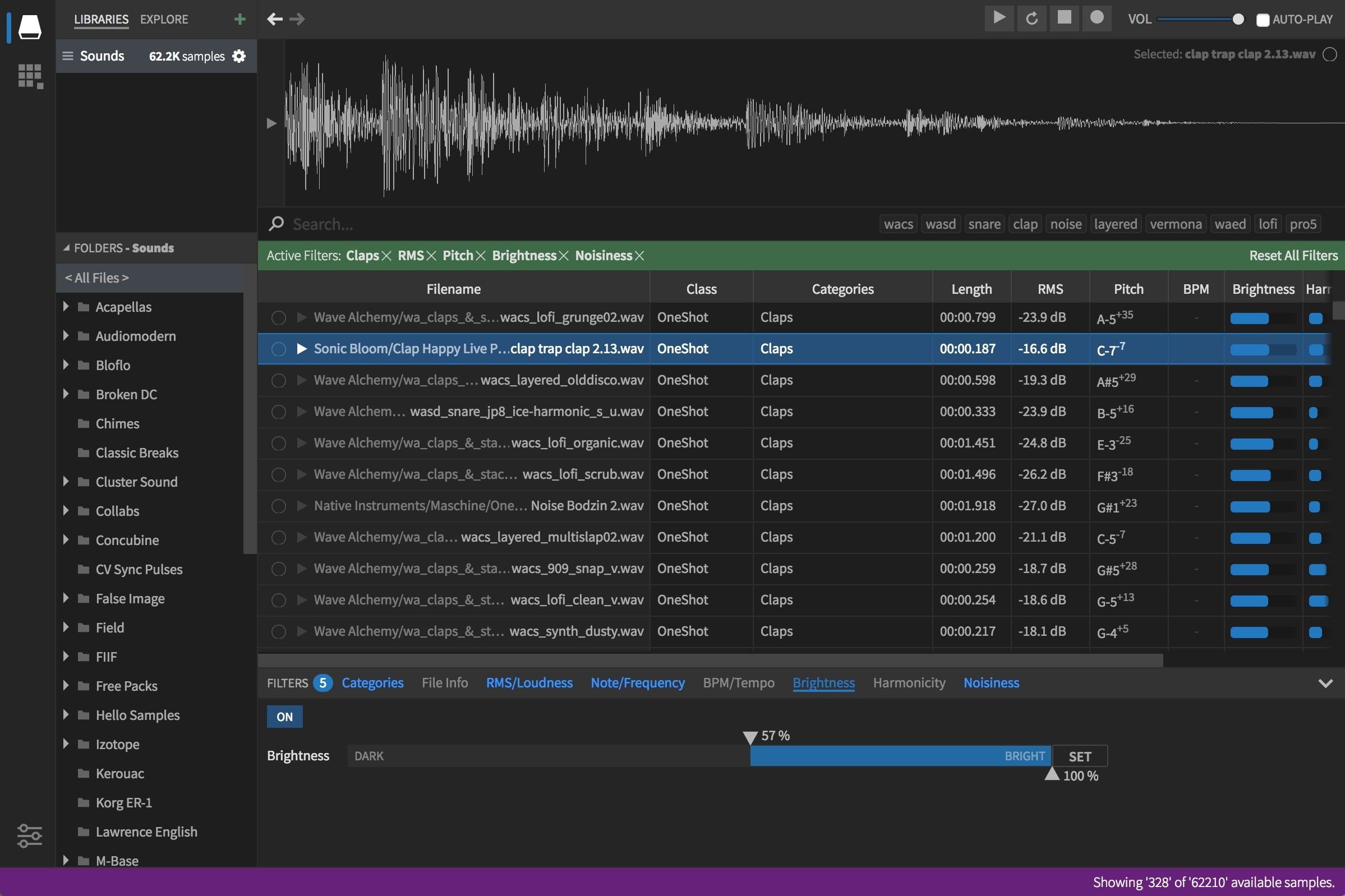
Let Sononym analyze a folder on your Mac, instantly extracting all available information—such as tempo, pitch, noise level, harmonic content, and more—from your files. This data is then stored in a powerful database, ensuring incredibly fast search, filtration, and sorting across large sample libraries. With Sononym sample manager, navigating huge collections has never been more efficient.
Similarity Search
Similarity Search enables you to identify samples in your collection that resemble a selected sound, making it easier than ever to find matching variations or inspiring alternatives. Simply choose any audio sample as a reference input and see where it leads you—exploring creative possibilities with unprecedented ease. For even deeper control, you can define the significance of specific aspects, like how closely pitch or timbre should match your selection.
Intelligent Categorization
When analyzing your samples, Sononym harnesses advanced machine learning on Mac to categorize your content. The default set of categories in Sononym is specially geared toward electronic music production and highlights characteristic sound groups such as “snare drums” or “synth pads.” Additionally, all samples are classified as either looped or one-shot (non-looped), helping you manage your collection in a way that reflects how you use sounds.
Bookmarks and Export
Sononym unifies bookmarks and export into a single integrated workflow. You have total freedom to organize, tag, and rename bookmarked files within different projects, which are automatically exported to any folder you choose on your Mac. This seamless process ensures that selecting your favorite sounds and making them readily available in other locations is quick and effortless—empowering you to work without barriers.
Frequently Asked Questions
You May Also Like
Reviews & Comments
No comments yet. Be the first to share your thoughts!