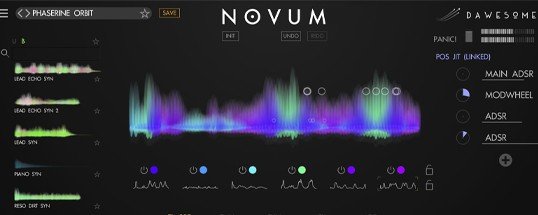
Tracktion Software Dawesome Novum
Description
Step into the future of creative sampling with Tracktion Software Dawesome Novum for Mac, a revolutionary audio plugin that opens the door to a universe of sonic possibilities. Craft stunning instruments from a single sample—ranging from delicate evolving pads to massive walls of resonant synthesizer sound. The sonic range of Tracktion Software Dawesome Novum is limited only by your imagination, letting you sculpt truly original sounds on your Mac like never before.
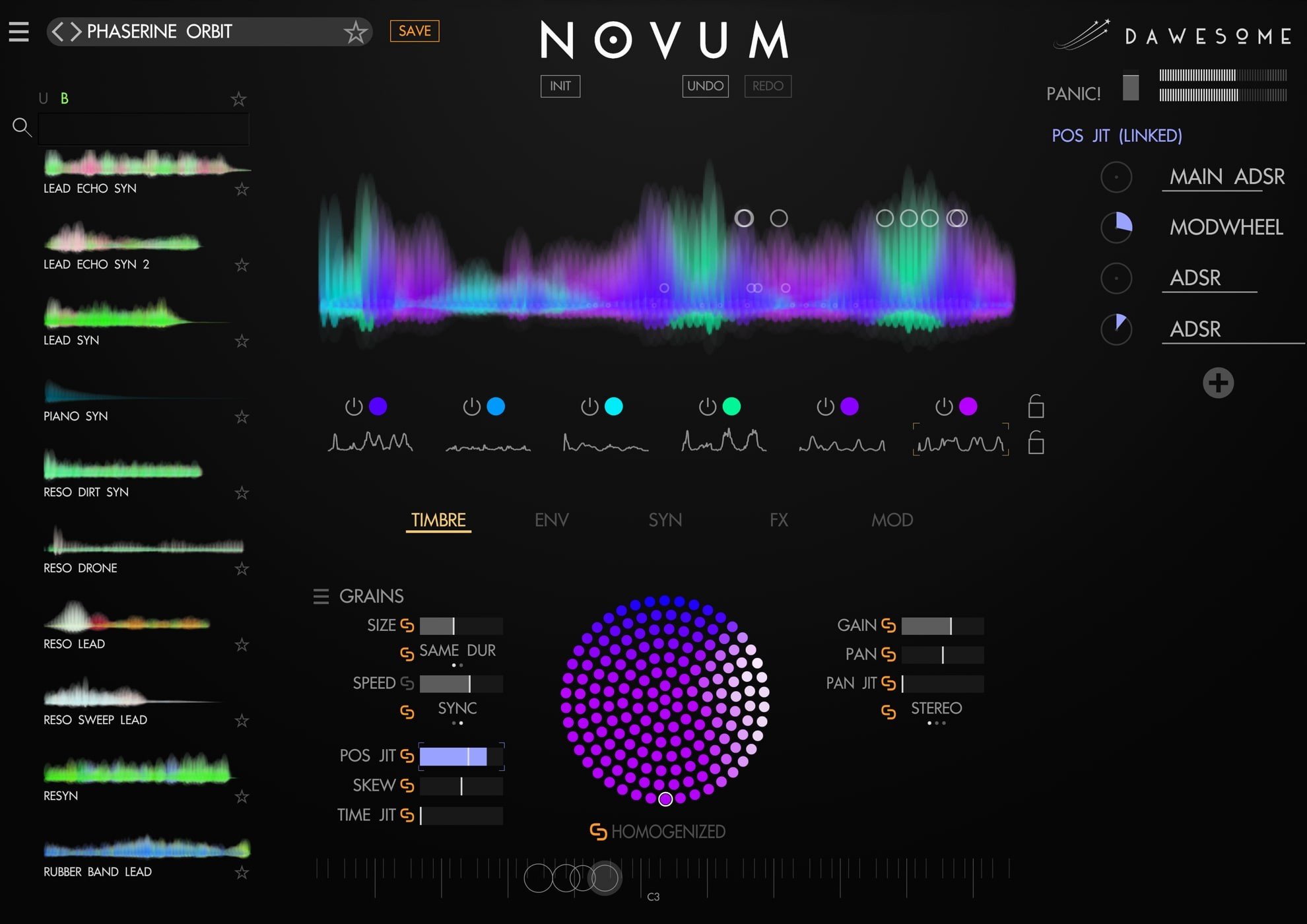
Traditionally, we have been accustomed to merging sonic layers into a single audio file—but what if the process worked in reverse? At the heart of this plugin lies the extraordinary capability to “unpack” a single sample into six completely independent layers. This dual access to both timbral characteristics and temporal dynamics is what sets Dawesome Novum apart, transforming any static sample into a flexible, malleable sonic clay, ready to be shaped at your creative whim.
Imagine taking a flute sample and hearing it with the character of a piano, or launching a classic filter sweep imbued with the resonant shimmer of church bells. With intuitive drag and drop cross-synthesis, this is made simple—freely combine sonic elements with ease. To enhance your workflow even further: simply import your own sample, then lock its tonal colors and envelopes. Next, browse through presets while keeping your sample in place, unleashing dozens of unique variations instantly. The power of innovative sound design is right at your fingertips with Tracktion Software Dawesome Novum Mac.
Shimmering sound particles, sonic brilliance, and a healthy dose of acoustic magic dust—granular synthesis within Dawesome Novum makes even the most ordinary sounds come alive with beauty. Tempo and pitch are managed independently, with granular details easily synced to your DAW’s tempo for crafting pulsating and rhythmic textures on Mac. Novum’s unique HOMOGENIZE feature lets you sculpt silky velvet textures, a feat hard to achieve with traditional granular synths. Add the sheer might of six granular layers and your sonic creations become larger than life—perfect for ambitious sound designers and musicians seeking the extraordinary.
The philosophy guiding this plugin is simple: “Every sound can be an instrument.” Field recordings can be transformed into playable, tuned instruments thanks to the comb filter, while preserving their raw, organic textures. A detuned violin sample can become an ethereal string ensemble with just a few playback adjustments. The Timbre Flower empowers you to morph a choir into a sparkling glass-like pad, while SYNTIFY can convert your sample into a dark, evolving drone, reminiscent of something conjured by enigmatic modular synth monsters. With the flexibility and power of Tracktion Software Dawesome Novum for Mac, the sonic universe is yours to explore—what will you create?
Key Features:
• Unique algorithm splits samples into layers.
• Granular synthesis for up to six independent layers.
• Separate editing of timbre and temporal evolution.
• Timbre Flower enables advanced spectral modification.
• Cross-synthesis made effortless by drag-and-drop.
• Advanced subtraction with SYNTIFY, analog, and comb filters.
• Powerful, intuitive modulation system for creative control.
• Full support for MPE input devices.
• Highly efficient processor use, optimized for Mac.
• 300+ factory patches included—ready for inspiration.
Frequently Asked Questions
You May Also Like
Reviews & Comments
No comments yet. Be the first to share your thoughts!