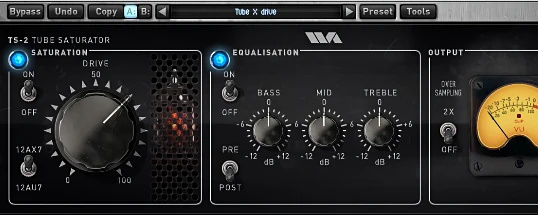
Wave Arts Tube Saturator 2
Description
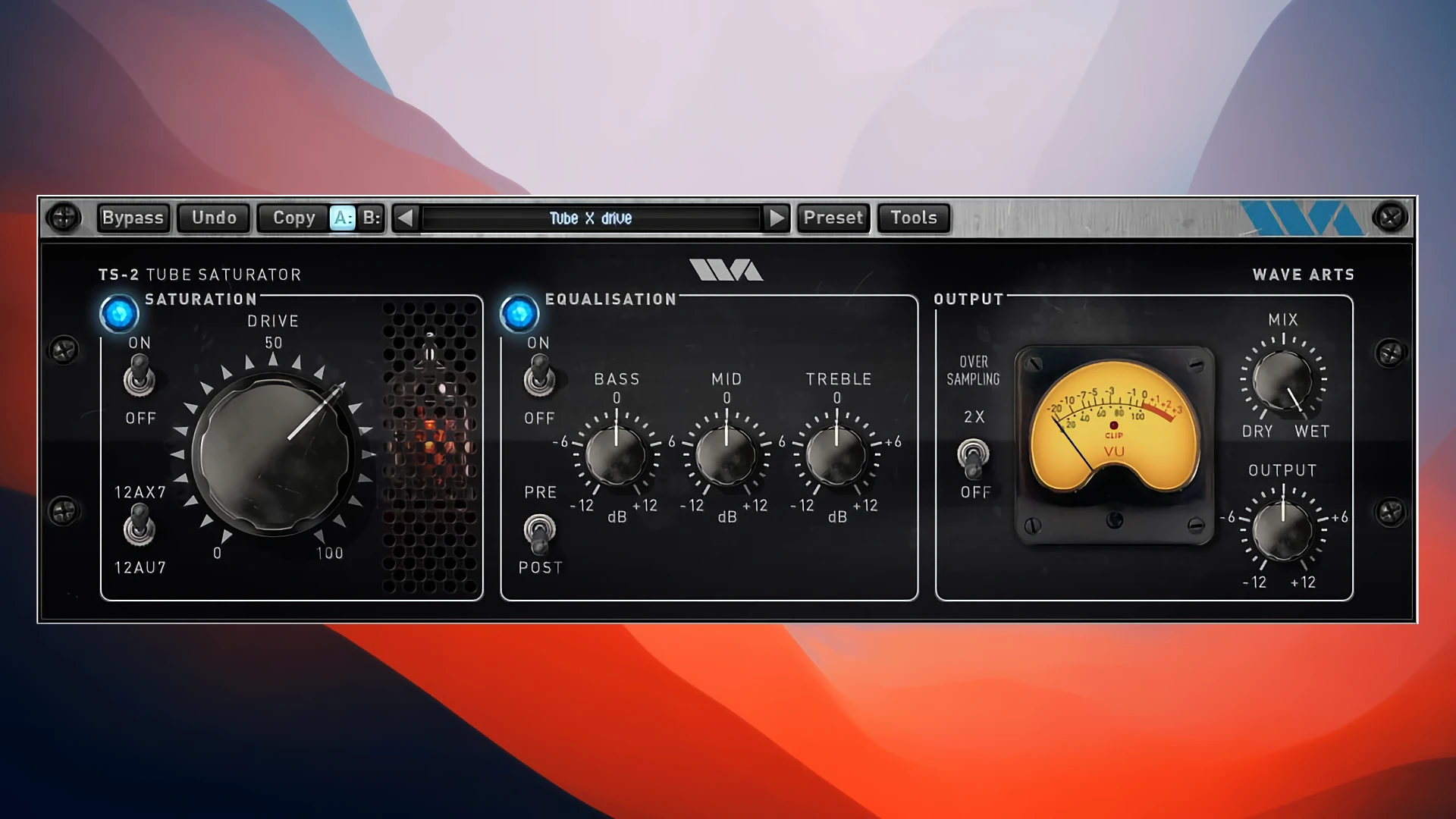
Wave Arts Tube Saturator 2 is a highly precise plugin for Mac designed to emulate a tube preamplifier paired with an analog equalizer. This plugin is perfect for musicians and producers aiming to add a smooth, warm character to their mixes or to push the sound into rich, saturated distortion. Whether subtle coloration or intense tube-driven sound is required, Wave Arts Tube Saturator 2 on Mac delivers professional sonic results.
At its core, the plugin is powered by advanced analog circuit modeling technology, translating the complex behaviors of individual tubes, resistors, and capacitors into an accurate mathematical system. This system is solved numerically in real time, recreating the authentic response and characteristics of a real analog tube circuit directly within your Mac digital audio workstation.
Unlike its predecessor, Tube Saturator Vintage, the new and improved version utilizes precomputed lookup tables to accelerate the saturation stage. This innovation allows for saturation processing about seven times faster, while further enhancing the accuracy of the emulation. Wave Arts Tube Saturator 2 for Mac also features a Baxandall-type three-band equalizer, commonly found in classic guitar amplifiers, making it well-suited for vocal, bass, synth, drum, and even full mix processing.
Key Features:
• Highly detailed modeling of a two-stage tube preamp using dual cathode circuits for unmatched sonic realism.
• Seamless switching between 12AX7 tubes (emphasizing even harmonics and high gain) and 12AU7 tubes (offering a blend of even and odd harmonics for a smoother sound).
• Fully featured three-band Baxandall equalizer, usable before or after the saturation stage for flexible tone shaping.
• Independent bypass switches for both the saturation and EQ sections, offering maximum control in your signal chain.
• Selectable 2x oversampling mode with a premium resampling algorithm to suppress aliasing artifacts and preserve audio integrity at the highest fidelity.
• Wet/Dry blend knob for parallel processing, allowing you to dial in the perfect mix of processed and original signal for any context.
• Authentic analog-style level meters and full support for sampling rates up to 192 kHz on Mac.
• Zero latency operation makes Wave Arts Tube Saturator 2 plugin ideal for real-time tracking and mixing.
With a strong combination of tube realism, flexibility, and efficient performance, Wave Arts Tube Saturator 2 Mac ensures your audio will benefit from classic analog warmth, anywhere across your workflow. Download Wave Arts Tube Saturator 2 for Mac to bring timeless analog tone to your modern production setup.
Frequently Asked Questions
You May Also Like
Reviews & Comments
No comments yet. Be the first to share your thoughts!