Description
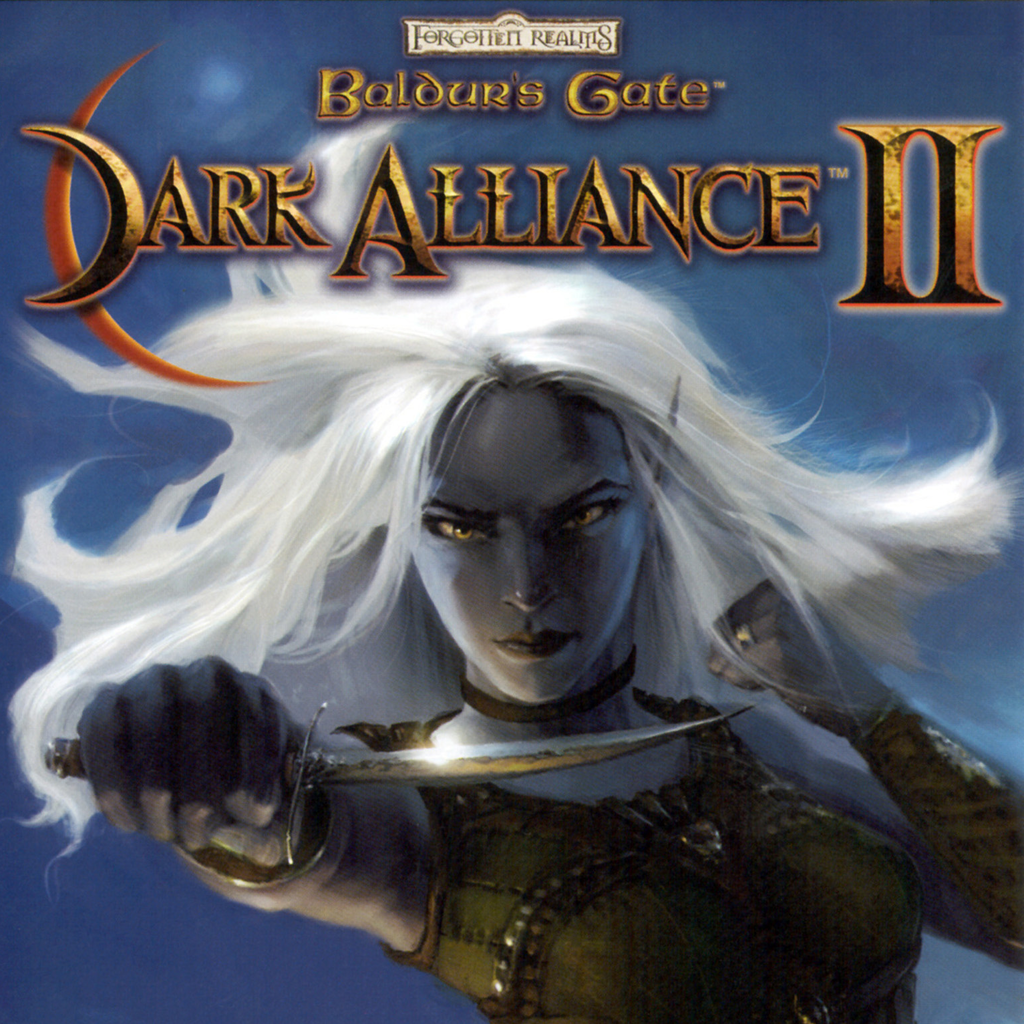
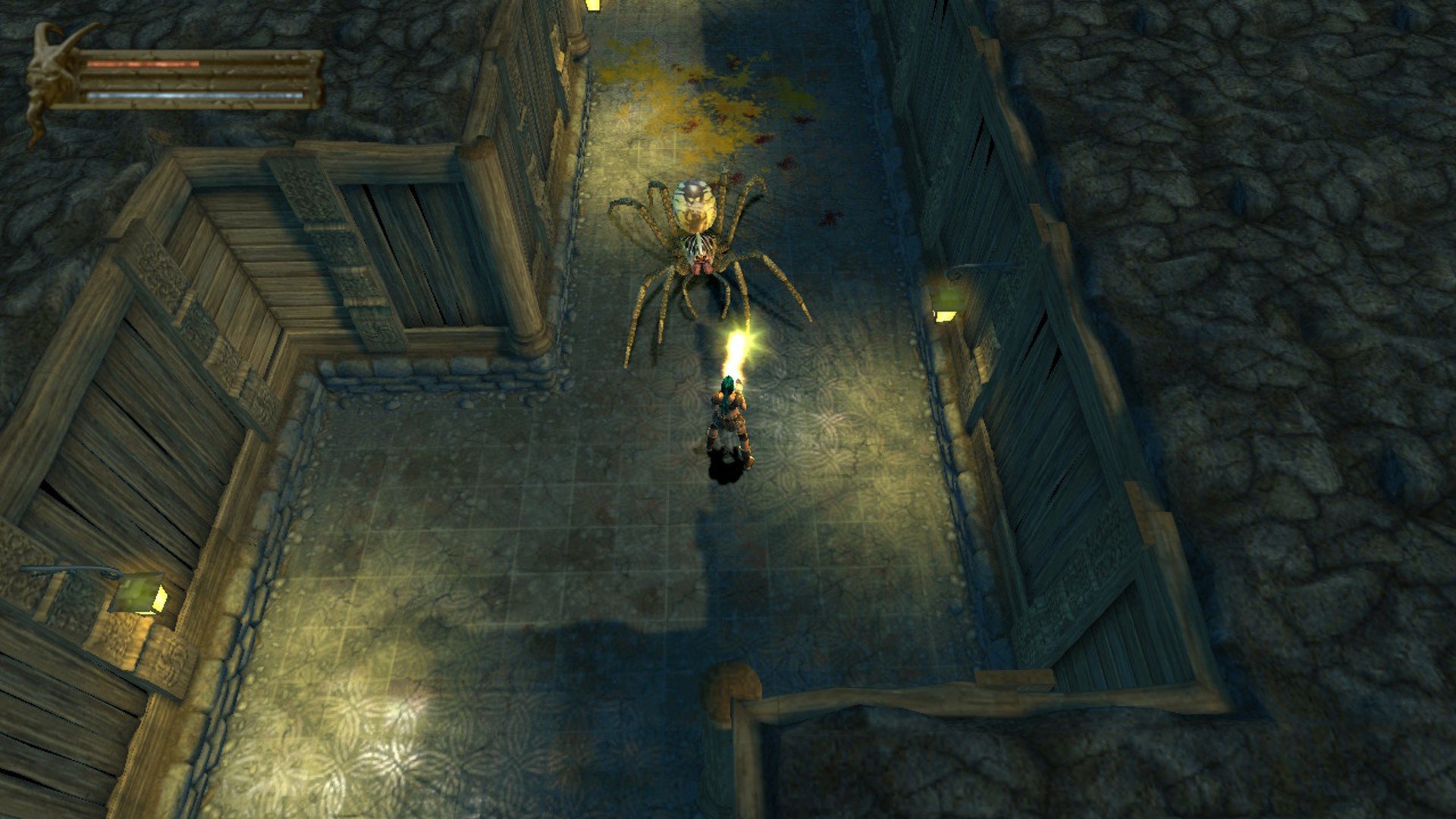
Baldur's Gate: Dark Alliance is a high-fantasy adventure that invites Mac users to immerse themselves in the Sword Coast, a legendary region found within the Western Lands of Faerûn. This title blends role-playing action-adventure elements with hack and slash gameplay, perfectly suited for fans seeking a dynamic, atmospheric journey. As players explore uniquely designed corridor-style locations, they'll confront a variety of monsters and adversaries drawn directly from the detailed lore of the Forgotten Realms universe, ensuring an authentic and lore-rich experience on Mac.
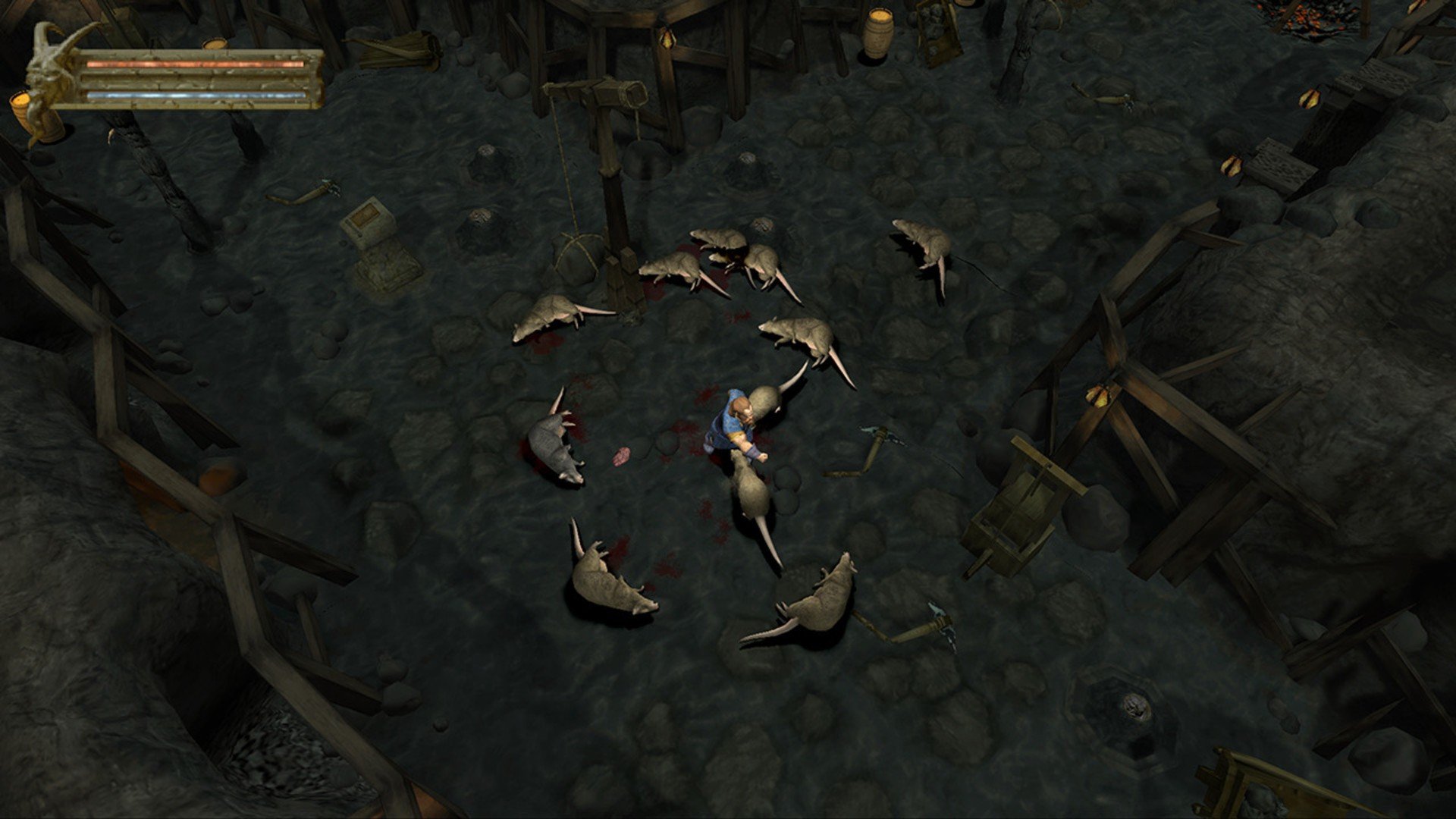
At the outset of the single-player campaign in baldur's gate dark alliance mac, you'll create a personalized protagonist, choosing from three distinct classes and races. The roster includes Kromlech, the sturdy dwarf fighter; Vahn, a skilled human archer; and Adrianna, the mysterious elven mage. Each character in baldur's gate: dark alliance is equipped with unique attributes and abilities, allowing players to approach battles and in-game situations with varying strategies. The fighter specializes in brute strength and excels at wielding melee weapons in close combat, the human archer delivers ranged attacks and maintains distance from threats, while the elven mage casts a wide array of spells to inflict damage or control enemies through magical effects.
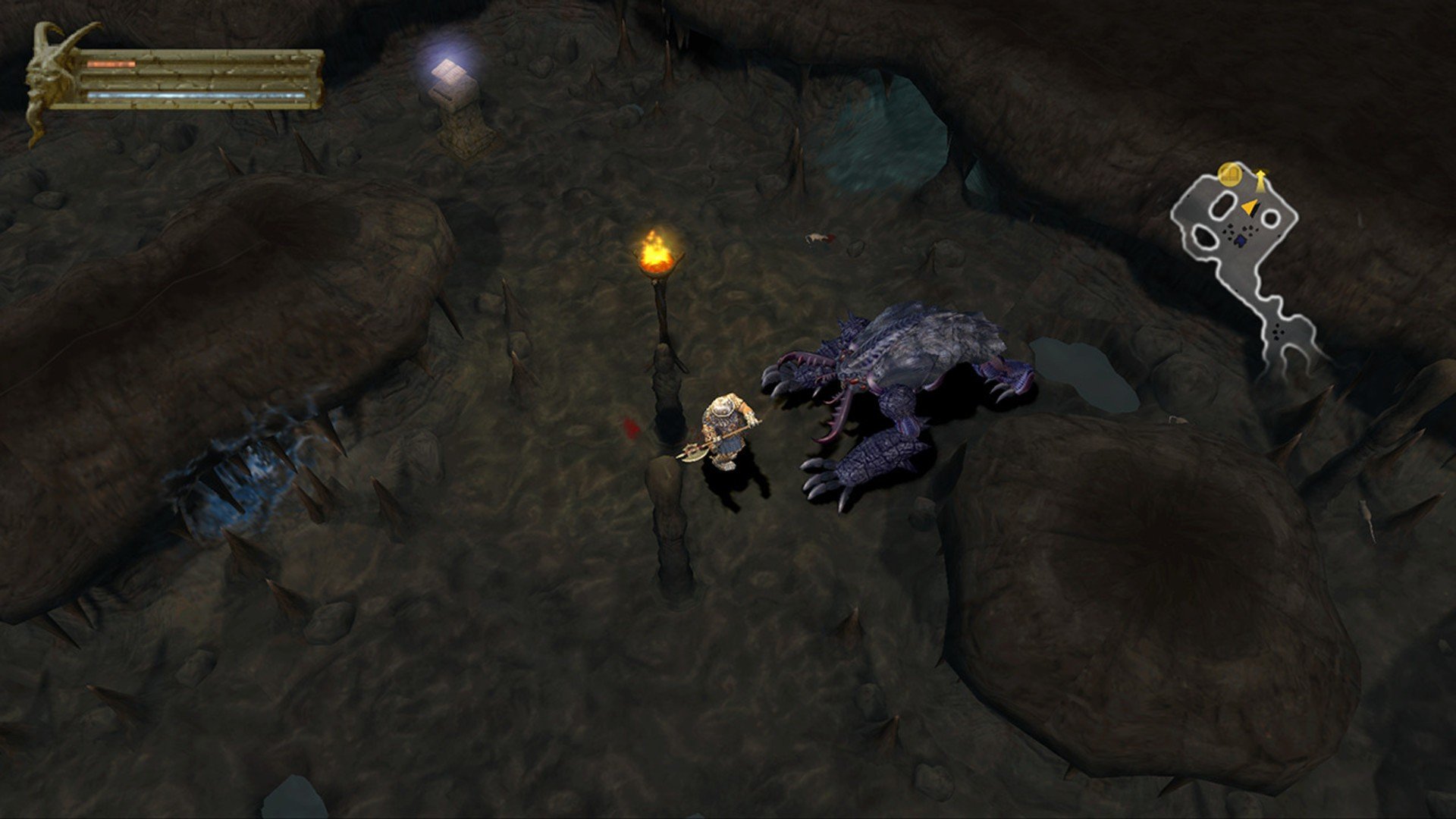
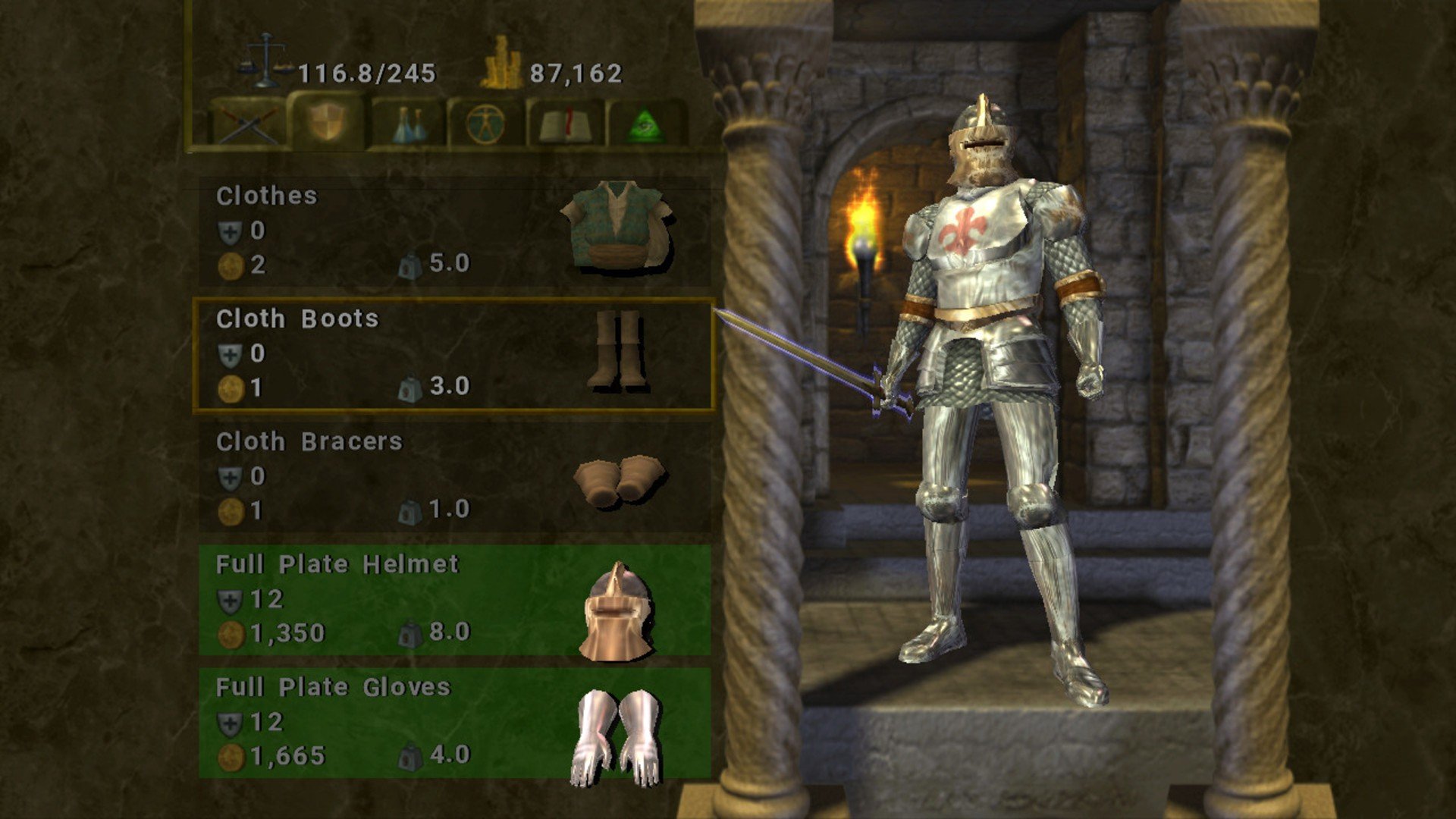
The game features six core stats: strength, intelligence, wisdom, dexterity, constitution, and charisma. Progressing through the campaign, players can enhance their heroes by equipping more powerful gear looted from defeated creatures or discovered within treasure-filled chests. The narrative is presented in a linear fashion, focusing on events in the iconic city of Baldur's Gate. Protagonists will face off against the devious thieves of Karna, ultimately delving beneath the city into dungeons on the hunt for dangerous lawbreakers. Along the way, players encounter legendary monsters lying dormant in catacombs and face intense boss battles, including the formidable Beholder. Completing quests rewards the group with character upgrades, leveling up, and new abilities—helping further define and diversify each class’s strengths for future encounters.
In baldur's gate dark alliance download for Mac, you have the option to take on both main story quests and optional side missions, either solo or cooperatively in two-player mode. Dungeons are packed with deadly traps and intricate puzzles that often require careful observation and interaction with the Mac environment to solve. This makes for not only thrilling combat but also engaging exploration and teamwork, ensuring that Mac players can experience the full depth and challenge that baldur's gate: dark alliance has to offer.
Frequently Asked Questions
You May Also Like
Reviews & Comments
No comments yet. Be the first to share your thoughts!