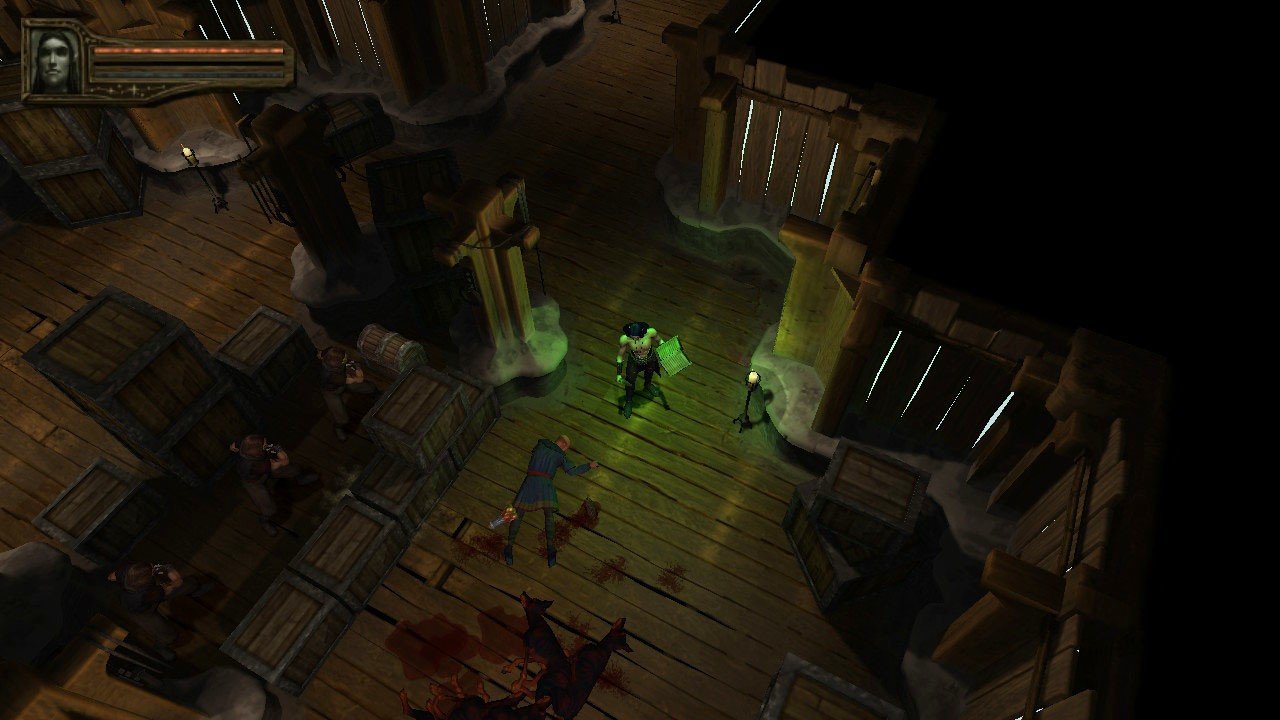
Description
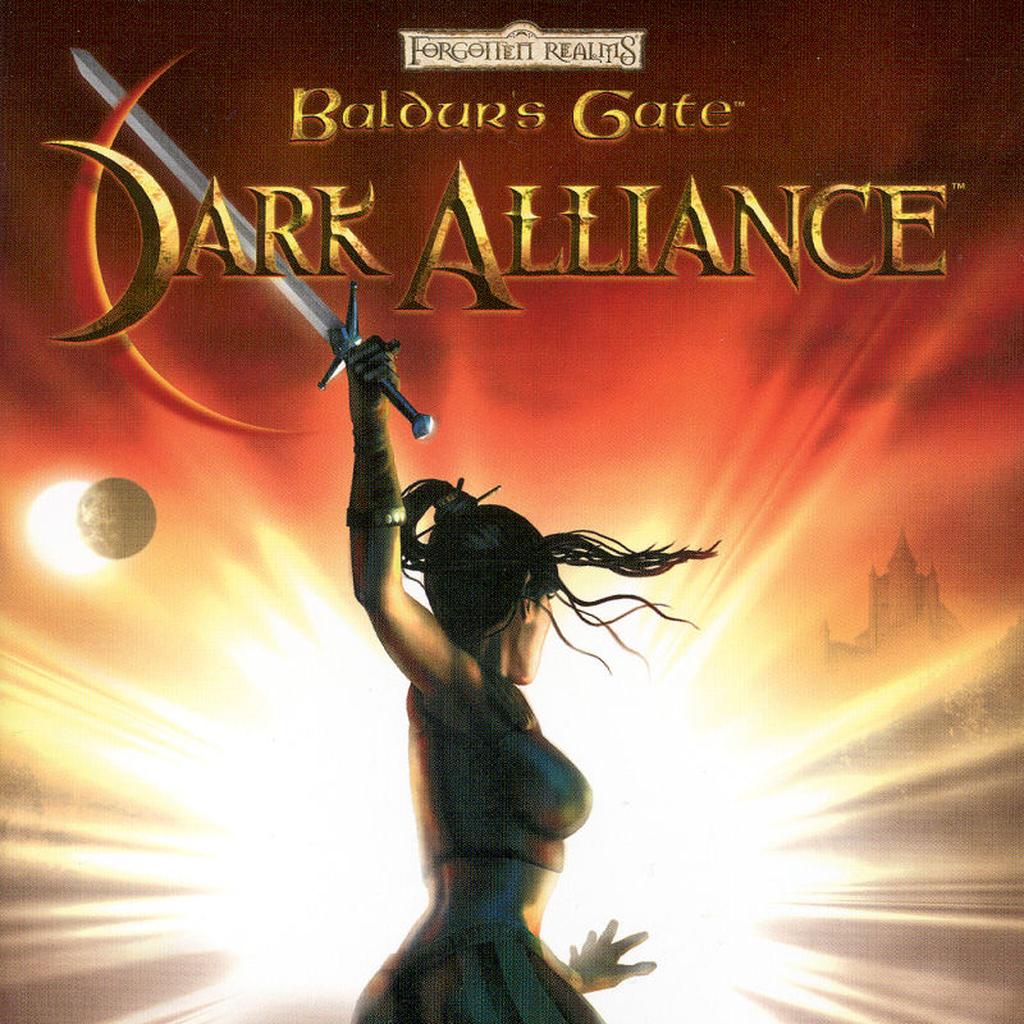
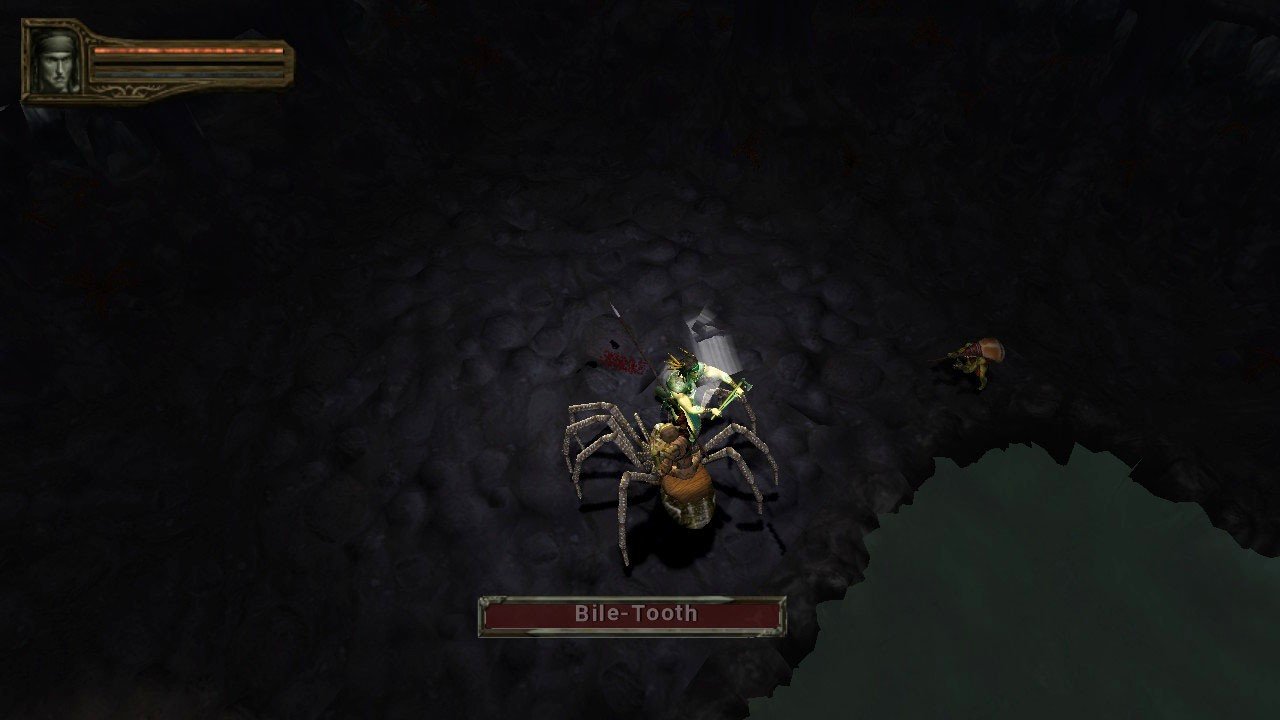
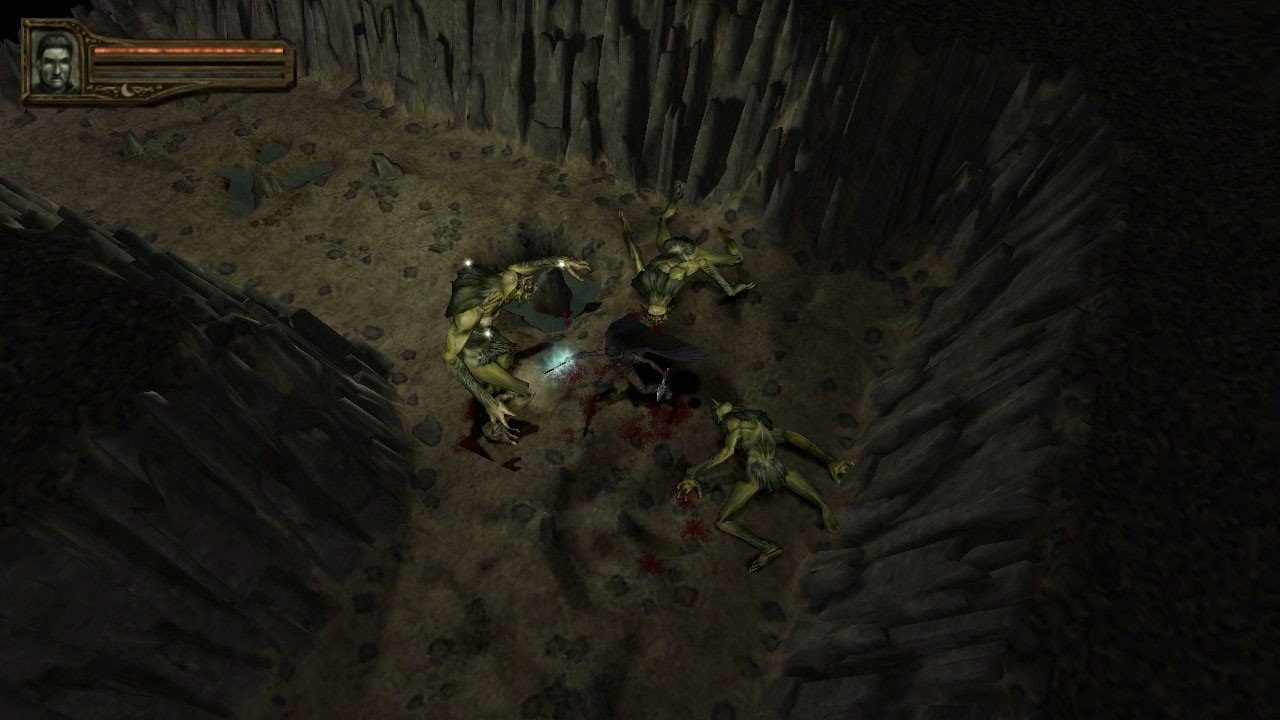
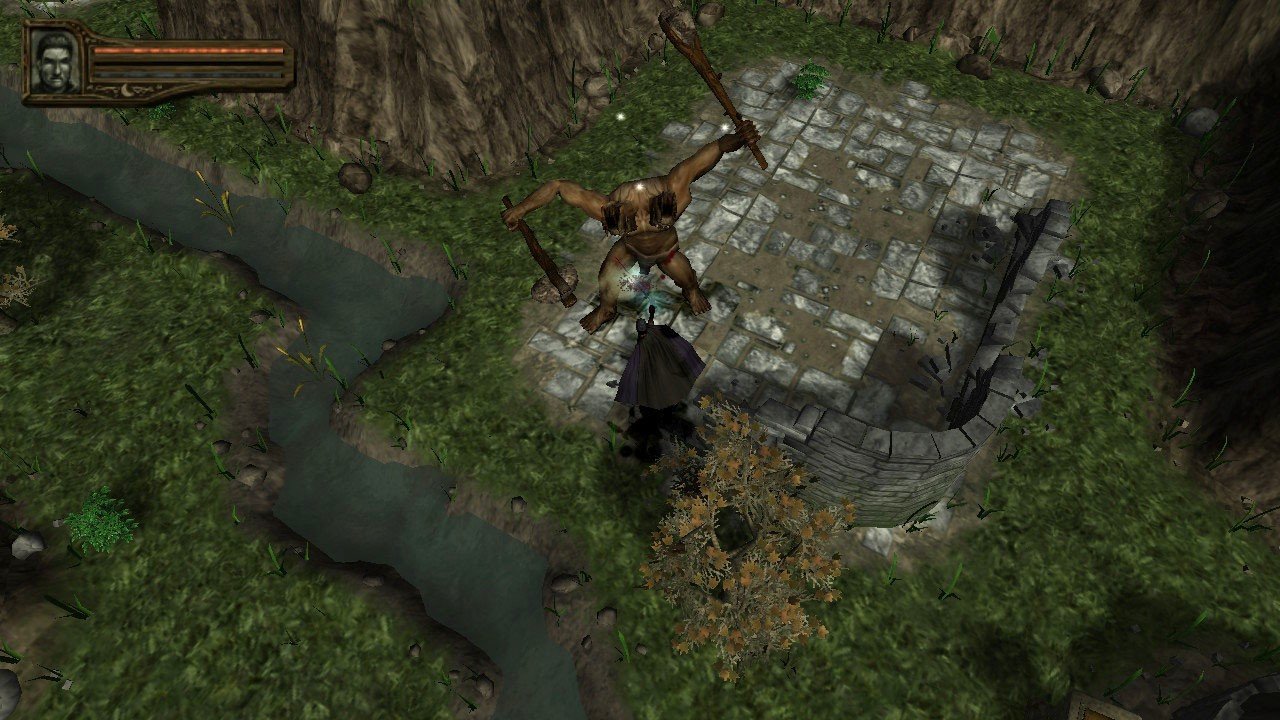
Baldur's Gate: Dark Alliance 2 belongs to the Hack and Slash genre. Just like its predecessor, this engaging game is inspired by a tabletop RPG, immersing players in a medieval fantasy universe known as Forgotten Realms. The story unfolds in the thriving city of Baldur's Gate and its vast surroundings. The sequel introduces several new difficulty modes to challenge players. Once the campaign is completed—which now spans a massive 80 levels—an extra extreme mode becomes available. This action RPG for Mac features a vast array of weaponry, armor, spells, and special skills. After completing class-specific quests, each hero or heroine gains access to unique new abilities.
In Baldur's Gate: Dark Alliance 2, the gem system allows users to craft items, adding significant replay value. Locations have grown much larger in the sequel, and the number of side quests has also increased. Additionally, the sequel introduces some nonlinear gameplay elements. This isn’t the original Baldur’s Gate: Dark Alliance II, but its remastered version. Initially, this title was released exclusively for consoles, but years later, developers made it available for Mac users as well. The remaster enhances the original with improved graphics, 4K resolution support, and refined controls—including full gamepad compatibility. Developers also introduced new achievements and enabled two players to enjoy cooperative gameplay on one Mac. In addition, some classic abilities have been updated for modern systems.
The storyline picks up precisely where the first part concluded. The former adventurers ascended the fabled Onyx Tower, where they were captured by the vampire Mordoc SeLanmere. Now, a new band of heroes is hired to investigate a trail of serial murders. You can choose from five distinct characters, each with their own name, unique set of skills, and distinctive class-based fighting style: Ysuran Auondril, a moon elf necromancer able to summon the undead and inflict plagues; Dorn Redbear, a human barbarian who relies on swift movement and powerful berserker attacks; Vhaidra Uowiir, a dark elf monk expert in unarmed combat and dual weapons; Alessia Faithhammer, a human female cleric who wields potent divine magic; and Borador, also known as Goldhand, a dwarf rogue specialized in throwing bombs and skilled in crossbow combat. Baldur's Gate: Dark Alliance 2 mac users can now experience all these enhancements and the expanded content, making it a must-play for anyone looking for an exciting Hack and Slash RPG adventure on their Mac. If you are interested in baldur's gate dark alliance 2 download or exploring baldur's gate: dark alliance ii on Mac, you’ll find an expanded, feature-rich version packed with improvements and modern conveniences.
Frequently Asked Questions
You May Also Like
Reviews & Comments
No comments yet. Be the first to share your thoughts!