
Description
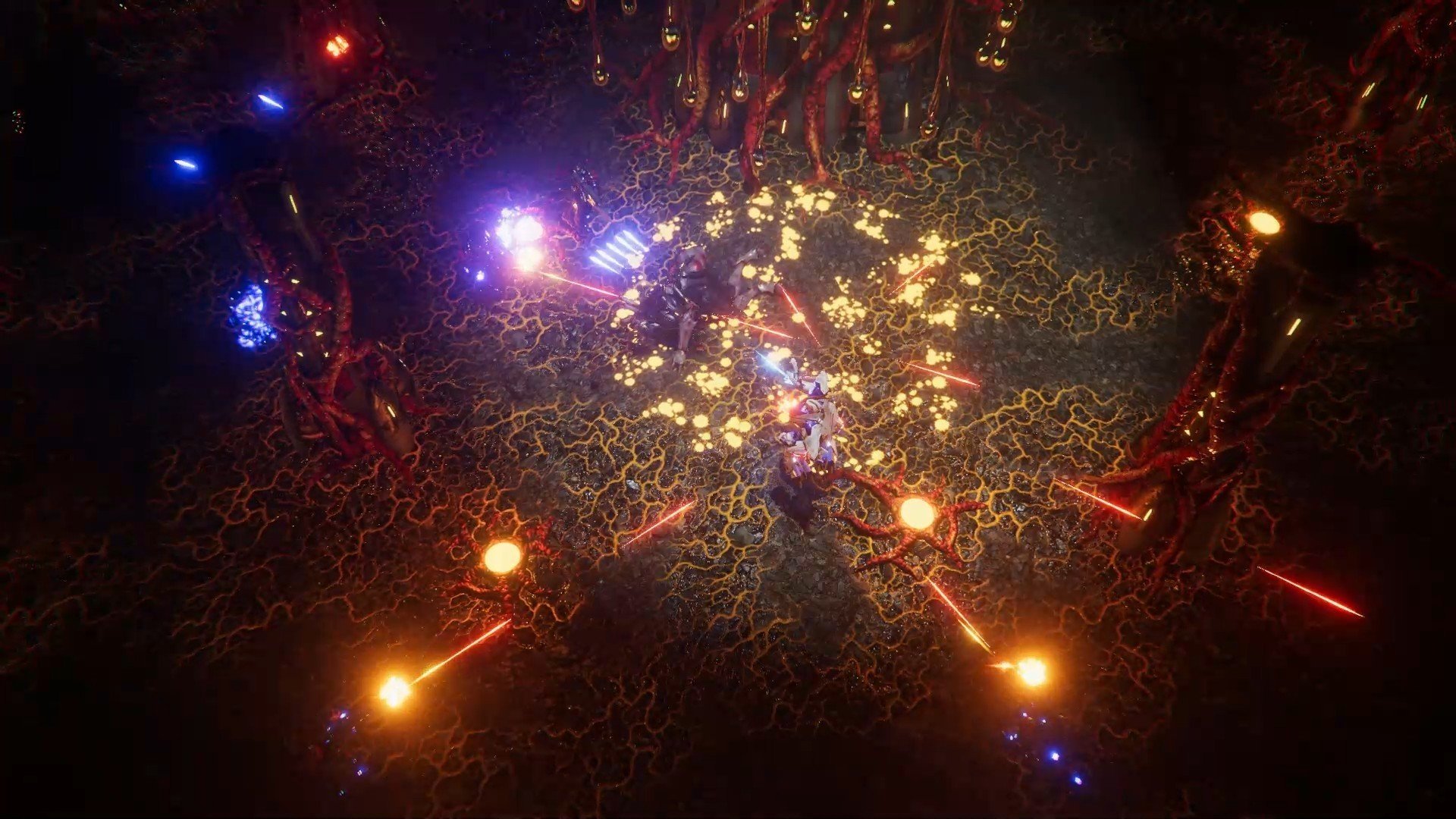
Blackwind is a thrilling top-down sci-fi action game for Mac where you become a teenager caught in the middle of an out-of-this-world invasion, battling relentless alien forces inside an advanced experimental power armor. Dive headlong into the ranks of the invaders and seize the last opportunity to stop a devastating interplanetary assault! In Blackwind, the mining colony Medusa-42 is overwhelmed by swarms of Raknos, unleashing chaos, destruction, and terror upon its inhabitants. Amidst the carnage, James Hawkins’ starship, Pandora, crash-lands on the planet’s surface. The young protagonist regains consciousness encased within cutting-edge power armor, and to survive, he must quickly master its controls, familiarize himself with the environment, and embark on a determined quest to locate his missing father.
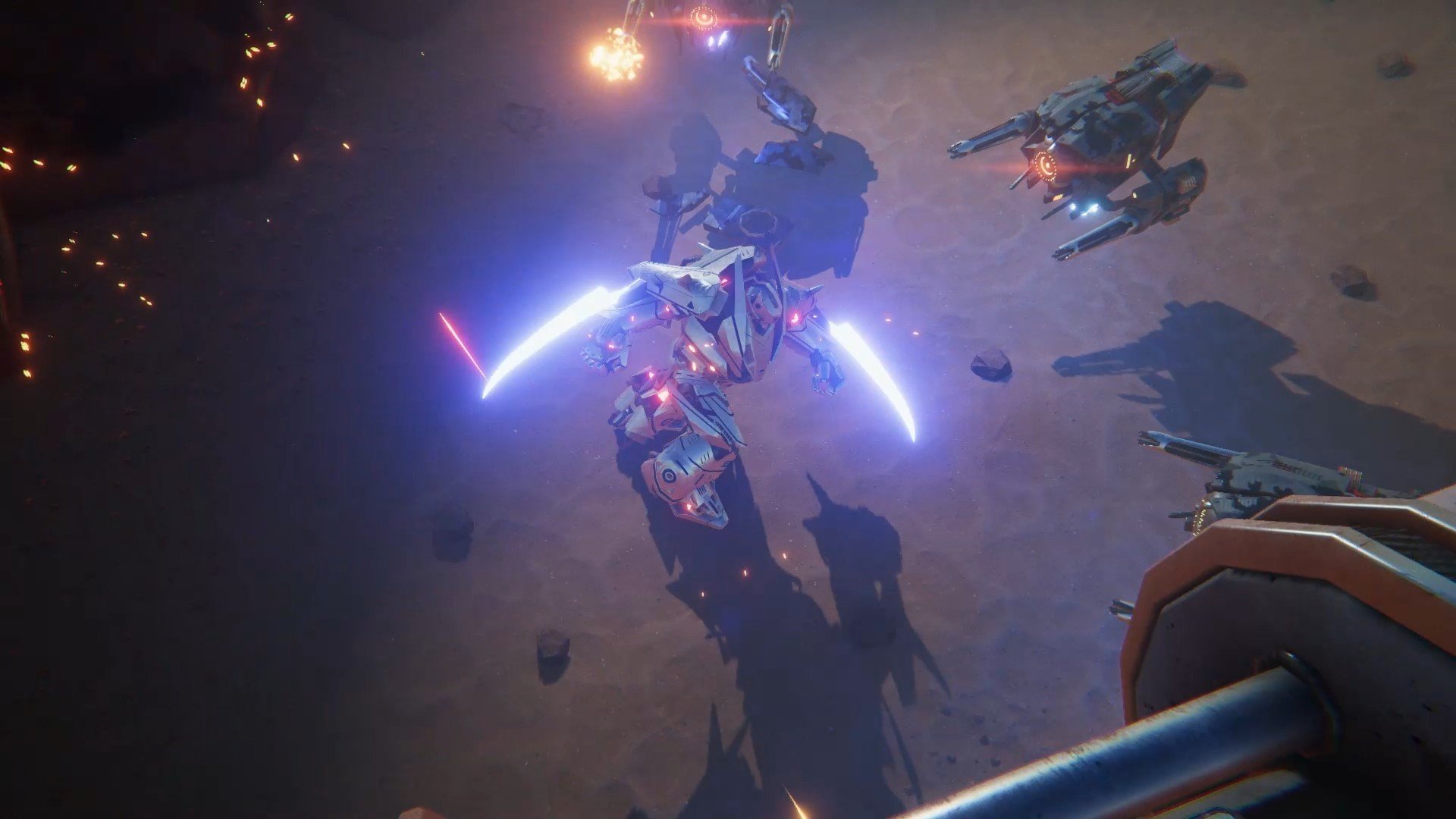
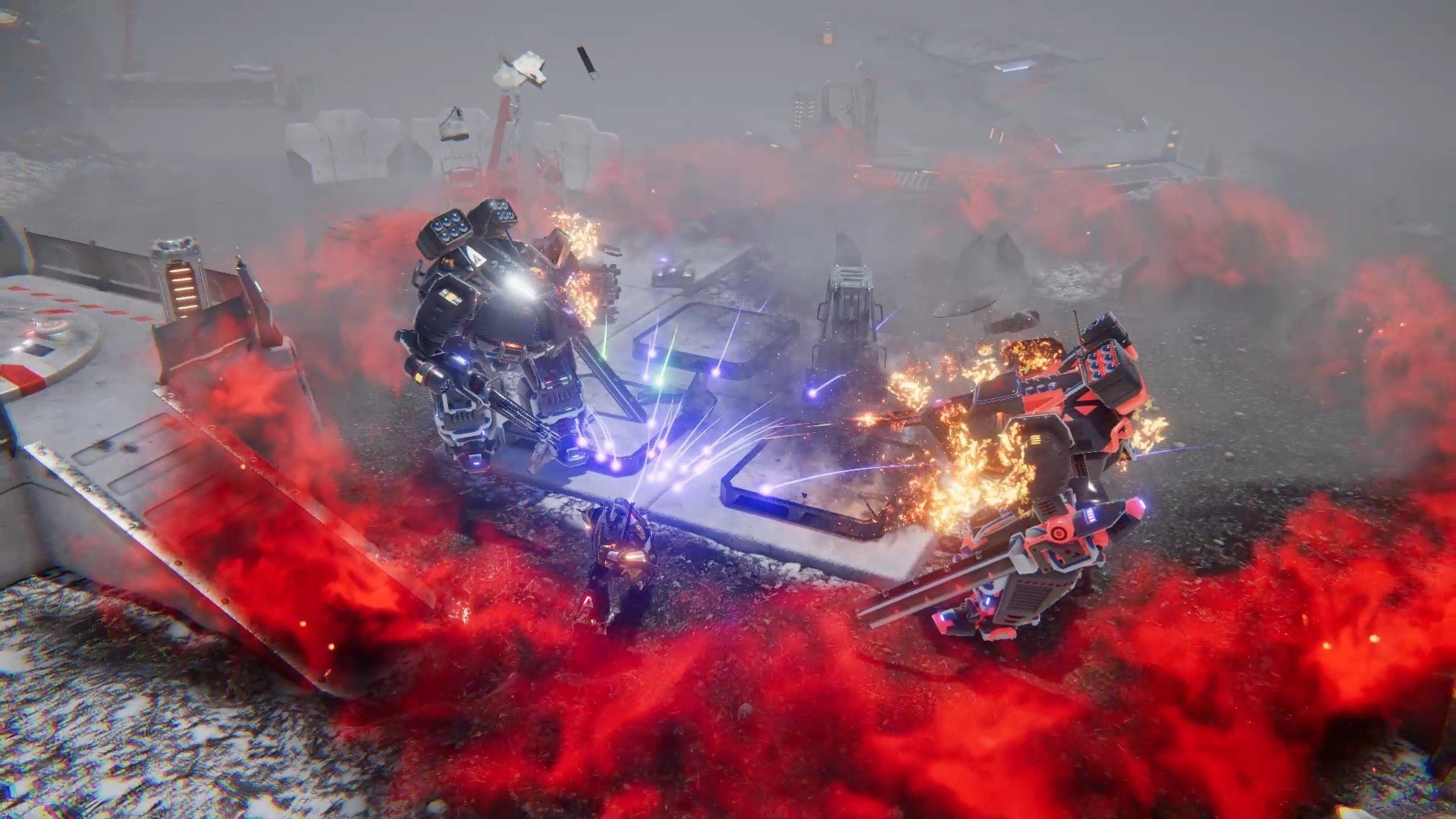
Fortunately, James is far from alone in his battle—hiding within the very core of his power suit is a powerful AI companion, ready to guide and assist you! Tailor your approach and choose your own playstyle in the Blackwind game: unleash devastating melee combos, fire at enemies with rapid volleys, launch explosive rockets, or strategically leverage every special ability your mech-suit can offer. Your main objective is simple: stay alive and push your limits!
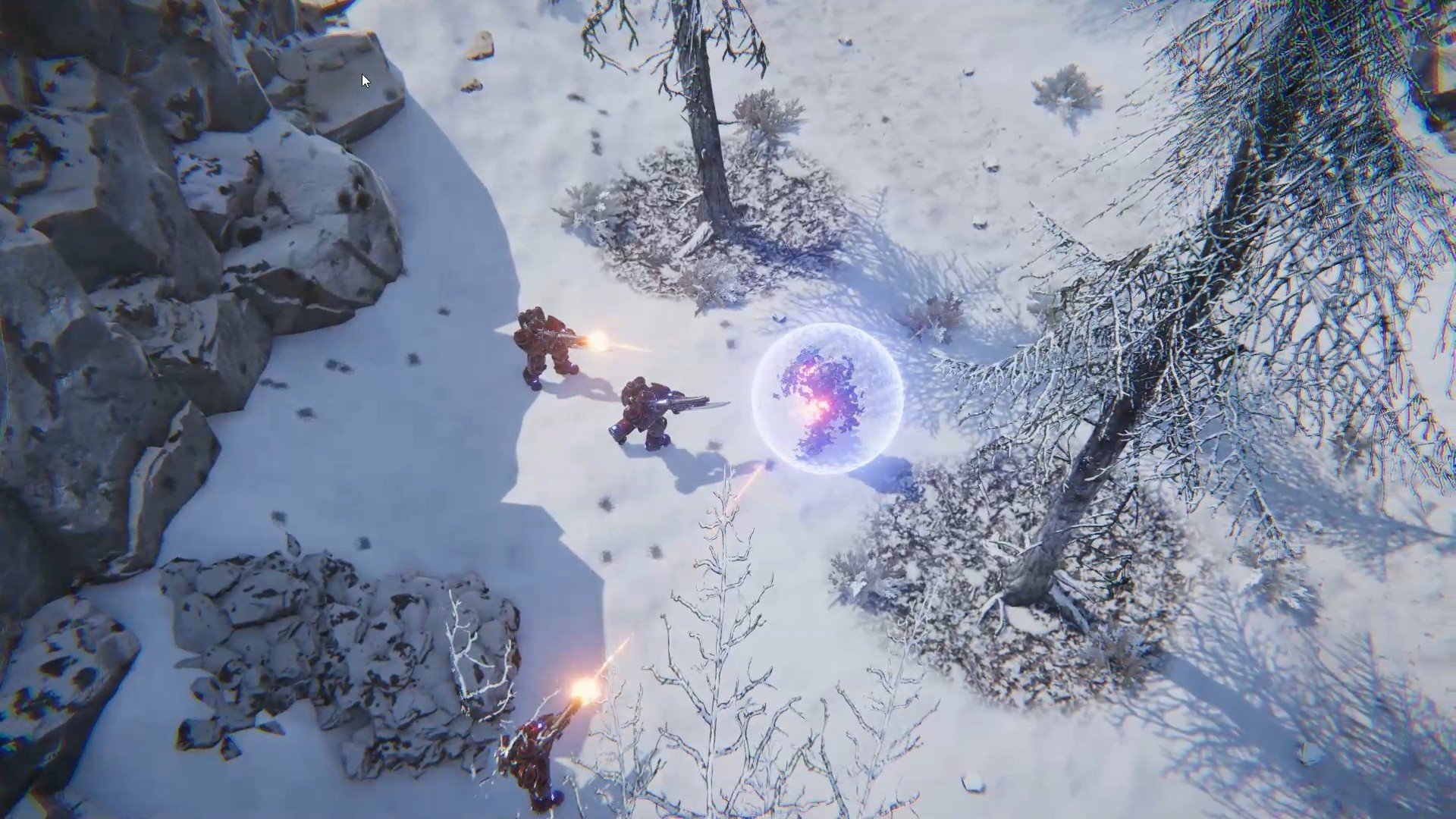
Annihilate alien adversaries with a relentless barrage of fierce blows, using all the tools at your disposal! Expand your skill tree and enhance your power armor’s array of abilities, shaping your character to fight more effectively. Integrated into your armor is a combat drone: during the single-player campaign, this drone will support you in overcoming foes and discovering hidden elements of the rich game world on your Mac. For those seeking cooperative experiences, Blackwind lets two other players control both the power armor and the combat drone in local co-op, bringing new dimensions of teamwork and excitement to Mac users.
Frequently Asked Questions
You May Also Like
Reviews & Comments
No comments yet. Be the first to share your thoughts!