
Description
Brigador: Up-Armored Edition for Mac lets you take the controls of a deadly combat vehicle and unleash pure chaos across futuristic battlefields. There is no heroism or noble cause at play here. The premise is clear and direct: you are a mercenary hired by a shadowy corporation, competing against other mech pilots and completing a series of dangerous tasks. It’s strictly business—nothing personal, just high-stakes combat driven by profit.
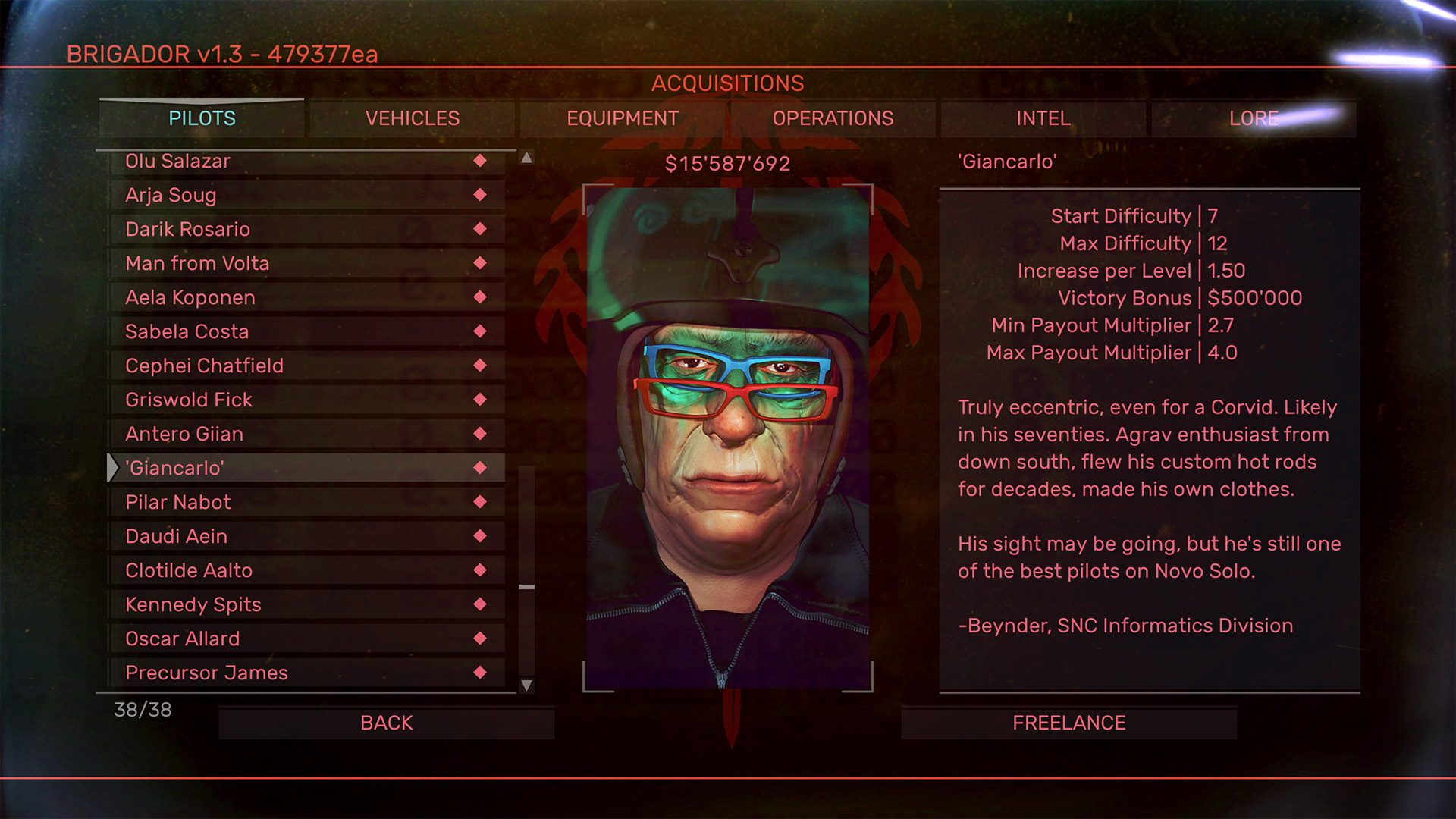
This isometric roguelike conjures nostalgia for old-school console games—fans of Battletech will feel familiar vibes—but Brigador: Up-Armored Edition easily surpasses those classics with advanced graphics and sophisticated gameplay mechanics tailor-made for Mac users. The single-player campaign invites you to rise through the ranks: starting as a rookie merc piloting a fragile mech, you’ll transform into a fearsome force, the last survivor in a relentless storm of battles. Throughout the narrative, every hard-earned credit can be invested into upgrades for your machine, while the completion of missions unlocks fresh characters for you to experiment with in free play.
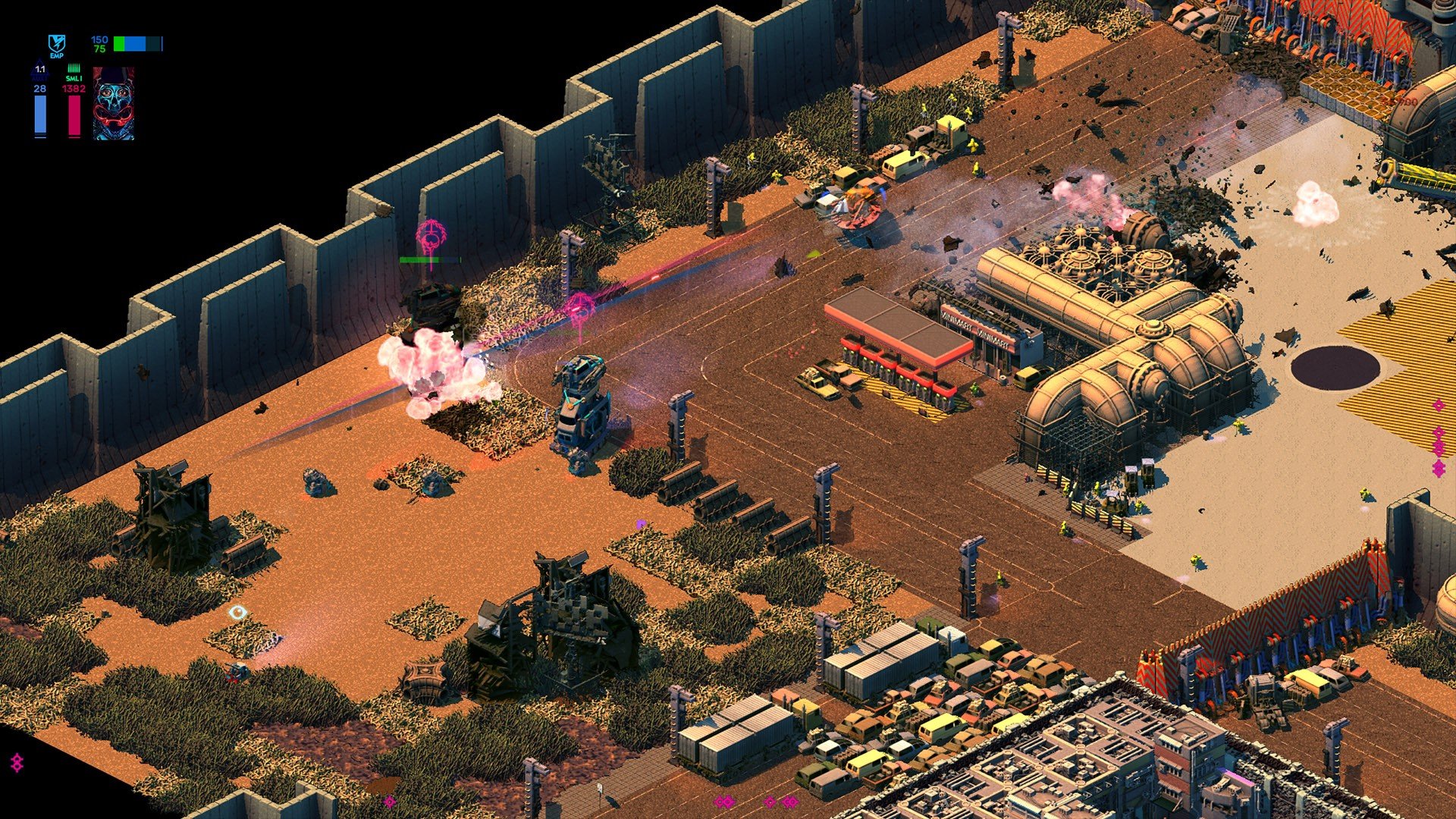
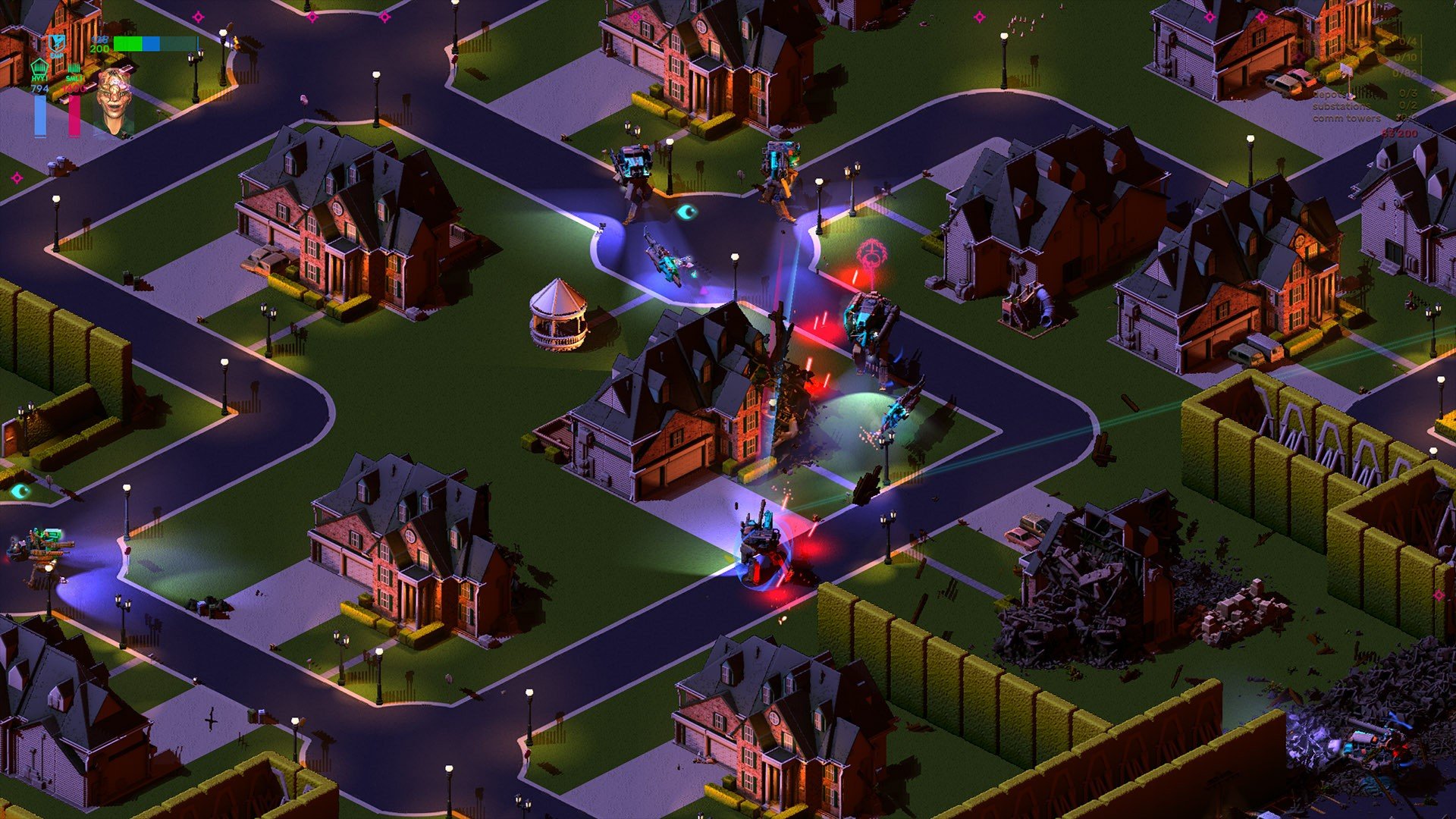
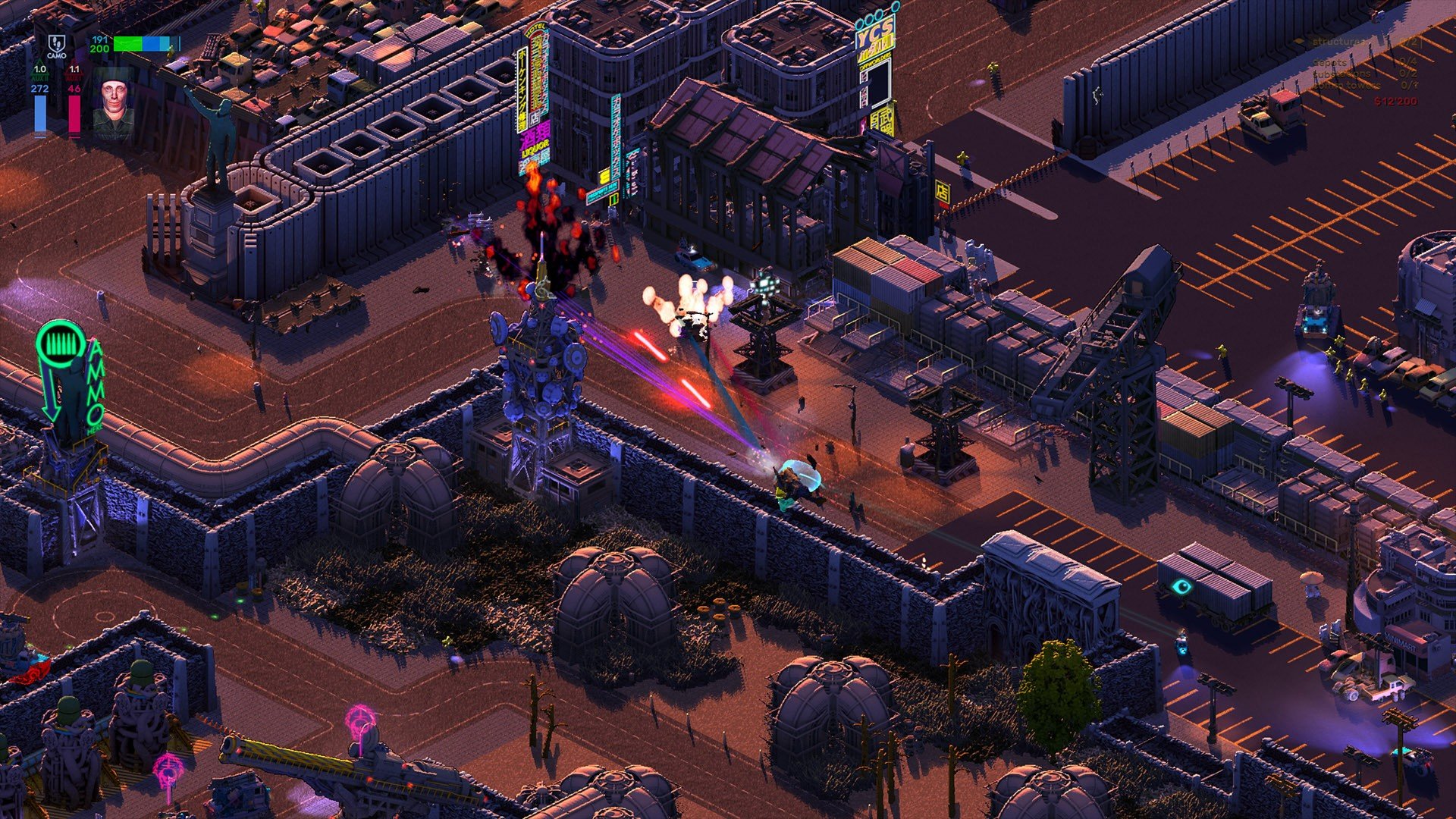
To truly communicate the imposing might of these war machines, the developers have provided dozens of hand-crafted, fully destructible maps, each brimming with intricate detail. The thrilling gameplay is further enhanced with simple-yet-essential mechanisms such as directional armor, alert status, and much more—all working seamlessly even on Mac. The sense of immersion never falters, with each new challenge providing opportunities for creative destruction.
A captivating synth-driven soundtrack complements the grim sci-fi setting without distracting you from the main event: the absolute devastation of everything in sight. The game features an impressive arsenal—including cannons, mortars, rocket launchers, and energy weapons—so that you can build your own personalized death machine to suit even the most particular preferences. The technical diversity is remarkable, ranging from unique mechanical walkers to tanks and anti-grav vehicles, each with its own handling quirks to master on macOS.
Rather than striving for photorealism, the creators of Brigador: Up-Armored Edition opted for dramatic special effects. Every battle explodes with vibrant laser shows, tracer fire, and billowing flames from spectacular detonations. Even in brief moments of calm, the neon-lit cityscapes of the future continually burn in the background, reinforcing the relentless atmosphere.
Key Features:
A mech simulator designed in the spirit of classic games but reimagined with modern, expertly crafted gameplay for Mac.
Numerous vehicle types and deep customization options allow you to tailor builds to your liking, complemented by an exceedingly diverse arsenal for eliminating any opposition.
Vivid, stylish graphics avoid harshness or excessive brightness, further immersing you in the chaotic spectacle unfolding on your Mac screen.
To fully appreciate the game’s scale, a comprehensive free mode lets you push your limits—experiment with every combination of machine, weapon, and pilot, and perfect your personalized strategy. Whether you’re seeking the ultimate brigador up-armored edition experience or want to try every wild setup possible, every run offers new rewards.
Frequently Asked Questions
You May Also Like
Reviews & Comments
No comments yet. Be the first to share your thoughts!