


Clunky Hero icon

Clunky Hero

Action , Games

Description

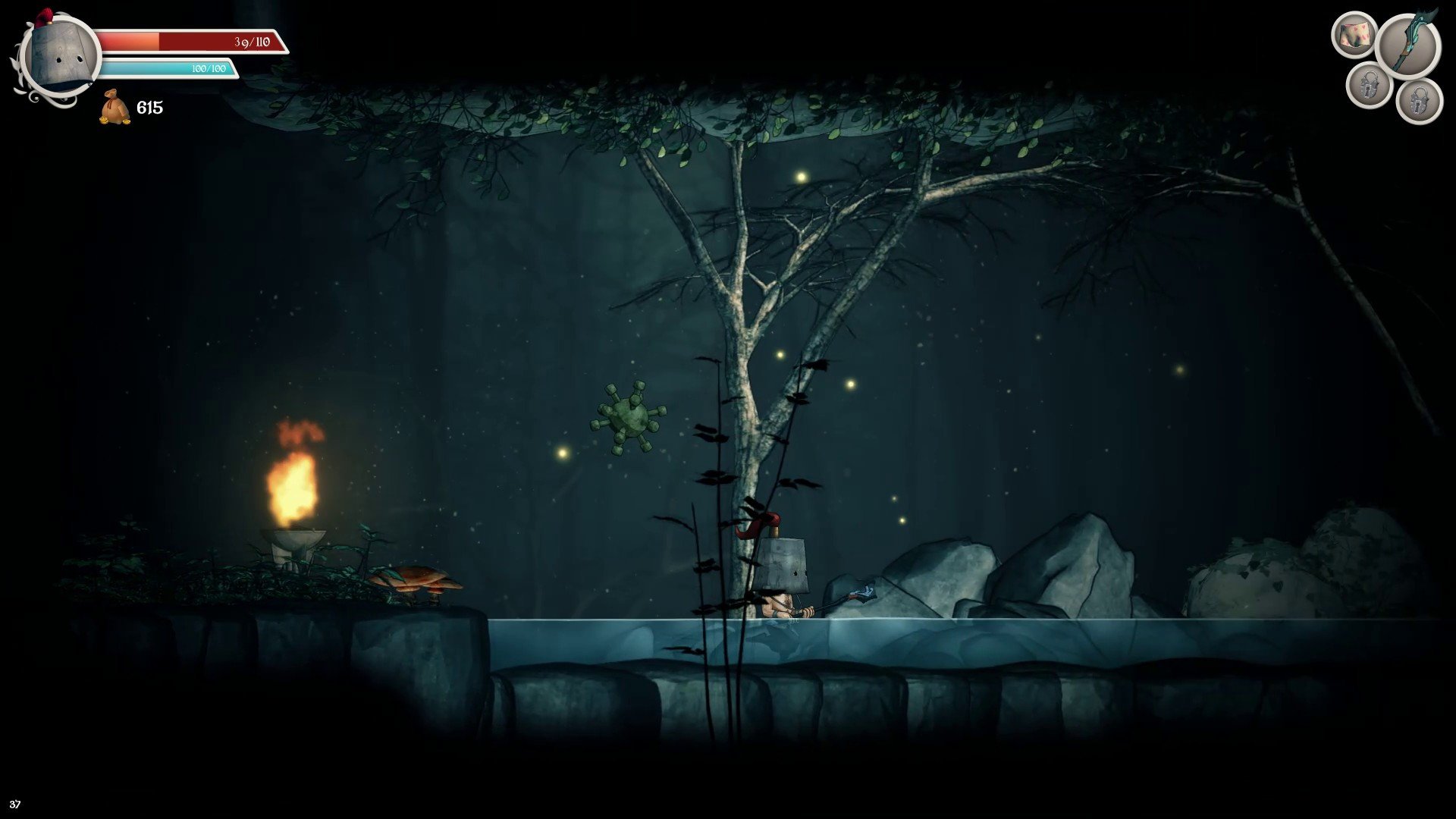
Clunky Hero tells the story of an awkward and hilariously goofy guy named Rufus, who once lived happily alongside his beloved Brunhilde. The premise of the clunky hero game for Mac is delightfully simple: one day, a cunning villain kidnaps Rufus’s wife, locks her away in a castle, and transforms her into a stereotypical social media girl obsessed with making duck faces. Spurred by love and determination, the humble peasant dons a bucket as a helmet, arms himself with a broom, and embarks on a clumsy, comedic quest to rescue her.

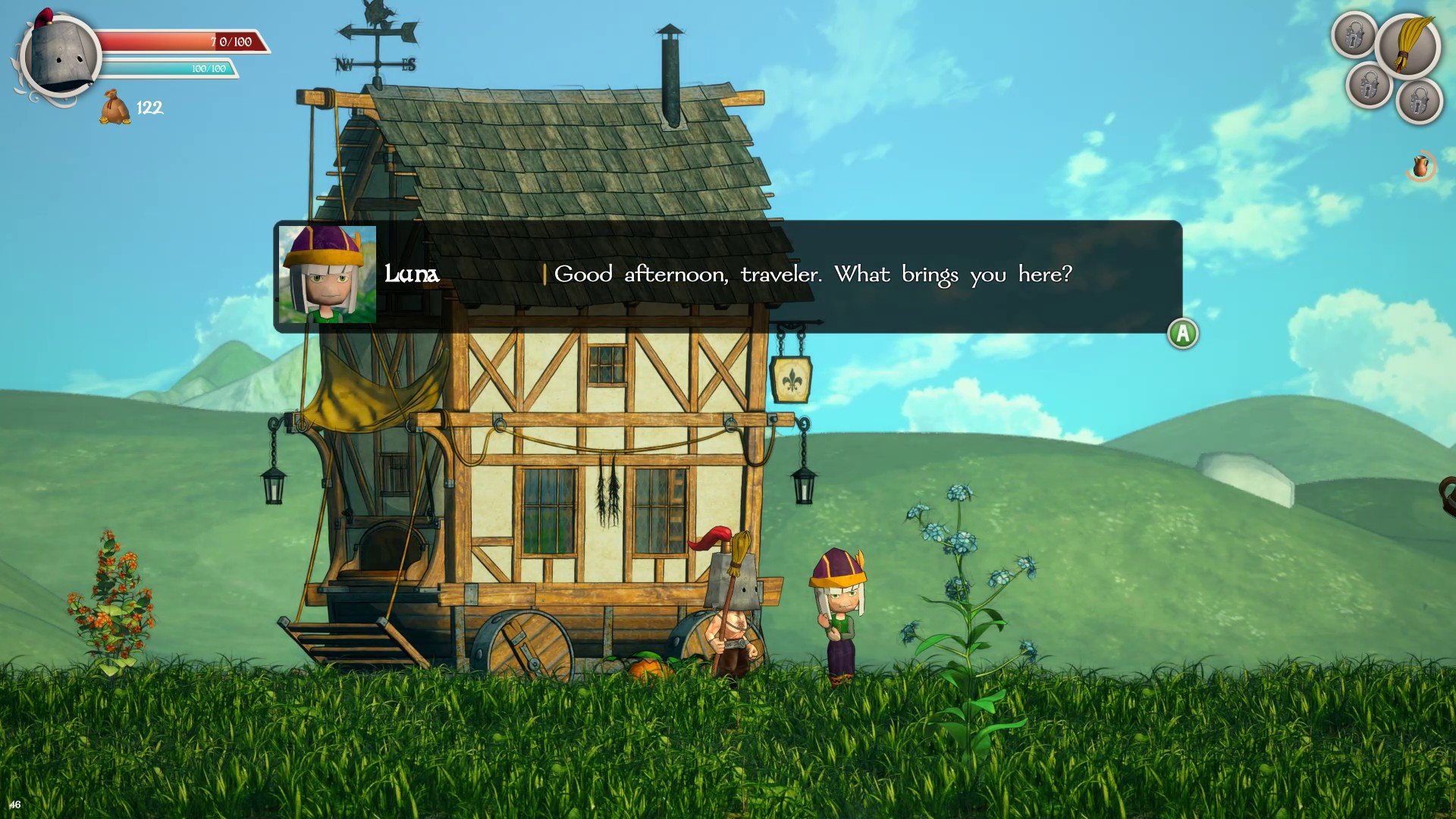
Clunky Hero belongs to the Metroidvania genre. It’s a captivating 2D action-platformer with a side-scrolling view and a semi-open world, specially optimized for Mac users. This indie project infuses RPG elements into its gameplay, offering a humorous fantasy setting where the hero battles against quirky foes: animated stone heads, drunken bees, and bearded hipsters lurk among medieval backdrops. The clunky hero game is filled with witty jokes and clever references to popular memes, ensuring laughter throughout your journey.

Players have the freedom to explore interconnected areas at their own pace using handy maps to navigate the world. Sometimes, Rufus encounters places he can’t access yet; to reach these zones, you’ll need to gradually unlock new abilities like higher jumps or wall climbing. During your adventure, you’ll collect coins, which can be spent at various merchants to purchase useful items. Certain things provide stat boosts, making your character stronger. Rufus keeps all his collected treasures in an inventory. Shops in the village allow you to chat with local residents or accept side quests. Experience everything Clunky Hero for Mac has to offer, making each rescue attempt unforgettable.


Frequently Asked Questions

Is Clunky Hero free?
Please check the developer's website for current pricing information.
The program is damaged or the file isn't working? Are there other problems?
Please read the installation instructions on the Download page carefully before proceeding. Additional help can be found in our article: Errors when installing applications on a Mac.
How do I update the app? Will my activation be affected?
Official updates can break activation unless the installation guide states otherwise. Download the latest version and install it over the existing one — this typically preserves your settings and activation.
How do I get the file? The download link isn't working. What does a .torrent file mean?
For large files, using a dedicated download manager like FDM is strongly advised. Chrome or a download manager handles file hosts much better than Safari. If the file ends in .torrent, you will need a torrent client such as Transmission.
A newer version is out. When will the site be updated?
The site administration does not create or patch software. Updates are submitted by independent contributors when ready.
Can I request an application? Where do I submit requests?
Neither the administration nor the editors build or patch software themselves. You can support the project and submit app requests through donation comments.
How can I switch the interface language?
Go to System Settings → General → Language & Region → Applications → "+", pick the app, then choose your preferred language. For Adobe products, language is typically selected during installation.
What is the right way to remove an app?
Use a dedicated tool such as App Cleaner & Uninstaller for a thorough cleanup. For Adobe software, the Creative Cloud Cleaner Tool ensures a fully complete removal.
Looking for assistance?
Paid remote support is available on the site (through AnyDesk, Zoom, or Skype) to guide you through installing apps on Mac or PC.

You May Also Like


Reviews & Comments

No comments yet. Be the first to share your thoughts!