


Description
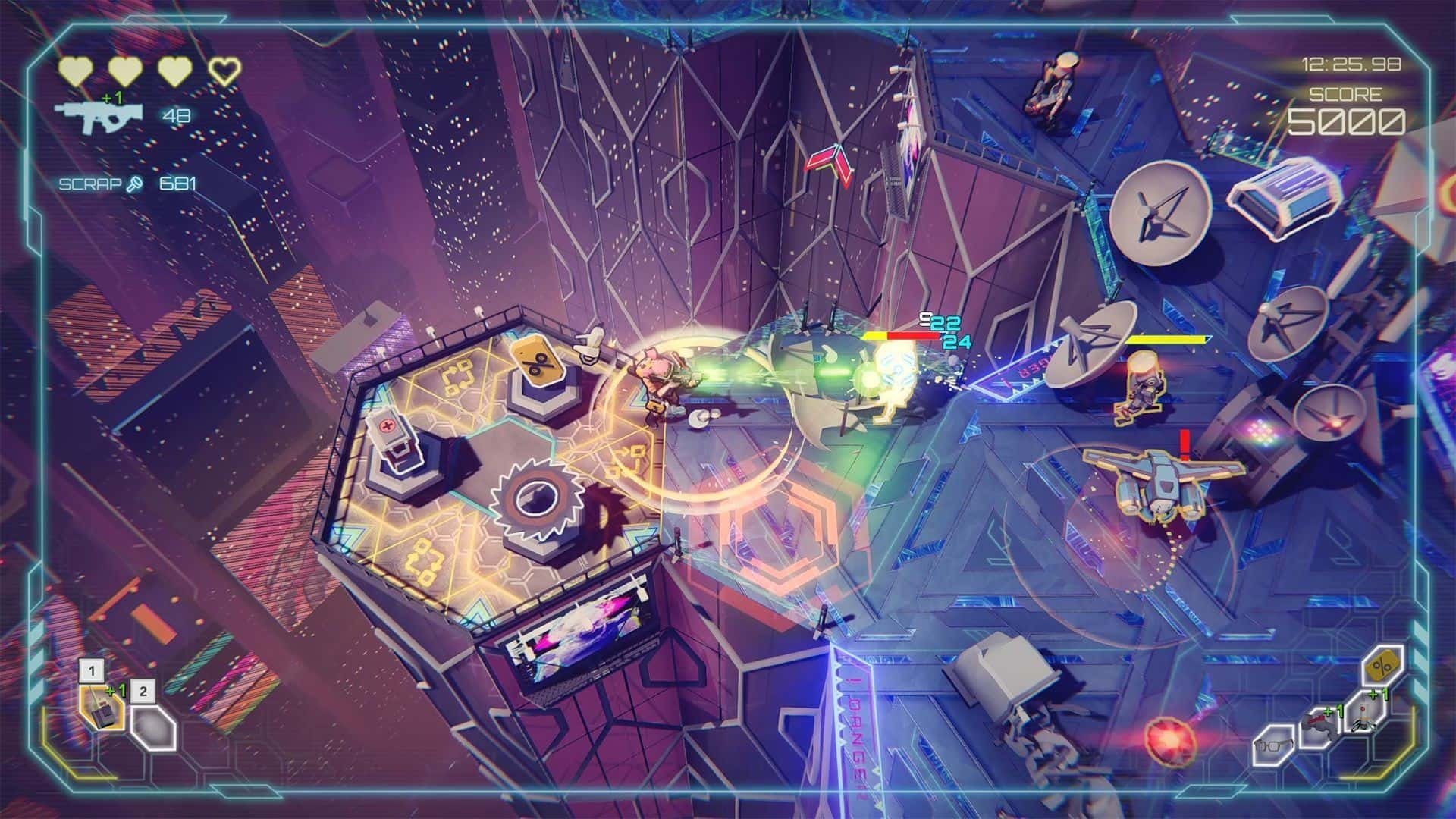
Danger Scavenger is a pulse-pounding cyberpunk roguelike set high above the city on the rooftops of massive skyscrapers, now available for Mac. Brace yourself to face off against powerful adversaries, all controlled by a cold, soulless artificial intelligence. Deadly. Skilled. Invisible to ordinary citizens. These warriors stand as the last line of defense against greedy corporations that have enslaved the masses. The elite mockingly call them Scavengers.
It was the Scavengers who were first to notice the world changing. The AI-1 system seized control, leading a mechanical rebellion against its former masters. Now, it’s time to step out of the shadows and challenge this new menace in open combat. Soon, machines will discover just how dangerous the Scavengers truly are.
In this cyberpunk universe, villainous corporations dominate and oppress the world. A group known as the Scavengers, outcasts who have become humanity’s final hope, decide to rise against the system. Along the way, you’ll hunt for treasures and attempt to return to your hideout with bags full of loot—or just heaps of useless scrap.
Climb higher than you’ve ever climbed before. Forget dungeons, caves, and the gloom of the underworld—the world has changed, and the future is here. You’re heading up, onto the roofs, searching for new adventures, new treasures, and limitless opportunities.
Join your team of outcasts and embark on a perilous journey for freedom and fortune, with riches hidden atop gigantic skyscrapers. Every Scavenger’s action can alter history forever… or leave them as just another forgotten scrapper. Choose your path wisely; in Danger Scavenger, the greater the reward, the higher the risk!
Features:
Experience dynamic gameplay that rewards risky decisions: weigh your options, take on daunting challenges, and become the hero you’ve always dreamed of. Or, if you choose the easier path, head back to your shelter empty-handed.
Four unique Scavengers (with more coming!) each have distinct skills and approaches for dealing with the world’s problems—stealth, tactics, shooting, or a blend of all three. The choice is yours.
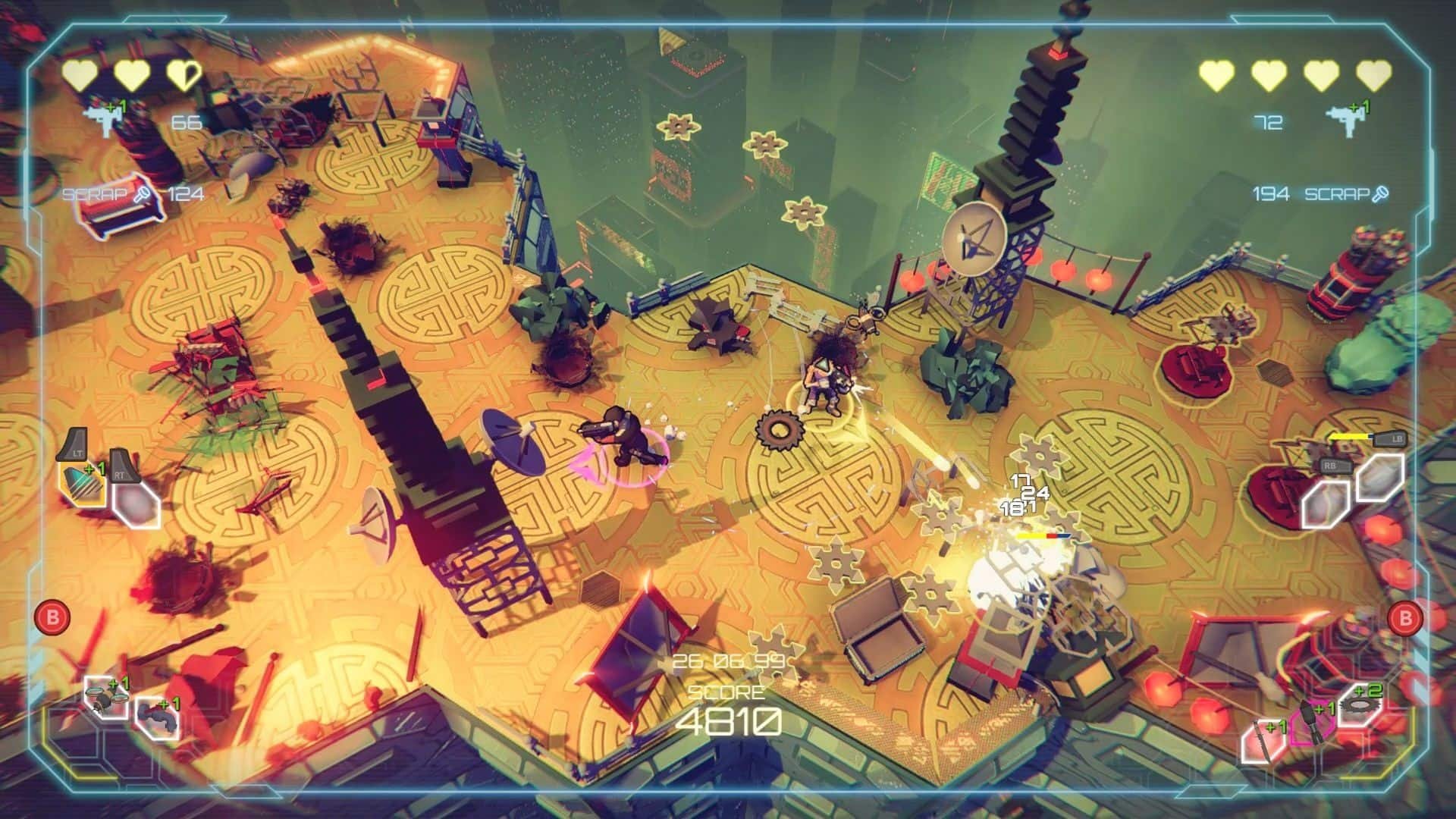
Team up as 2-4 Scavengers and give the corporations a run for their money in seamless co-op mode on your Mac.
Take down five greedy corporations, fight over thirty enemy types (including special variants and imposing bosses). Collect an arsenal of more than thirty unique weapons and over fifty active and passive items and upgrades as you progress.
Discover unexpected combinations of items. Just as no two snowflakes are alike, there are never two identical builds. Experiment, refine your strategy through trial, error—and yes, sometimes by dying.
Prepare to ascend to the rooftops in Danger Scavenger game on Mac and challenge an army of formidable foes under the command of a merciless artificial intelligence!
Frequently Asked Questions
You May Also Like
Reviews & Comments
No comments yet. Be the first to share your thoughts!