
Hand of Fate icon

Hand of Fate

Action , Games

Description

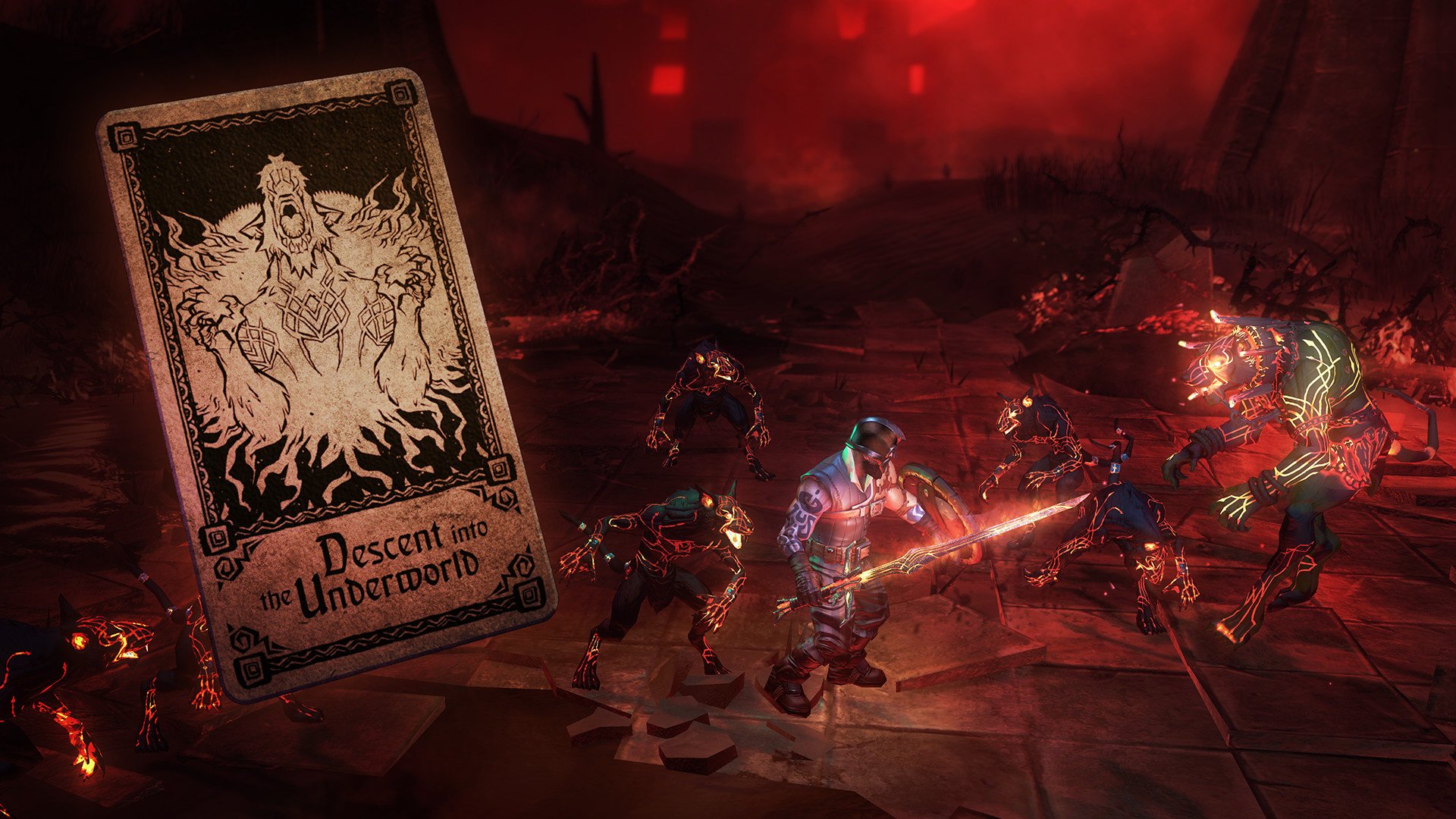
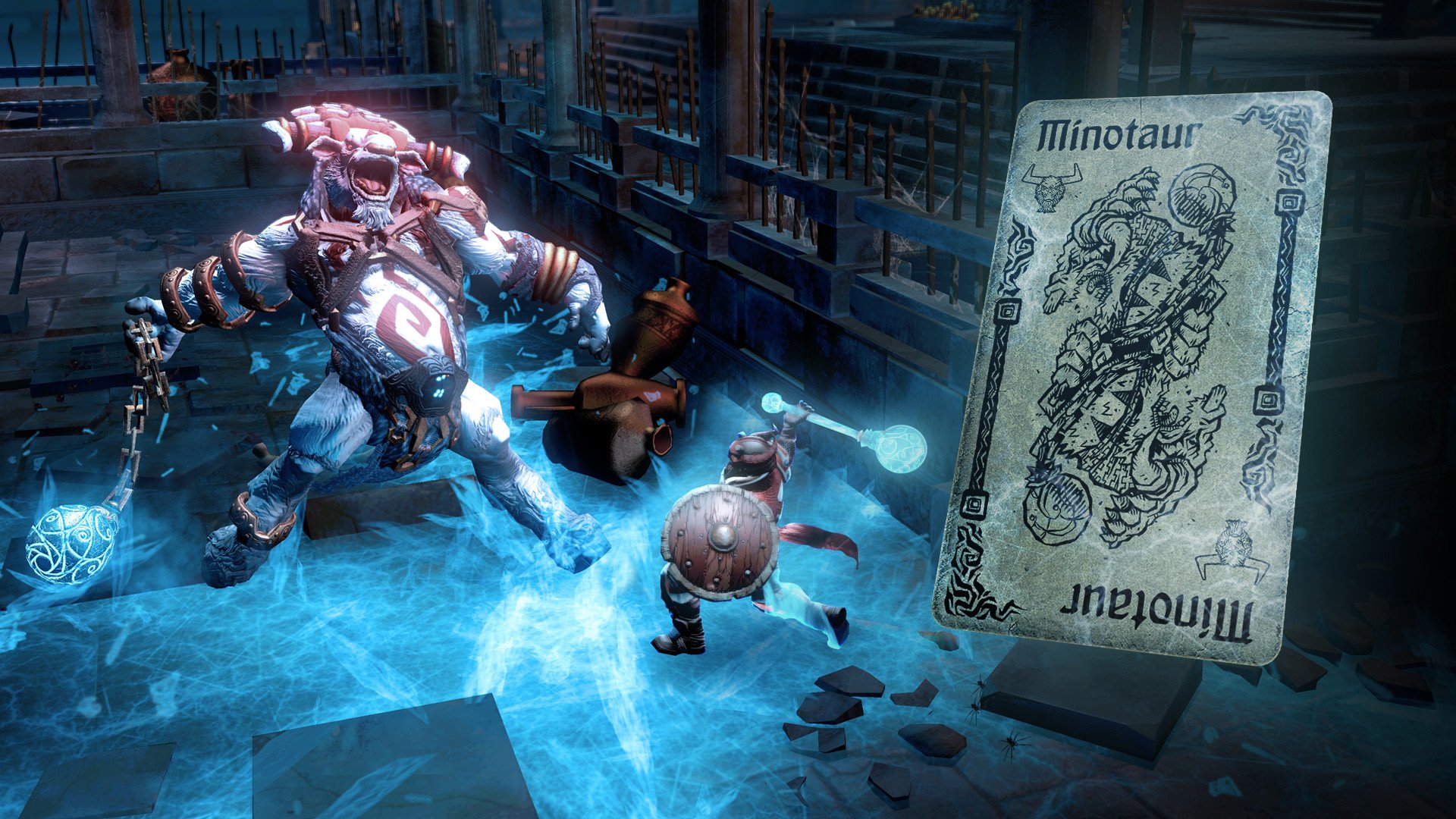
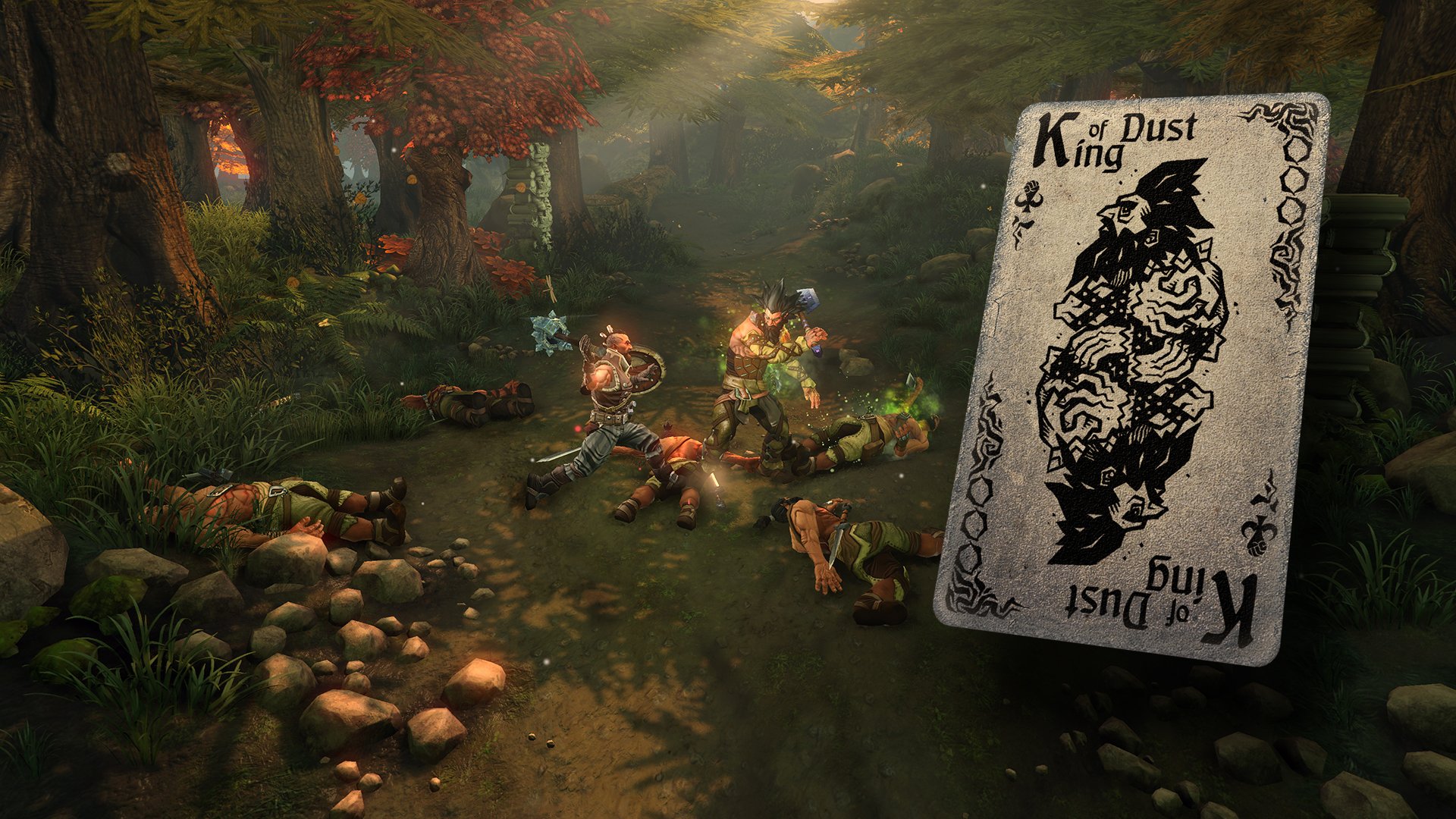
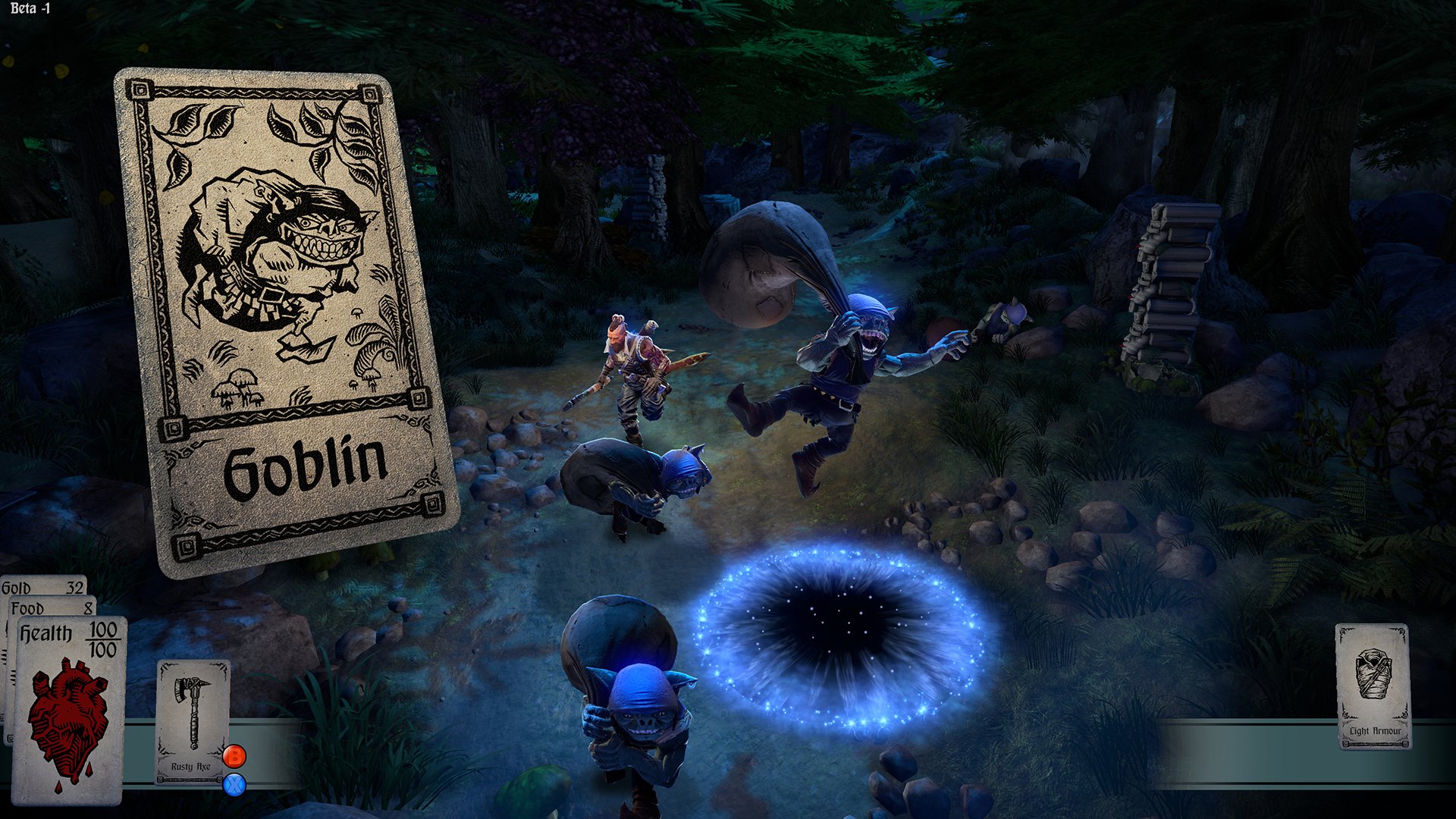
Hand of Fate is the most dynamic and immersive card game experience for Mac! Every session creates a brand new adventure, as you collect unique cards, craft your own deck, and dare to play against the mysterious dealer. Beyond thirteen enigmatic gates, at the very edge of the universe, a life and death game unfolds. Draw cards one by one to discover your ever-shifting destiny. Hand of Fate game skillfully blends the mechanics of roguelike exploration, action-RPG excitement, and strategic deck-building gameplay. The player assembles their deck from a variety of cards, each choice directly shaping the layout and challenges of the dungeon levels where your character must act. When combat begins, every card you’ve chosen transitions into fully interactive 3D objects, allowing you to use them strategically throughout each battle.

Hand of Fate game brings together the best elements of roguelike, action-RPG, and deck-building card games on Mac. As the player, you are in complete control of deck construction, deciding how to approach each challenge. These cards form the very dungeons your hero will navigate. With the start of every fight, your carefully curated deck manifests as three-dimensional tools and weapons you can actively employ during intense combat encounters.

Build your ultimate deck and try to defeat the fearsome Ace of Skulls in the mysterious Hand of Fate universe on your Mac. Hand of Fate download delivers a fresh narrative every time, offering endless replayability and tactical depth for Mac gamers.


Frequently Asked Questions

Is Hand of Fate free?
Please check the developer's website for current pricing information.
The program is damaged or the file isn't working? Are there other problems?
Please read the installation instructions on the Download page carefully before proceeding. Additional help can be found in our article: Errors when installing applications on a Mac.
How do I update the app? Will my activation be affected?
Official updates can break activation unless the installation guide states otherwise. Download the latest version and install it over the existing one — this typically preserves your settings and activation.
How do I get the file? The download link isn't working. What does a .torrent file mean?
For large files, using a dedicated download manager like FDM is strongly advised. Chrome or a download manager handles file hosts much better than Safari. If the file ends in .torrent, you will need a torrent client such as Transmission.
A newer version is out. When will the site be updated?
The site administration does not create or patch software. Updates are submitted by independent contributors when ready.
Can I request an application? Where do I submit requests?
Neither the administration nor the editors build or patch software themselves. You can support the project and submit app requests through donation comments.
How can I switch the interface language?
Go to System Settings → General → Language & Region → Applications → "+", pick the app, then choose your preferred language. For Adobe products, language is typically selected during installation.
What is the right way to remove an app?
Use a dedicated tool such as App Cleaner & Uninstaller for a thorough cleanup. For Adobe software, the Creative Cloud Cleaner Tool ensures a fully complete removal.
Looking for assistance?
Paid remote support is available on the site (through AnyDesk, Zoom, or Skype) to guide you through installing apps on Mac or PC.

You May Also Like


Reviews & Comments

No comments yet. Be the first to share your thoughts!