
Description
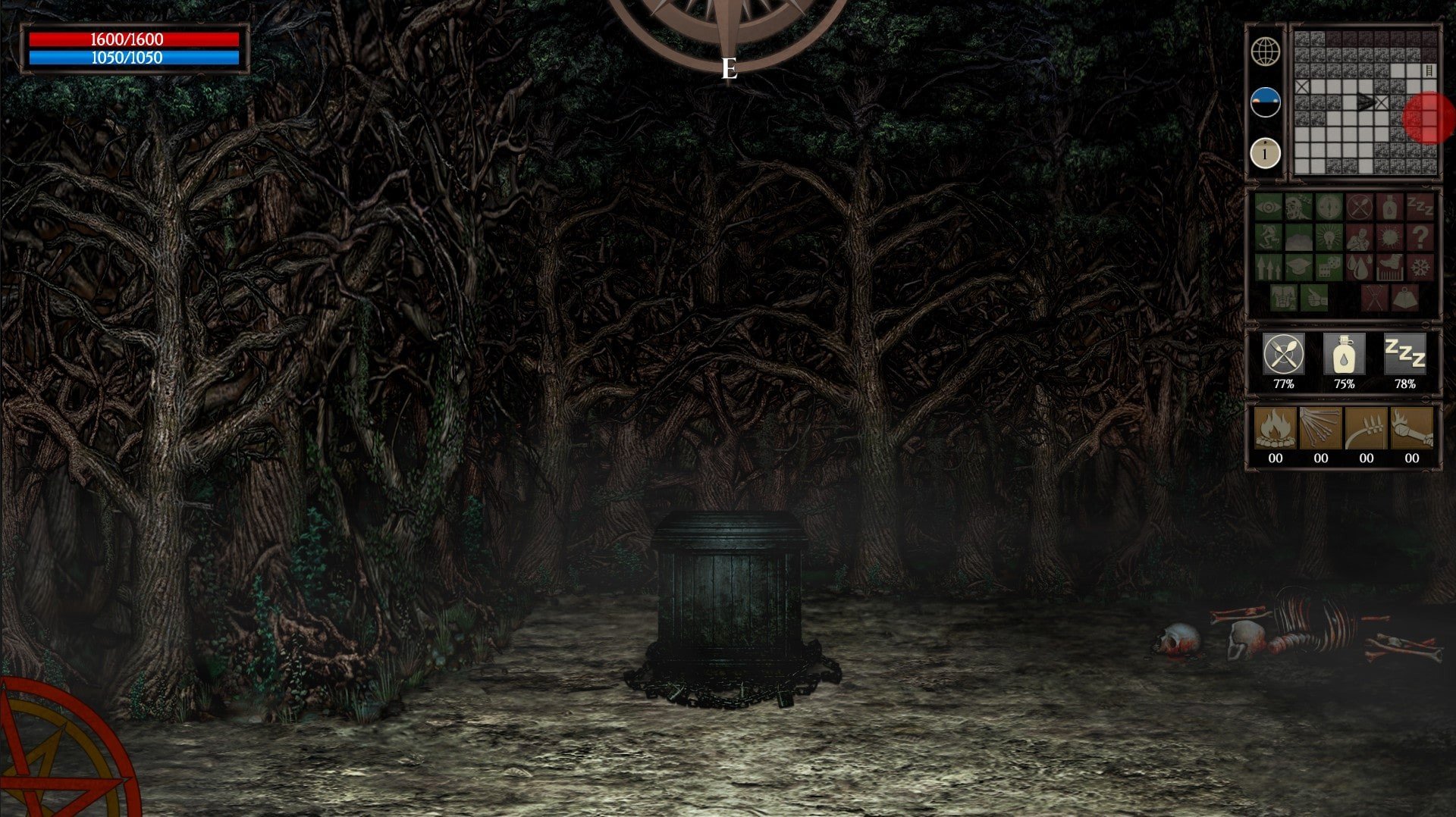
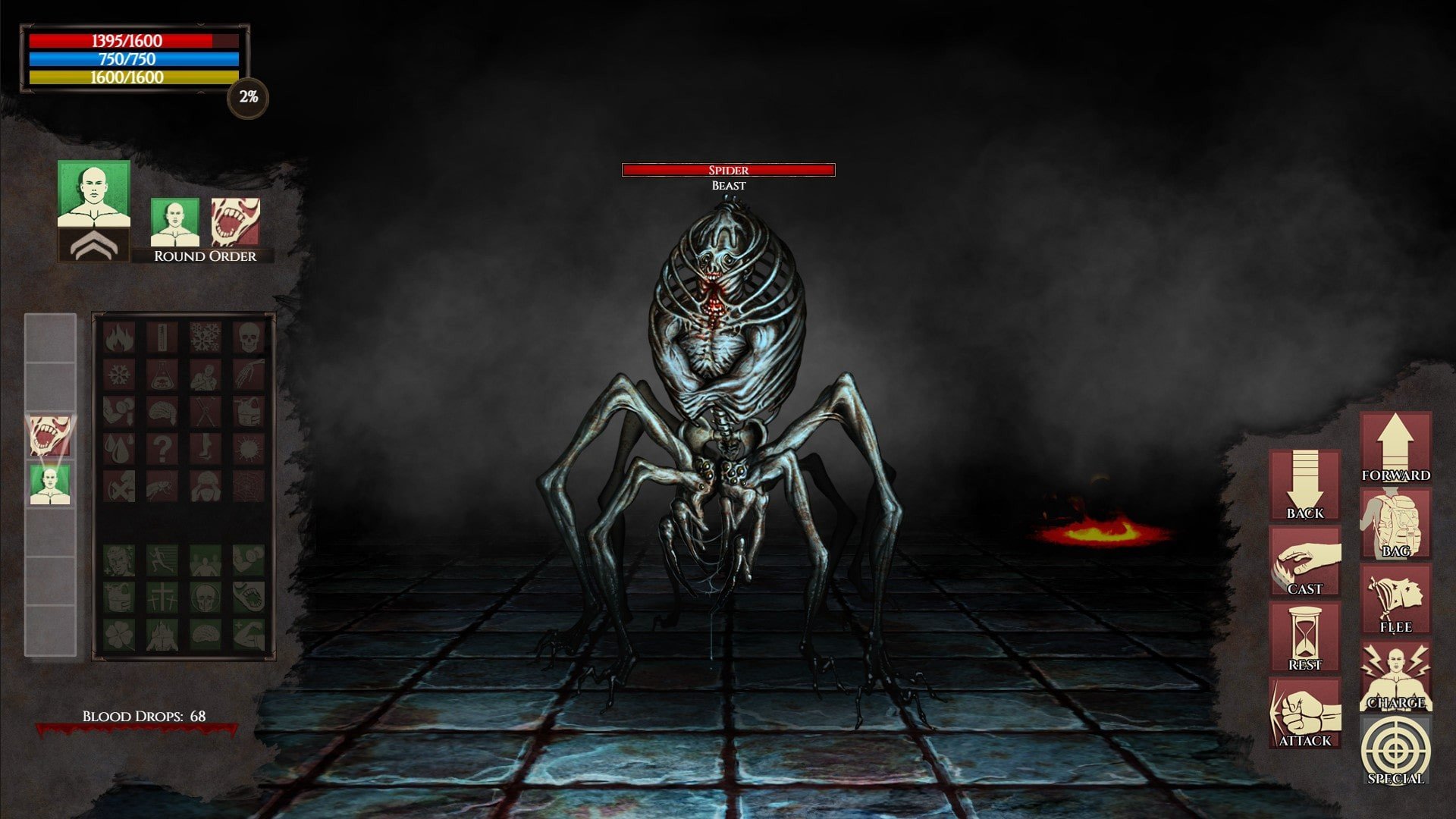
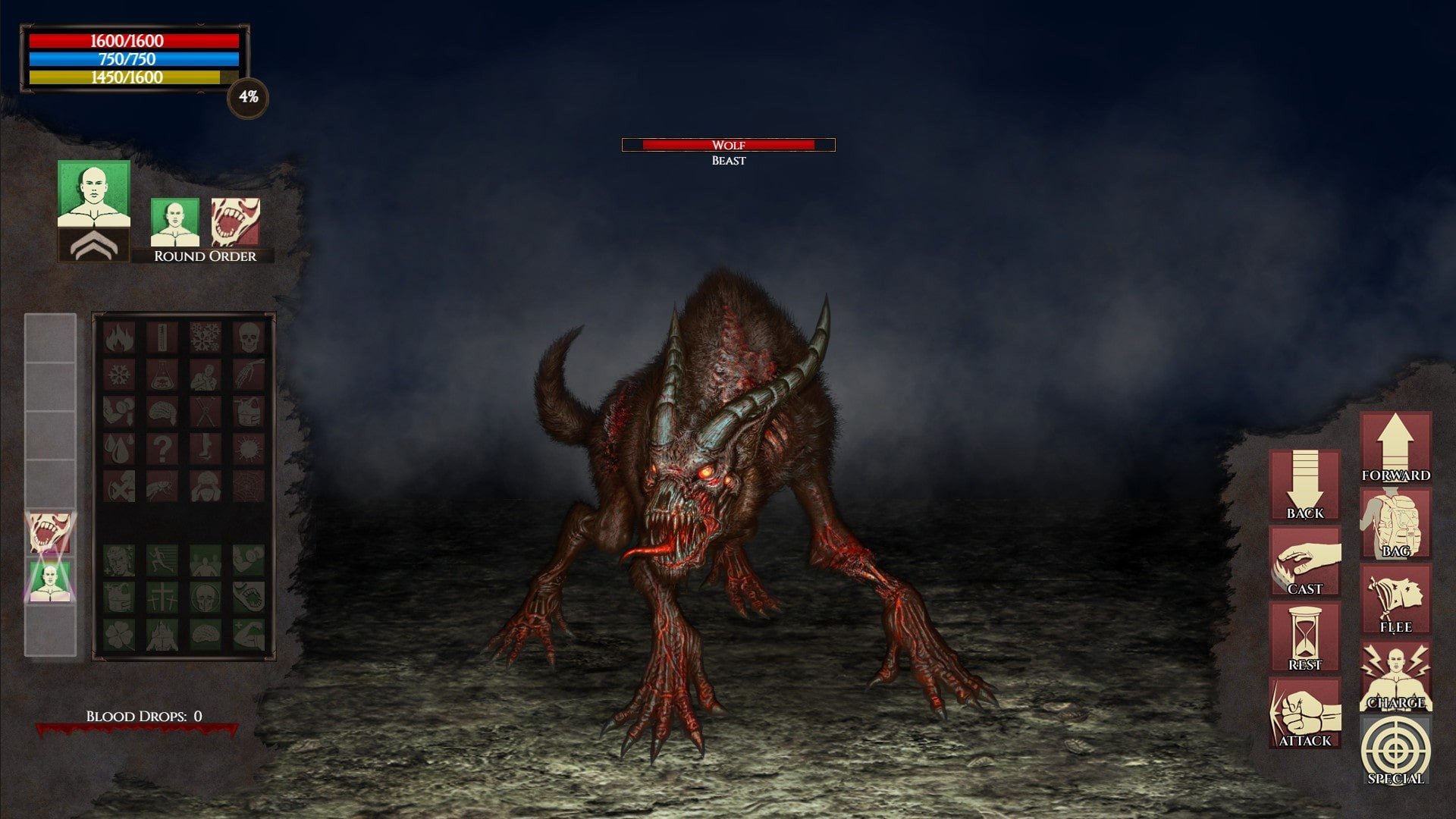
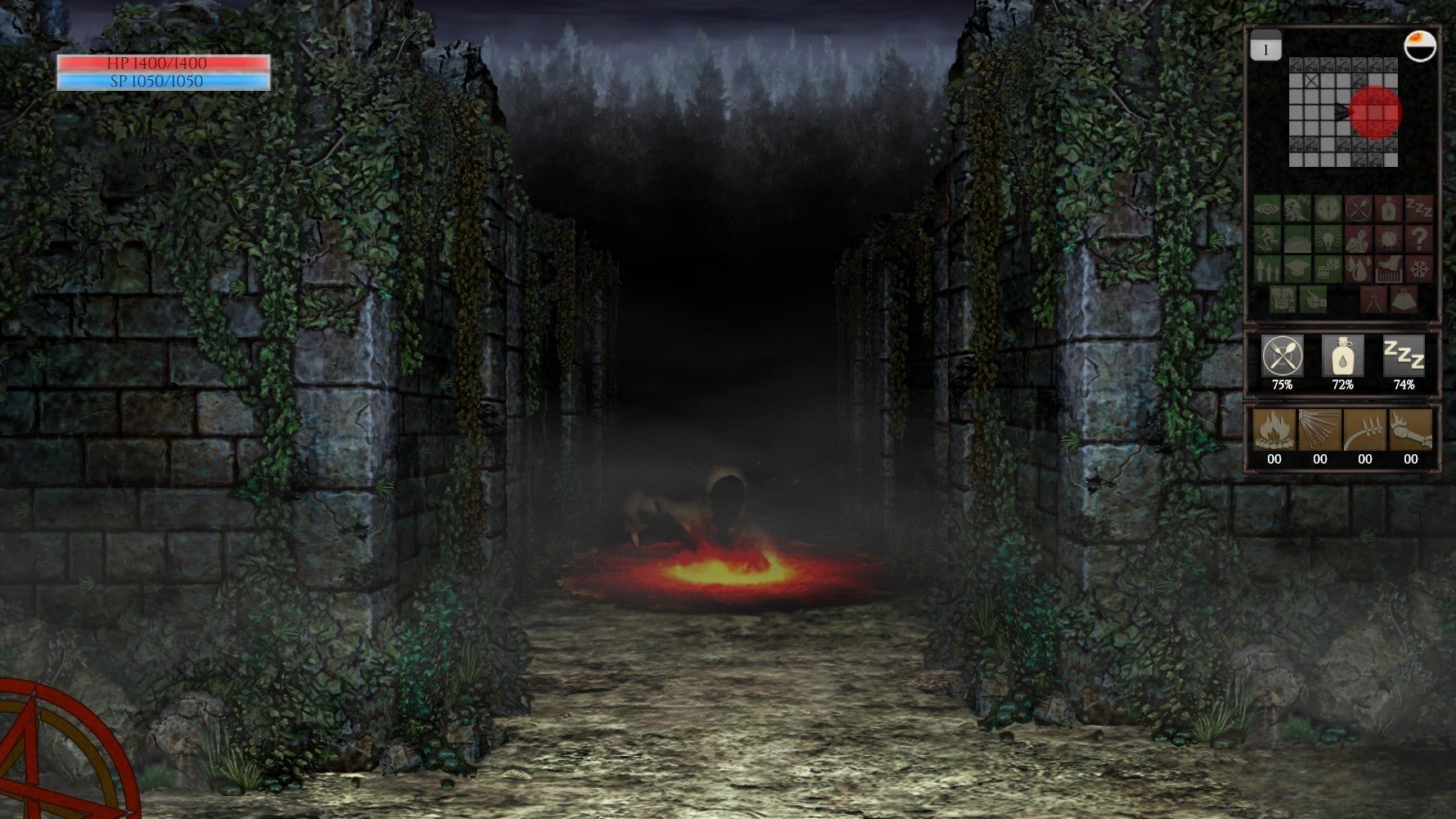
Demons now rule the world: few humans have survived, and you are now part of a mere minority left to wander a planet dominated by terrors. Take the role of one of these rare survivors in Inferno - Beyond The 7th Circle for Mac, fighting to secure food and resources while unspeakable demons and horrors stalk the ravaged landscapes of Earth.
Inferno - Beyond The 7th Circle is an old-school Dungeon Crawler with deep survival elements, a game built especially for dedicated, hardcore gamers and fans of the cRPG classics from the 80s and 90s. As the spiritual successor to The 7th Circle, this title delivers a more "classic" Dungeon Crawler experience on Mac platforms: save and load anytime, and reload your last save after death for a genuinely strategic challenge. Packed with new additions, the game features more items, extra skills, expanded spell lists, extra quests, new tasks, and a wealth of resources just waiting to be discovered.
Key features of Inferno - Beyond The 7th Circle for Mac:
- Grid-based, first-person Dungeon Crawler. Fans of classic 90s CRPGs will instantly feel at home here.
- Engaging, turn-based combat. Take your time, plan and execute the perfect strategy.
- Build your character in depth: choose attributes, skills, traits, personality, and a unique backstory to shape your journey.
- Discover and master over 70 "magical formulas" for crafting powerful spells, then enhance your magic by collecting and utilizing resources.
- Extensive character customization system lets you adapt and grow your play style.
- True survival gameplay: hunt for food, clean water, and vital resources to craft items, weapons, armor, and essential gear.
- Massive maps for exploration, filled with secrets and challenges at every turn.
- Skill progression system: Use your skills in the field to improve them naturally. For example, the more you wield an axe, the stronger your Bladed Weapons skill becomes.
- Puzzles to solve, secret places to uncover, diverse tasks to complete, and hordes of demons to conquer.
Inferno beyond the 7th circle download for Mac offers fans a compelling, atmospheric journey where strategy, exploration, and survival are at the heart of every step in a world overrun by nightmares.
Spilled! Clear and Relax — Spilled! is a short and delightful Mac game with no wrong way to play. You can complete it in about an hour, but there’s no rush—enjoy a relaxing experience and spend as much time as you wish in-game.
Frequently Asked Questions
You May Also Like
Reviews & Comments
No comments yet. Be the first to share your thoughts!