Description
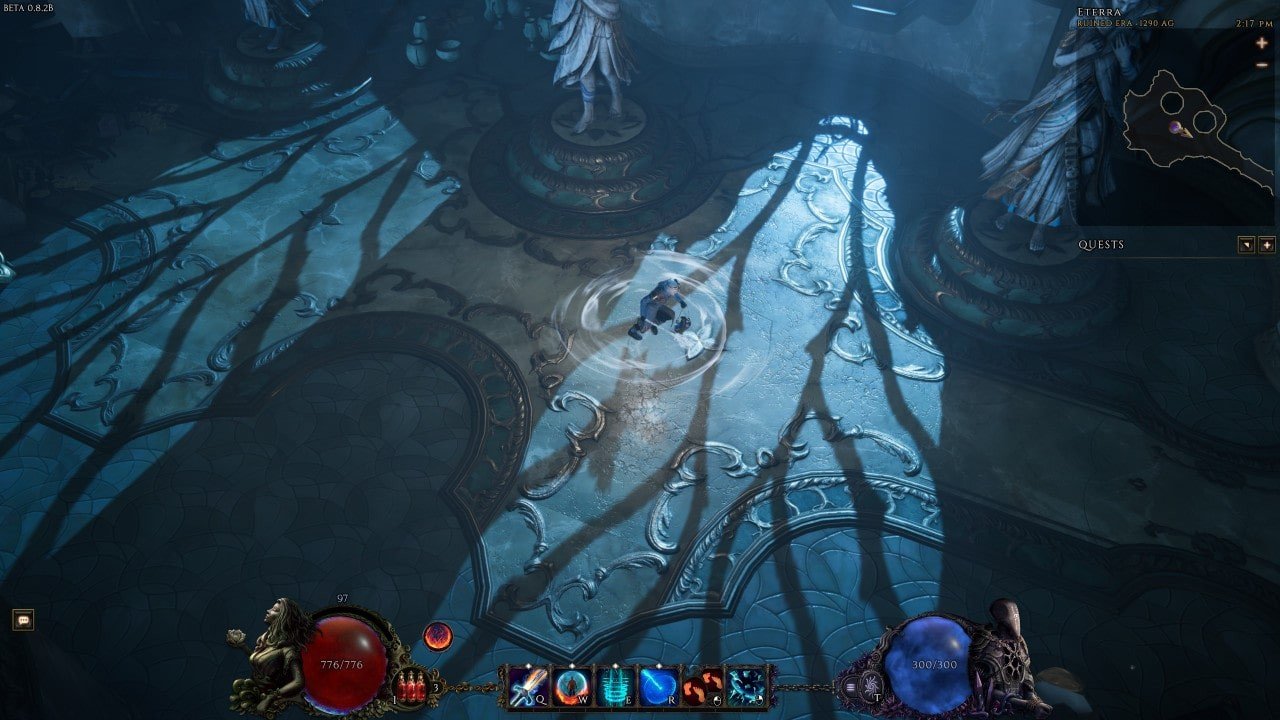
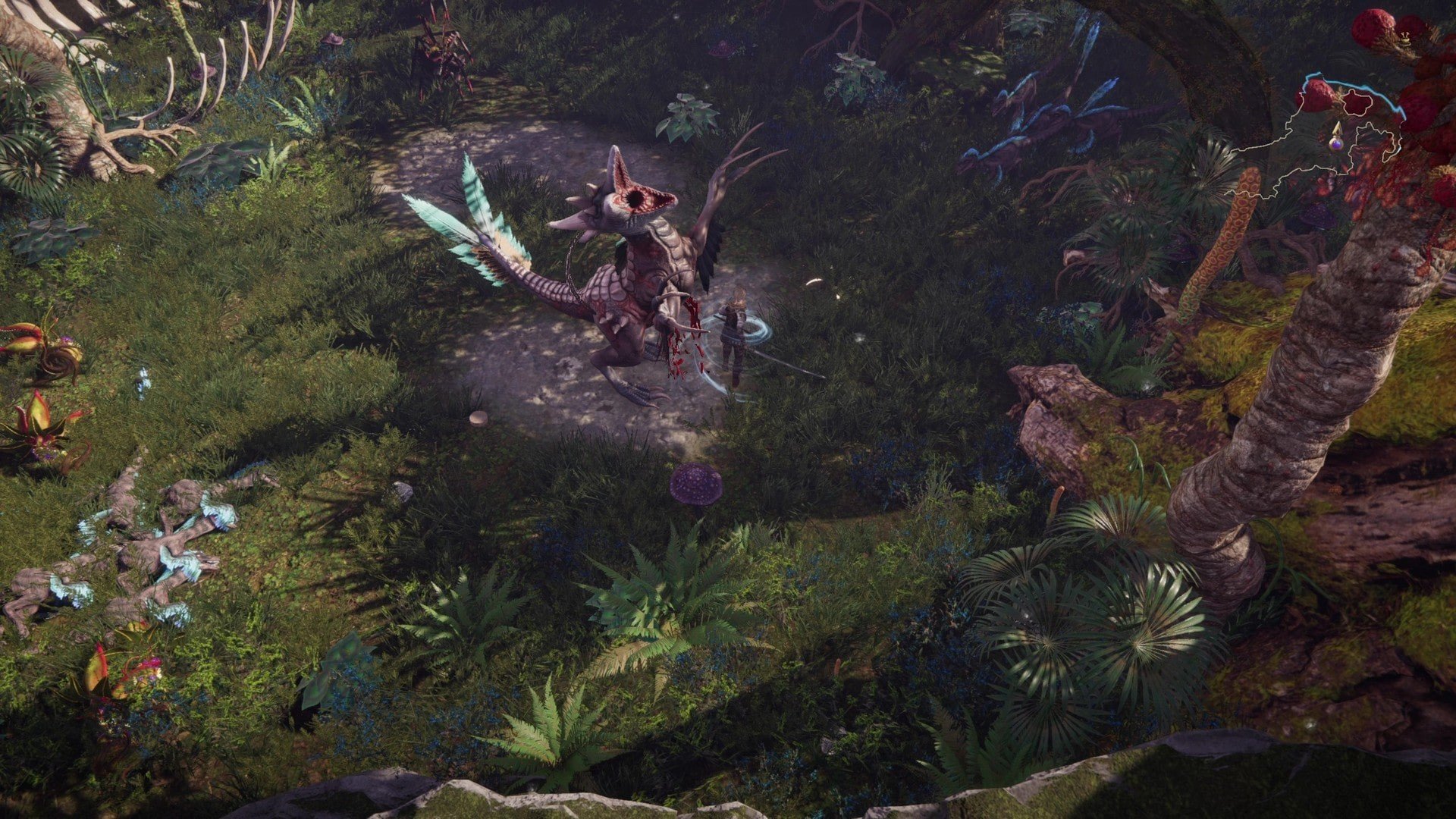
Last Epoch seamlessly blends time-travel adventure, thrilling dungeon exploration, deep character customization, and infinite replayability, creating an action RPG on Mac that’s perfect for both seasoned veterans and newcomers. Journey through the ancient world of Eterra’s past, encountering dark empires, wrathful gods, and uncharted wilderness as you search for a way to save time itself from the Void in Last Epoch.
Key Features
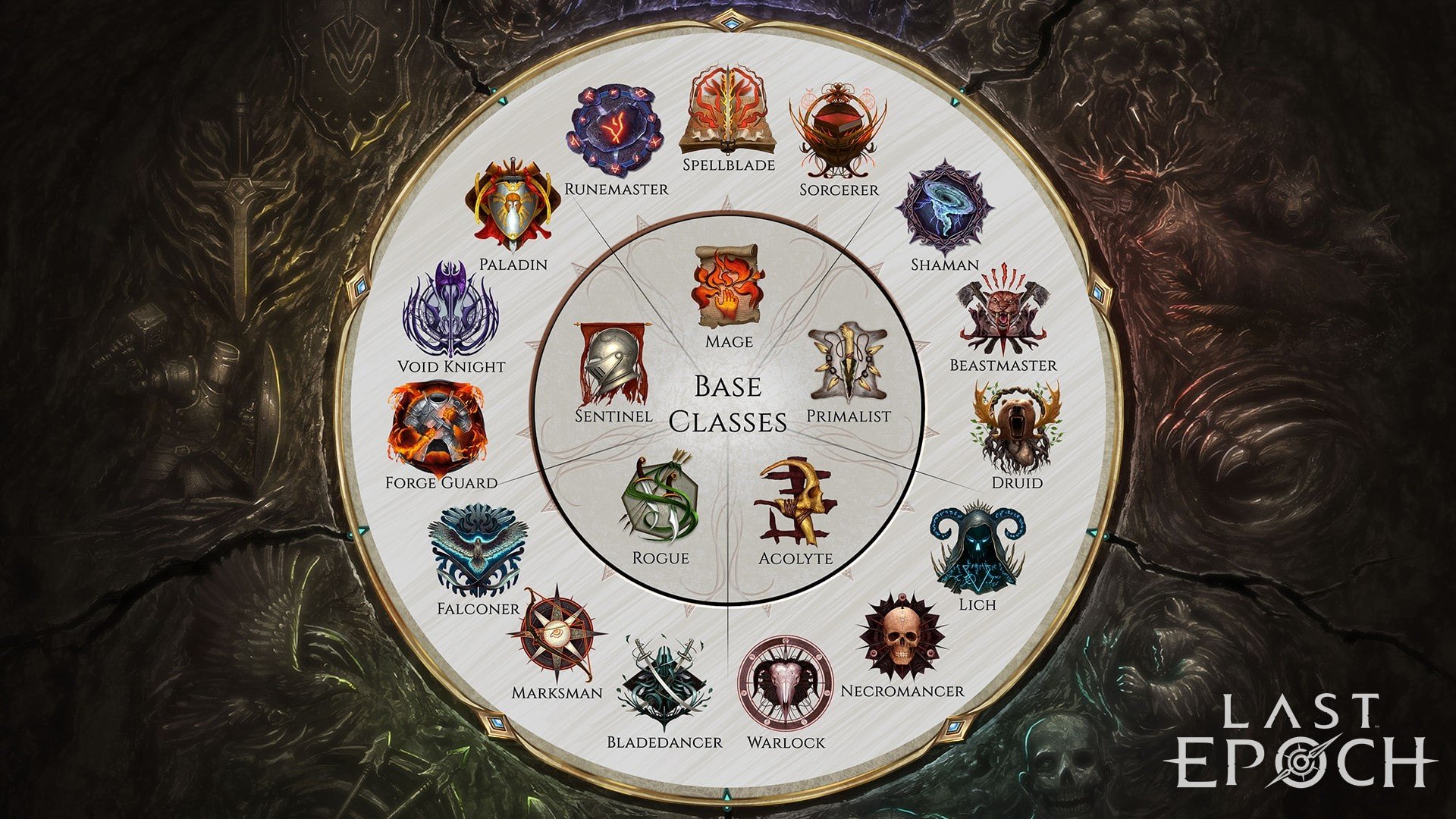
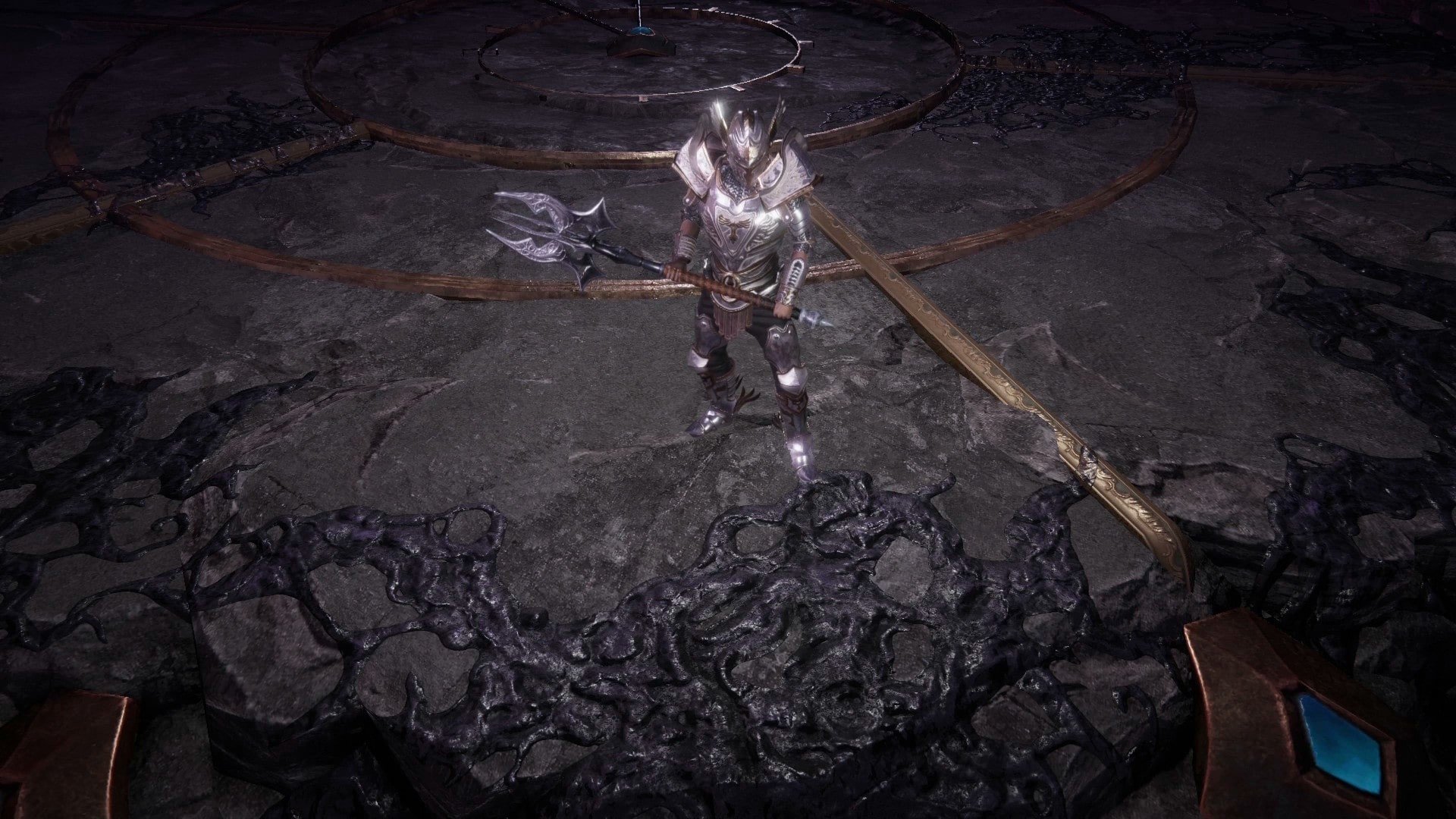
- 15 Mastery Classes – Begin your epic journey as a base class before specializing into one of three unique mastery classes. Specializing unlocks a host of new abilities and lets you fine-tune your unique playstyle to dominate your foes in the last epoch game on Mac!
- Over 100 Skill Trees – Each active skill boasts its own distinct progression tree, capable of entirely transforming how the skill functions. Convert your undead minions into archers, turn lightning bolts into chain lightning, or empower serpentine summons to fight alongside you – Last Epoch offers endless possibilities in every build.
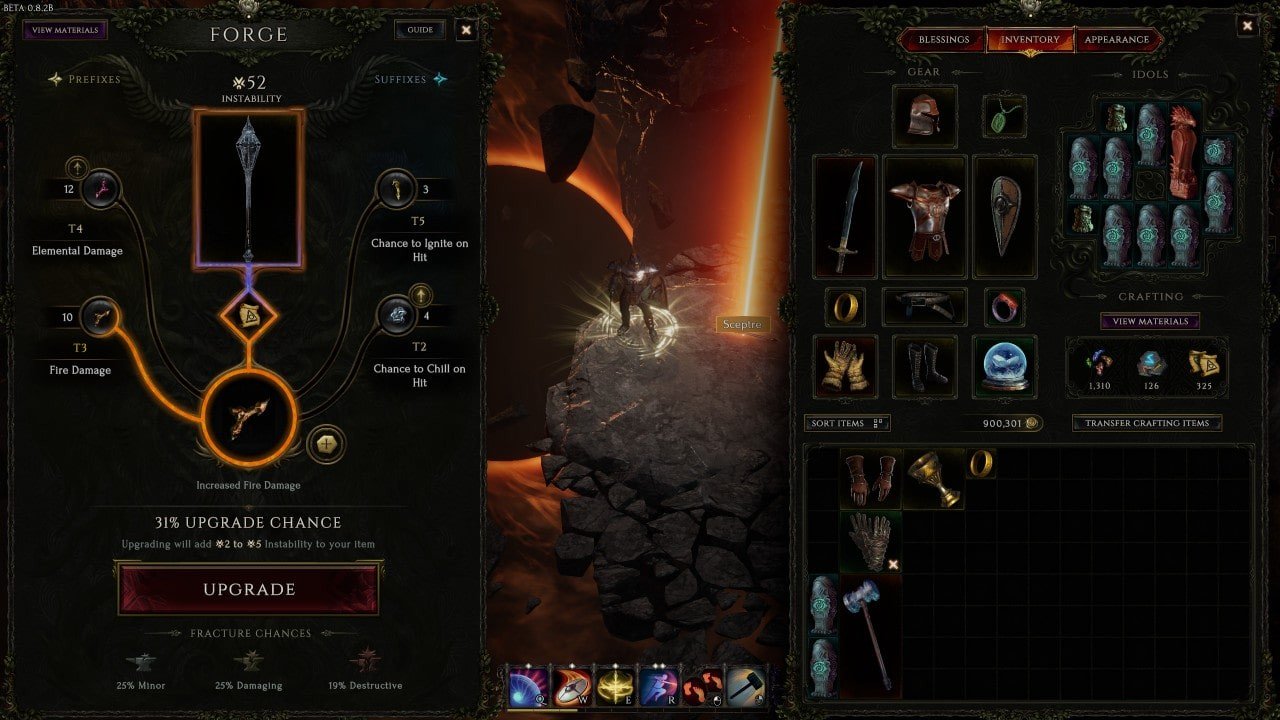
- Hunt for Rare, Powerful Loot – Fill your arsenal with magical gear, master the art of item crafting, redefine builds through potent unique items and item sets, and always look ahead to the next upgrade with Last Epoch’s randomized loot system. Enjoy the full excitement of last epoch mac download and discover treasures that redefine every encounter.
- Time Travel Mechanics – Eterra’s vast world is shaped by numerous factions and ancient secrets. Travel across different historical eras, altering pivotal moments that reshape the fate of the world, and wage battle to put Eterra on a new path. Experience the ultimate last epoch adventure for Mac users!
- Infinite Replayability – With a multitude of configurable classes and skills, a refined game system, randomized loot, and continuous updates, Last Epoch is a game you’ll revisit time and again for fresh adventures and discoveries.
- Easy to Learn, Challenging to Master – Created for accessible gameplay on Mac, Last Epoch eliminates confusing tutorials and offers an intuitive experience. Still, mastering endgame challenges and perfecting your build demands deep knowledge and tactical finesse in this immersive RPG.
Frequently Asked Questions
You May Also Like
Reviews & Comments
No comments yet. Be the first to share your thoughts!