

Description
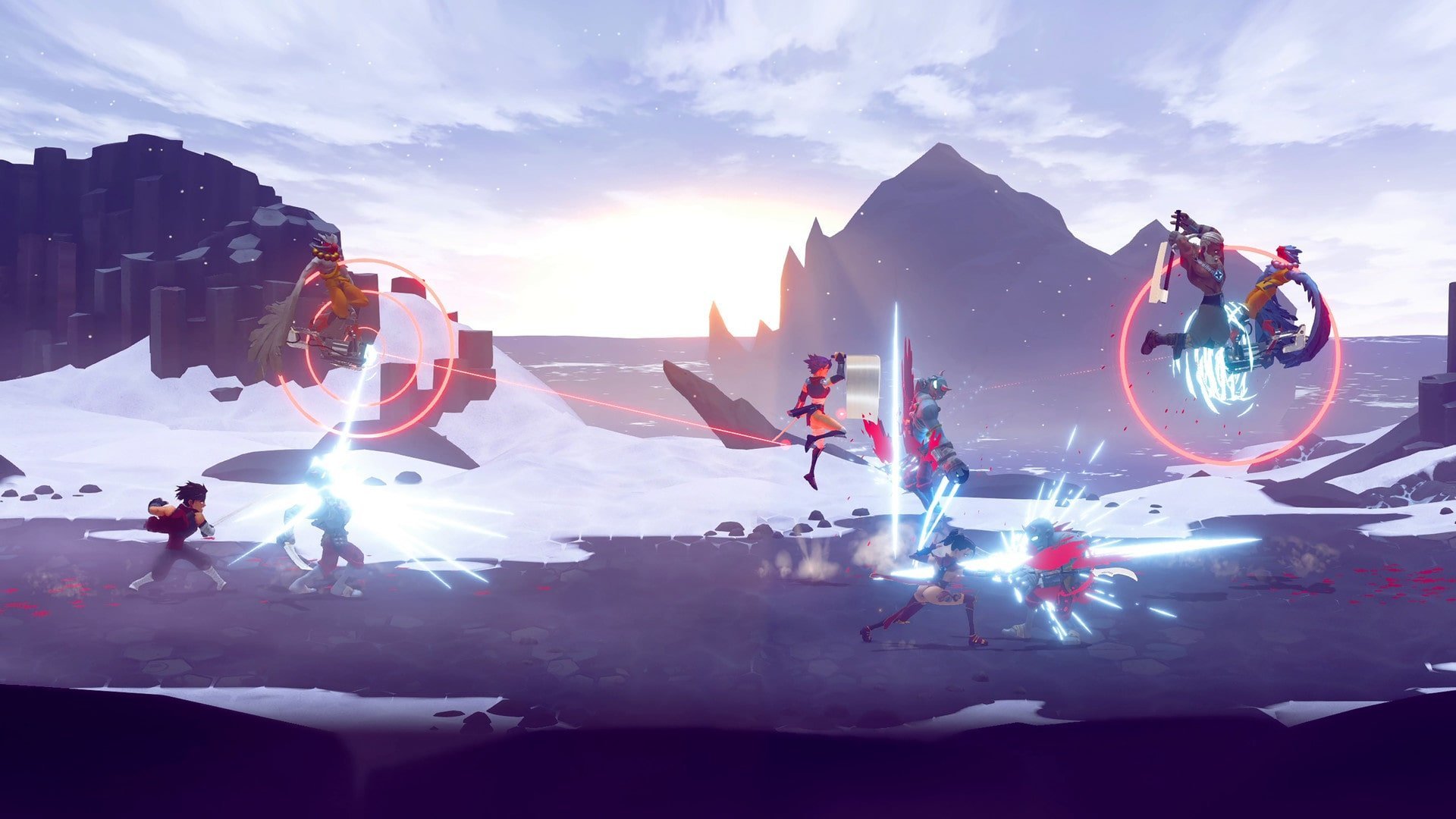
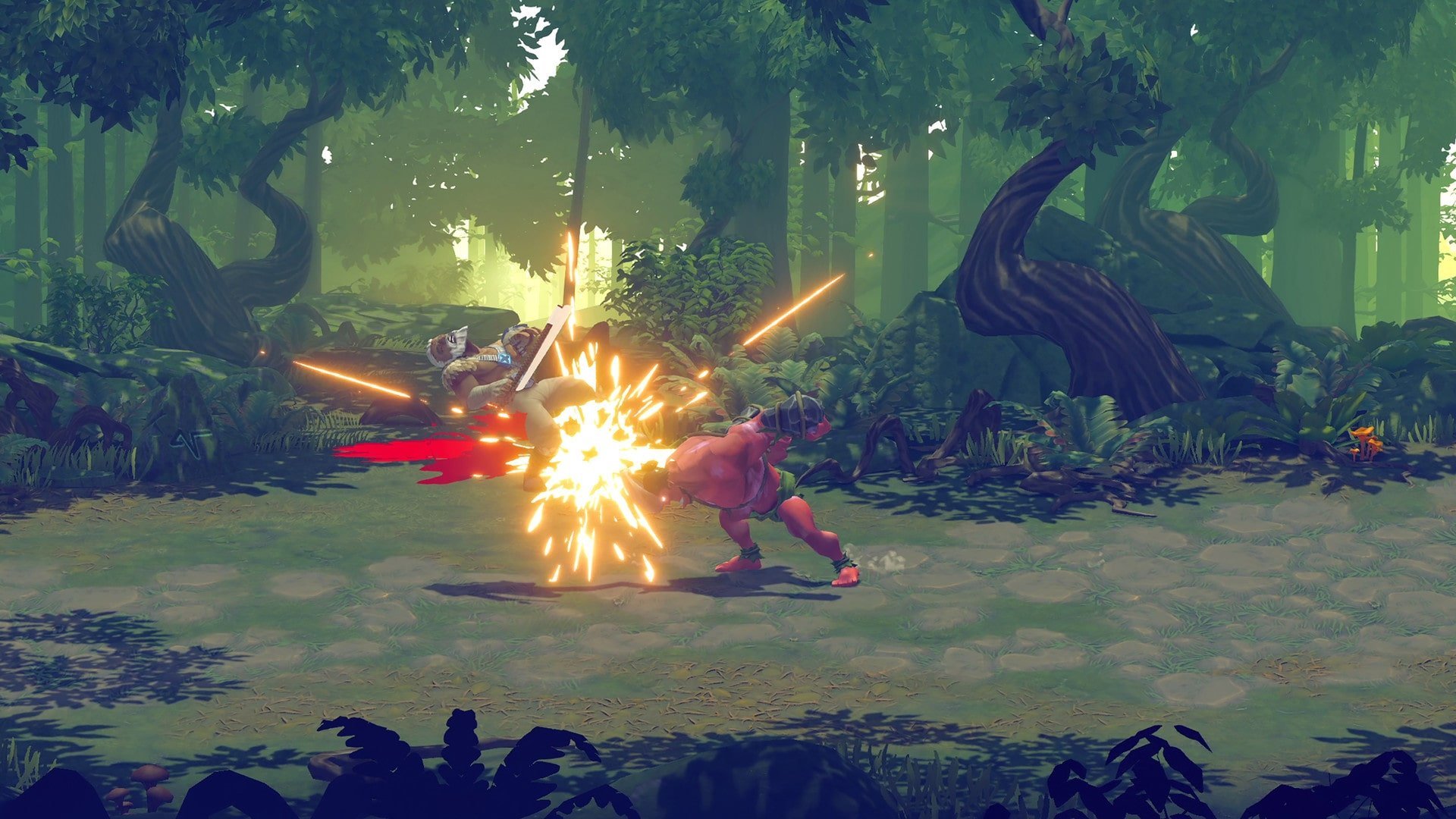
Shing! is a high-octane beat’em up for Mac users, featuring an advanced combat system and an impressive array of unique mechanics. Embark on a thrilling adventure with a team of four dynamic ninjas and transform every enemy you encounter into mincemeat. The diversity of adversaries is massive, ranging from hired mercenaries to mechanical monsters—each encounter will keep you engaged and on your toes as you progress through the action-packed journey. The game’s signature battle system, providing independent weapon control, delivers the power to pull off wildly creative combos. Add in the option to switch characters seamlessly during a fight, and you have an enormous playground for experimentation, enabling you to orchestrate epic battles on your Mac.
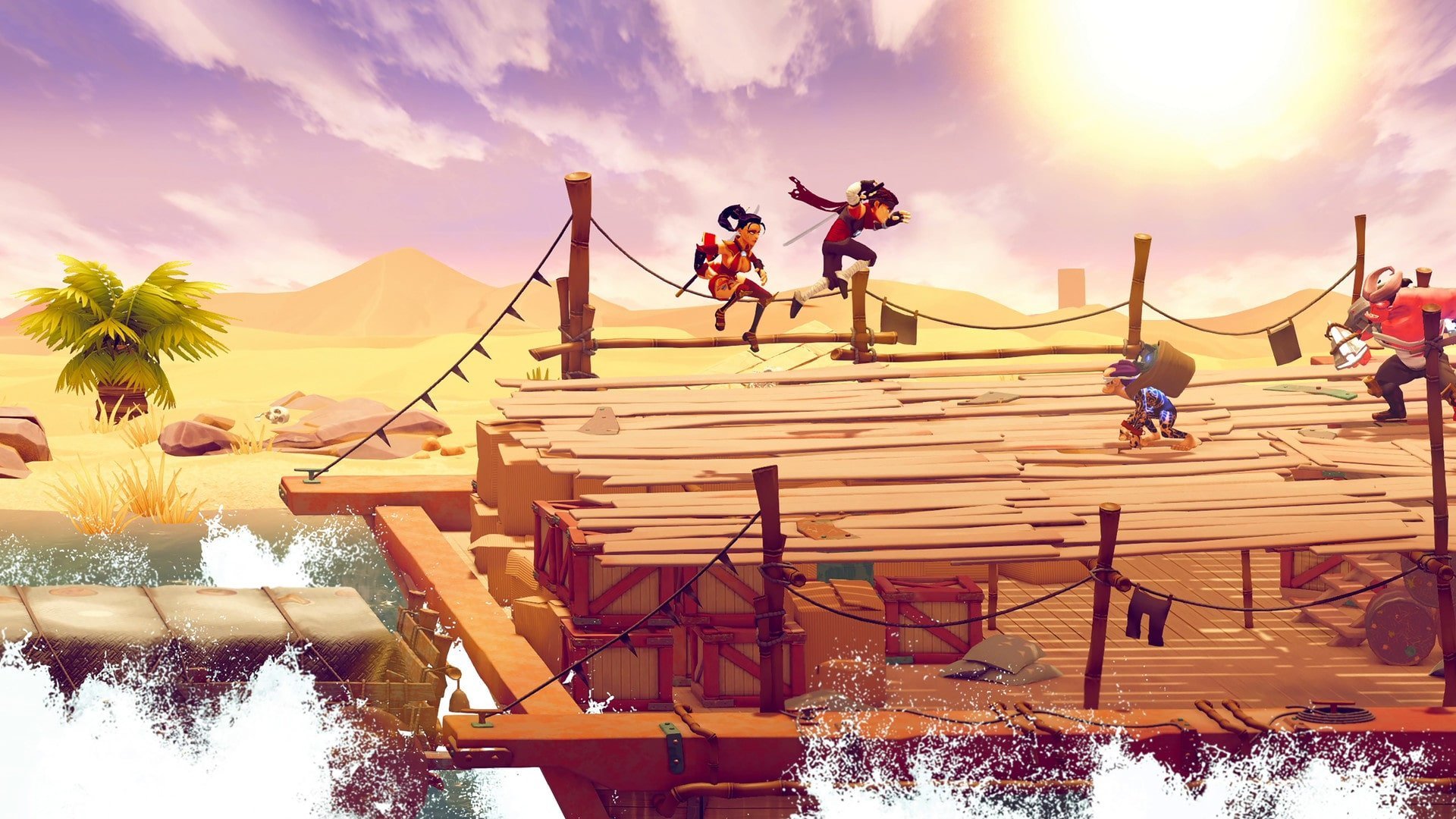
Each of the four available ninjas comes with their own distinctive special attacks and unique stats, letting you pick the perfect hero suited to your gaming style. Whether you go it alone or invite a friend for local co-op play, Shing! offers a dynamic adventure on Mac—combining fast-paced action, sharp humor, intense violence, and visually spectacular moments in every match.
Shing! is an energetic and delightfully crazy arcade action experience, a brilliant addition to the genre, designed to shine on your Mac. Take on the pivotal role of a professional ninja who must stand against the tides of evil and do whatever it takes to wipe out the forces of the enemy. Venture into a shrouded world steeped in darkness, where ruthless battles against terrifying demonic creatures are the norm. Your steadfast team of warriors stands ready to follow you through fire and water, all united in saving the world from total destruction. Prepare to face mythical beasts and unstoppable mechanical war machines, each determined to annihilate you and your allies. The game offers both single-player and cooperative modes—hone your skills solo or have endless fun with friends. Develop your character’s combat abilities, master new techniques, and always ensure your arsenal is equipped with powerful weapons and strong defensive gear. Be attentive and plan your actions ahead, using your opponent’s skills against them for dramatic victories.
Experience the most exhilarating combat system ever in the history of beat-em-up games on Mac. Become a lethal ninja and slice demons into pieces! Join your quirky team of ninja warriors on a blood-soaked journey through a high-energy world of mythical monsters and mysterious machinery.
FEATURES:
- Play solo or with friends in local co-op for up to four players on Mac
- Intuitive controls fully immerse you in gameplay: the right joystick manages your weapon, massively expanding your move set
- Gameplay remains fresh: master a layered combat system, outsmart smart enemies, and topple epic bosses in every fight
- Experiment freely: unleash combos, switch characters seamlessly in battle, and creatively use enemy abilities against them
With shing, shing game, and shing mac download, your Mac becomes the ultimate stage for unforgettable battles!
Frequently Asked Questions
You May Also Like
Reviews & Comments
No comments yet. Be the first to share your thoughts!