
Skate City icon

Skate City

Arcade and casual , Games

Description

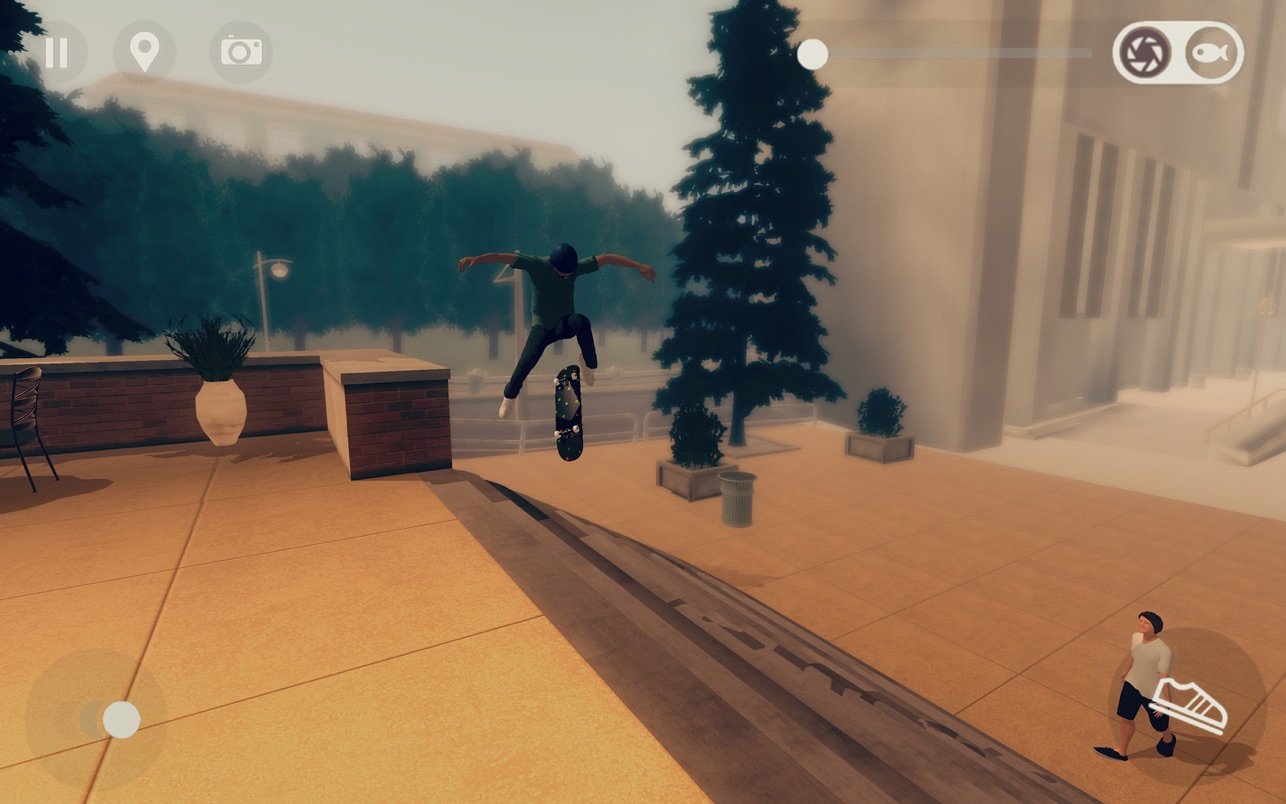
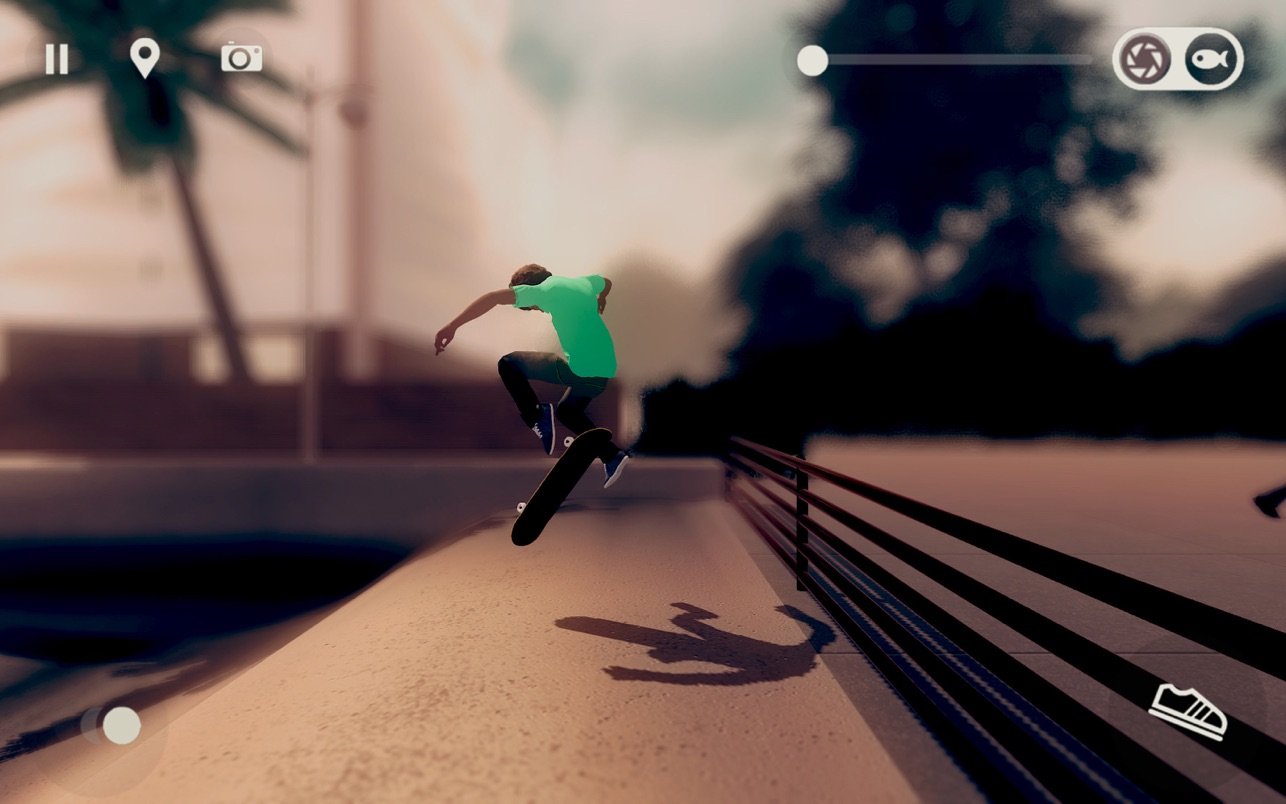
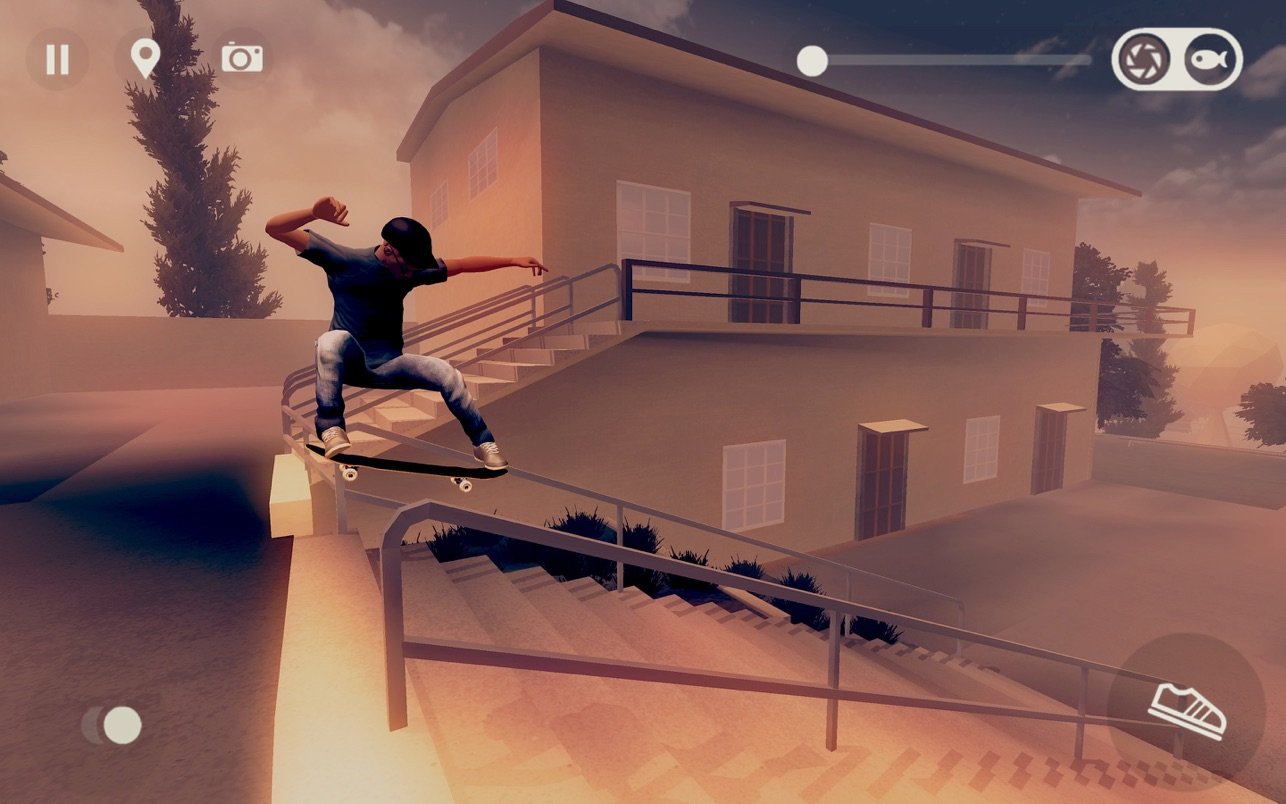
Master your street skateboarding tricks in Skate City on Mac. Sharpen your riding technique and boost your skills in an ever-changing and vibrant atmosphere, set in a variety of iconic city locations throughout the day and night. NOT JUST FOR SKATERS

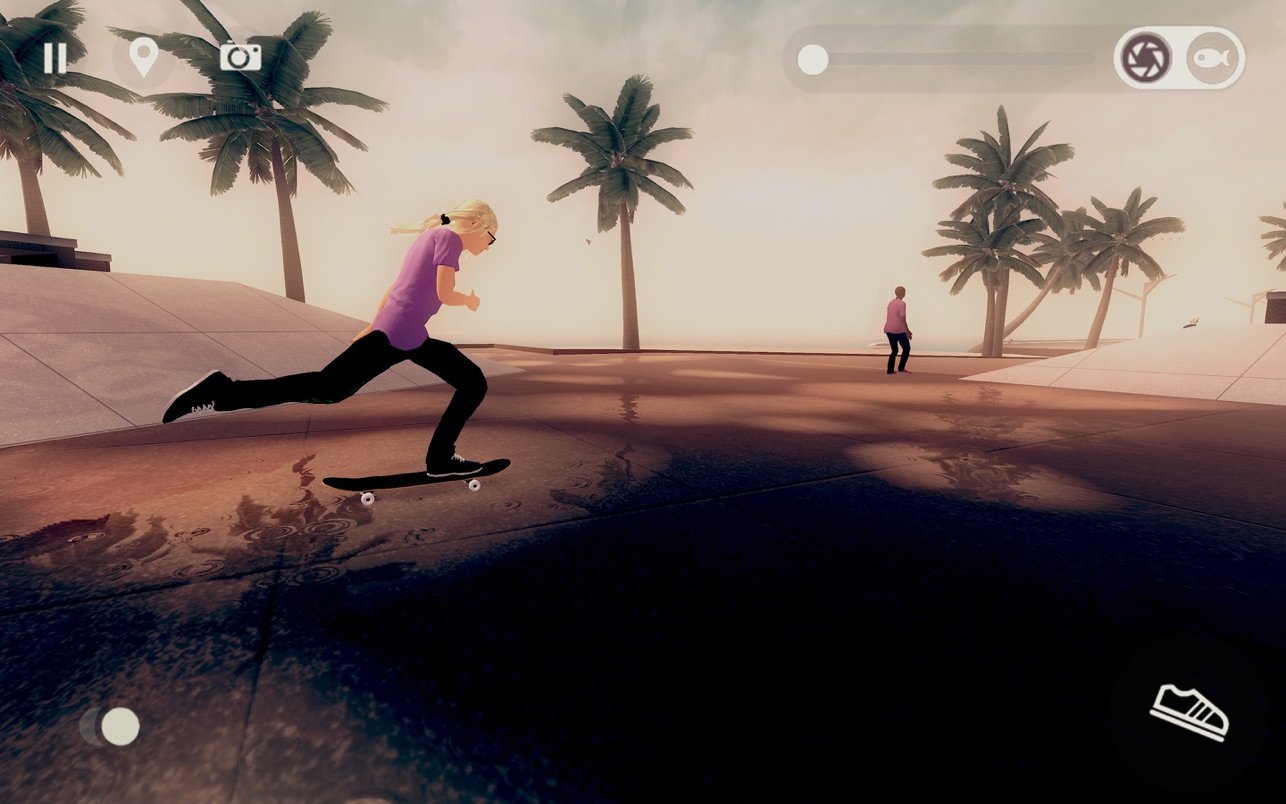
With Skate City game for Mac, everyone can experience the thrill of cruising down city streets, whether you’re a seasoned skater or a newcomer. The urban playground quickly becomes your second home as you flow through its concrete jungle. STREETS OF LOS ANGELES, OSLO, AND BARCELONA

Begin your skating journey on the sun-soaked streets of Los Angeles, then unlock Oslo and Barcelona, discovering each city’s unique style and secret spots. KEEP PUSHING TILL YOU SUCCEED

No matter if you’ve been skating for years or haven’t tried it before, Skate City makes it easy to improve. Replay any level as many times as needed, perfecting every trick until you nail them with style and confidence. PLAY FLAT OUT OR AT YOUR OWN PACE

Complete missions with 100% effort or simply enjoy learning new moves in the relaxed freeride mode. ADVANCE YOUR SKILLS AND SKATE GEAR

Level up your skills and browse the in-game shop to express your individuality—everything from boards and wheels to outfits and personal customization options are available. ENJOY GREAT MUSIC

A unique original soundtrack sets the tempo for rhythmic skating sessions. For a truly immersive Skate City Mac experience, plug in your headphones and dive deep into the soundscape of skateboarding. RECORD AND SHARE YOUR BEST MOMENTS

Capture your biggest tricks and smoothest combos using the built-in recording feature, then share your epic highlights from Skate City Mac with friends wherever you go.


Frequently Asked Questions

Is Skate City free?
Please check the developer's website for current pricing information.
The program is damaged or the file isn't working? Are there other problems?
Please read the installation instructions on the Download page carefully before proceeding. Additional help can be found in our article: Errors when installing applications on a Mac.
How do I update the app? Will my activation be affected?
Official updates can break activation unless the installation guide states otherwise. Download the latest version and install it over the existing one — this typically preserves your settings and activation.
How do I get the file? The download link isn't working. What does a .torrent file mean?
For large files, using a dedicated download manager like FDM is strongly advised. Chrome or a download manager handles file hosts much better than Safari. If the file ends in .torrent, you will need a torrent client such as Transmission.
A newer version is out. When will the site be updated?
The site administration does not create or patch software. Updates are submitted by independent contributors when ready.
Can I request an application? Where do I submit requests?
Neither the administration nor the editors build or patch software themselves. You can support the project and submit app requests through donation comments.
How can I switch the interface language?
Go to System Settings → General → Language & Region → Applications → "+", pick the app, then choose your preferred language. For Adobe products, language is typically selected during installation.
What is the right way to remove an app?
Use a dedicated tool such as App Cleaner & Uninstaller for a thorough cleanup. For Adobe software, the Creative Cloud Cleaner Tool ensures a fully complete removal.
Looking for assistance?
Paid remote support is available on the site (through AnyDesk, Zoom, or Skype) to guide you through installing apps on Mac or PC.

You May Also Like


Reviews & Comments

No comments yet. Be the first to share your thoughts!