
Description
The Demon King’s Castle Lies in Ruins
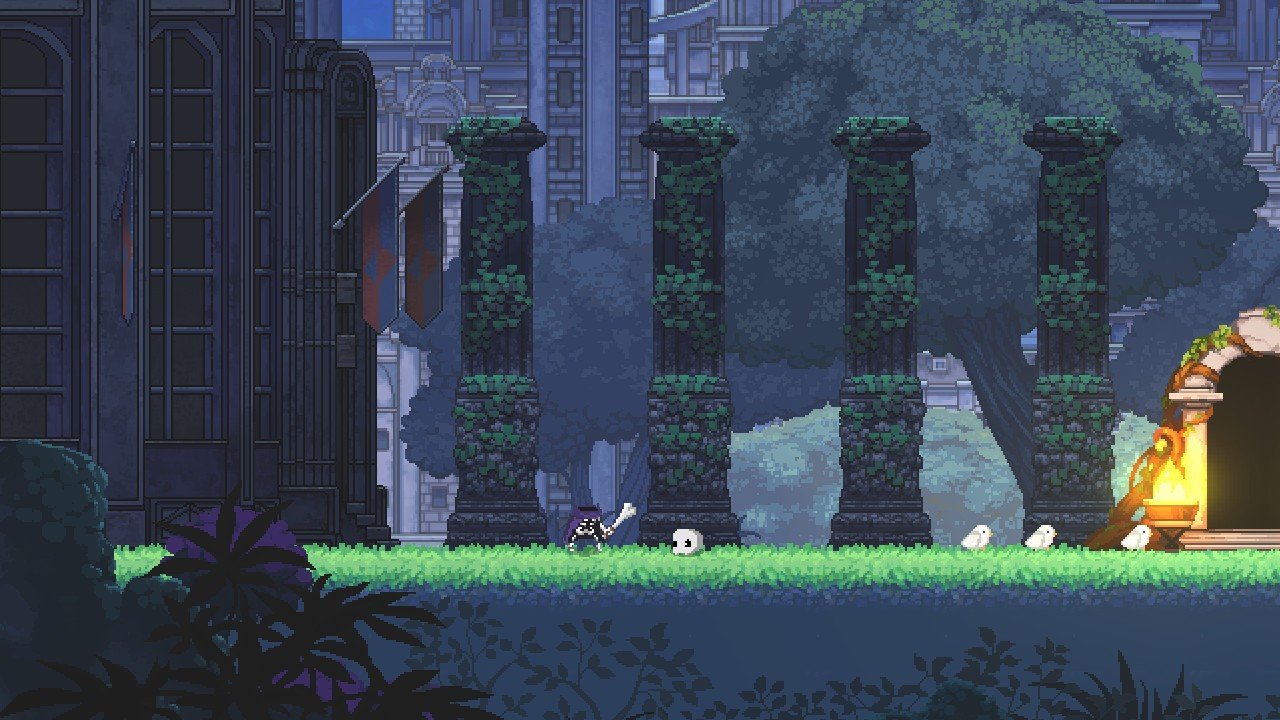
For ages, humans have attacked the Demon King’s castle, with countless invasions scorching its walls. Yet this time, everything changes. Unsatisfied with mere raids, the imperial army joins forces with daring adventurers. Now, led by the legendary hero of Carleon, they stage a full-scale assault, determined to wipe out every last demon from existence. Vastly outnumbered, the demons stand little chance, and their citadel is left in shattered ruins. All demonic residents are captured—except for one solitary, reclusive skeleton named Skul. This is where the unique journey of skul the hero slayer mac begins.
A Side-Scrolling Platformer for Mac
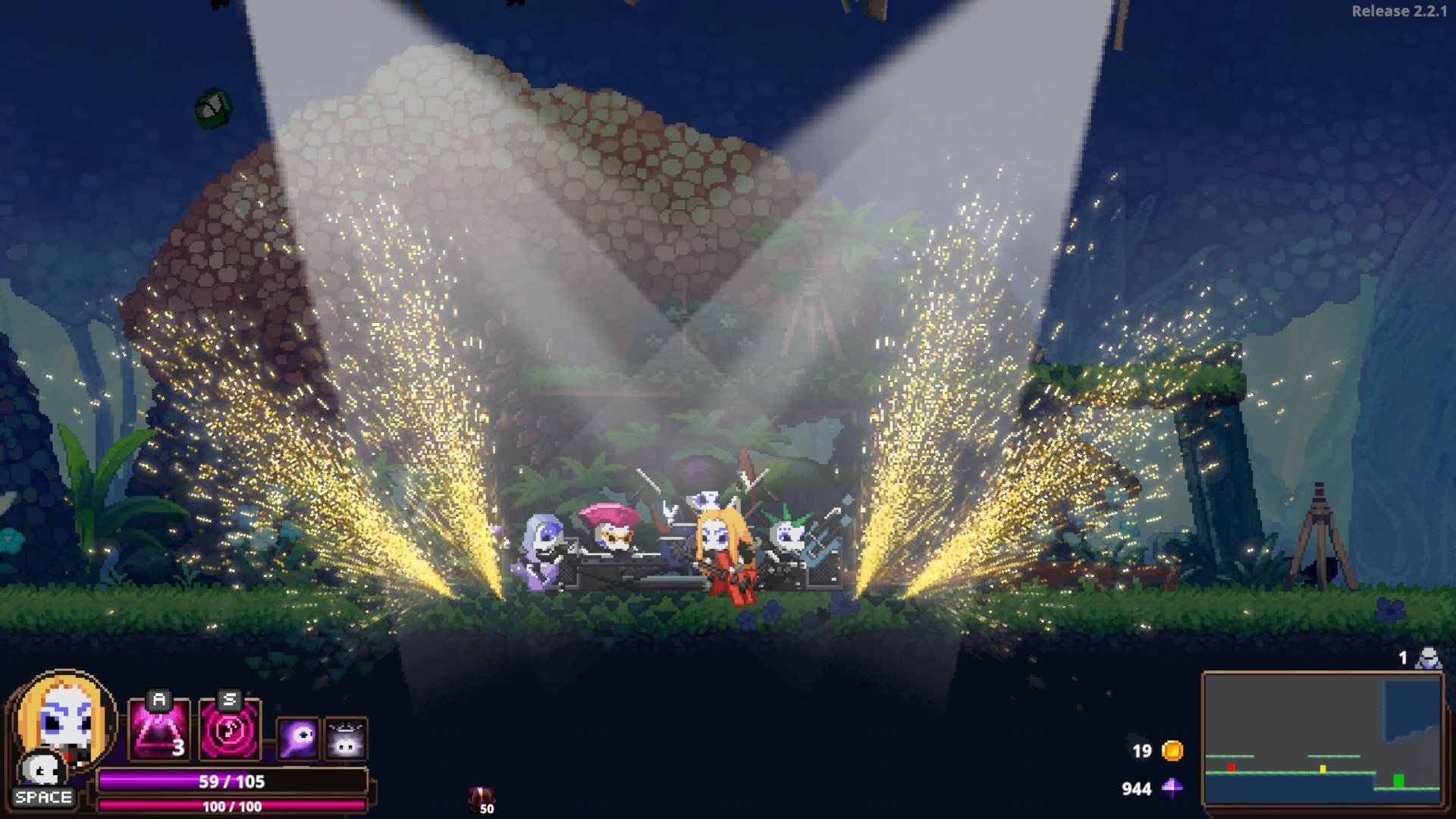
Skul: The Hero Slayer is an adrenaline-fueled platformer roguelike, now available for Mac. Featuring unpredictable, shifting map layouts and non-stop, heart-pounding action, Skul: The Hero Slayer never lets you grow complacent. With fresh environments and challenges around every corner, every run is fresh and filled with surprises—so you’re always on edge, never knowing what the next screen may bring.
Multitude of Skulls and Playable Forms
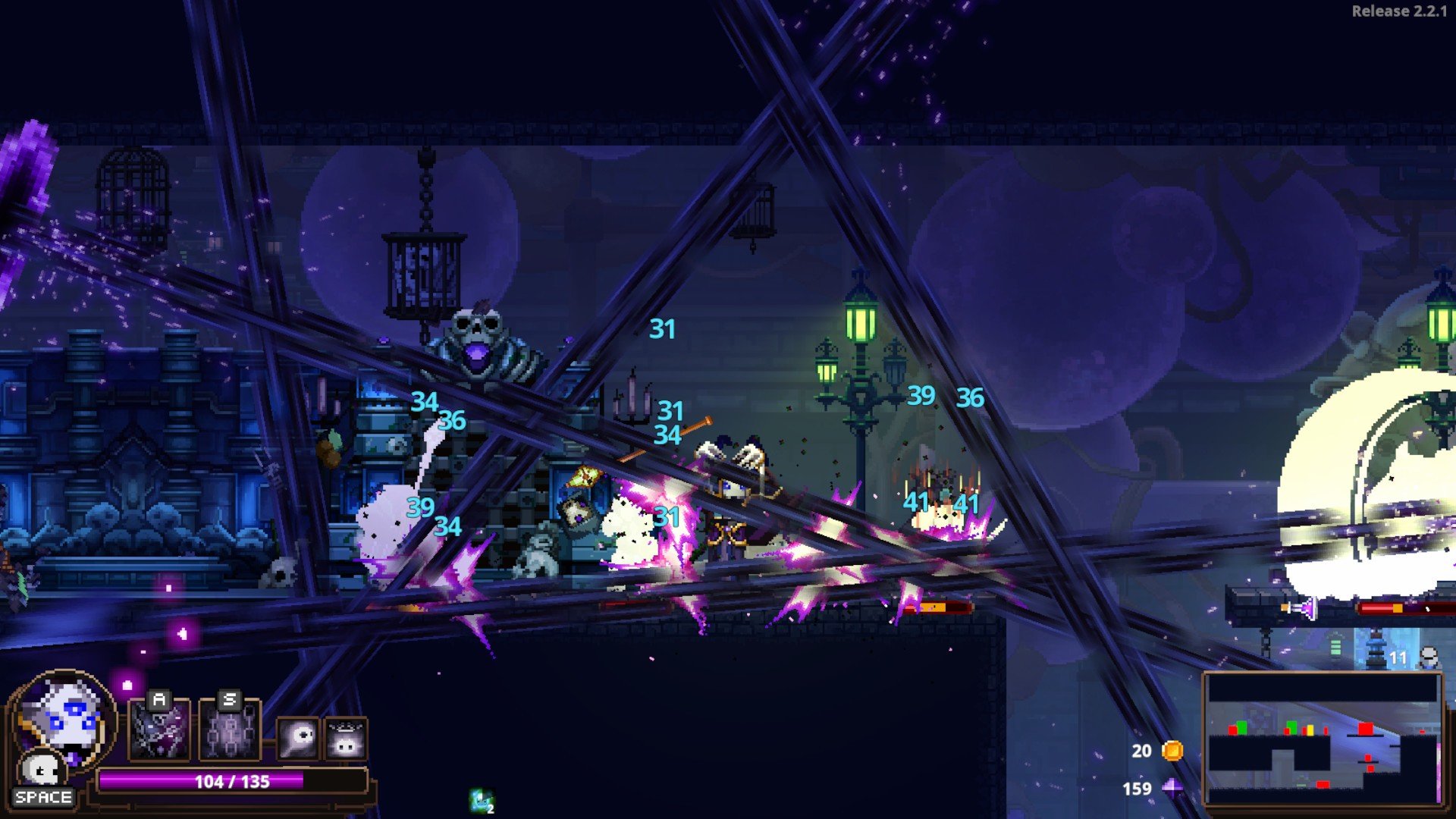
Skul isn’t your average skeleton. Beyond his formidable combat abilities, Skul can acquire an array of astonishing new powers simply by donning different skulls. You can equip up to two skulls at once, each offering its own unique attack range, speed, and raw power. Mix and match skulls to create combinations that perfectly fit your preferred playstyle, and switch between them on the fly during battle. Outsmart your enemies, adapt quickly, and remember — in skul the hero slayer mac, the ultimate power is at your fingertips!
Face Adventurers
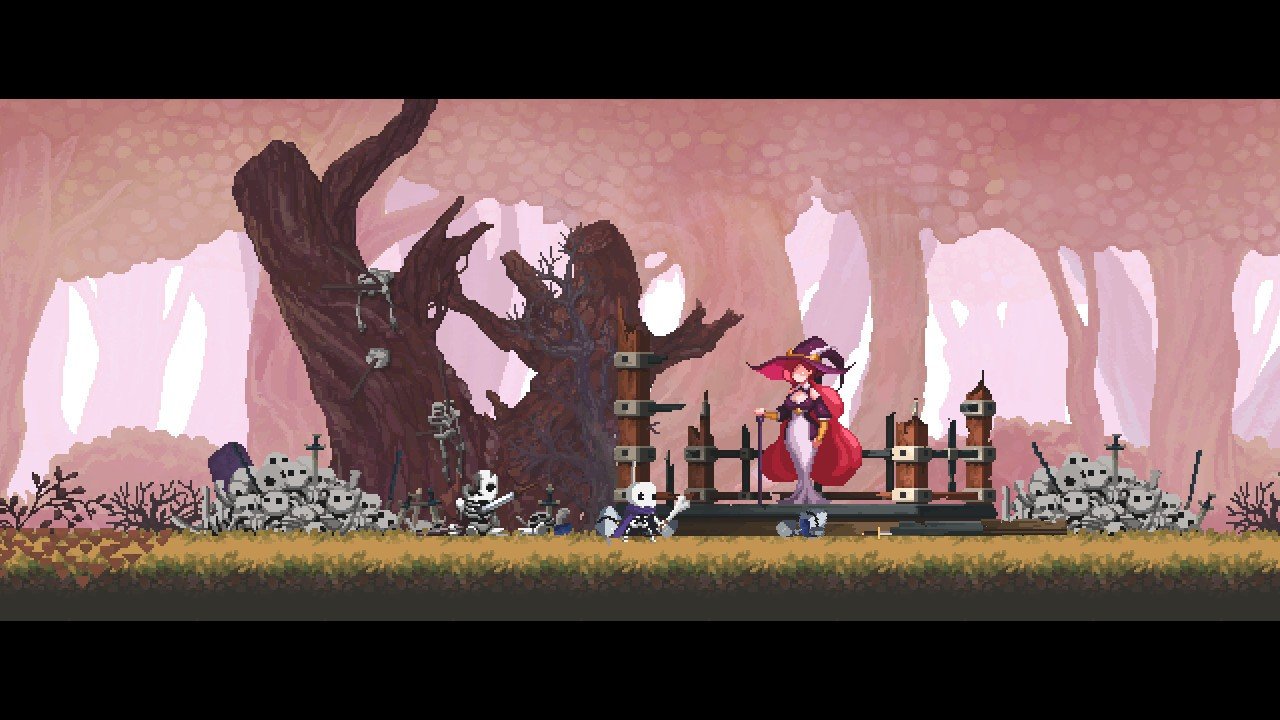
Crossing paths with a dangerous band of adventurers, Skul finds himself up against fierce opponents who hunt demons for the thrill of the chase. Despite his small frame, Skul packs a punch and won’t back down from a fight. As you play, you’ll soon discover that in this world, the line between hunter and hunted is razor thin—Skul may just surprise those who underestimate him.
Bosses Corrupted by Dark Quartz
At the end of each chapter, prepare to face gigantic bosses, transformed and empowered by the sinister force of Dark Quartz. Born from pain and hatred for all living things, this mysterious crystal corrupts and enslaves everything it touches. Overcome these mighty adversaries if you hope to survive and continue your quest as Skul: The Hero Slayer on your Mac.
Frequently Asked Questions
You May Also Like
Reviews & Comments
No comments yet. Be the first to share your thoughts!