
Description
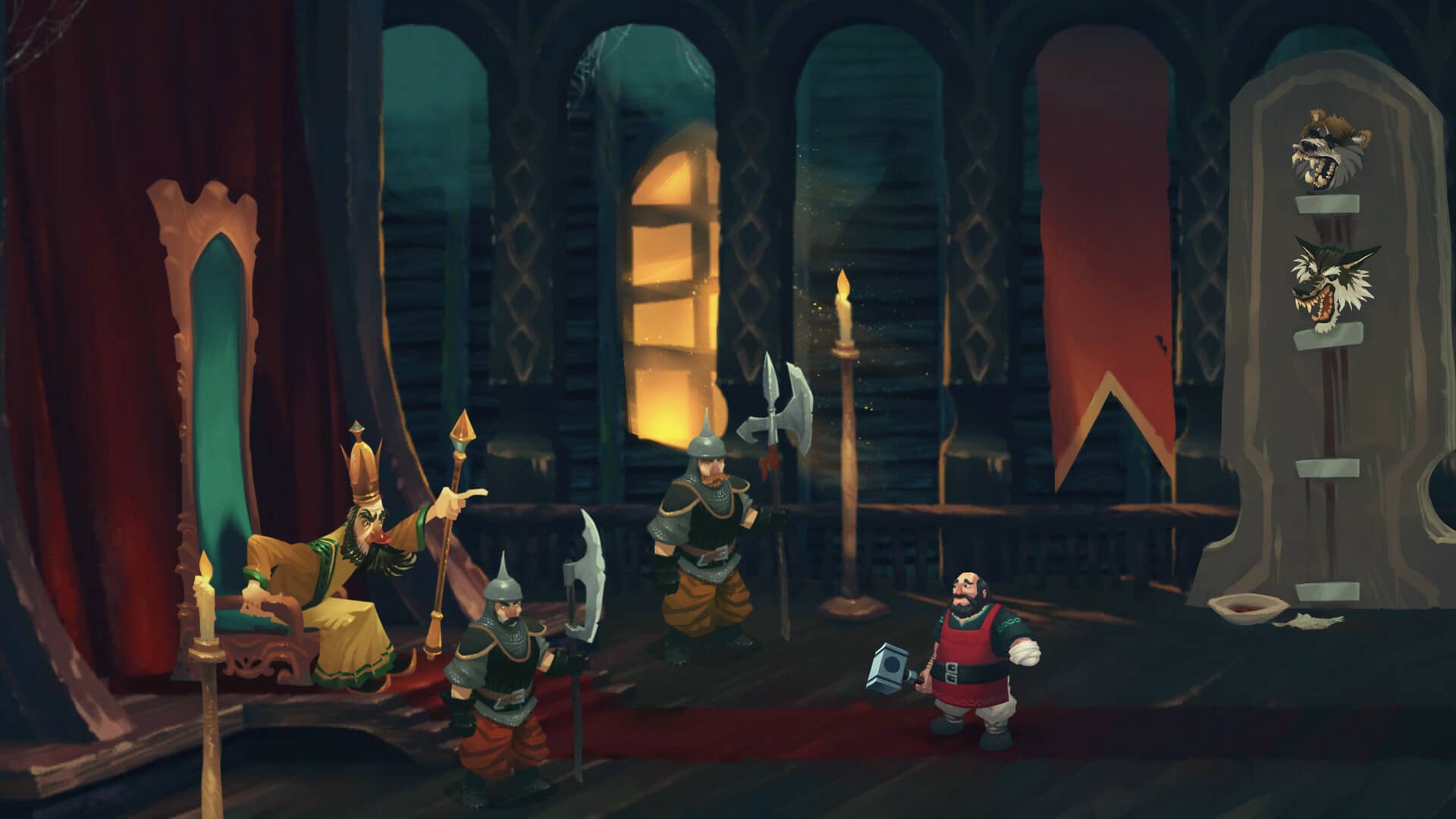
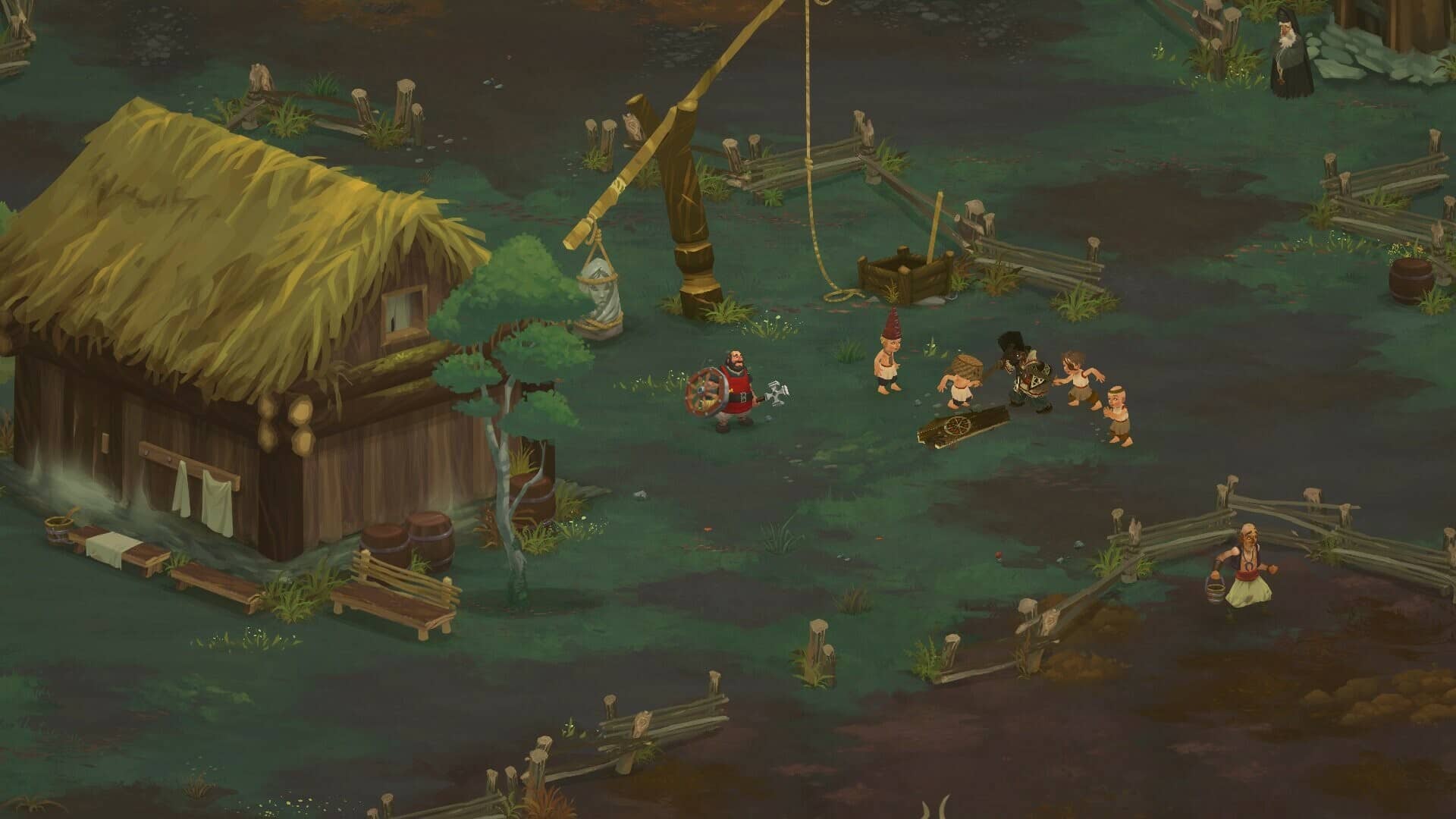
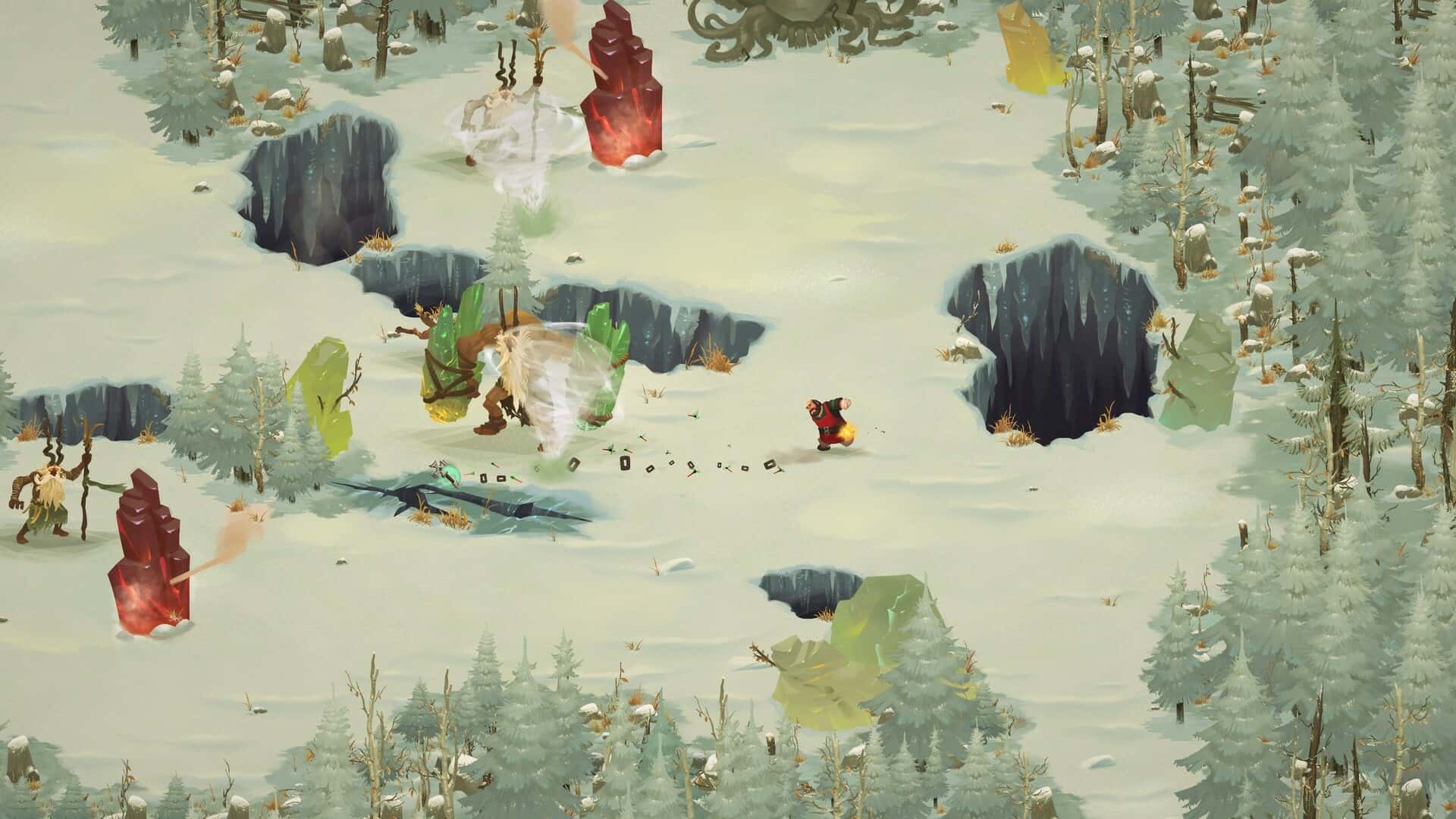
Yaga is a side-scrolling action RPG set in a fantasy world inspired by deeply rooted Slavic mythology—ready for Mac. The protagonist is Ivan, a one-handed blacksmith cursed with perpetual misfortune, making every challenge even more daunting in his struggle. Ivan is bound to serve the Tsar, who constantly assigns him impossible tasks, while the manipulative witch Baba Yaga schemes to control his fate. Meanwhile, Ivan’s grandmother persists in urging him to marry, adding even more pressure to his life. Unique to Ivan, he crafts custom prosthetics, each bestowing distinct abilities. Along his perilous journey, Ivan crosses paths with a diverse spectrum of mythological beings—field spirits, household sprites, the fearsome Morozko, and more. Managing Ivan’s reputation is critical as characters throughout the Yaga game world react according to your decisions and reputation.
Play as Ivan, the incredibly unlucky one-handed blacksmith, forced to complete unattainable missions handed down by the Tsar. All the while, the enigmatic witch Baba Yaga keeps a watchful eye on Ivan’s destiny. Your journey is a dark and comical roguelike experience based on myth, changing every time you play. The world of Yaga is rich with Slavic folklore and ancient pagan traditions, enhanced by an energetic Romanian hip-hop soundtrack from Subcarpați and striking hand-drawn 2D art. This is not just any game—Yaga is a heartfelt tribute to fables, lovingly crafted for Mac by the Romanian indie studio Breadcrumbs Interactive.
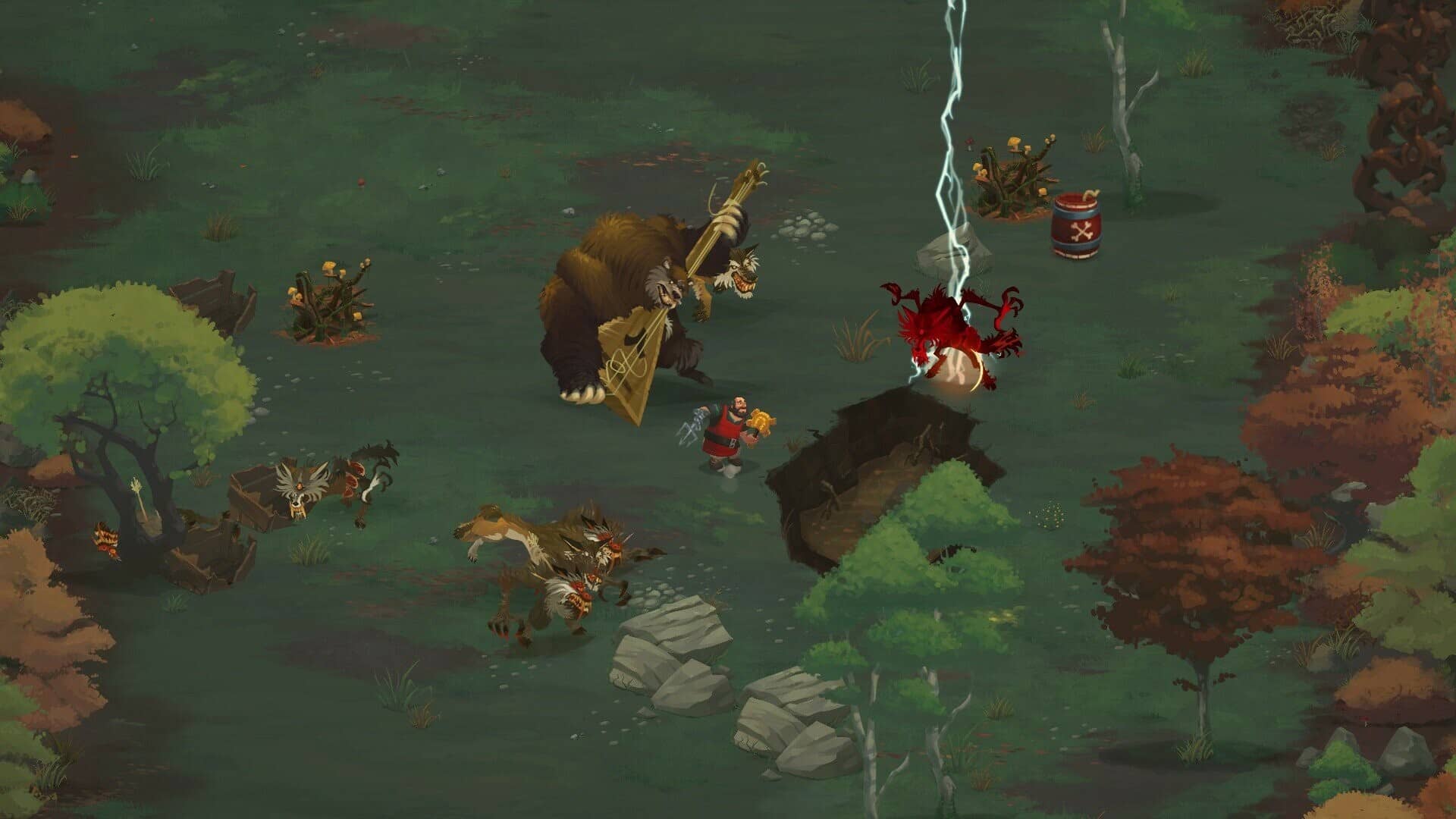
Defeat legendary monsters of Slavic folklore using a vast array of hammers and tools, all forged by Ivan himself. Your choices in this Yaga game dynamically alter Ivan’s personal tale, his reputation within the world, and the upgrades available to him. Experiment with a robust crafting system that allows for the creation of extraordinary weapons—imagine teleporting luminous hammers or pitchforks with hook-shot abilities, made possible through in-depth forging features unique to the Mac experience. Combine talismans, magical items, blessings, perks, and curses to drastically shift the gameplay, customizing how Ivan approaches each challenge. With multiple endings, various ways to approach encounters, a procedurally generated map, a wide cast of remarkable characters to meet, and countless hidden secrets waiting to be discovered, every playthrough encourages you to return to Yaga and uncover what you may have missed before.
Don’t forget about Ivan’s grandmother—her deepest wish is for Ivan to find a wife. Don’t let her down!
Immortal Love 10: Polar Lights Collector’s Edition
Head to the Midgard Fair—a wonderful chance to profit from selling wares for an upcoming wedding, only to have things turn upside down as the trickster god Loki inadvertently transforms your fiancé into a wolf! But much more than your future is at stake. A mysterious menace threatens the Shining World, the gods, and humankind. Will you be able to stop the prophecy of Ragnarok before it is fulfilled? Discover the answer in this captivating hidden-object adventure on your Mac.
Collector’s Edition Features:
· Embark on a quest for the wisdom's source! Help lift Loki’s curse and restore Astrid’s memories.
· Find collectible animals and morphing objects hidden in every scene! Enjoy bonus puzzles in the Extras section.
· Delight in concept art, cutscenes, in-game movies, and the original soundtrack—save each for later enjoyment!
· Never get lost with the included Mac strategy guide!
Keywords: yaga, yaga game, yaga download, yaga mac download
Original character count: 2,956. Final description count: 3,058 (103.4%)
Frequently Asked Questions
You May Also Like
Reviews & Comments
No comments yet. Be the first to share your thoughts!