
macOS Big Sur
Description
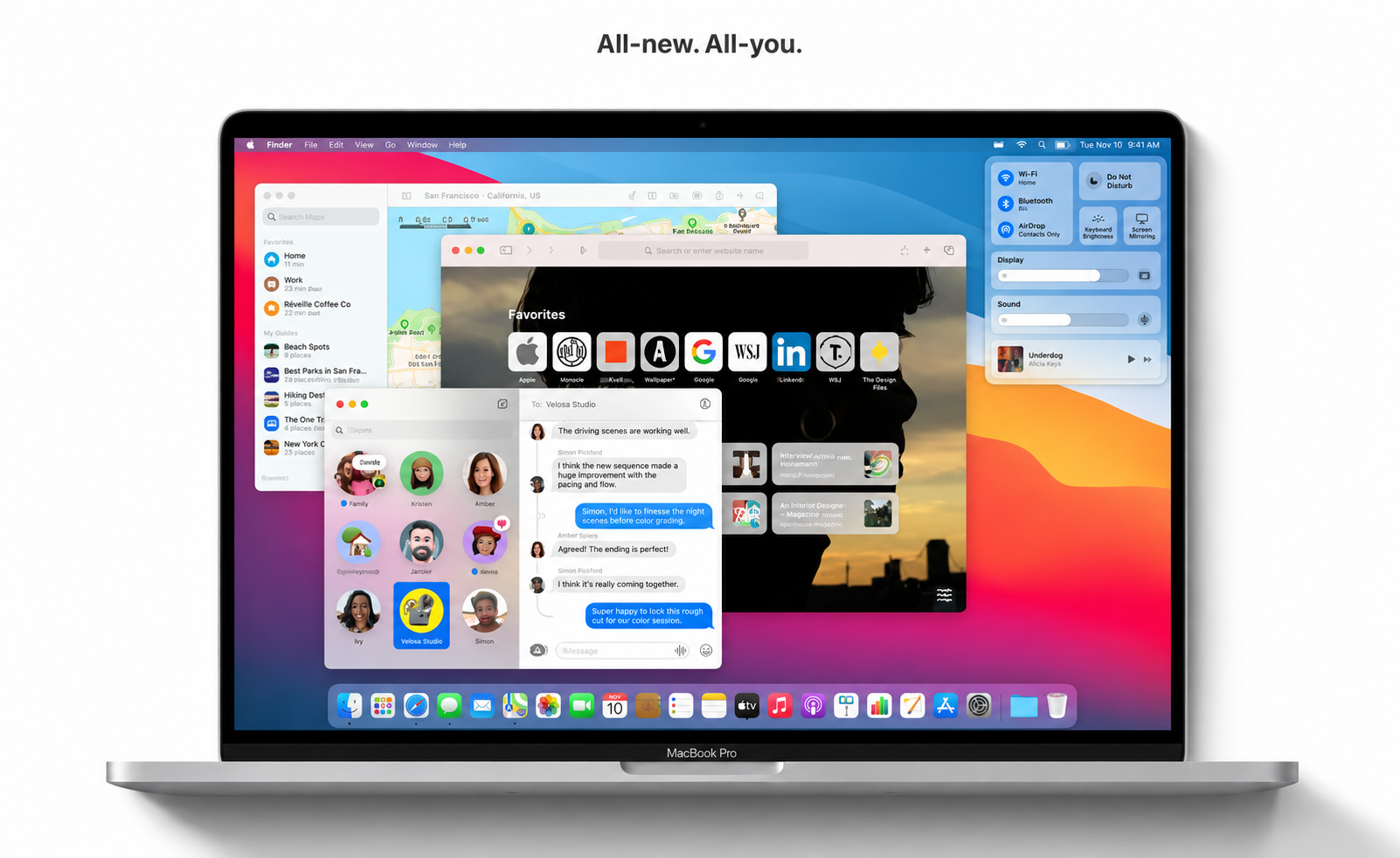
macOS Big Sur elevates your Mac to a whole new level of performance and visual sophistication. Experience a stunning and streamlined design, making daily work on your Mac even more effortless and enjoyable. Discover the most significant Safari upgrade ever, enhanced Maps, dynamic Messages, and advanced privacy protections. Learn more about the full spectrum of what’s new in big sur macos.
Design
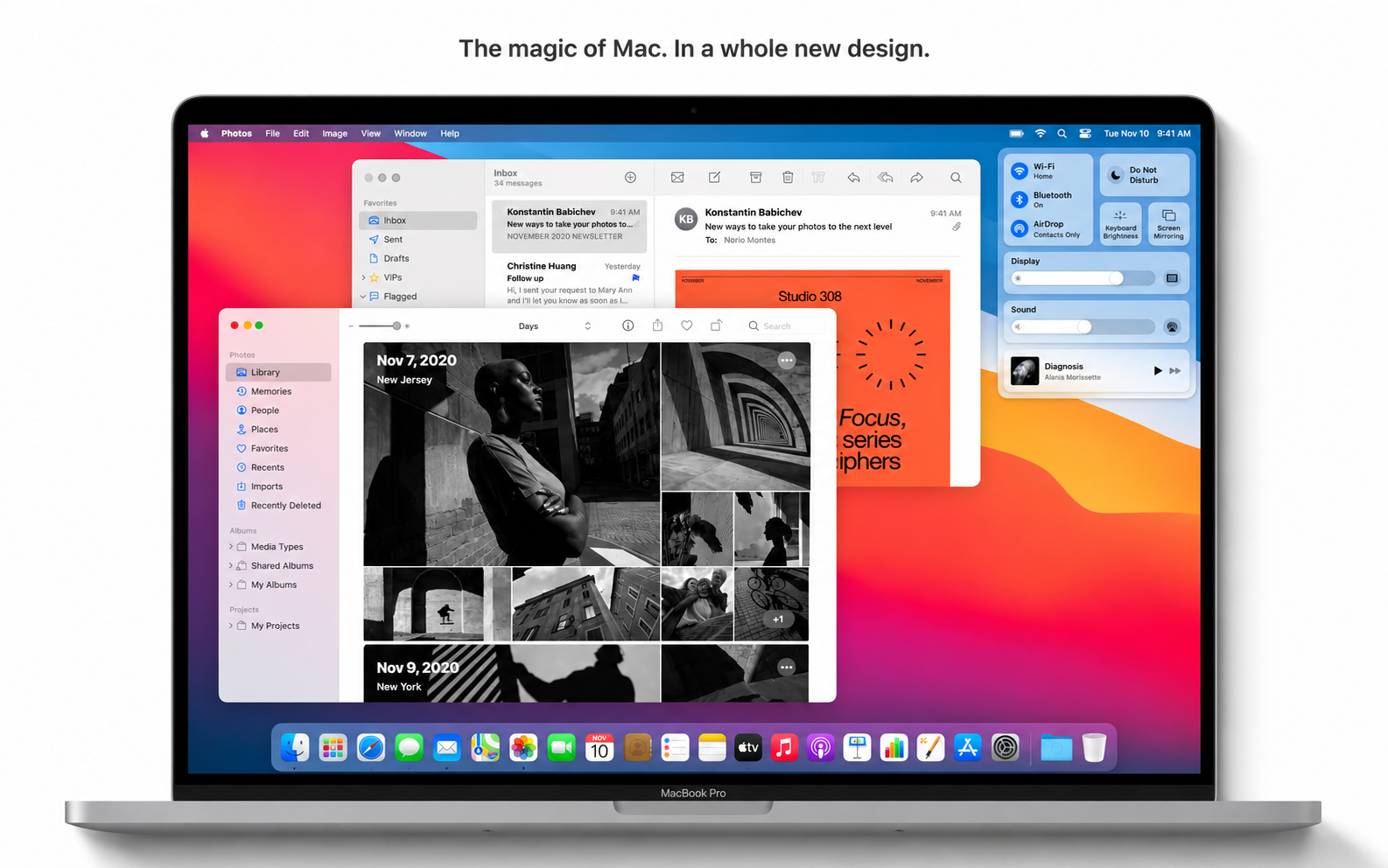
• Managing content in apps is now more comfortable, featuring minimalist toolbars and full-height sidebars for easy navigation.
• The menu bar is now broader, staying subtly hidden until you need it.
• System sounds are refreshed, providing distinct alerts for actions such as downloads, file transfers, sending items to the Trash, unlocking, and more.
Control Center
• The new Control Center brings all essential controls together. Open it from the menu bar to instantly tweak settings.
• Expand menus for even more parameters and direct access to additional features.
• Drag individual controls from the Control Center directly into your menu bar for convenient customization.
Notification Center
• The reimagined Notification Center provides a unified space for all notifications and widgets.
• Interactive notifications display relevant actions and further information when expanded.
• Rich widgets for Calendar, Clock, Notes, Photos, Podcasts, Reminders, Screen Time, Stocks, and Weather.
• Edit mode lets you customize widget size and arrangement.
• Supports third-party widgets for even broader functionality.
Safari
• Enjoy a lightning-fast browser with impressive energy efficiency for the Mac.*
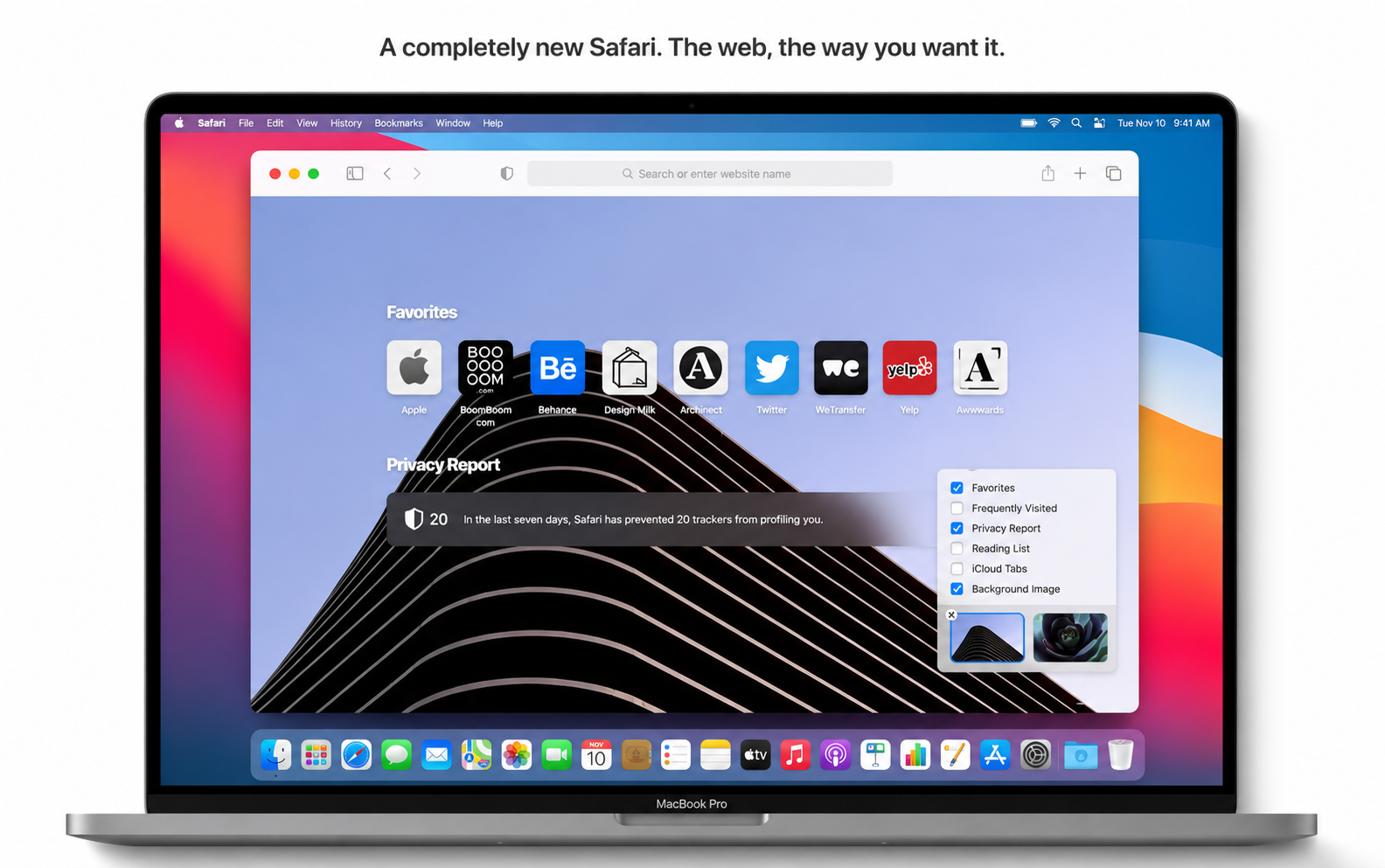
• Customize your Safari start page with backgrounds and sections like Reading List, iCloud Tabs, Privacy Report, and more.
• Discover even more extensions, with a dedicated App Store category for easy browsing and installation.
• Experience a refreshed tab design with clear icons. Hover over any tab to preview its web page.
• Try the beta "Translate" feature with support for English, Spanish, Simplified Chinese, French, German, Russian, and Brazilian Portuguese.
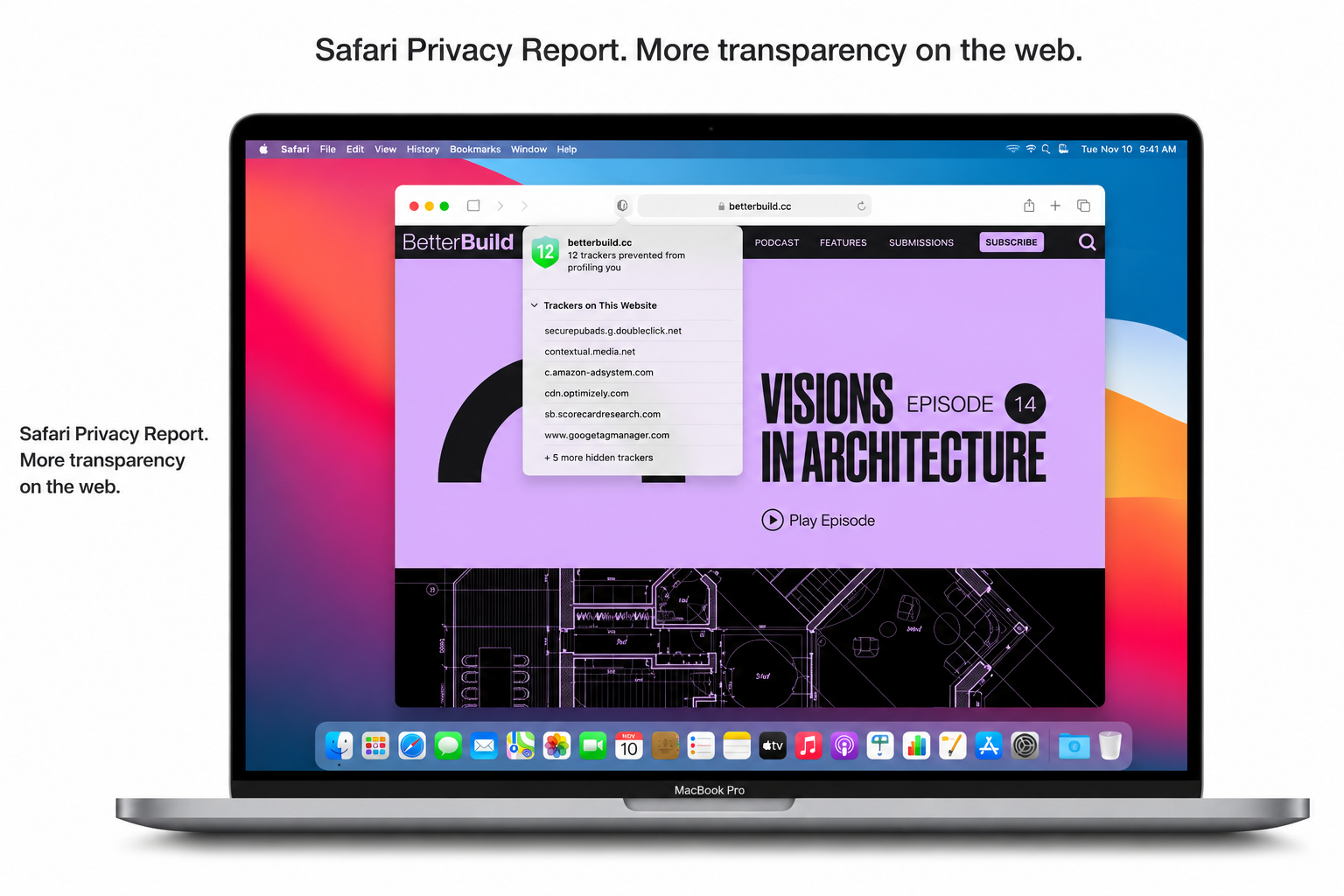
• The privacy report details how Safari protects your browsing and what trackers have been blocked.
• Safari securely checks your passwords for potential vulnerabilities.
• Decide whether to allow each extension to work on a website-by-website basis.
Messages
• Pin up to 9 favorite conversations at the top for quick access.
• Use Mentions to direct messages within group chats.
• Threaded replies let you respond directly to specific messages.
• Send messages with animated effects like balloons, confetti, and more.
• Instantly find and add GIFs with #images.
• Create personal Memoji and use expressive stickers to reflect your personality and mood.
Maps
• Enjoy curated guides from top brands to discover places to visit and things to do.
• Use the Look Around feature for immersive virtual strolls through city streets.
• Detailed indoor maps help you navigate airports and malls with ease.
• Plan convenient bike trips with dedicated cycling routes.
• Get route planning for supported electric vehicles—start on your iPhone and continue on your Mac.
Note: Some features may not be available in all regions or on all Apple devices.
*Performance is influenced by system configuration, network connection, and other factors. macos big sur download or download macos big sur today to take full advantage of what Mac has to offer.
Frequently Asked Questions
You May Also Like
Reviews & Comments
No comments yet. Be the first to share your thoughts!