
macOS Catalina
Description
With macOS Catalina, you’ll fall in love with your Mac all over again. Experience three entirely new apps: Apple Music, Apple TV, and Podcasts, now designed for the Mac. Discover the "Find My" app, which helps you locate your missing Mac with ease. Popular iPad apps are now available on Mac, and there’s also the groundbreaking ability to use your iPad as a second display, expanding your workspace and creative options. No matter your workflow or interests, macOS Catalina promises to surpass every expectation you have of your Mac.
Apple Music
Gain access to 50 million songs with an Apple Music subscription, available to download or stream directly from your Mac. The iTunes Store is at your fingertips, letting you purchase single tracks or complete albums with ease. Your entire collection—from purchases, downloads, or imported CDs—is seamlessly organized in the all-new Music library.
Apple TV
Buy or rent the newest movie releases quickly and conveniently. Start watching on your Mac and continue later on another device—whether it’s Apple TV, iPhone, iPad, or supported smart TVs—thanks to flawless handoff.
Podcasts
Discover podcasts by name, topic, guest, host, or specific content right from your Mac. Subscribe to your favorites and have the latest episodes automatically downloaded for offline listening. Begin an episode on your Mac, then resume instantly on your iPhone, iPad, or Apple Watch, keeping your listening in sync.
Sync and Backup
Sync all your important content and easily back up, update, and restore your device software via Finder when you connect your iPhone or iPad to your Mac.
App Store & Apple Arcade
With a single subscription, enjoy access to over 100 captivating new games—all with no ads and no in-app purchases. Stay up to date with new game releases, expert-curated collections, and recommendations in the refreshed Arcade tab on the App Store. Play anytime across iPhone, iPod touch, iPad, Mac, and Apple TV.
Mac Catalyst
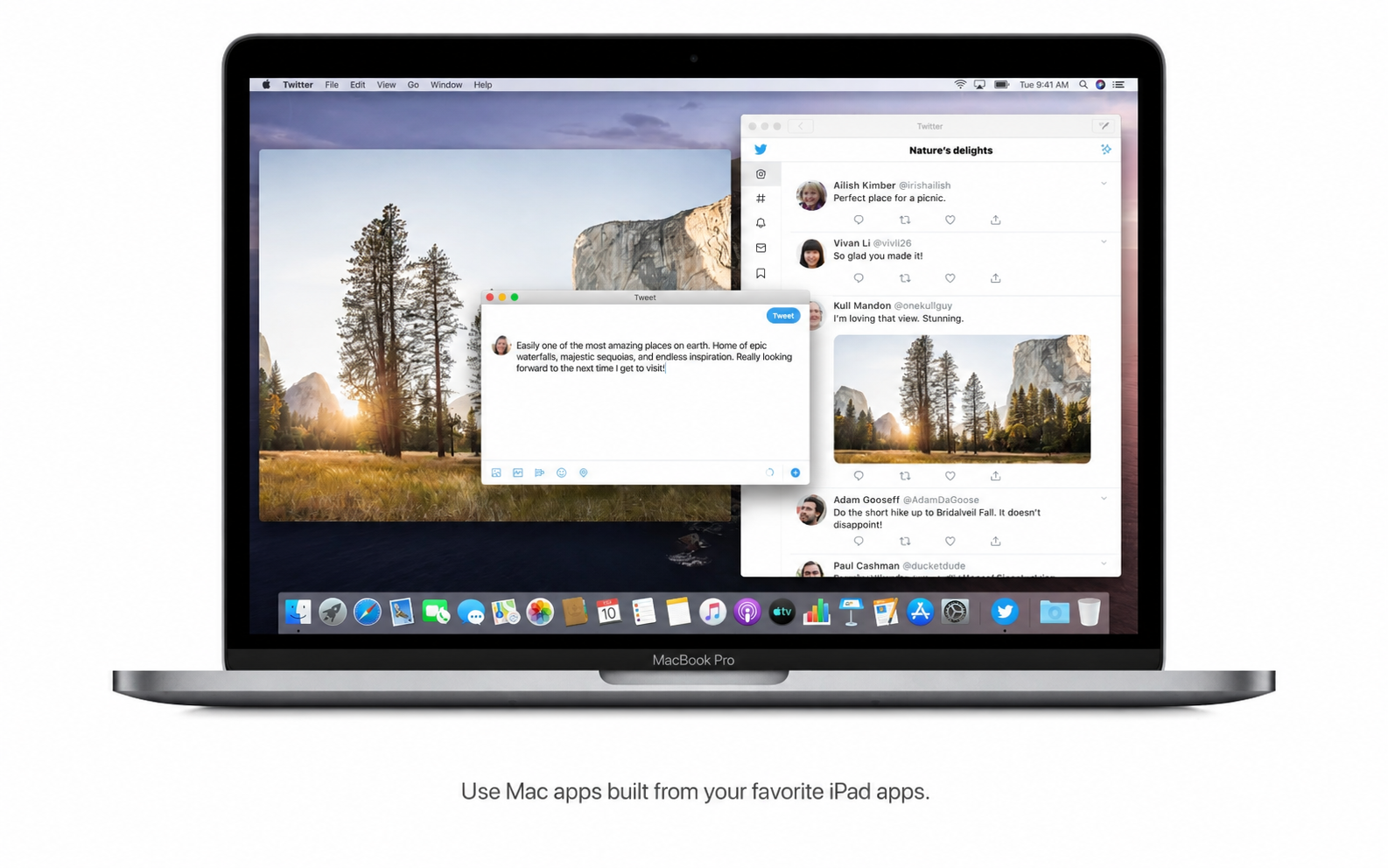
Developers can use Mac Catalyst to effortlessly bring their iPad apps to your Mac, providing even more ways to enjoy your favorite apps.
Sidecar
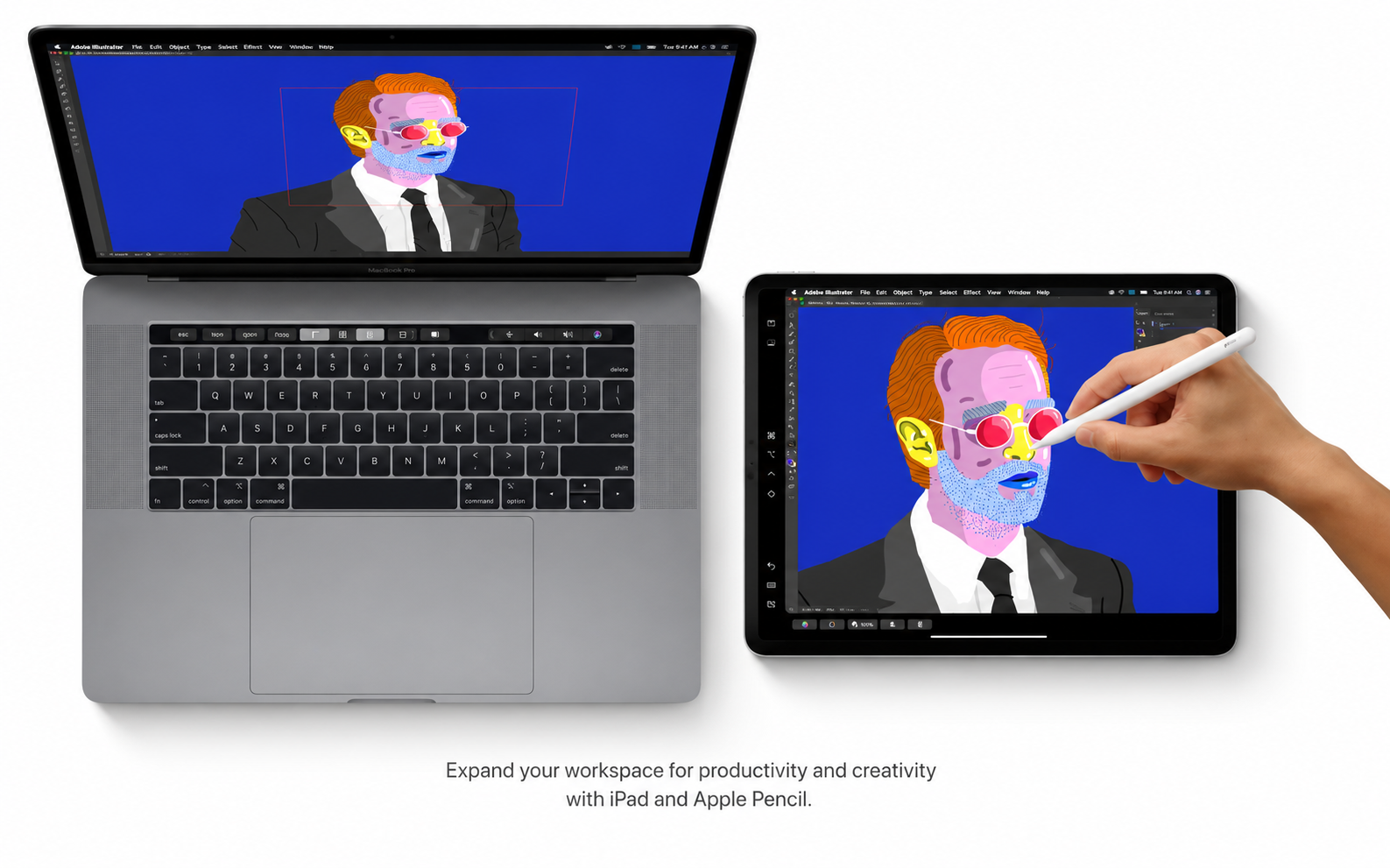
Expand your Mac’s workspace by connecting your iPad as a second display. Place different apps on each screen, use your Mac for sketches, and keep tools and palettes accessible on iPad. For professionals, Apple Pencil brings precision drawing tools to creative Mac apps.
Continuity for Markup and Sketching
Make sketches on your iPad or iPhone and instantly insert them into Mac documents. Sign PDFs and annotate screenshots stored on your Mac using your iPad or iPhone, streamlining your workflow across devices.
Accessibility
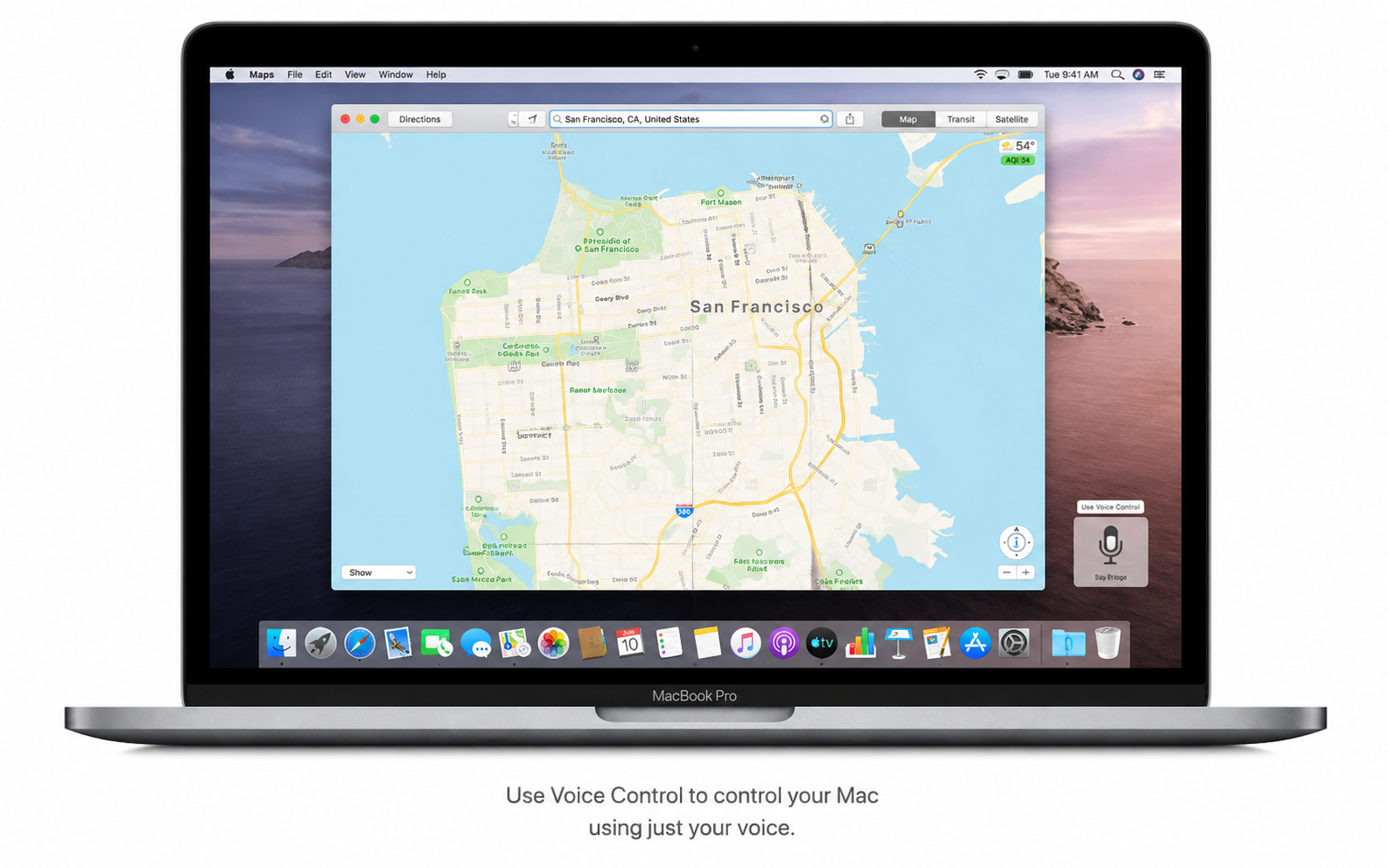
Voice Control lets you operate your Mac using only your voice, empowering hands-free navigation. Enable hover text for a resizable, high-resolution window that enlarges text under your pointer. With dual monitors, Screen Zoom increases magnification on just one display for custom accessibility.
Security
Every app in macOS Catalina is checked by Apple for known malware, ensuring your safety. Enhanced privacy settings mean apps must request your approval to access data, giving you more control over your information.
Find My
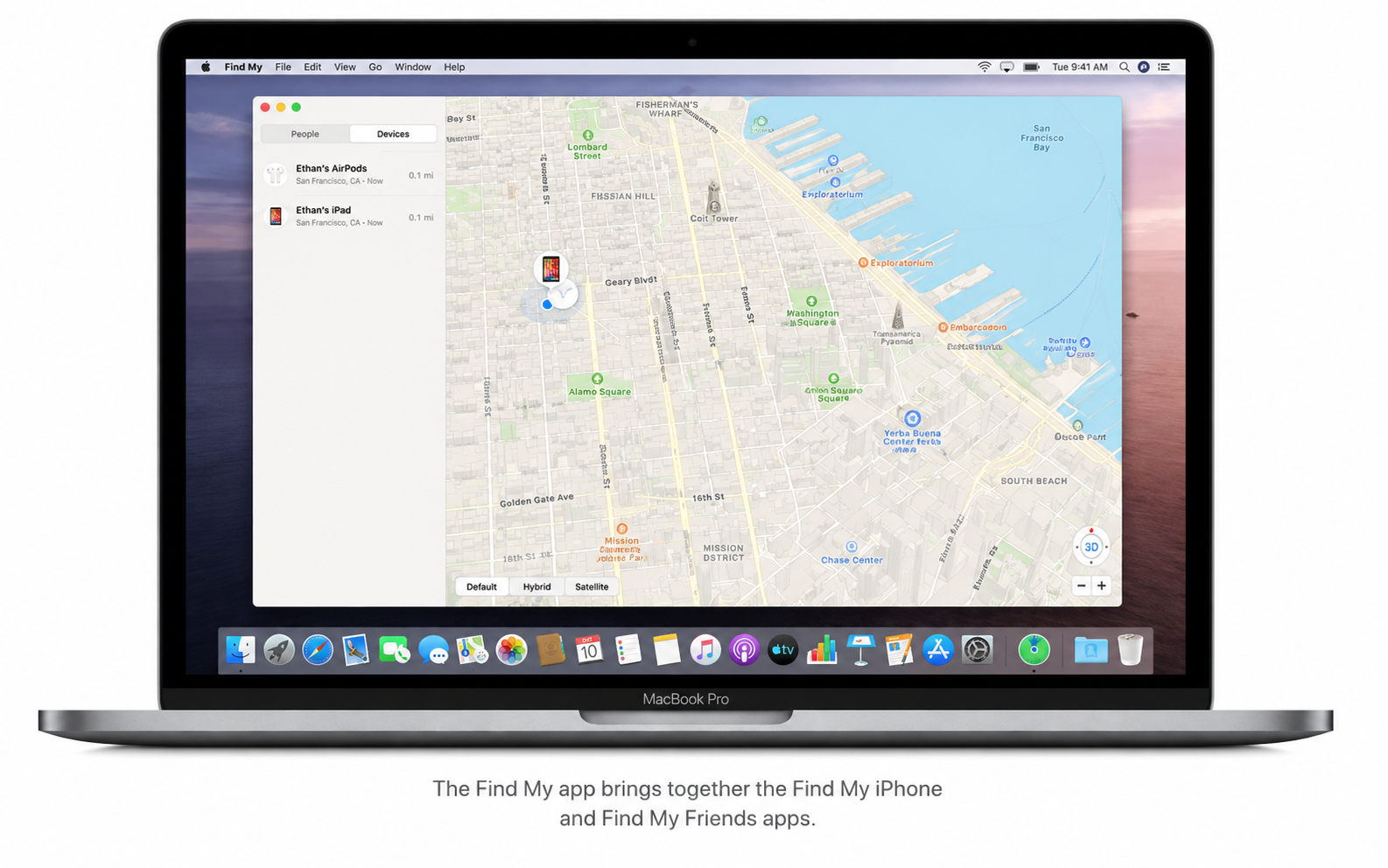
The innovative Find My app makes it easy to track your devices or check the locations of friends and family. Locate Macs even if they’re offline, not connected to Wi-Fi or cellular. Activation Lock, powered by the Apple T2 Security Chip, helps secure your Mac against unauthorized use.
Photos
Experience a striking new interface to rediscover your photos and memories in dynamic, interactive layouts. Watch curated memory movies, select duration, set mood music, and personalize titles to bring your memories to life.
Safari
The updated start page displays frequently visited sites, bookmarks, reading list entries, iCloud tabs, and even links shared with you in Messages. Safari now generates strong, reliable passwords to protect your accounts.
Notes
Gallery view lets you browse notes visually as clear thumbnails. Enhanced search finds text within scanned documents and even recognizes objects within photos. With Shared Folders, you can give others access to all notes within a chosen folder for seamless collaboration.
Reminders
Powerful new editing tools let you add dates, locations, flags, attachments, and more to reminders, making it easier to stay organized and productive, harnessing everything macOS Catalina has to offer.
Keywords used: macOS Catalina, macos catalina download, download macos catalina, catalina macos.
Frequently Asked Questions
You May Also Like
Reviews & Comments
No comments yet. Be the first to share your thoughts!