
macOS Mojave
Description
macOS Mojave is the latest version of Apple’s flagship operating system, widely recognized as the top software platform for desktops and laptops, and it brings a truly impressive array of enhanced features and an increased focus on automating many everyday processes for users of compatible Macs.
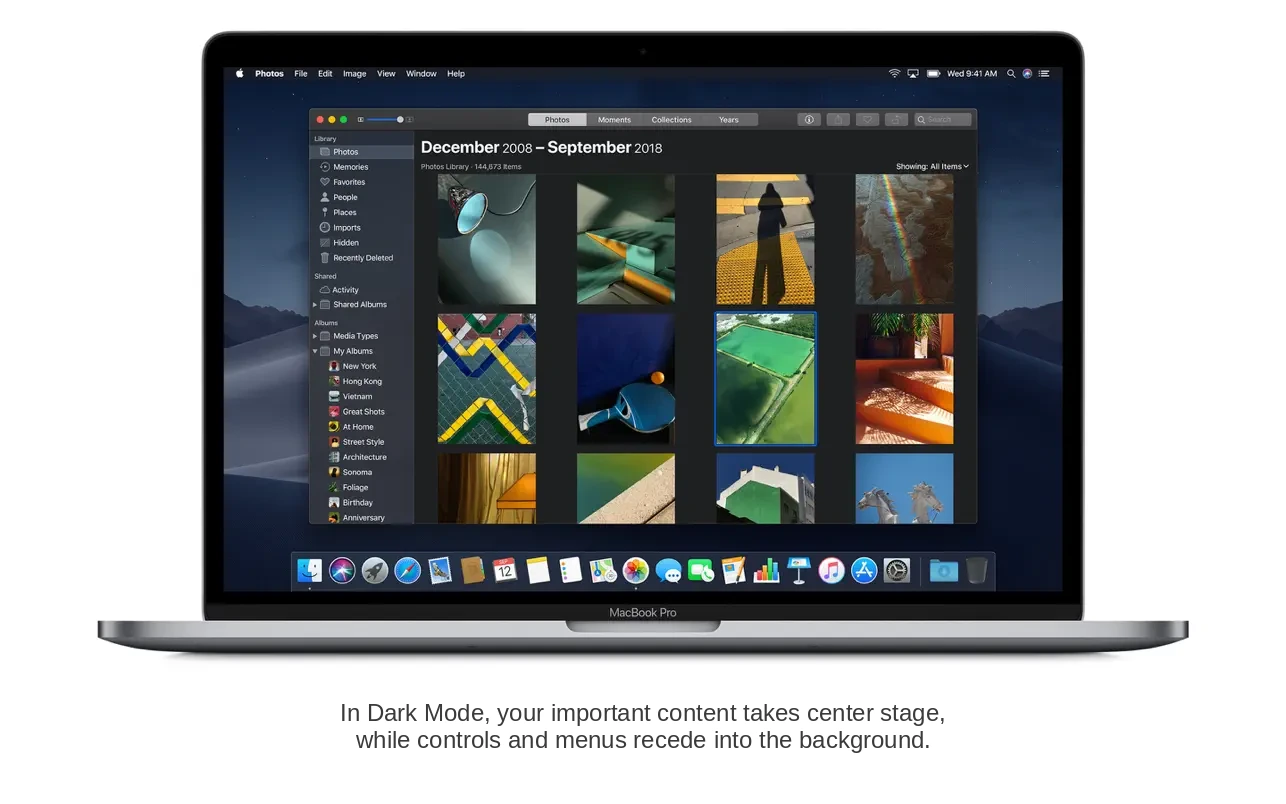
Dark Mode in macOS Mojave
With macOS Mojave, Apple introduced Dark Mode for the first time in its desktop OS. This mode adapts the interface with darker shades, making working on your Mac more comfortable at any hour of the day and under a variety of lighting conditions. Both the desktop environment and built-in Mac applications support this elegant, low-light display option, creating a cohesive visual experience.
Stacks
A standout feature called “Stacks” simplifies desktop organization by automatically sorting files. Stacks can group files by extension, date created, or other parameters, making it easy to keep your workspace tidy in a way that matches your personal preferences.
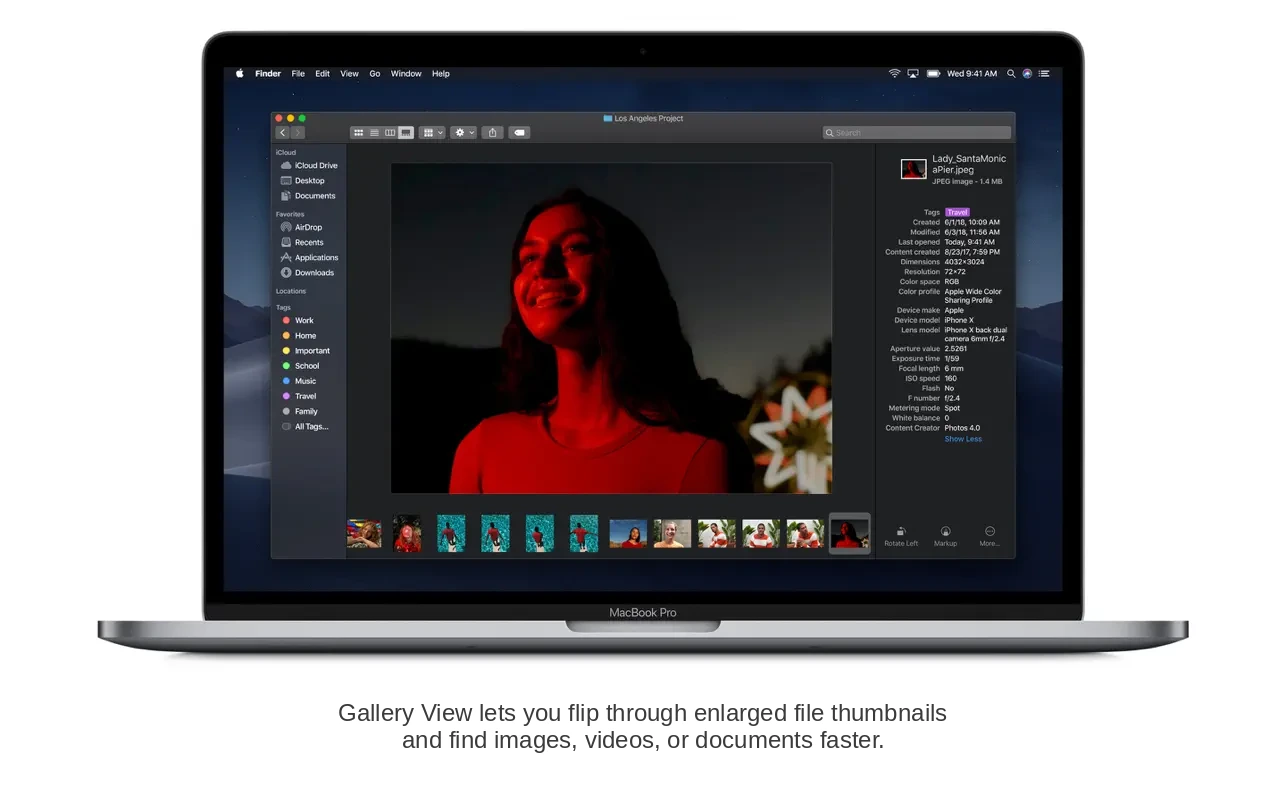
Finder
Apple made significant improvements to Finder in macOS Mojave. There’s now a Gallery View, allowing you to preview file thumbnails and see their metadata at a glance, greatly enhancing file management efficiency and interaction. You can also edit media files—trimming and rotating them—or protect documents with a password right from Finder, all without the need to open them fully.
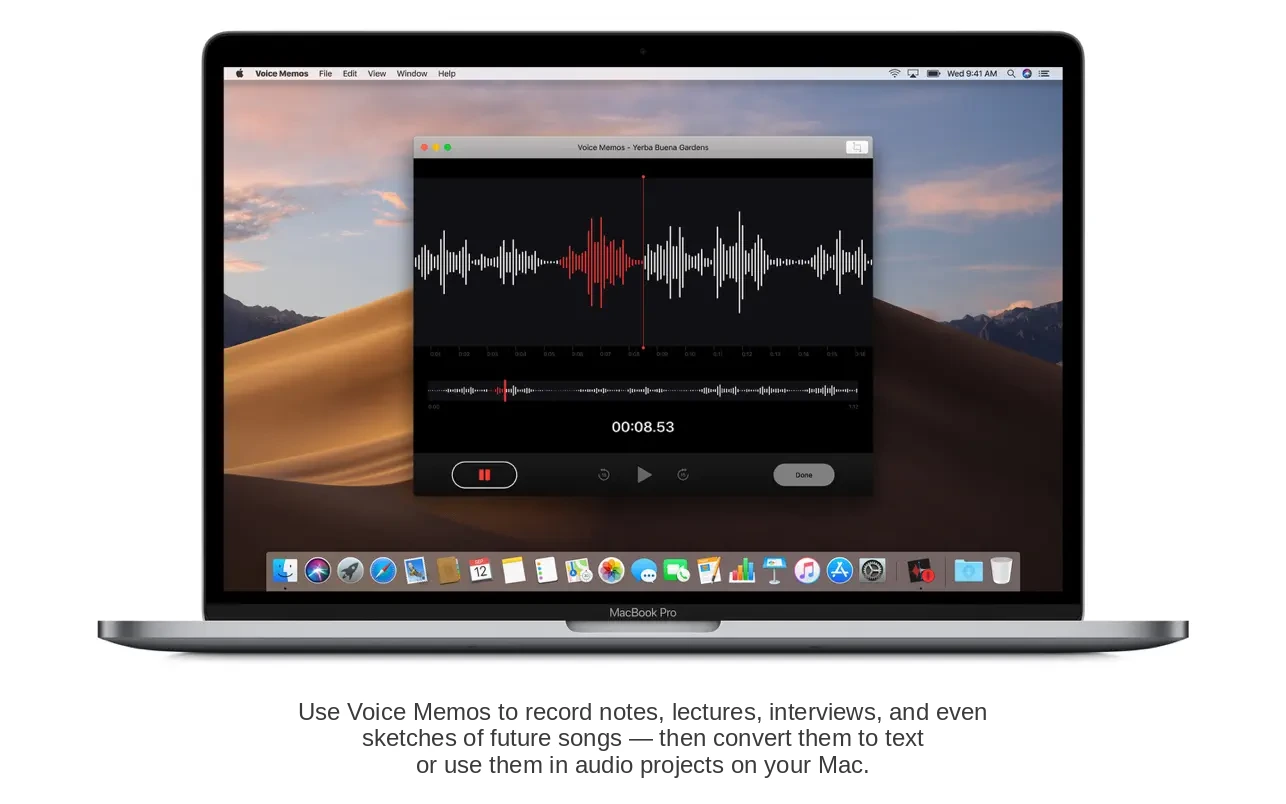
News, Stocks, Voice Memos, and Home Apps
For the first time, four popular apps—News, Stocks, Voice Memos, and Home—have made their way from iPhone to Mac with macOS Mojave. These additions let users receive up-to-date news, monitor stock prices, control smart home devices, create voice notes, and even record full lectures directly on their Mac.
Group FaceTime Calls
Group FaceTime calls, introduced in early betas of iOS 12 and macOS Mojave, allow for video conferences of up to 32 participants. Due to its technical complexity, Apple postponed the release, aiming to resolve all challenges and promising full functionality later in the autumn.
The New Mac App Store
macOS Mojave features a completely redesigned Mac App Store, now unified in look and feel with the iOS App Store. The new App Store is more user-friendly, informative, and useful thanks to extra tabs for software categories and editorial content. You can download macOS Mojave applications confidently, knowing they are safe from viruses or trojans.
Safari’s Anti-Tracking Tools
Safari in macOS Mojave integrates expanded tools for preventing tracking while browsing. The improved Intelligent Tracking Prevention now restricts surveillance of your actions, even when sharing or liking content, or leaving comments on blogs and social networks.
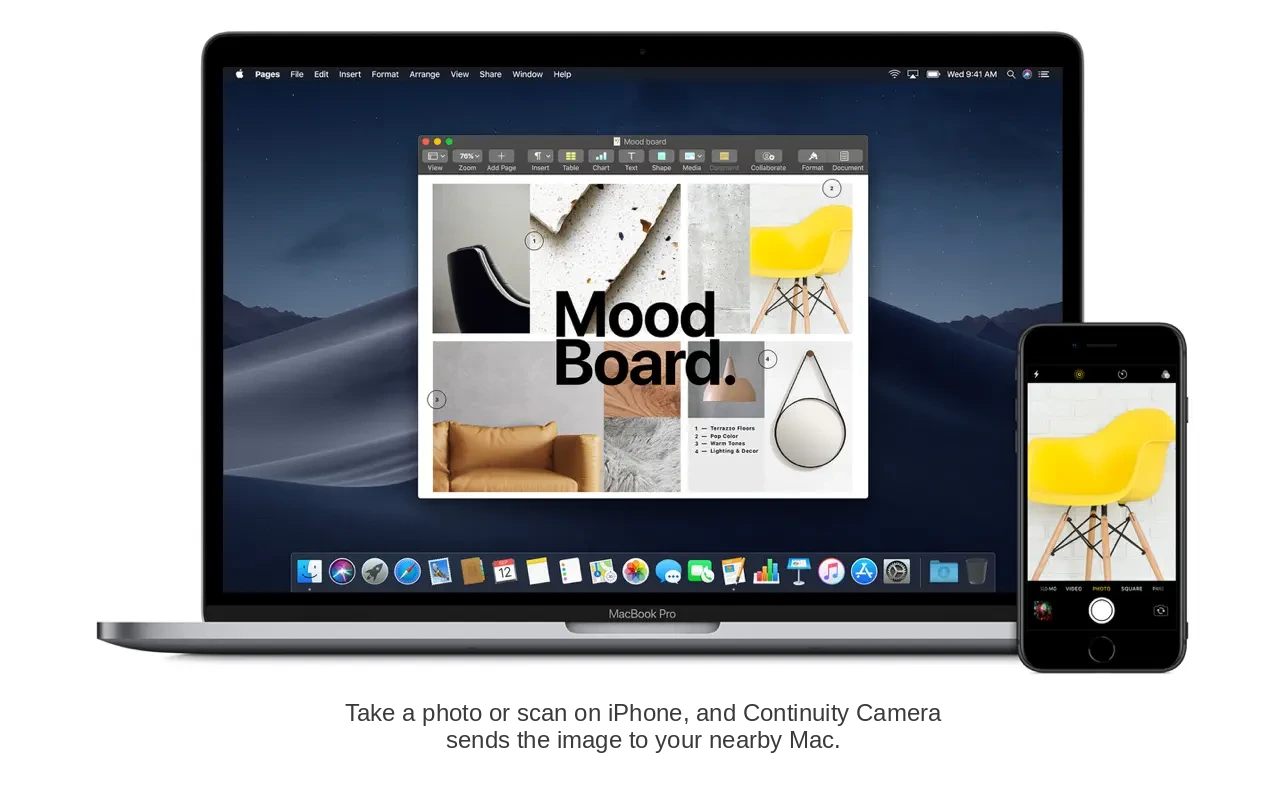
Continuity and Accessibility
Alongside these features, mojave macos expands on Continuity, enabling Mac users to quickly access recent snapshots, screenshots, and scanned documents taken with their iPhone or iPad. These can be edited right away or shared by mail or other convenient methods, streamlining cross-device workflows.
Frequently Asked Questions
You May Also Like
Reviews & Comments
No comments yet. Be the first to share your thoughts!