
macOS Monterey
Description
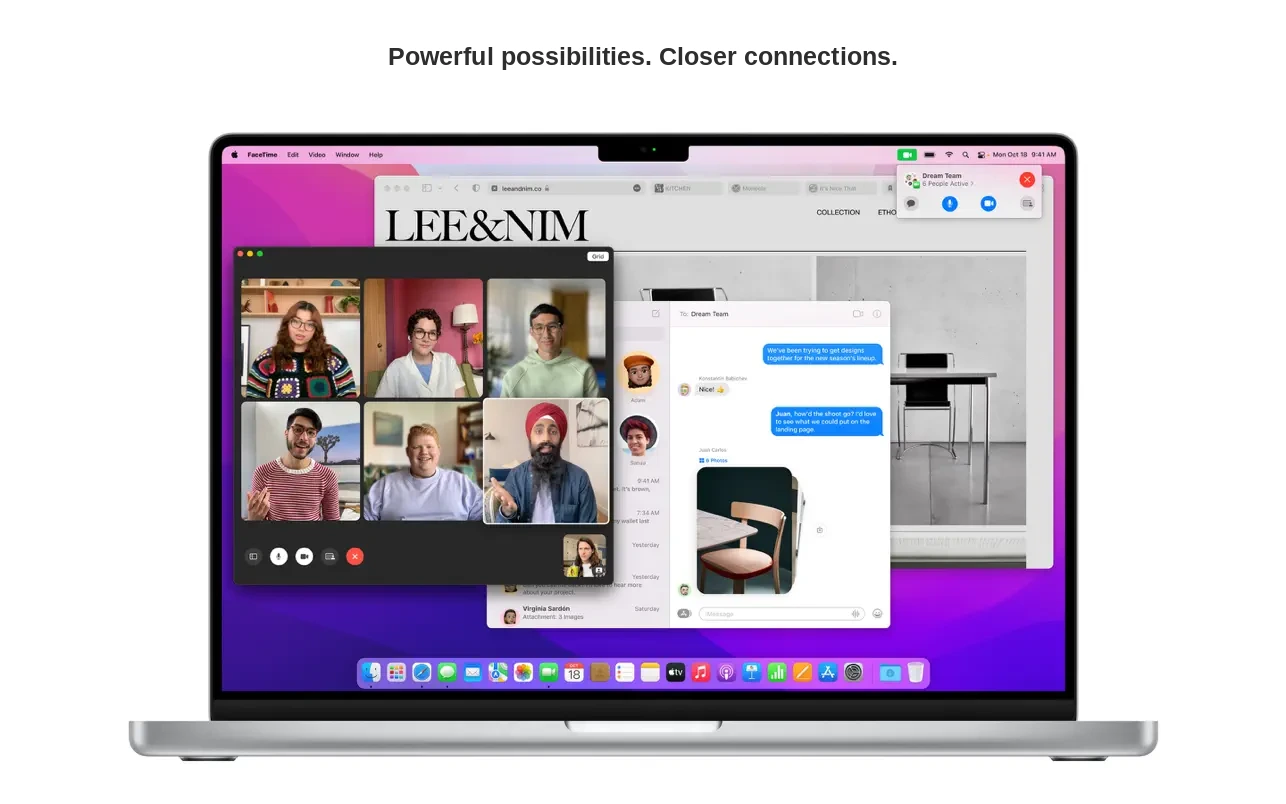
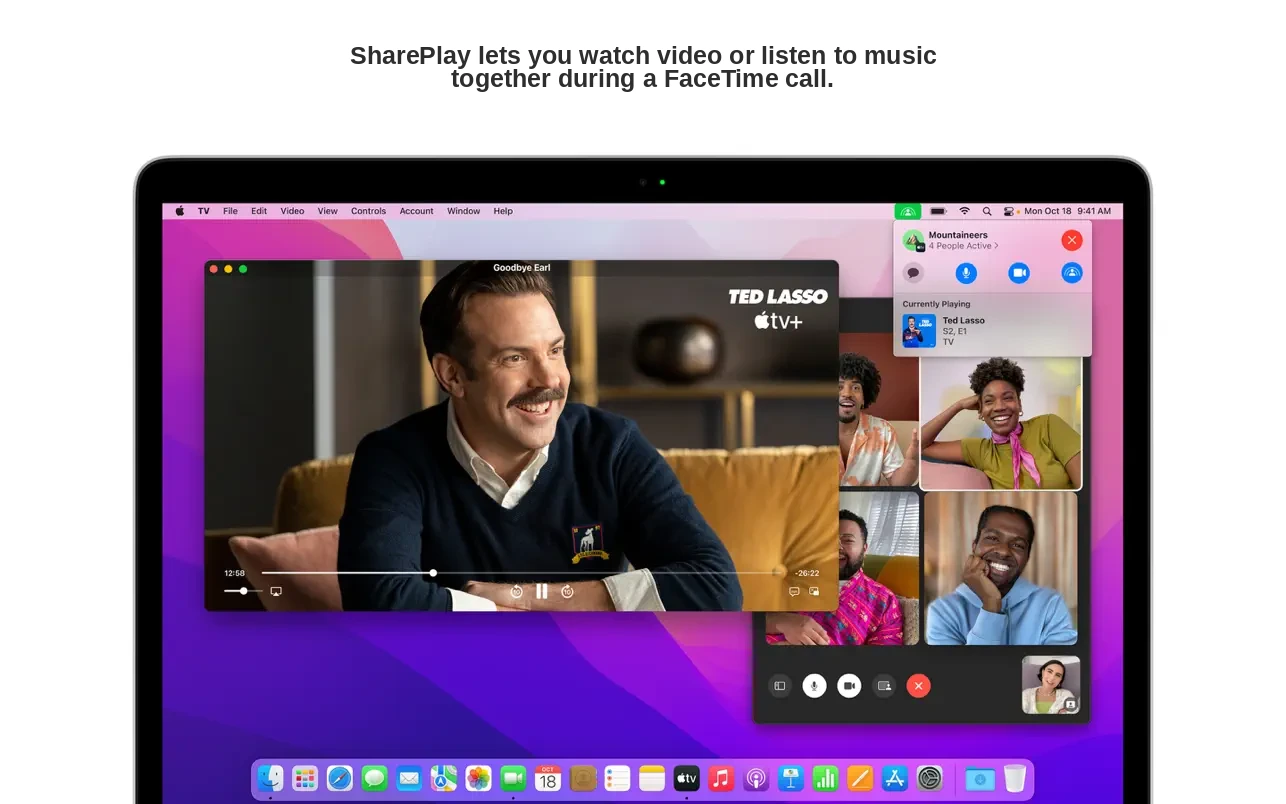
macOS Monterey introduces powerful new ways to connect, share, and create directly on your Mac. Take advantage of enhanced audio and video features, including Spatial Audio and Portrait Mode. Stay productive with robust tools like Focus, Quick Notes, and Tab Groups in Safari. Seamlessly switch between devices with AirPlay to Mac, unlocking effortless streaming from your iPhone or iPad to your Mac.
FaceTime
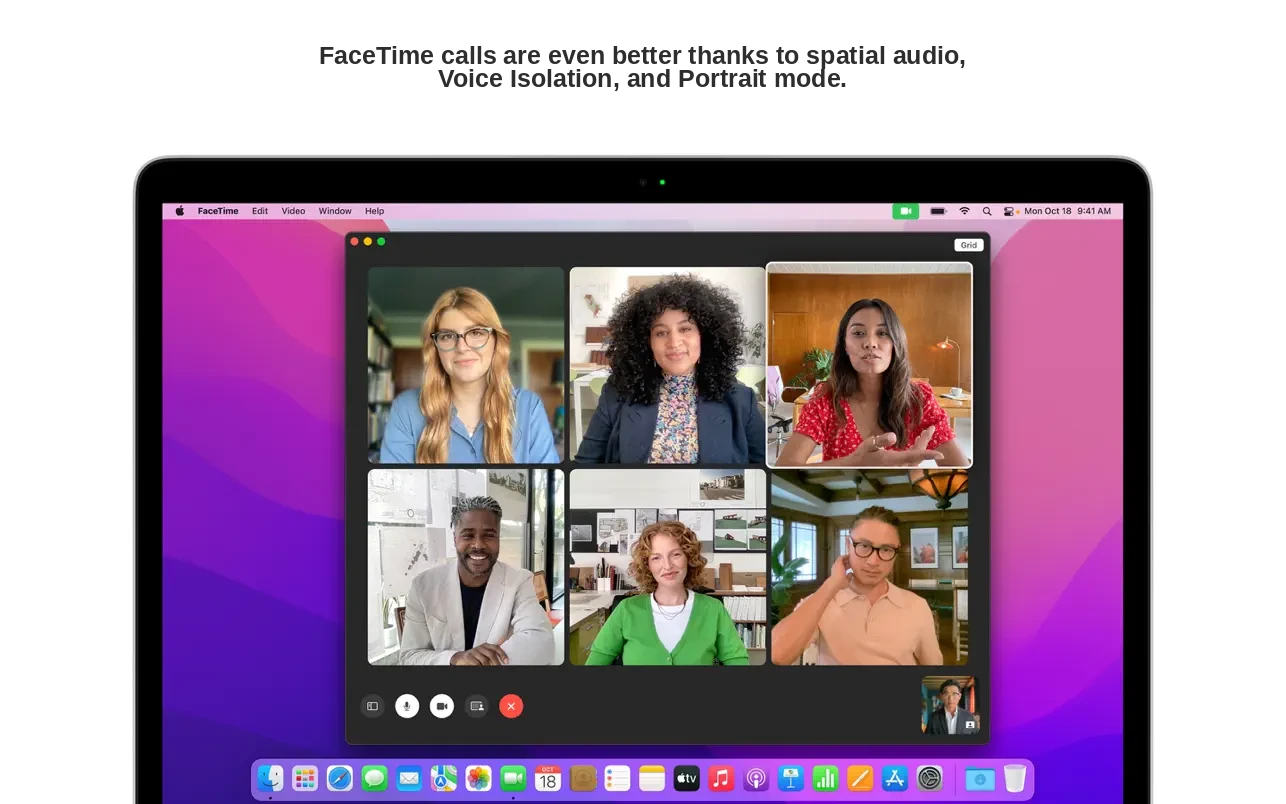
• With Spatial Audio, voices in FaceTime group calls sound as if they're coming from the specific locations on your screen where each participant is displayed.
• Voice Isolation mode suppresses background noise, making your voice crystal clear.
• Wide Spectrum mode lets you hear every sound in your environment during calls.
• On Macs with the M1 chip, Portrait Mode focuses attention on you, artistically blurring the background.
• Grid View presents participants in equal-sized tiles, clearly highlighting the current speaker.
• FaceTime links enable inviting friends from Apple, Android, or Windows devices to join your calls.
Messages
• The Shared with You feature displays content sent to you in Messages within corresponding Mac apps.
• The new Shared with You section is accessible in Photos, Safari, Podcasts, and Apple TV apps.
• Multiple photos sent in Messages appear elegantly as a collage or stack.
Safari
• Tab Groups help you save, organize, and sync tabs across devices.
• Privacy protection features prevent trackers from viewing your IP address.
• The compact Tab Bar allows for more content to appear on your screen.
Focus
• Focus automatically filters notifications based on your current activity.
• Customize Focus for work, gaming, reading, or personal time on your Mac.
• Focus syncs across all your Apple devices.
• Contacts are notified when your notifications are silenced.
Notes and Quick Note
• Quick Note empowers you to jot down notes from any app or website on your Mac and return to them easily.
• Tags let you organize notes by topic for faster search.
• Mentions enable notifying collaborators of critical updates in shared notes.
• Activity View shows who recently edited shared notes.
AirPlay to Mac
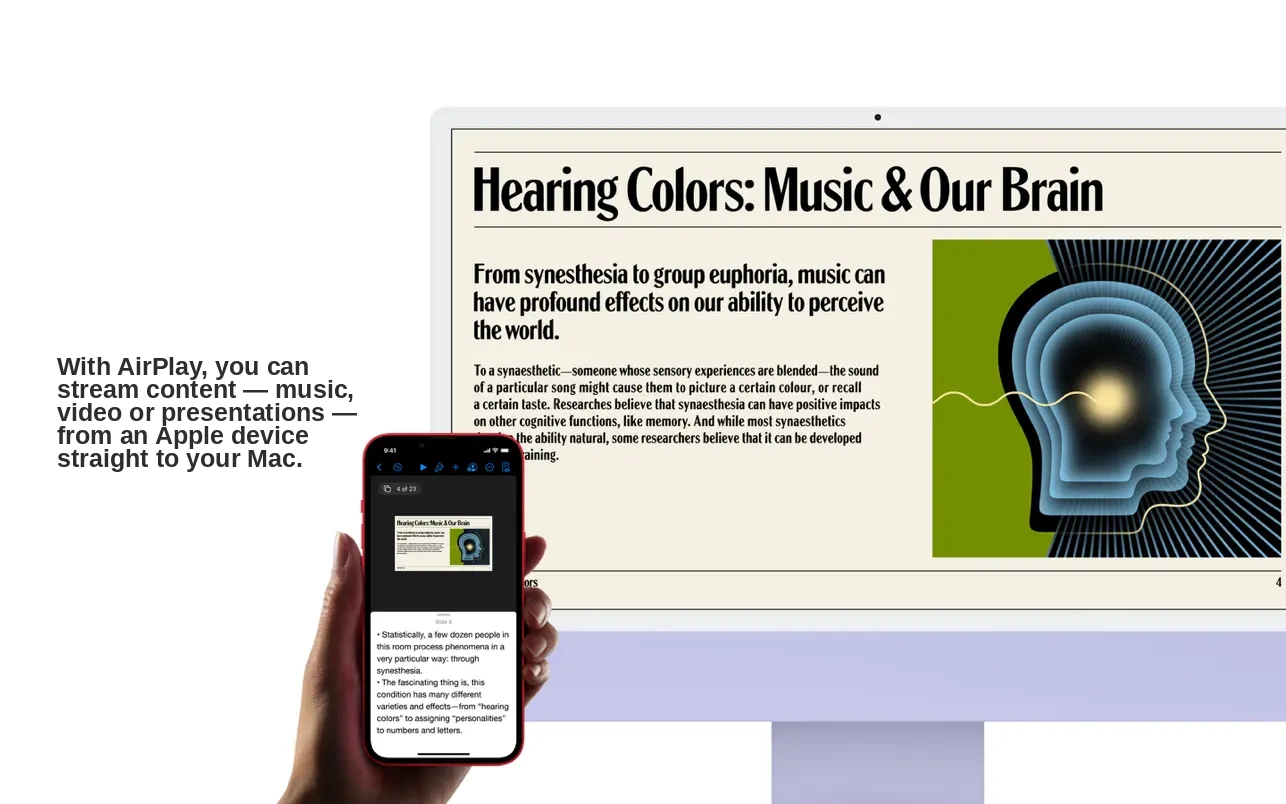
• AirPlay to Mac streams content from your iPhone or iPad directly to your Mac.
• AirPlay speakers enable music playback through your Mac’s audio system.
Live Text
• Live Text system-wide turns text on your Mac’s photos into interactive content.
• You can copy, translate, or look up text displayed in any photo.
Shortcuts
• The brand-new Shortcuts app on Mac automates routine tasks and boosts productivity.
• Access a gallery of ready-made shortcuts for use anywhere in the system.
• Create personalized shortcuts in the editor to suit your workflow.
• Automator workflows can be automatically converted into Shortcuts.
Maps
• Macs with M1 chips offer an interactive 3D globe with even more detailed mountains, oceans, and terrain features.
• Redesigned city maps depict elevation, trees, landmarks, buildings, and more on Macs with M1 chips.
Privacy
• Mail Privacy Protection in the Mac Mail app prevents senders from tracking your mail activity.
• When any app uses your microphone, a recording indicator appears in Control Center.
iCloud+
• iCloud Private Relay (beta) restricts companies from building profiles of your Safari browsing activity.
• Hide My Email generates unique, random email addresses that forward to your inbox.
With macos monterey, maintaining productivity, privacy, and creativity on your Mac reaches new heights. Discover innovative ways to work, create, and communicate, while benefiting from next-generation features, seamless macos monterey compatibility, and the ability to download macos monterey for your Mac.
Frequently Asked Questions
You May Also Like
Reviews & Comments
No comments yet. Be the first to share your thoughts!