
macOS Sequoia
Description
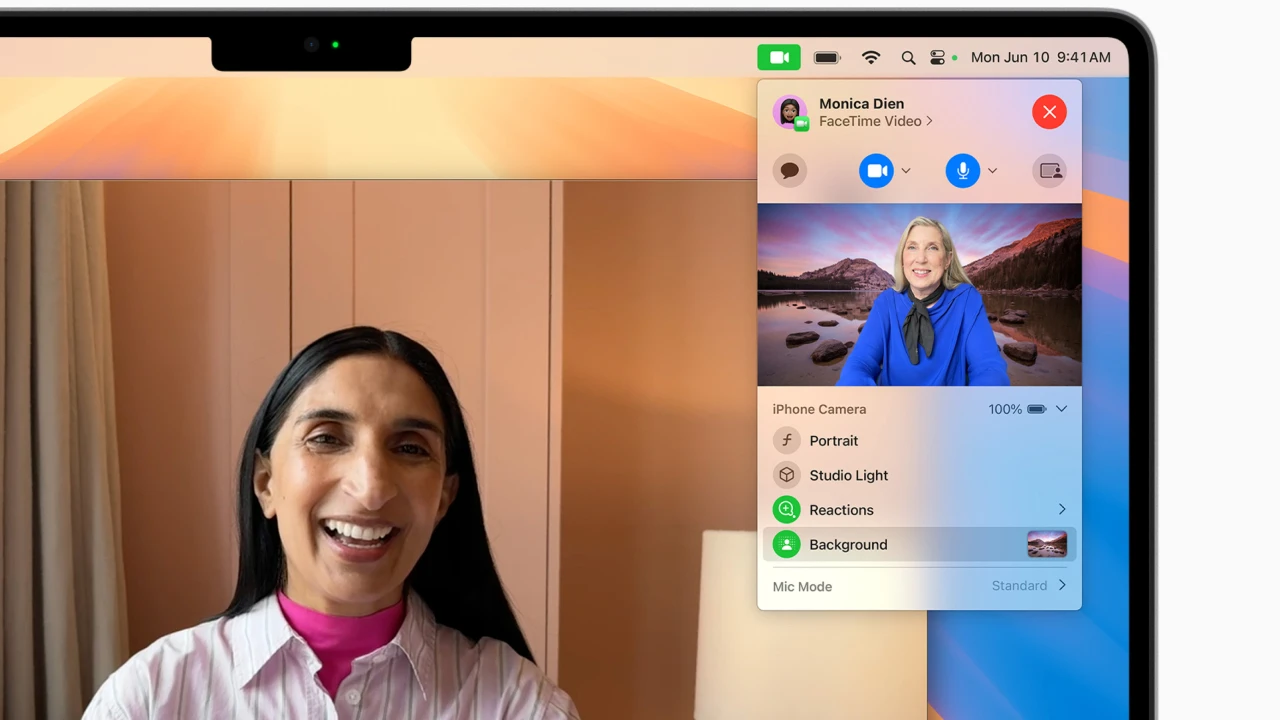
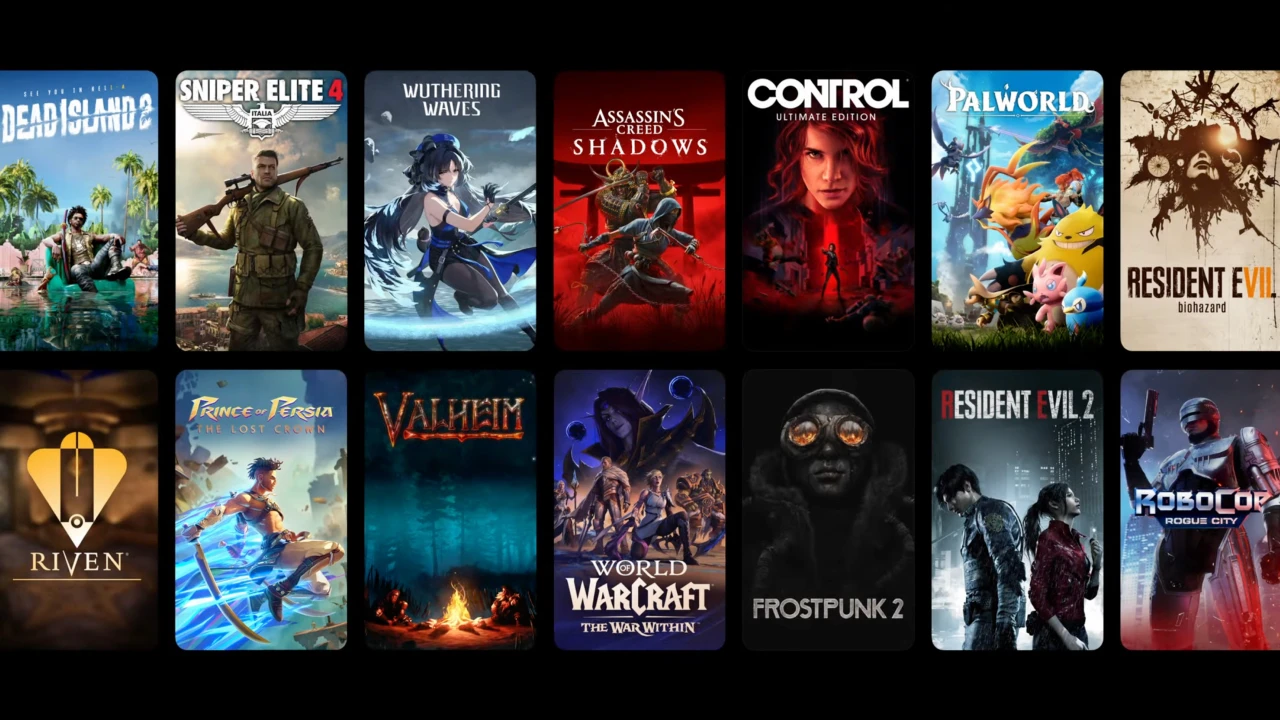
macOS Sequoia is the next-generation operating system for Mac computers, officially unveiled at the WWDC 2024 developer conference. This latest macOS version introduces a range of innovative enhancements and intelligent features designed to improve productivity, connectivity, and data security for Mac users.
Key highlights of macOS Sequoia:
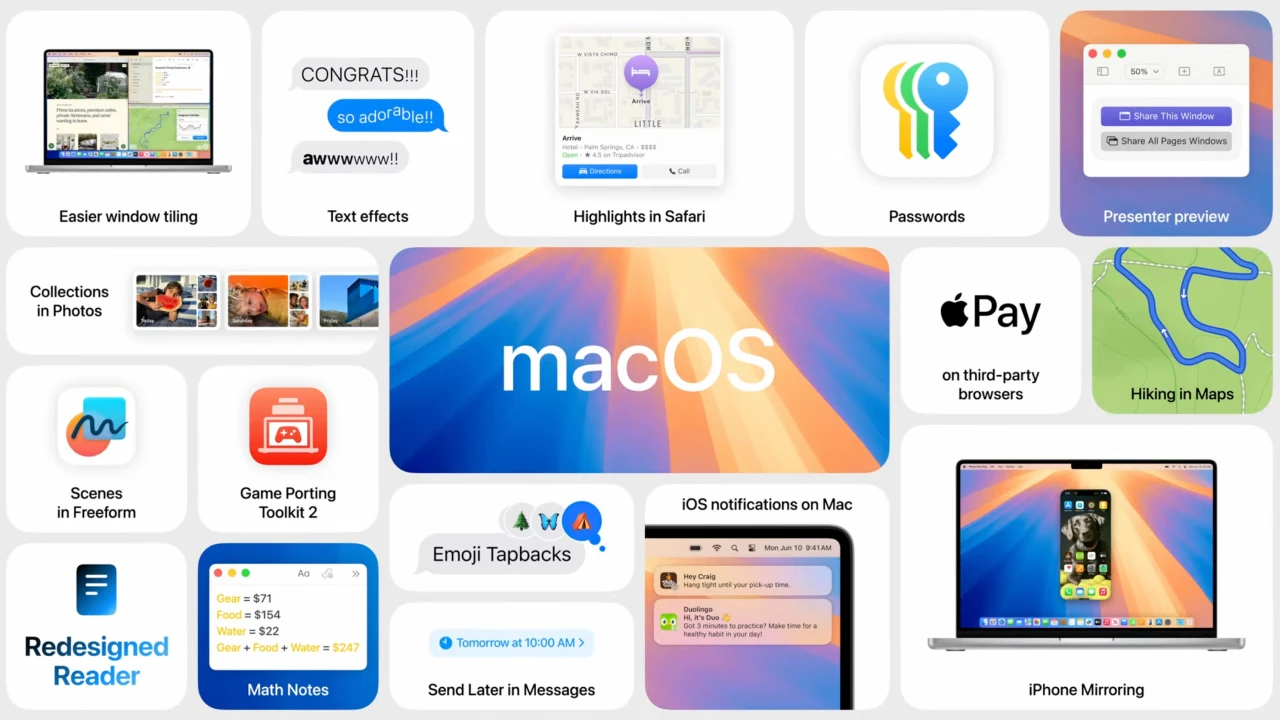
Integration with Apple Intelligence. macOS Sequoia now offers an advanced suite of artificial intelligence features, providing tools for summarizing text across Messages and various other applications, as well as generating automatic replies to emails—all designed to streamline your workflow.
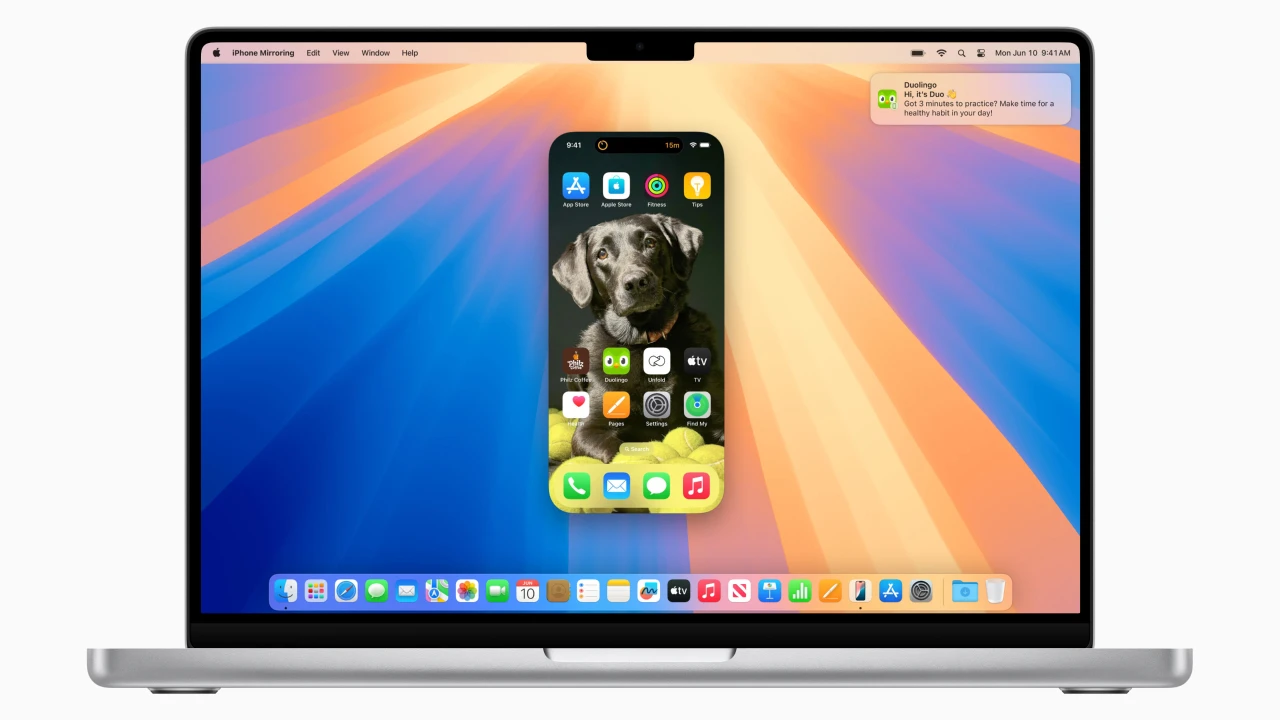
iPhone mirroring on Mac. With this feature, users can wirelessly access and interact with their iPhone directly from the Mac desktop. It allows seamless viewing and responding to notifications, quick content drag-and-drop between the iPhone and Mac, with the iPhone staying locked and even going into sleep mode to conserve battery life, ensuring privacy and efficiency.
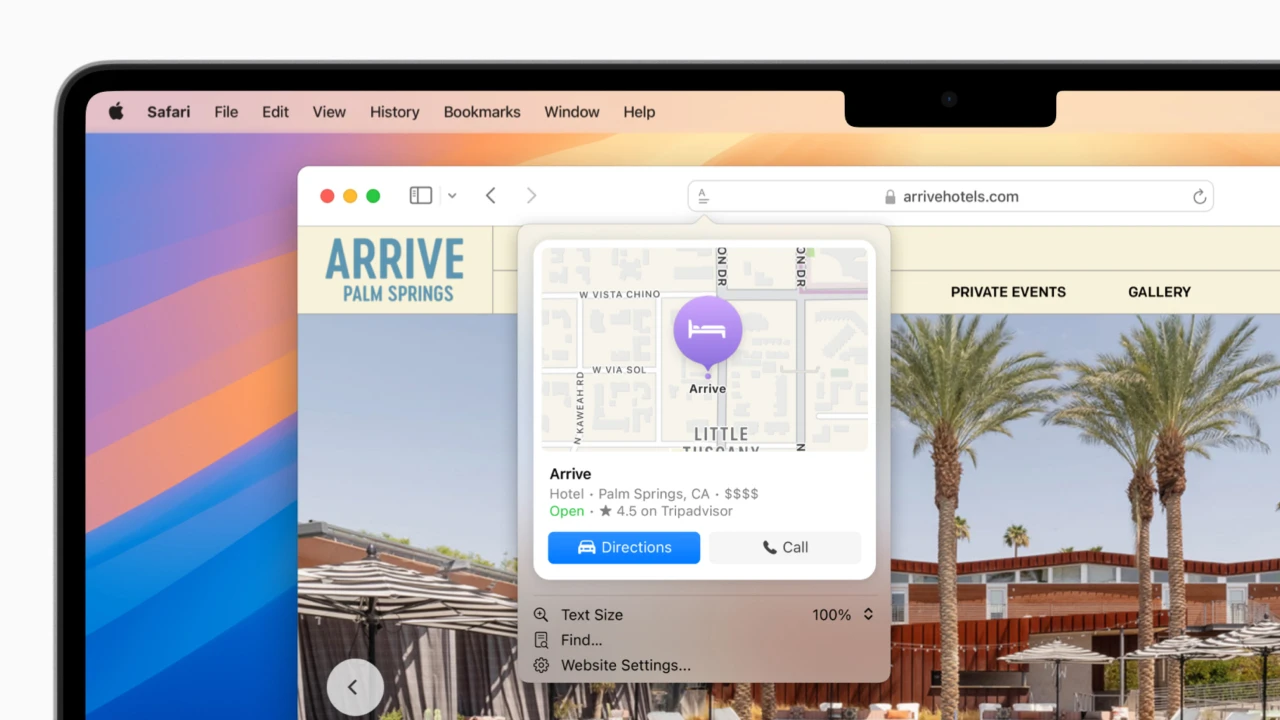
Updated Safari browser. The new version of Safari in macOS Sequoia brings a powerful machine-learning-based Highlights feature, which automatically identifies and emphasizes key information on web pages. Enhanced reading mode now includes summaries, tables of contents, and improved video viewing options to deliver a richer and more accessible browsing experience.
Passwords app. Formerly known as Keychain, this redesigned application can now securely store a much broader range of sensitive data, from Wi-Fi passwords and access codes to verification codes and shared service credentials, giving Mac users a unified hub for all their confidential information.
Automatic app window snapping on Desktop. macOS Sequoia introduces a built-in solution for organizing windows on your desktop, eliminating the need for third-party window management tools previously used for this purpose.
All of these enhancements make macOS Sequoia a significant evolution for Mac users. For those interested, you can check macos sequoia compatibility with your Mac or get started with macos sequoia download and download macos sequoia installer to experience the latest features first-hand.
Frequently Asked Questions
You May Also Like
Reviews & Comments
No comments yet. Be the first to share your thoughts!