
macOS Tahoe

Description
macOS Tahoe 26 is the upcoming major version of the mac operating system, introduced by Apple on June 9, 2025, during the WWDC conference. Named after the iconic Lake Tahoe located on the California-Nevada border, macOS Tahoe continues Apple’s tradition of naming their desktop platforms after notable Californian landmarks. This new macOS version places a strong emphasis on an entirely new interface design, improved integration with the Apple ecosystem, and groundbreaking capabilities enabled by Apple Intelligence.
Key features of macOS Tahoe:
• Liquid Glass Design:
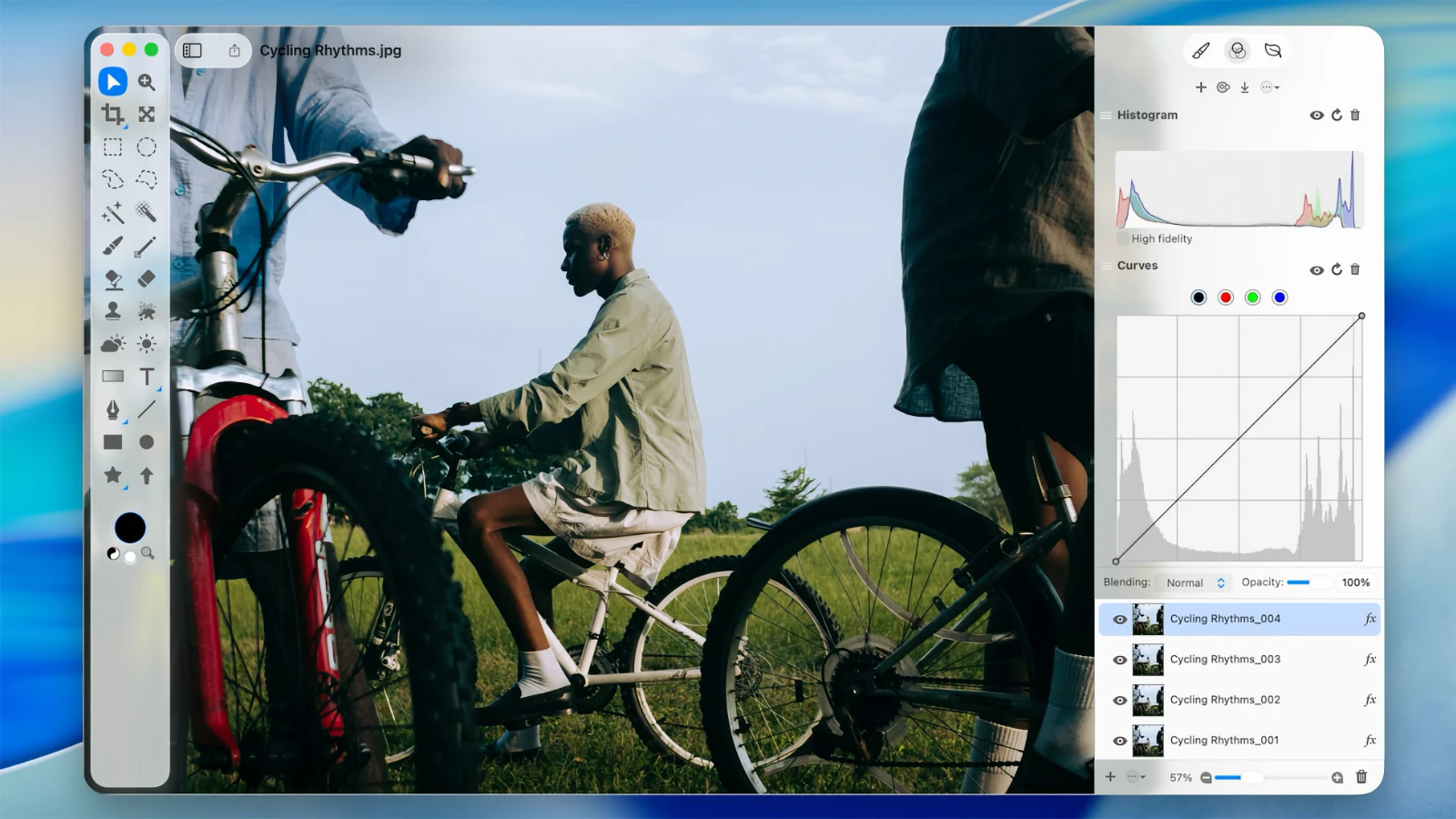
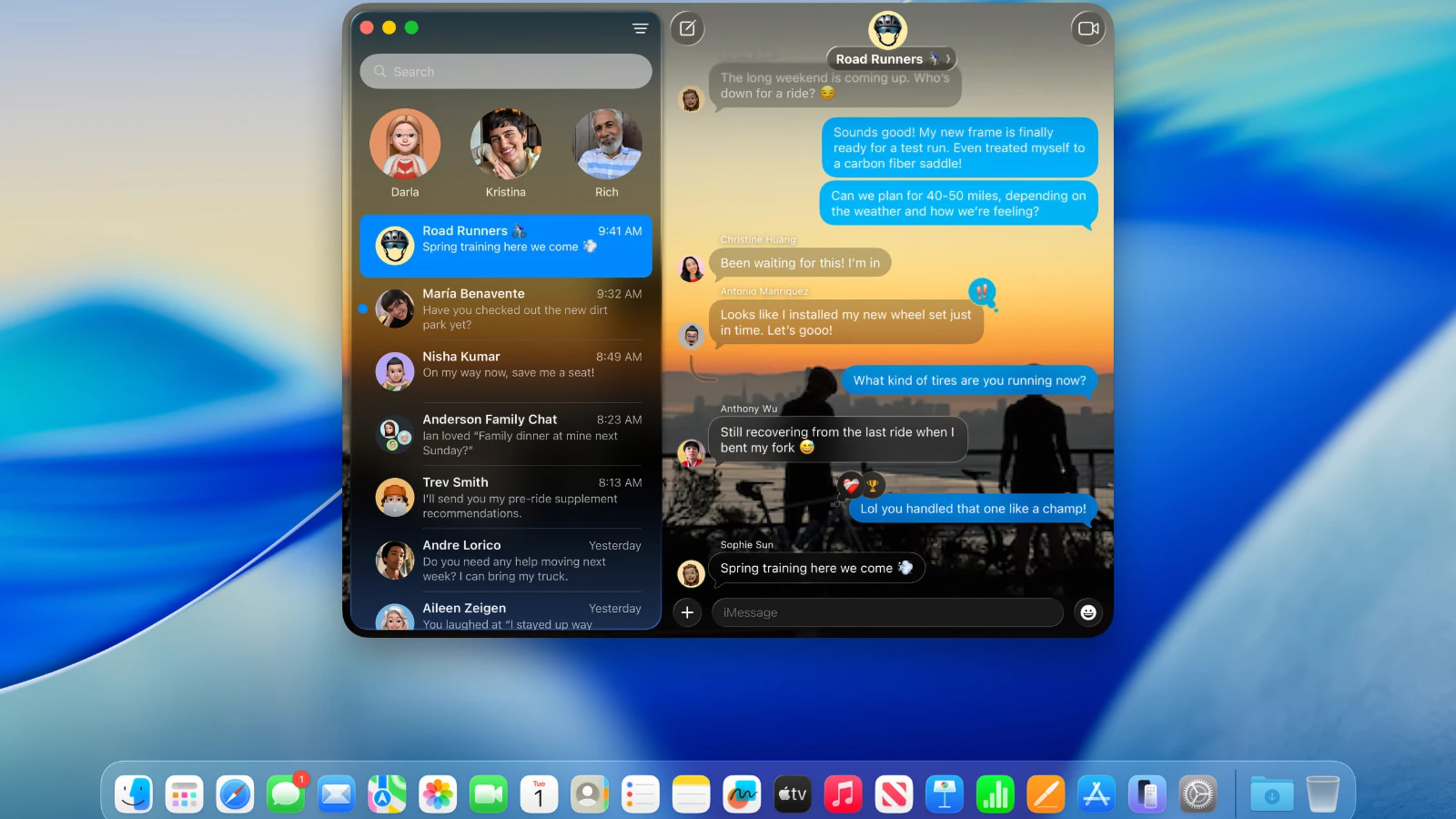
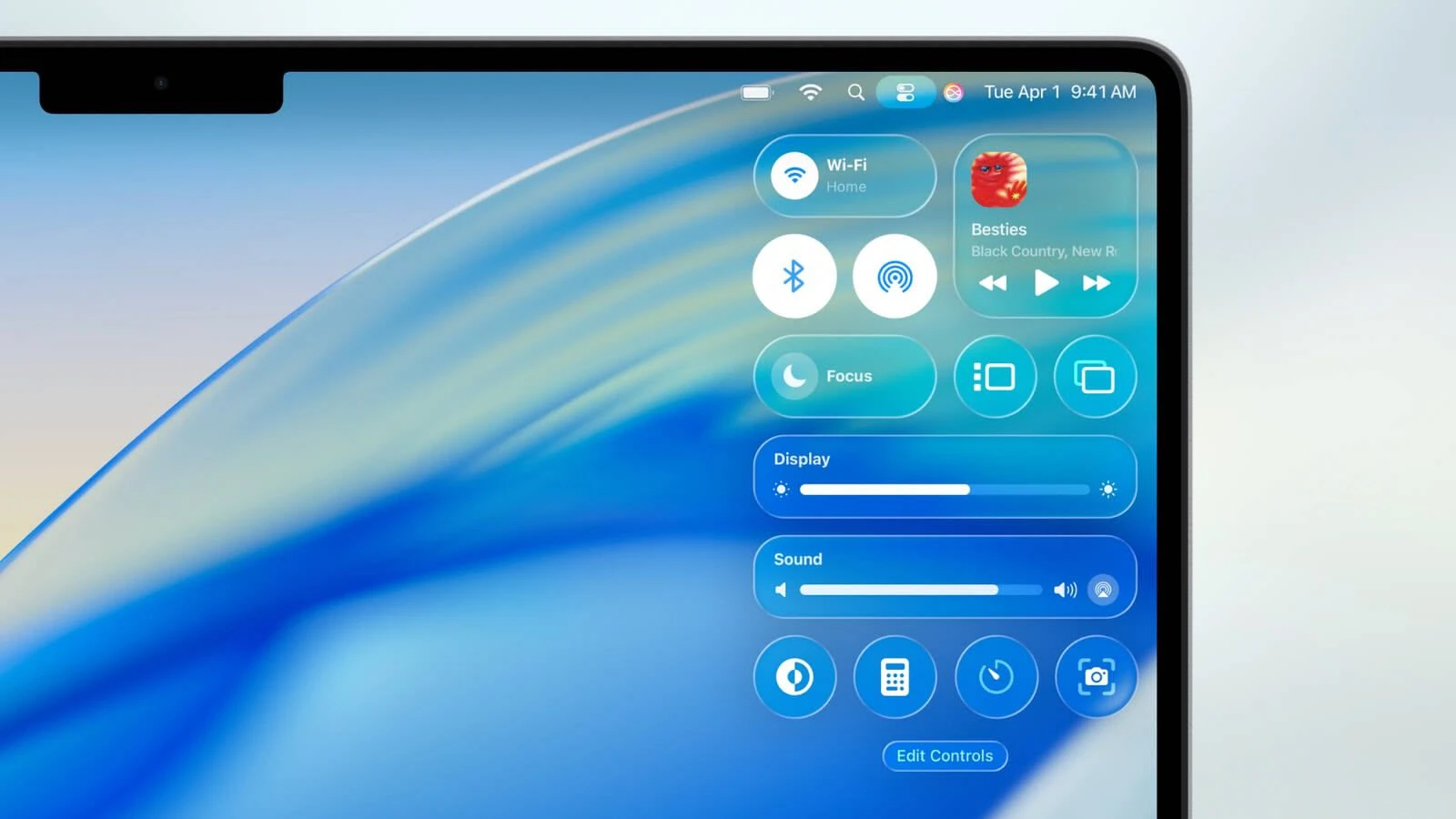
– The interface in macOS Tahoe has been fully reimagined through the new "Liquid Glass" visual language, inspired by visionOS from Apple Vision Pro. System elements such as menus, toolbars, and the Dock are now semi-transparent, creating a distinctive glass-like effect that refracts and reflects light.
– The menu bar is now fully transparent, visually extending the working space for a more immersive desktop experience.
– All app icons have been refreshed and unified across macOS, iOS, and iPadOS, supporting light, dark, and color variants as well as a new translucent style.
– Customization is more robust, allowing users to personalize folder, icon, and widget colors and even add emojis for extra individuality.
• Enhanced Continuity Integration:
– The Phone app debuts on the Mac, enabling users to make and receive calls, view contacts, check voicemail, and benefit from features like Call Screening and Hold Assist directly from their desktop.
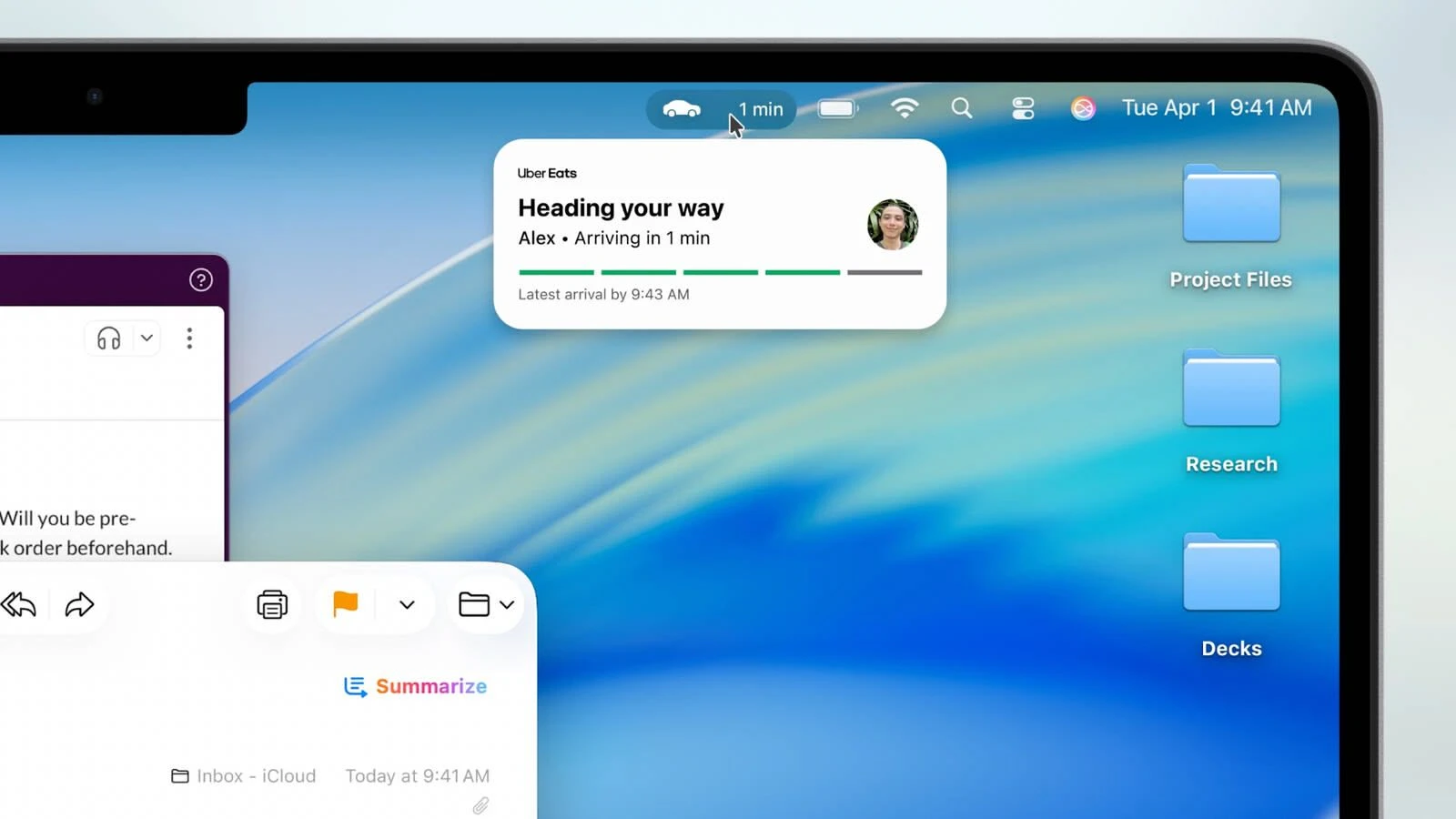
– Live Activities from iPhone now appear in the Mac’s menu bar, delivering real-time notifications such as delivery statuses or travel updates.
– With iPhone Mirroring, iPhone apps can run directly on the Mac using Spotlight, advancing the scope of cross-device workflows.
• Upgraded Spotlight:
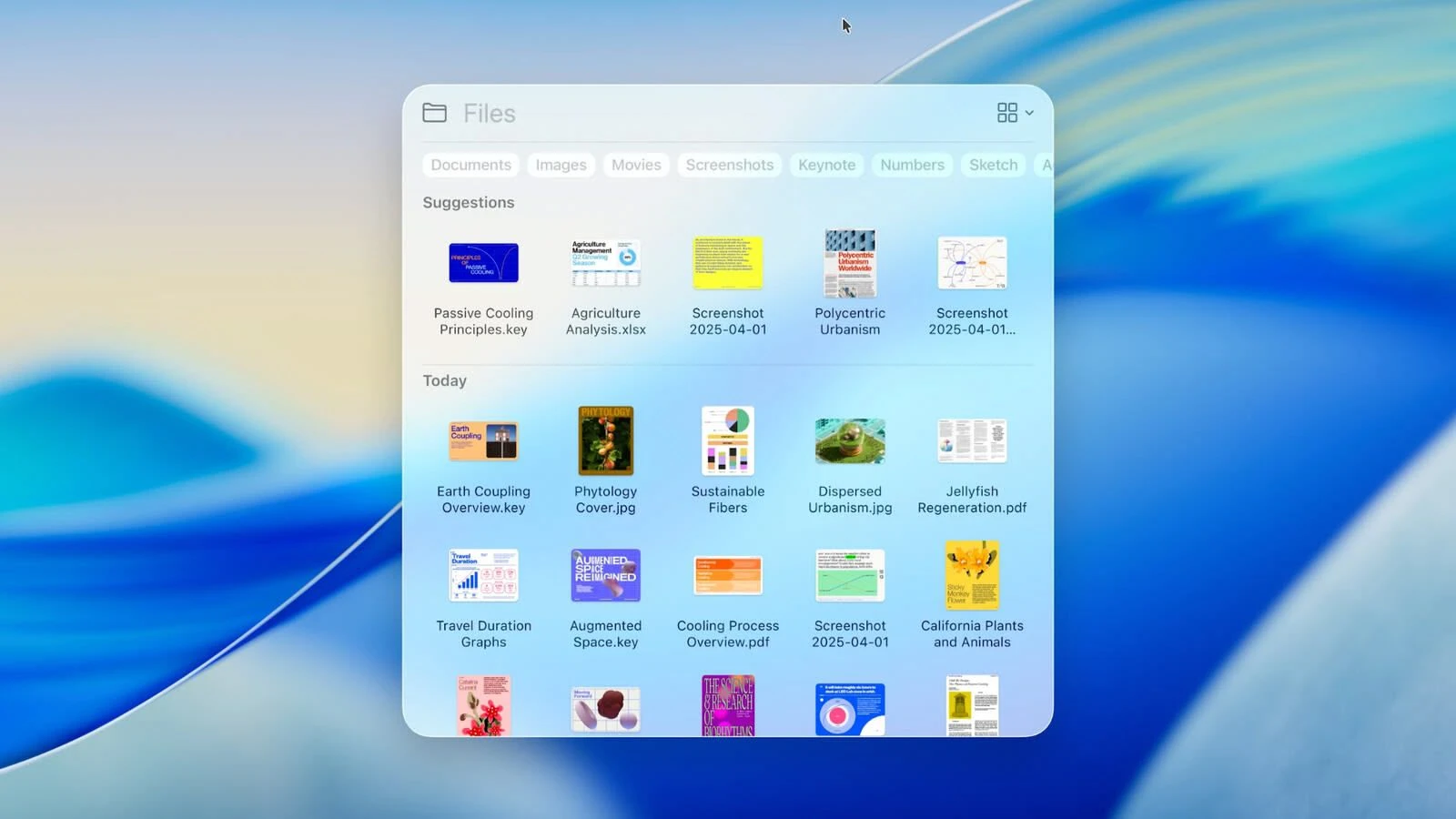
– Spotlight’s search system in macOS Tahoe is dramatically enhanced: it finds files and apps but also carries out actions such as creating events, launching podcasts, or sending messages—all from one place.
– Support for customizable quick commands (e.g., "sm" to send a message or "ar" to add a reminder) streamlines workflow automation.
– Deeper integration with cloud services is offered, including new capabilities to search PDF files and various document formats.
• Apple Intelligence:
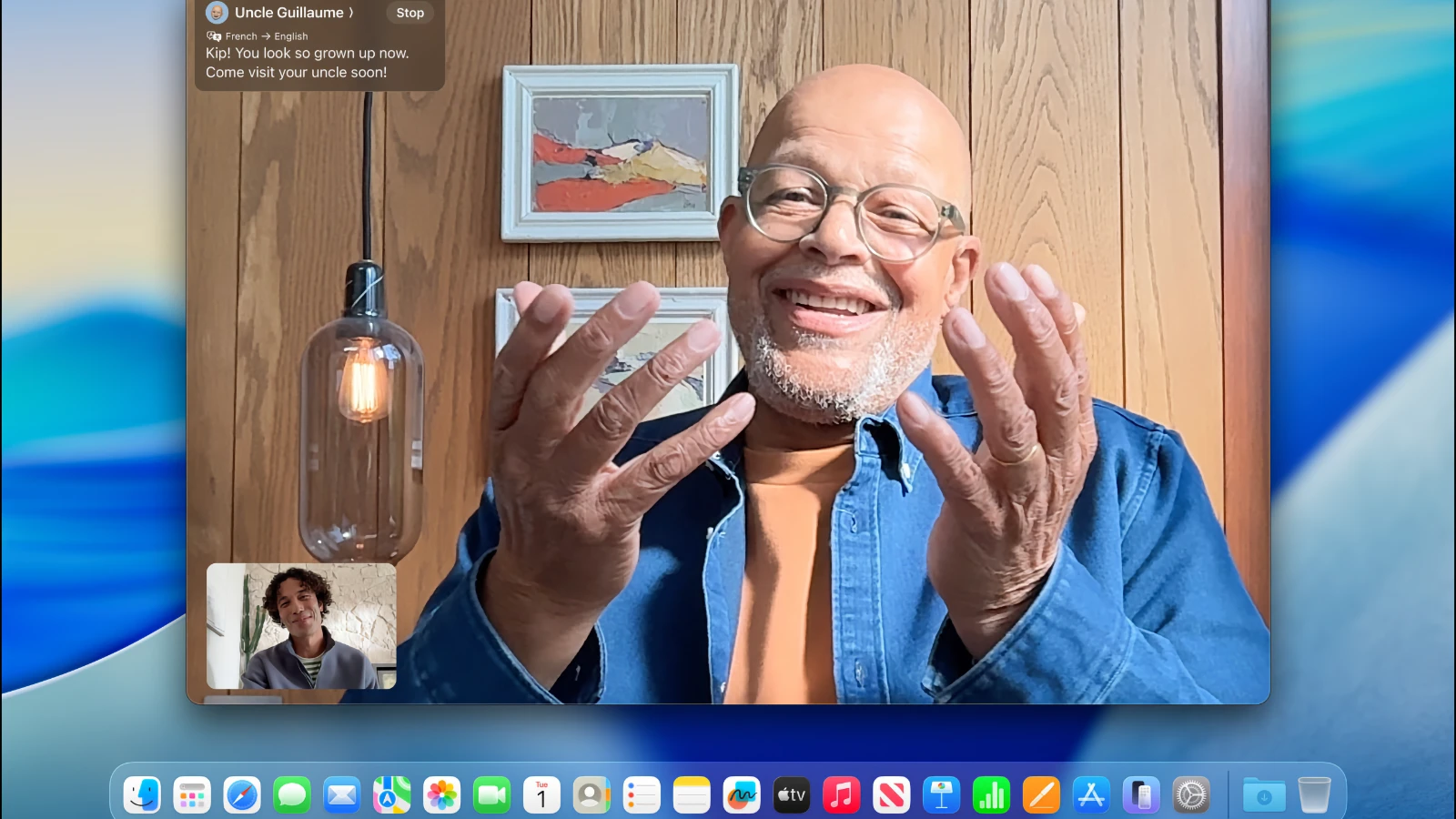
– Features expanded artificial intelligence, including Live Translation for instant message and FaceTime subtitle translations.
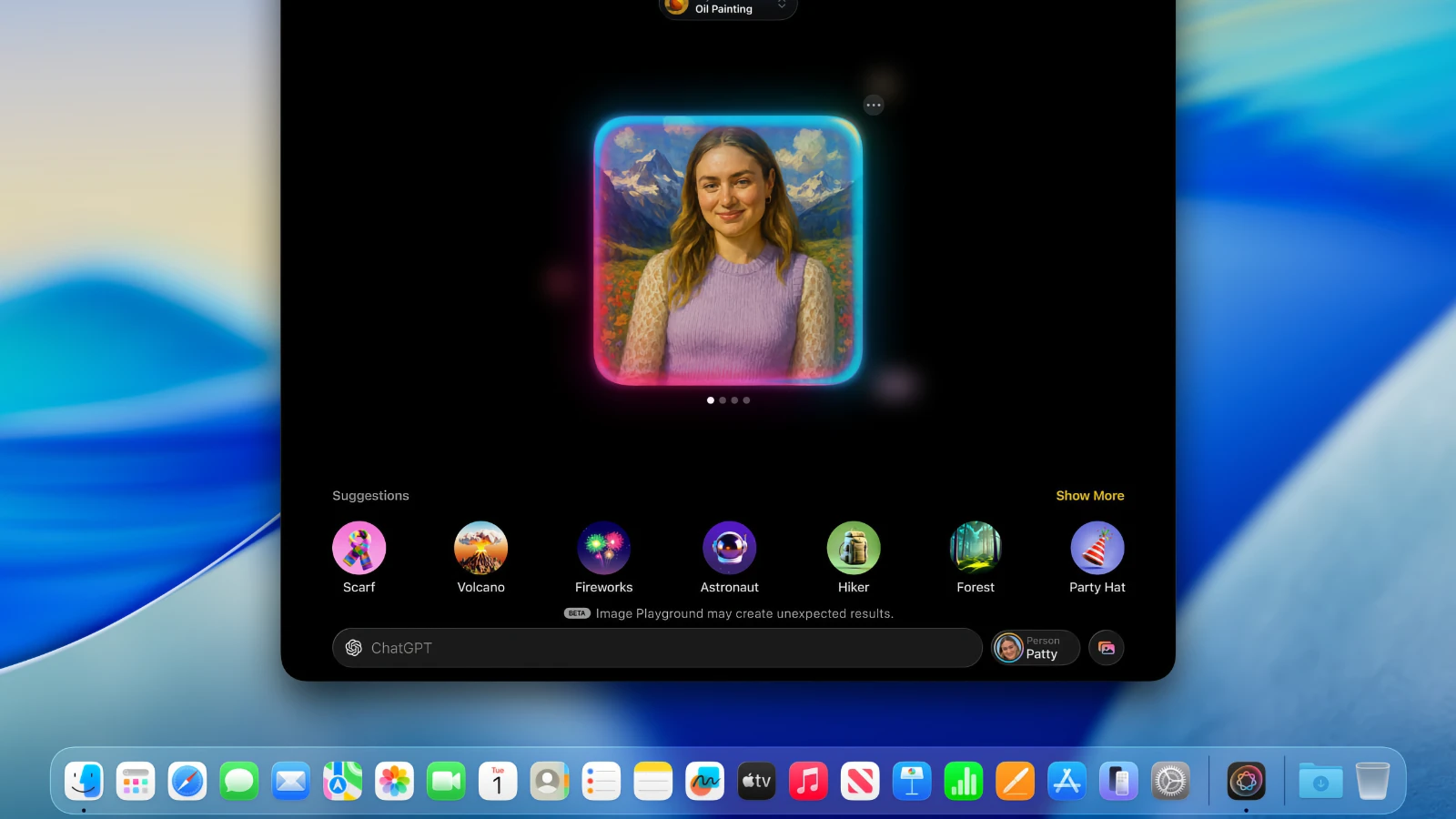
– Genmoji and Image Playground receive major updates: users can combine existing emojis to create new ones and generate images in styles such as oil painting or vector art.
– Enhanced reminders: Apple Intelligence analyzes emails, notes, and webpages to automatically categorize tasks and help users stay organized.
• New Apps and Functionalities:
– A new Games app provides a centralized library of installed macOS games, supports chat, invites, and adds an overlay for game settings adjustment during play.
– The Journal app arrives on the Mac, allowing seamless synchronization of journal entries across devices.
– Safari receives key improvements, including a revamped tab design and automatic lyrics translation in Apple Music.
– Launchpad has been retired and replaced with the new "Applications" function, integrated within Spotlight, echoing the organization of the App Library from iOS.
• Accessibility:
– Innovative features debut, such as Magnifier (using the iPhone’s camera for on-screen magnification), Braille font support, and Vehicle Motion Cues, designed to reduce motion sickness.
– App Store now highlights Accessibility Nutrition Labels, displaying detailed accessibility feature support for each app.
• New Numbering System:
– Apple now employs a unified versioning system—making iOS, iPadOS, macOS, and others version 26, reflecting the year after announcement (2025–2026). Nevertheless, macOS continues to preserve its unique title—Tahoe—distinguishing every release. All major enhancements in macOS Tahoe expand the desktop experience, reinforce its place in the Apple lineup, and bring forward the most advanced macOS Tahoe new features seen yet, making tahoe macos a significant evolution.
Frequently Asked Questions
You May Also Like
Reviews & Comments
No comments yet. Be the first to share your thoughts!