
macOS Ventura
Description
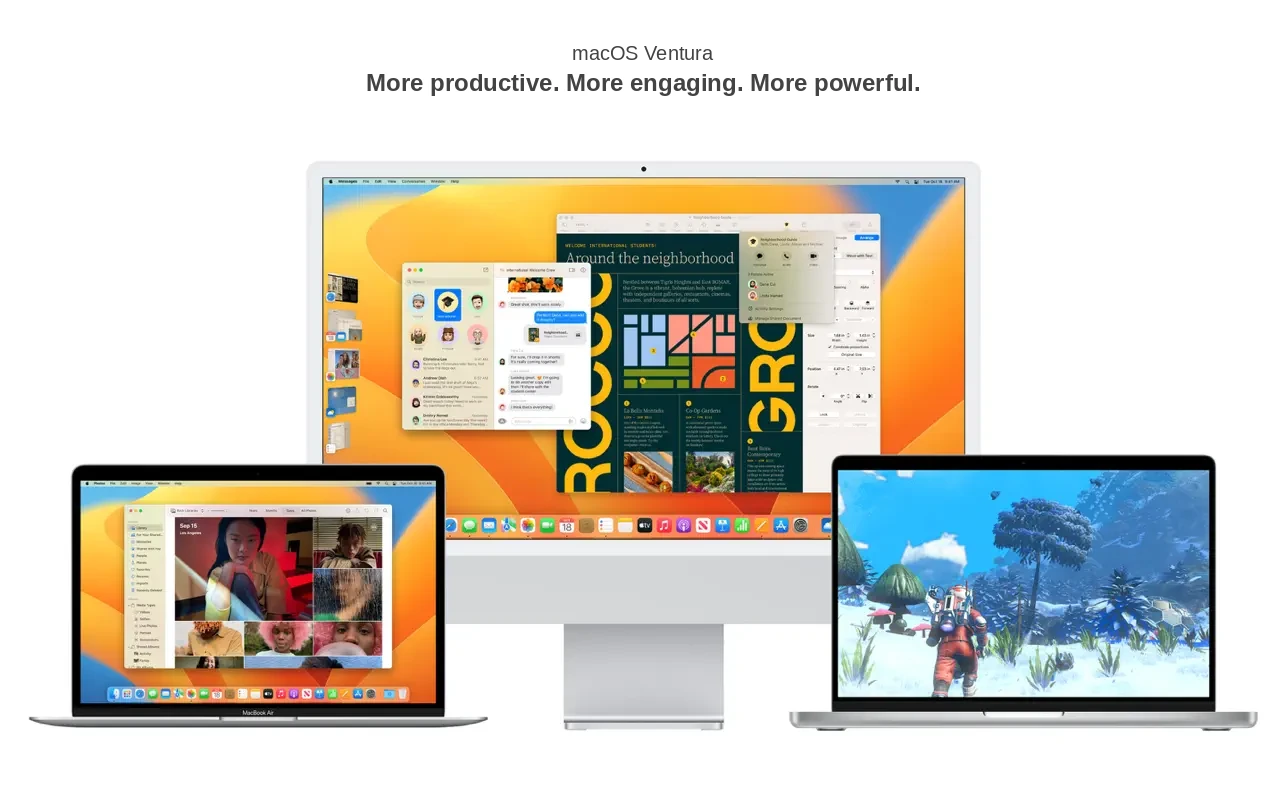
At WWDC 2022, Apple unveiled macOS 13 Ventura, introducing a range of significant updates for Mac users. Since Apple has now fully transitioned from Intel processors to its own Apple Silicon chips, and the new M2 chip has just been released, macOS Ventura is specifically tailored for the latest Mac devices. Unlike the previous macOS Monterey, which offered compatibility with a broader selection of Macs, Apple has reduced the list of supported models. For example, the popular Mac Pro (the "trash can" model) will not be supported by macOS Ventura, marking a notable change in macOS Ventura compatibility.
Beyond a refreshed user interface, macOS Ventura brings improved features focused on user comfort, expanded gaming capabilities, and enhanced integration with Apple’s smartphones. A major visual innovation is the introduction of Stage Manager, designed to streamline multitasking with multiple application windows. Stage Manager places the active window in the center of the display, while preview icons for background windows appear on the left, allowing for quick access. The system also supports window grouping to enable simultaneous opening of several windows.
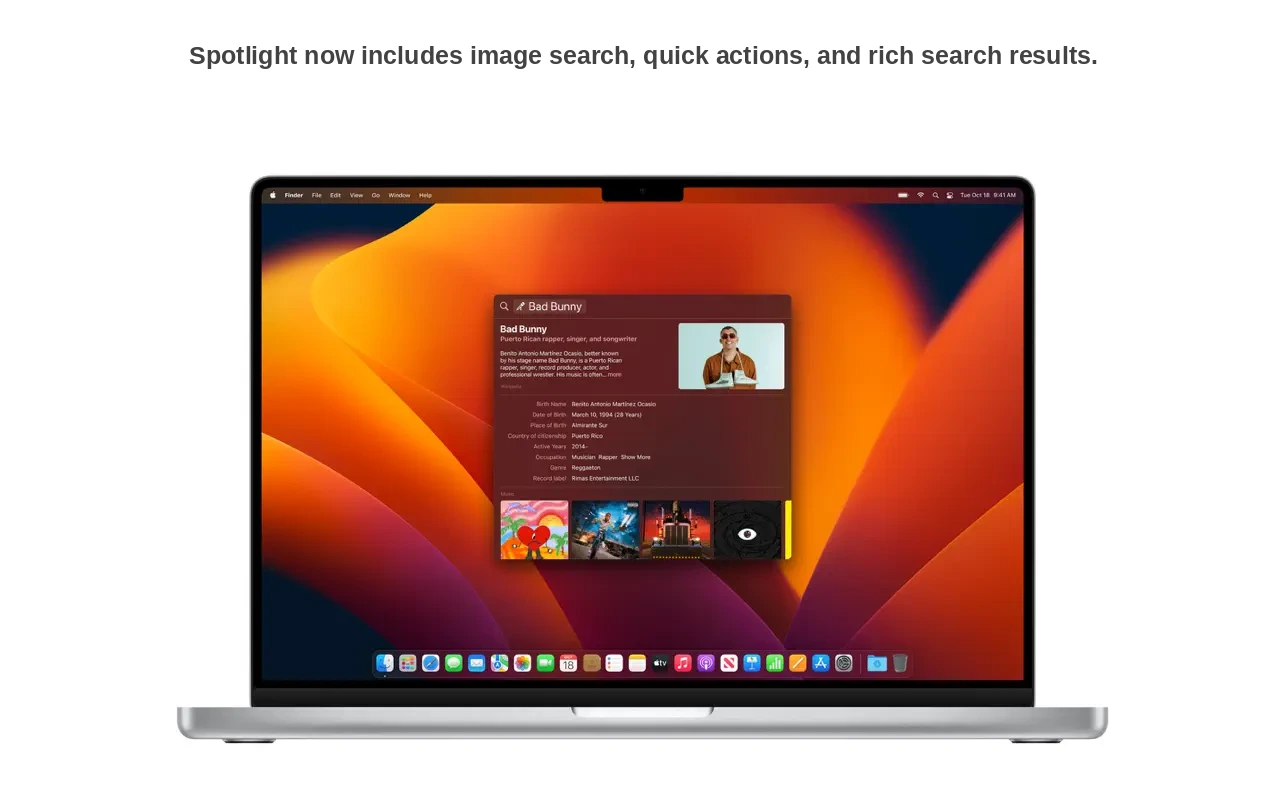
Spotlight, the native macOS search tool, has also been upgraded. Its shortcut now appears at the bottom of the home screen, and its algorithm can locate images in the photo library by location, people, scenes, objects, or even textual content within the image. Users can now perform various actions directly from Spotlight, such as starting a timer or launching a shortcut, adding to overall convenience.
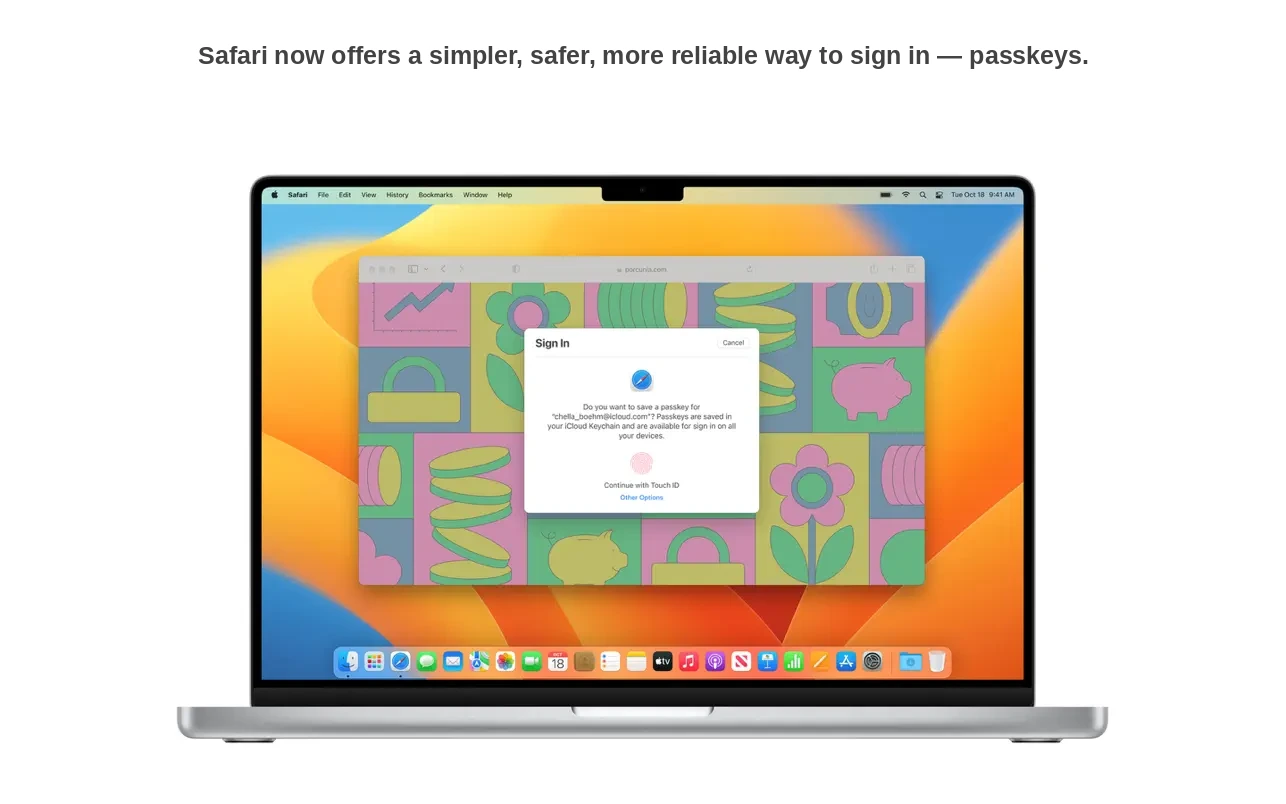
Safari, the built-in browser, gains the new Shared Tab Groups feature for collaborative browsing and real-time teamwork. The browser also adds support for biometric passkeys as a modern alternative to traditional passwords. Authentication with Touch ID and Face ID is currently compatible with a limited number of supported websites, further boosting security on the Mac.
macOS Ventura also introduces features to make seamless transitions between devices. Users can transfer FaceTime calls instantly between iPhone and Mac and can use their iPhone as a webcam for Mac. Continuity updates now include support for Apple Center Stage, Portrait Mode, and a new Studio Light feature, which brightens the user’s face and dims the background for video calls.
Apple announced the new Metal 3 API as part of this update, intended to unlock even more potential from Apple’s custom processors. Apple also teased soon-to-be-released major gaming titles such as Resident Evil Village, GRID Legends, and No Man’s Sky for the Mac platform. Finally, two apps from iOS—Weather and Clock—make their debut in macOS, as Apple continues to move its desktop operating system closer in design and functionality to its mobile counterparts. With all these enhancements, users exploring macOS Ventura download options will discover a truly evolved experience.
Frequently Asked Questions
You May Also Like
Reviews & Comments
No comments yet. Be the first to share your thoughts!