
Acon Digital Acoustica 7
Description
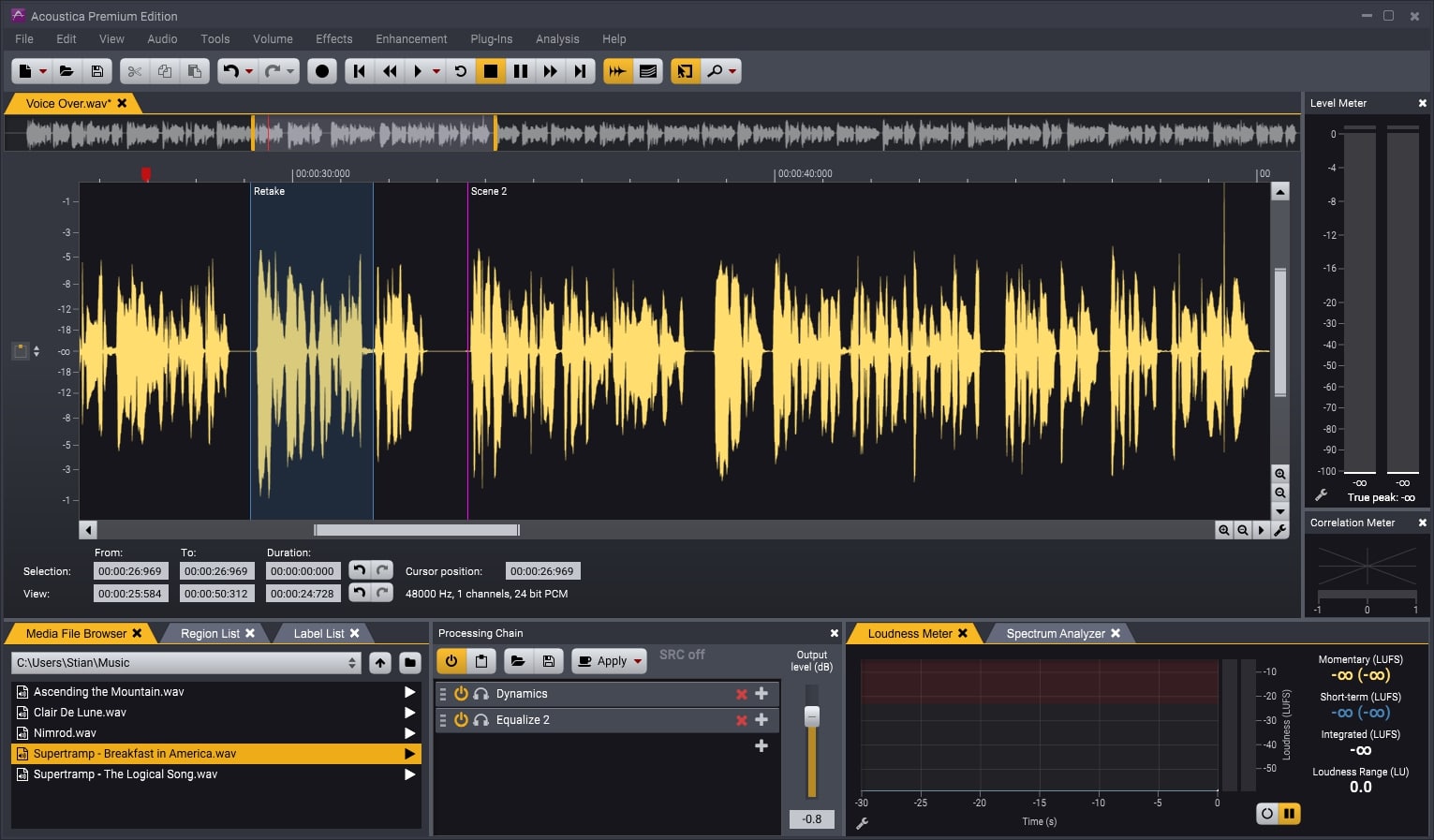
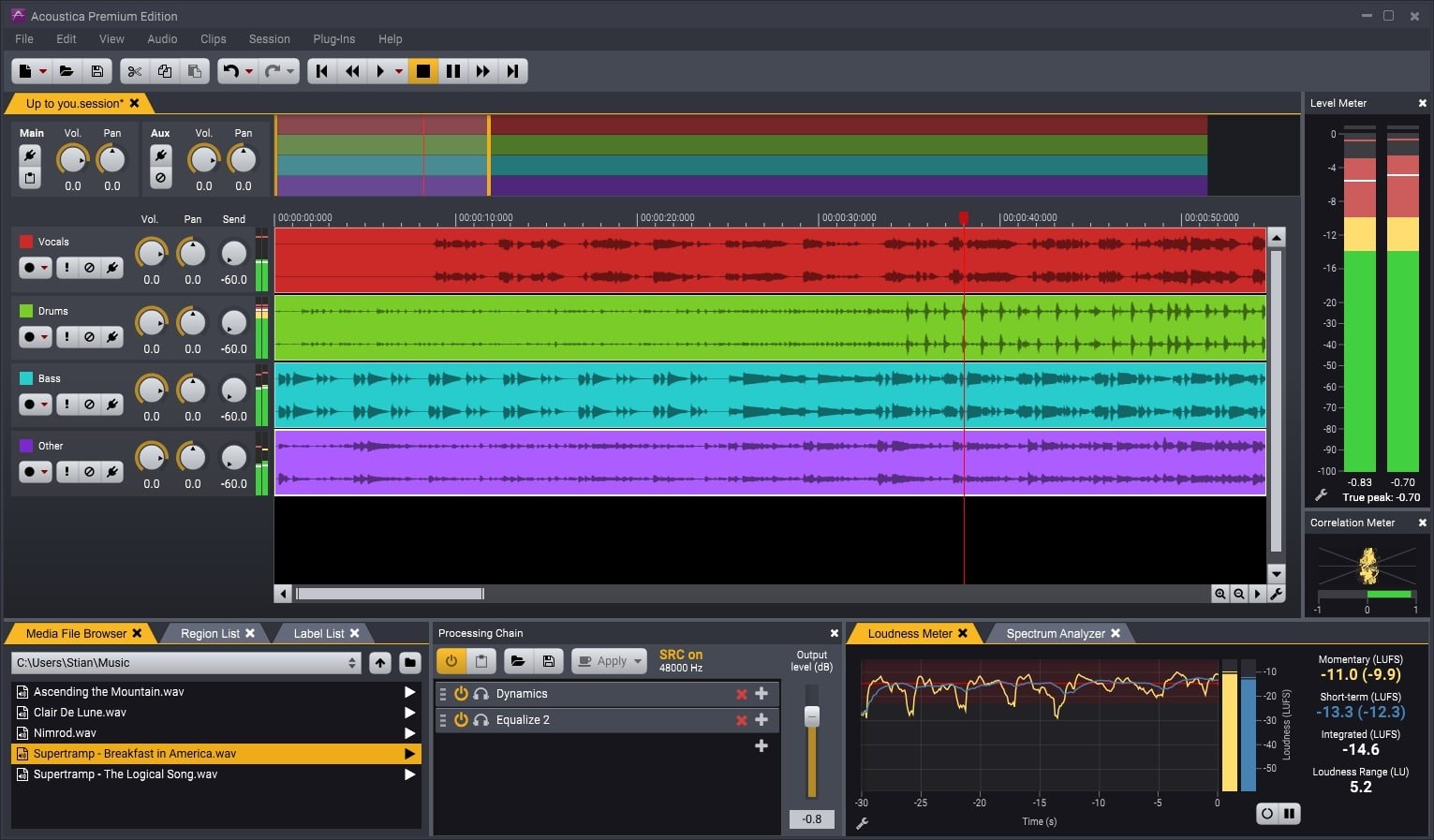
Acon Digital Acoustica Premium 7 is the ideal audio editing solution for Mac users, designed for podcast production, mastering, and audio restoration. The acoustica 7 app features a powerful and precise clip editor, enabling seamless navigation and editing of mono tracks with pristine quality. You can also create advanced multitrack sessions, importing or recording audio clips onto individual tracks for custom mixing and processing.
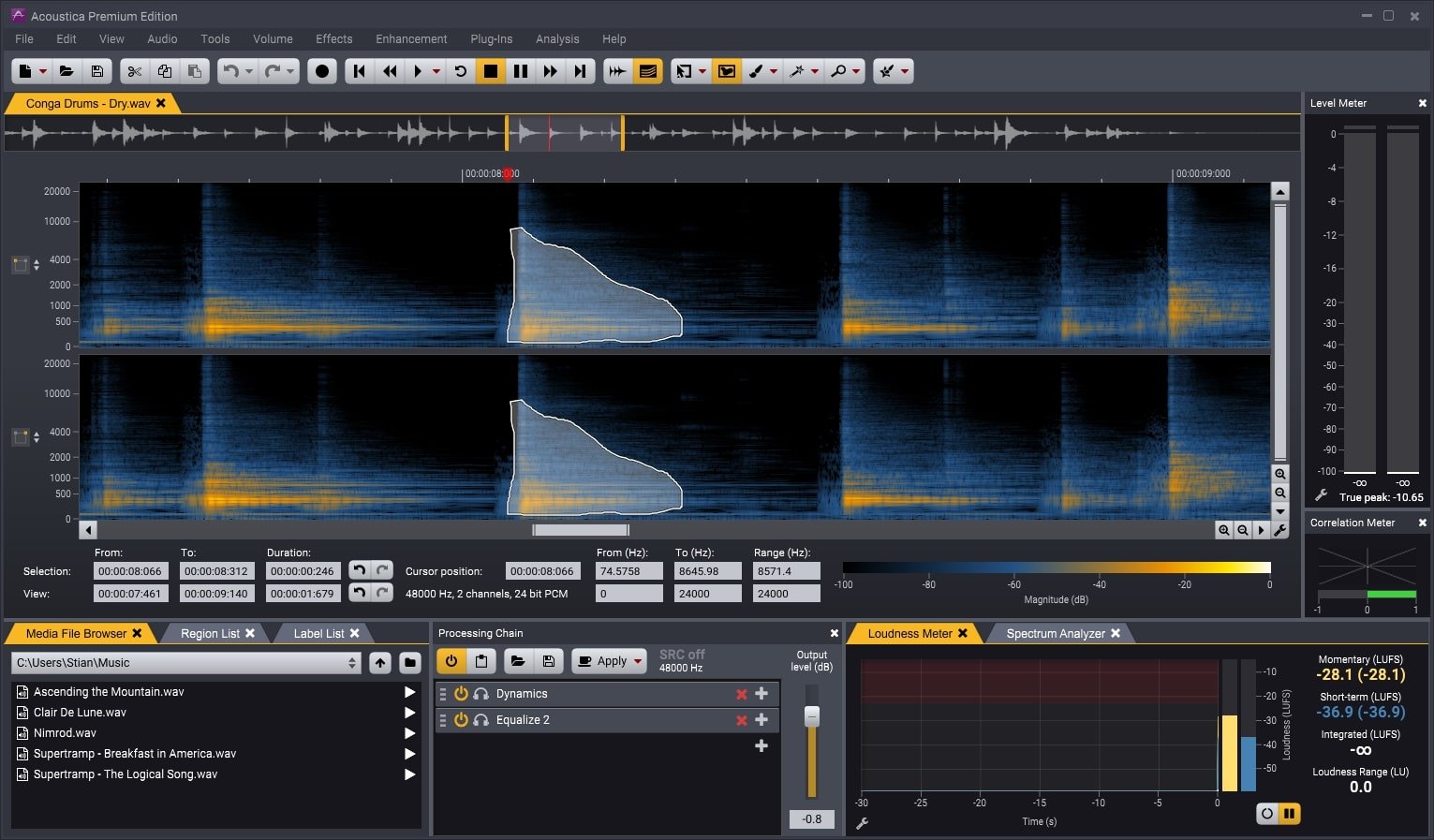
The Premium Edition expands your creative possibilities with advanced features such as sophisticated spectral editing, leveraging innovative retouching algorithms, and comprehensive surround sound support up to 7.1 channels on Mac. A vast library of integrated plugins is included and easily accessible within the application’s workflow. With Premium Edition, you can also use these plugins in other host applications supporting VST, VST3, AAX, or Audio Units (exclusive for Mac).
• Mastering Suite featuring Equalize 2, Dynamics, Multiband Dynamics, Limit, and Dither for professional sound finalization.
• Verberate 2, our renowned plug-in for superb natural-sounding reverberation.
• Restoration Suite 2, delivering four audio repair plug-ins: DeNoise 2, DeHum 2, DeClick 2, and DeClip 2 for thorough audio restoration.
• Extract:Dialogue, which automatically reduces background noise in dialogue recordings.
• DeWind:Dialogue, designed to minimize wind noise from dialogue tracks.
• DeRustle:Dialogue to suppress rustling clothes and lavalier mic noise on voice recordings.
• DeBuzz:Dialogue for removing hums and buzzes, such as neon light interference, power line hum, or radio frequency noise in dialogue.
• Transfer, an AAX plug-in simplifying audio transfers between Pro Tools and Acoustica 7 app.
The Standard Edition also incorporates a wide range of processing tools fully integrated into the application. Both versions for Mac support VST, VST3, and Audio Unit plug-ins and offer a deep-learning powered Remix tool that can split a complete mix into five stems and let you remix them live. Import full mixes into a multitrack session and let Acon Digital Acoustica 7 automatically create separate tracks for each stem, streamlining workflow.
A highly flexible, dockable panel interface provides access to a comprehensive set of real-time analysis tools, including EBU R-128 and ITU-R BS.1770 loudness metering, true peak measurement, phase correlation, and spectral analysis. Save and load workspace files containing your open documents, processing chains, and window layouts for tailored sessions on Mac.
Unmatched Sound Quality
Acoustica 7 app delivers cutting-edge audio resolutions up to 32-bit with sampling rates up to 384 kHz, ensuring all your productions meet the highest standards. The Premium Edition supports multichannel audio recording and editing, with full compatibility for surround formats like 5.1 and 7.1 on Mac, ensuring every detail is captured.
Audio Restoration Capabilities
The built-in restoration tools empower you to rescue recordings degraded by background noise, clicks, crackles, clipping, or missing high-frequency content. The Premium Edition on Mac incorporates the full range of professional restoration modules from our acclaimed Restoration Suite, ensuring best-in-class results.
Spectral Editing (Premium Edition Only)
The newly implemented spectral editing mode in Acon Digital Acoustica 7 Premium Edition for Mac allows precise restoration, restricting processing to time and frequency-selected zones. Selection tools include brush, freehand, and magic wand, while the retouch tool eliminates noise using user-defined reference areas from surrounding audio.
Multitrack Editing
Live mix audio from multiple tracks, insert audio effects, or create smooth crossfades in your multitrack sessions. You can loop or time-stretch clips directly from the multitrack timeline, and automate parameters for volume, panning, and sends—giving you true creative control in Acon Digital Acoustica 7 mac.
Processing Tools, Chains, and Plug-ins
Enjoy a complete suite of high-quality processing tools, from state-of-the-art dynamics and equalization to premium effects like reverb and chorus. Sample rate conversion, time stretching, and pitch shifting are tightly integrated. Build processor chains, apply or store them for future use, and harness the robust batch processor. Full support for VST, VST3, and AU plug-ins (exclusively for Mac) is provided.
Analysis Tools
Acon Digital Acoustica 7 mac provides advanced analysis features, including spectrum, spectrogram, and wavelet analysis. Real-time analyzers visualize your audio output—EBU R-128 loudness, level, spectral and phase correlation—delivering the insight and precision you need for professional results.
Frequently Asked Questions
You May Also Like
Reviews & Comments
No comments yet. Be the first to share your thoughts!