Amadeus Pro
Description
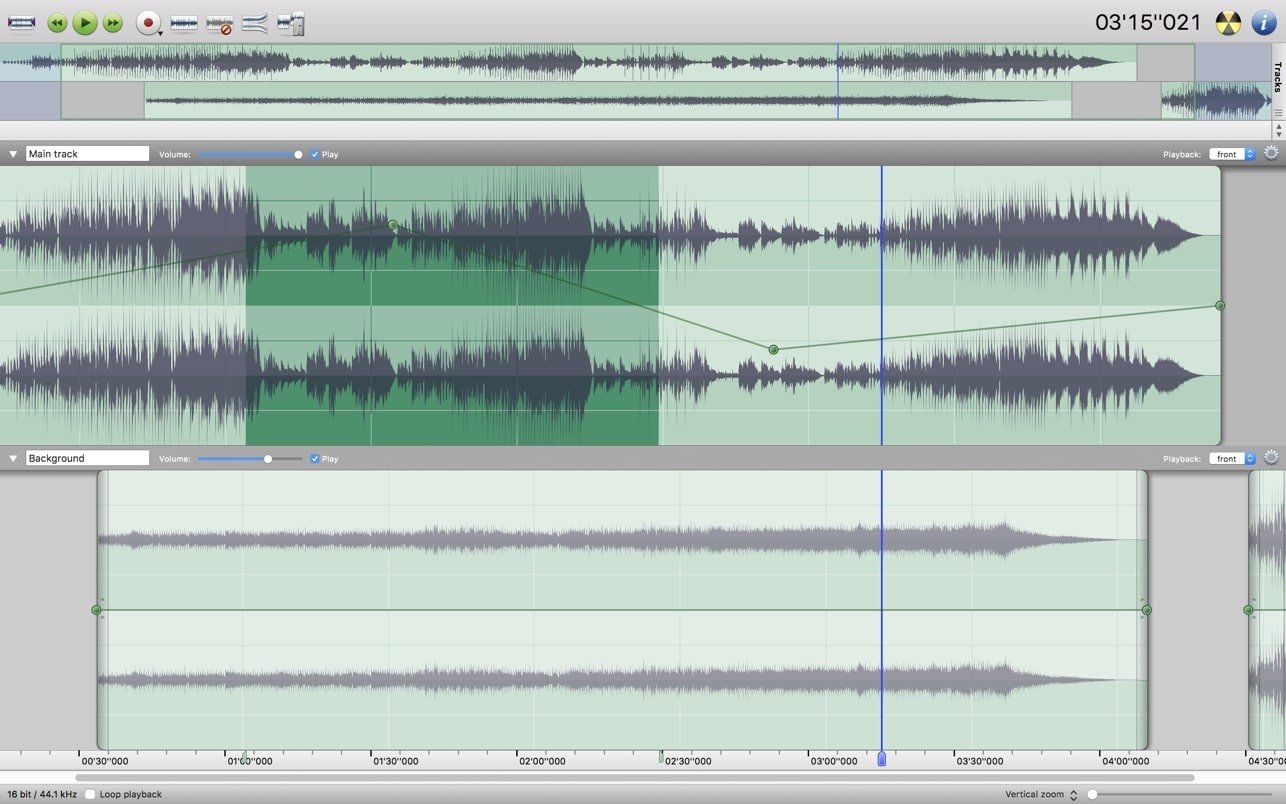
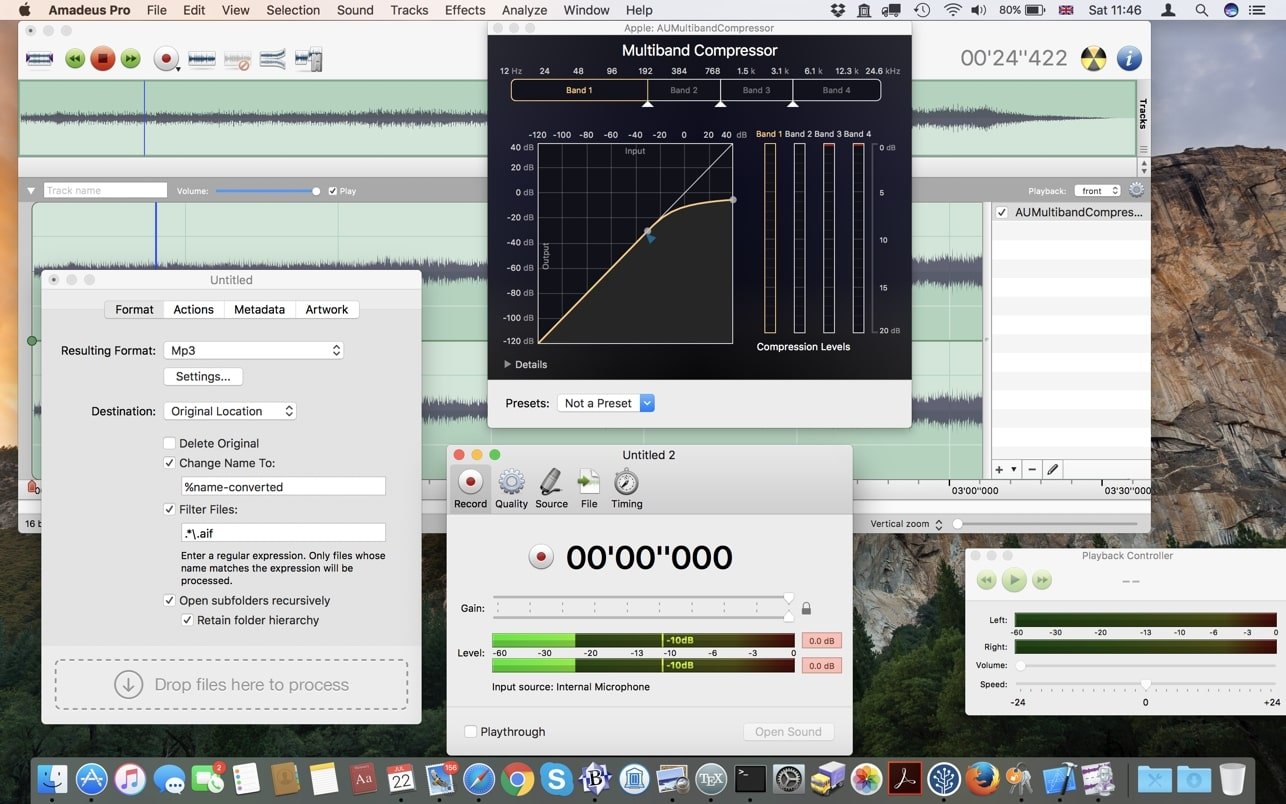
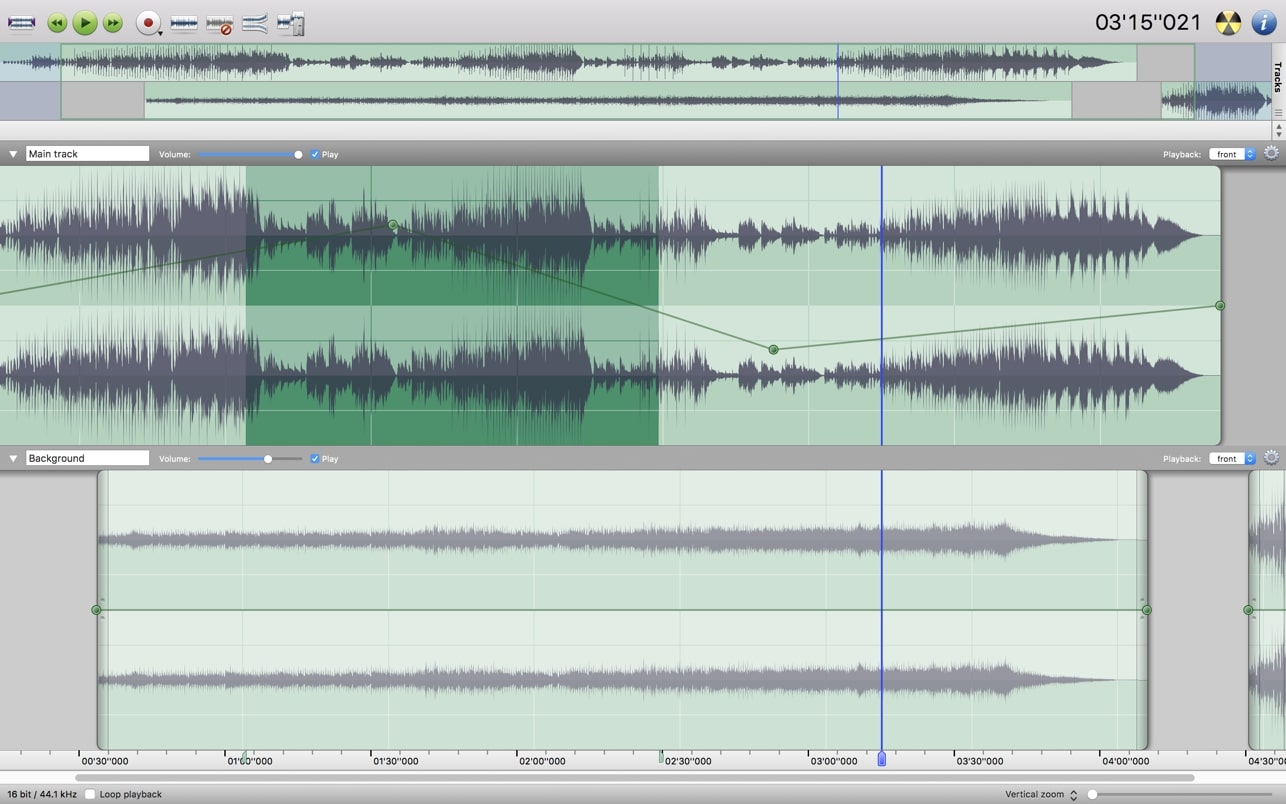
Amadeus Pro is a multitrack music editor for Mac, designed to appeal to both audio enthusiasts and seasoned professionals. This robust amadeus pro app fully supports editing with multiple audio tracks, allowing each track to be edited completely independently. Users can adjust volume levels, apply a broad range of audio filters, insert extra segments, and more—providing flexibility whether you are working on a simple podcast or a complex musical arrangement. In addition to core editing features, Amadeus Pro is equipped with advanced noise reduction and interference suppression tools. These can be applied either to entire tracks or to selected segments. Full compatibility with a wide array of music file formats and batch processing abilities makes amadeus pro mac an excellent choice for handling various project types.
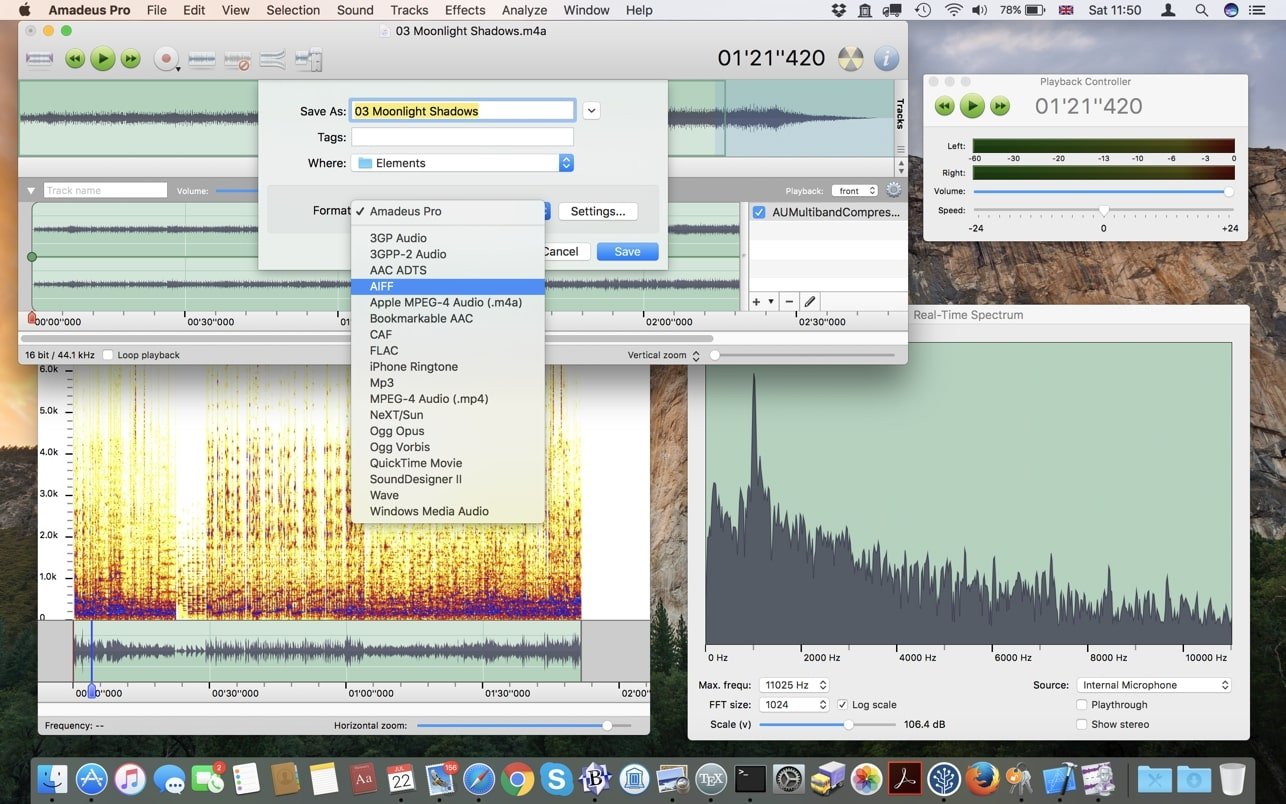
Amadeus Pro stands out with an impressive range of useful functions, such as direct output of processed files to disk, audio signal caching, and exceptionally fast handling of large sound files that exceed two gigabytes. The editor is capable of working with numerous audio formats, including MP3, MPEG-4 AAC, AIFF, WAVE, WMA, CAF, FLAC, and Ogg Vorbis. There is also a dedicated "Favorite Actions" toolbar for saving your most frequent commands, along with comprehensive audio analysis tools. Amadeus Pro supports both VST and Audio Unit plugins, adding markers, and providing intuitive Fade In and Fade Out effects to streamline the workflow for all users.
Key Features of Amadeus Pro:
- A simple, elegant user interface tailored to Mac OS X standards.
- Multichannel editing and recording capabilities.
- Efficient batch processing and conversion.
- Robust audio noise reduction and restoration features.
- Comprehensive support for a wide variety of audio formats, including AIFF, multichannel Wave, MP3, MP4, Ogg Vorbis, FLAC, SoundDesigner II, QuickTime, Apple CAF, and more.
- Integration with VST and Audio Unit plugins for expanded creative workflows.
- The "Favorite Actions" palette allows you to access your most commonly used effects with just a click.
- A vast suite of powerful audio analysis tools for in-depth sound evaluation.
- Audio CDs with CD-TEXT data can be burned directly from Amadeus Pro.
With amadeus pro download, users gain efficient, Mac-focused audio editing that caters to professional needs and seamless everyday usability.
Frequently Asked Questions
You May Also Like
Reviews & Comments
No comments yet. Be the first to share your thoughts!