
Audirvana
Description
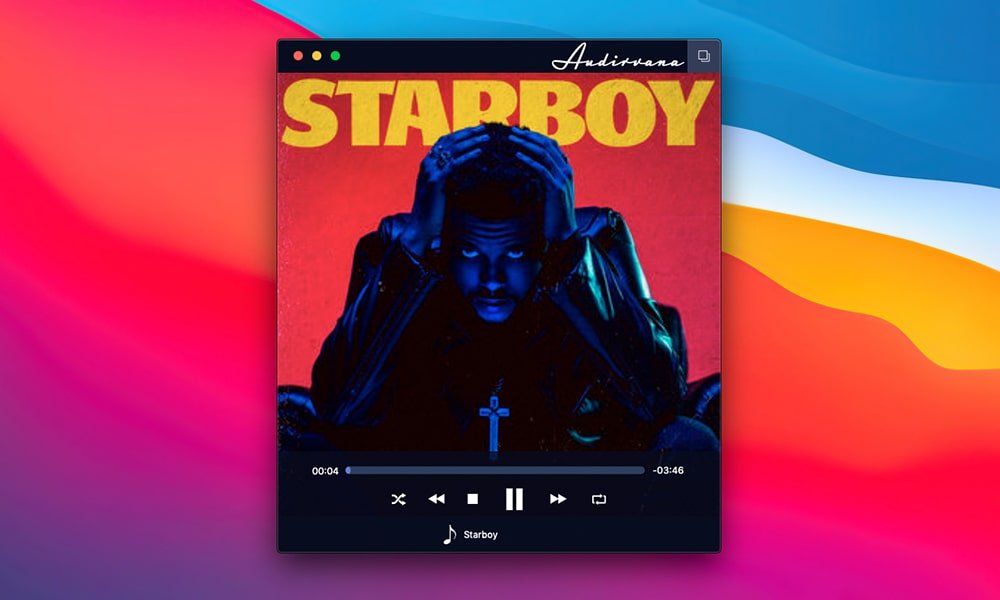
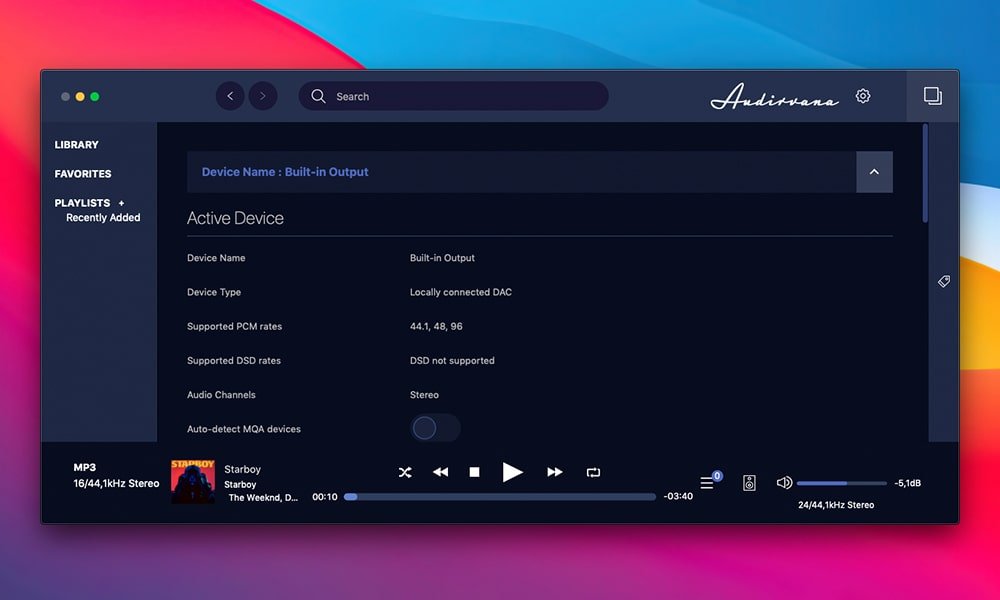
Audirvana Plus is a powerful audiophile player for Mac, delivering extensive features and an uncompromising approach to high-fidelity audio. This sophisticated player supports virtually every existing audio format, including AIFF, WAVE, AAC, MP3, FLAC, Monkey’s Audio APE, WavPack, Apple Lossless, and DSD files (DSDIFF including DST, DSF, and SACD ISO). When a compatible DAC (Digital-to-Analog Converter) is available, audirvana routes the signal directly in DSD mode, while for other devices, it utilizes high-quality conversion to PCM. Given the rising popularity of the DSD format, native support for direct interaction with your DAC is a valuable advancement for Mac audiophiles.
In addition, Audirvana supports multichannel music playback, provided you have the necessary hardware set up to fully experience immersive sound on your Mac.
Sample rate conversion with Audirvana is handled through the top-tier Sound Forge iZotope 64-Bit SRC engine. In short, this hybrid low-pass filter secures complete preservation of sound quality as audio is translated between different digital sample rates, maintaining original clarity and fidelity.
Effortlessly manage and play your local audio files and preferred high-resolution streaming services in all supported formats, all within an intuitive and unified software interface. Enjoy uncompromised audio playback and push your Mac sound system to its full potential with the audirvana mac suite, offering numerous advanced settings and enhanced parameters.
Key features of the Audirvana app:
- Comprehensive support for major formats including FLAC, libSndFile (WAV, AIFF, etc.), ALAC, plus other formats such as AAC and MP3
- Exclusive mode for audio controller access to prevent interference
- Utilization of iCoreAudio HAL for maximum audio purity on Mac devices
- Automatic sample rate switching for seamless playback
- Playback entirely from system memory: all tracks are loaded, decoded, and buffered to memory for high performance
- Minimal CPU and hard drive usage, reducing noise sources and enhancing your listening experience
- Continuous playback processing with dual-buffering: the current track is played while the next is prepared for an uninterrupted experience
- Distributed load system allows quick playback of large audio files
- Full playlist management supports M3U and m3u8 playlist formats
- IR remote handling designed for Apple’s signature remote controls
- Automatic app updates via Sparkle for up-to-date performance
Frequently Asked Questions
You May Also Like
Reviews & Comments
No comments yet. Be the first to share your thoughts!