
AVTouchBar
Description
AVTouchBar is an advanced audio visualizer designed specifically for your Mac’s Touch Bar. AVTouchBar can automatically create an aggregate output device whenever required, ensuring seamless integration with your sound system. The avtouchbar app features dynamic functionality such as customizable gradients, intuitive Touch Bar gestures for color changes, instant fullscreen mode switching, and real-time volume control.
Features:
Sound Selection AVTouchBar works seamlessly with both your Mac’s built-in microphone and system audio. *To utilize system audio, you will need to install an additional third-party audio driver, enabling you to select it directly from the menu.
Color Selection Use the menu bar to pick the color for the audio visualizer or to easily quit the avtouchbar mac application at any time.
Color Manager Access the easy-to-use color manager to instantly create, remove, import, and share your favorite custom color gradients, making personalization simple and flexible.
Gradient Creation Effortlessly add, delete, and adjust nodes for building unique and vibrant color gradients suited to your preferences.
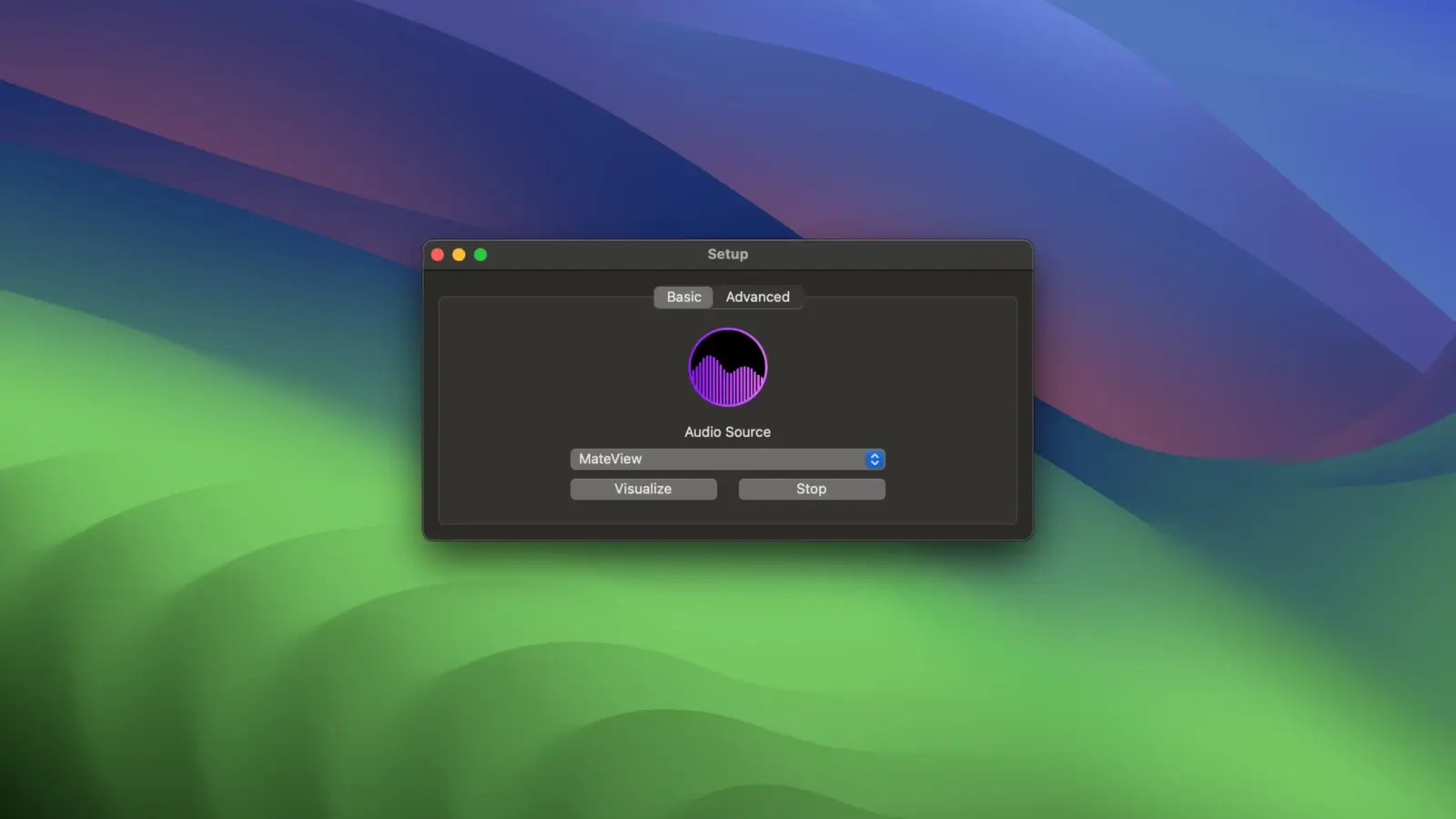
Basic Mode Allow AVTouchBar to manage all core settings for you automatically, making it perfect for users who prefer a streamlined experience.
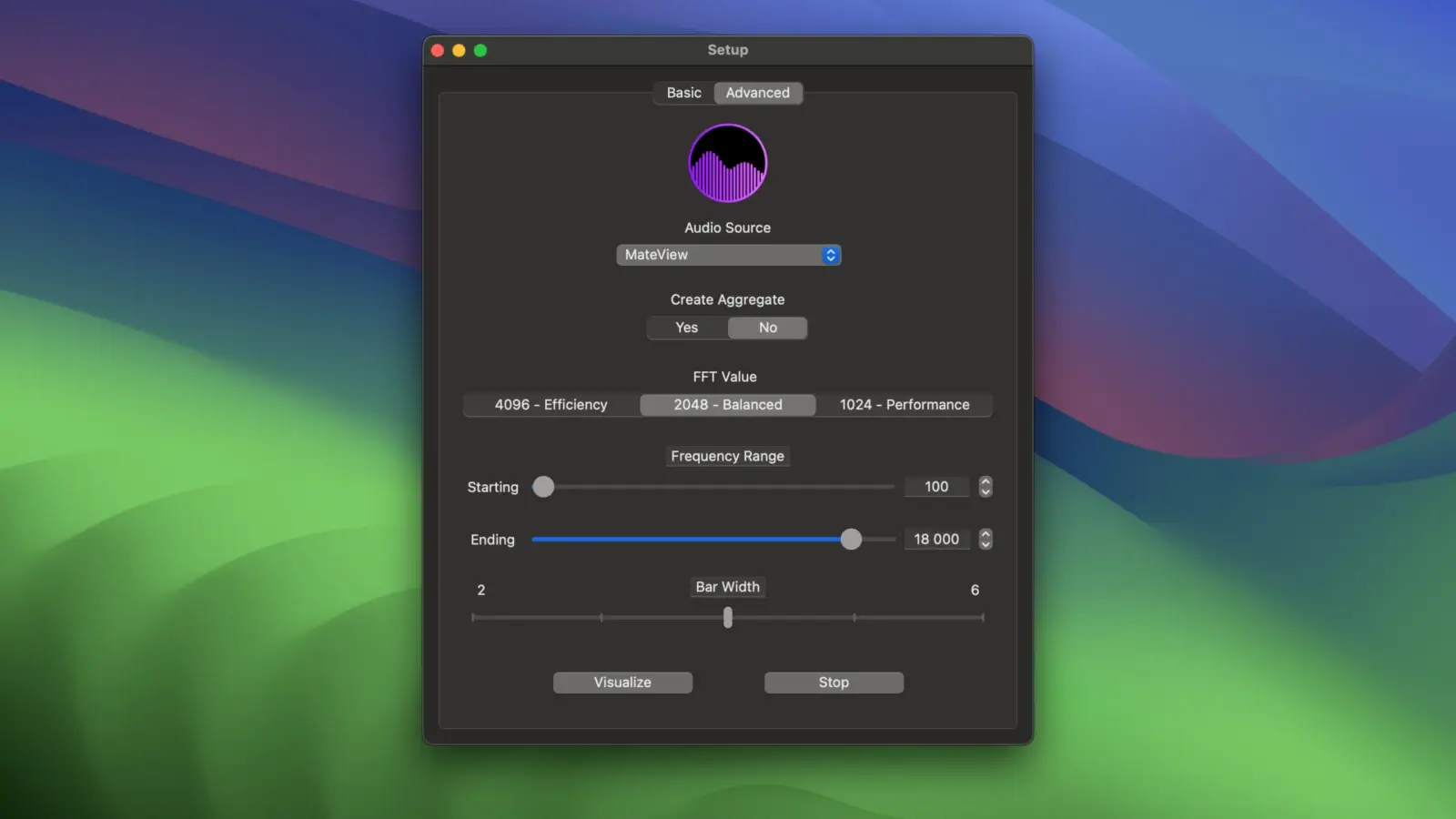
Advanced Mode: Enjoy complete freedom with extensive options for fine-tuning and customization.
Touch Bar Gestures • Single finger tap – switch visualizer color • Long single tap – toggle fullscreen mode • One-finger swipe – adjust system volume up or down with precision
Aggregate Output Device When needed, AVTouchBar conveniently autogenerates an aggregate output device, which is also automatically removed upon exiting the app. This ensures there is no manual configuration required for audio inputs and outputs—everything is handled automatically for your macOS experience. AVTouchBar download is streamlined and installation is straightforward, allowing you to focus on enjoying the rich audio-visual feedback that elevates your Touch Bar.
Frequently Asked Questions
You May Also Like
Reviews & Comments
No comments yet. Be the first to share your thoughts!