Cinemagraph Pro
Description
Cinemagraph Pro is the most powerful tool for creating captivating visual imagery, setting a new standard within its class on Mac. Cinemagraph creation is effortless with this professional-grade editor, specifically designed for crafting dynamic moving images that grab and retain attention.
A recipient of the prestigious Apple Design Award and recognized as Best of the App Store in 2014, Cinemagraph Pro delivers an innovative visual storytelling medium: a seamless hybrid of natural motion and still photography. Even without an expert background in photo or video editing, you can use the cinemagraph pro app to produce high-quality, professional cinemagraphs that truly stand out and capture viewers’ eyes. What used to require hours or days of work can now be accomplished in just moments.
Create
• Import any tripod-captured video (4K and higher on supported Mac hardware)
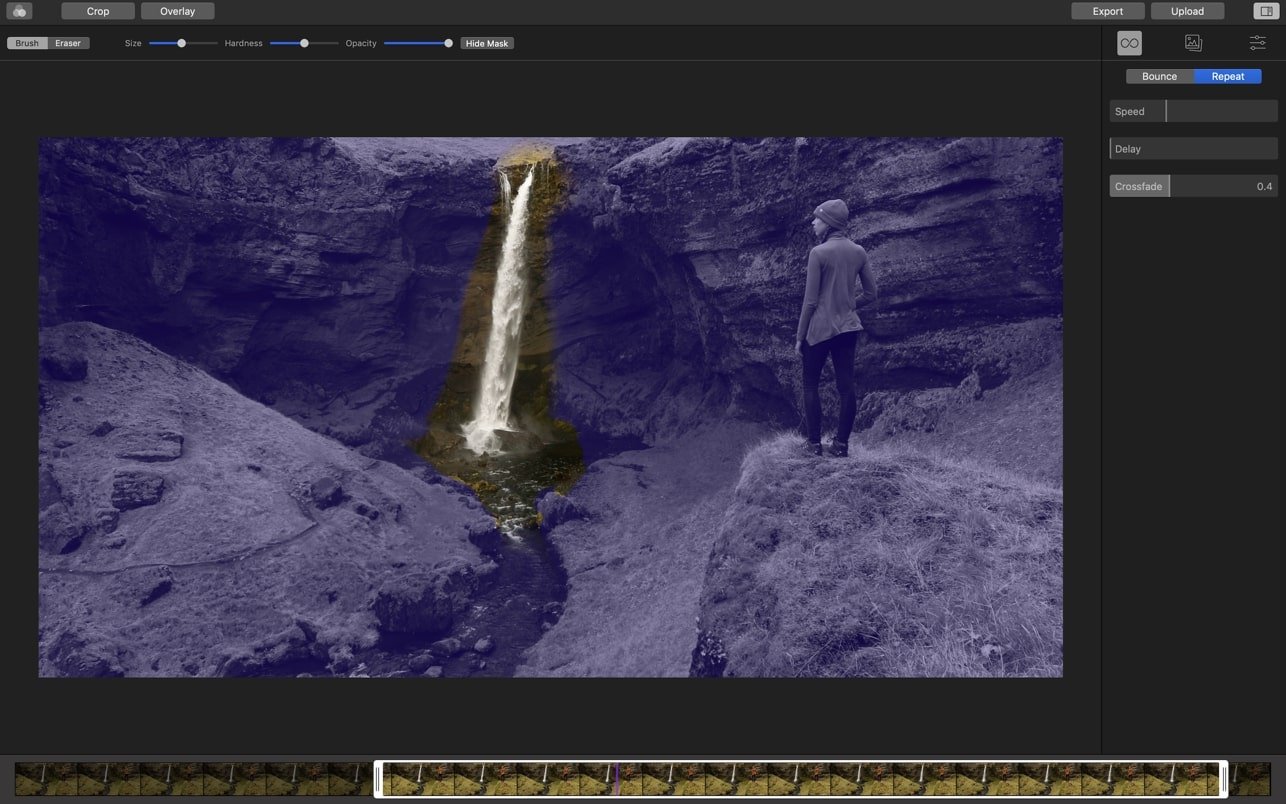
• Experience magical real-time masking with our patented process—just paint on the still image, and the software detects the motion for you.
• Easily trim footage to create the perfect seamless loop.
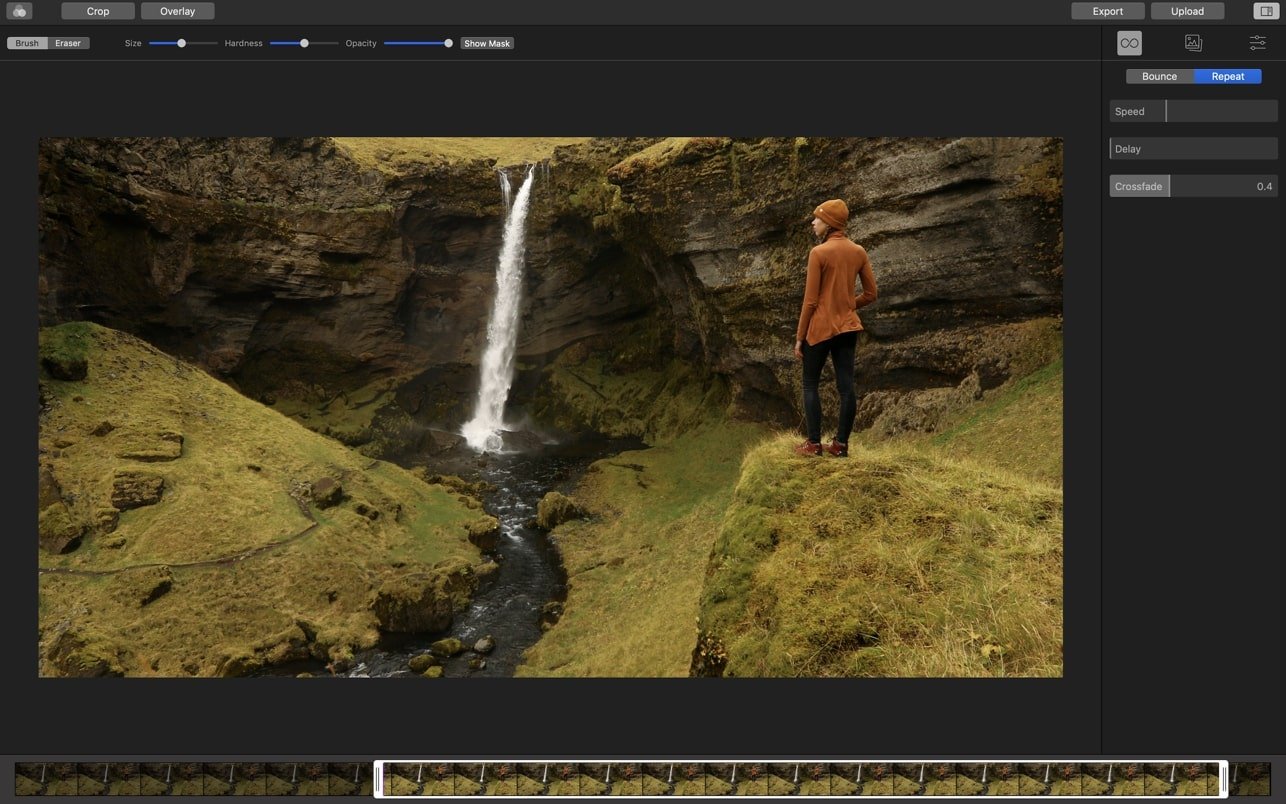
• Quickly select the best still frame
• Fine-tune loops with bounce or repeat options and smooth transitions.
• The process is straightforward
Advanced Editing
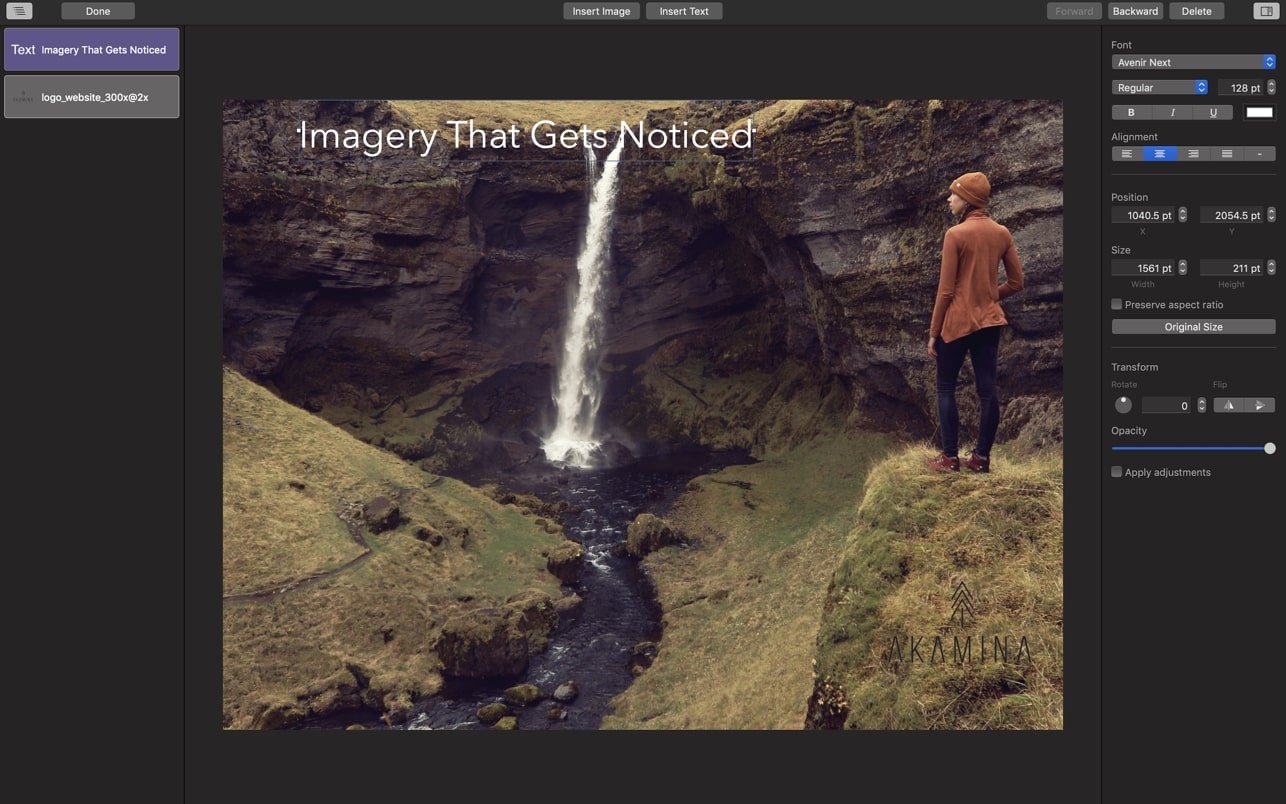
• Add overlay layers of images or text to your cinemagraphs
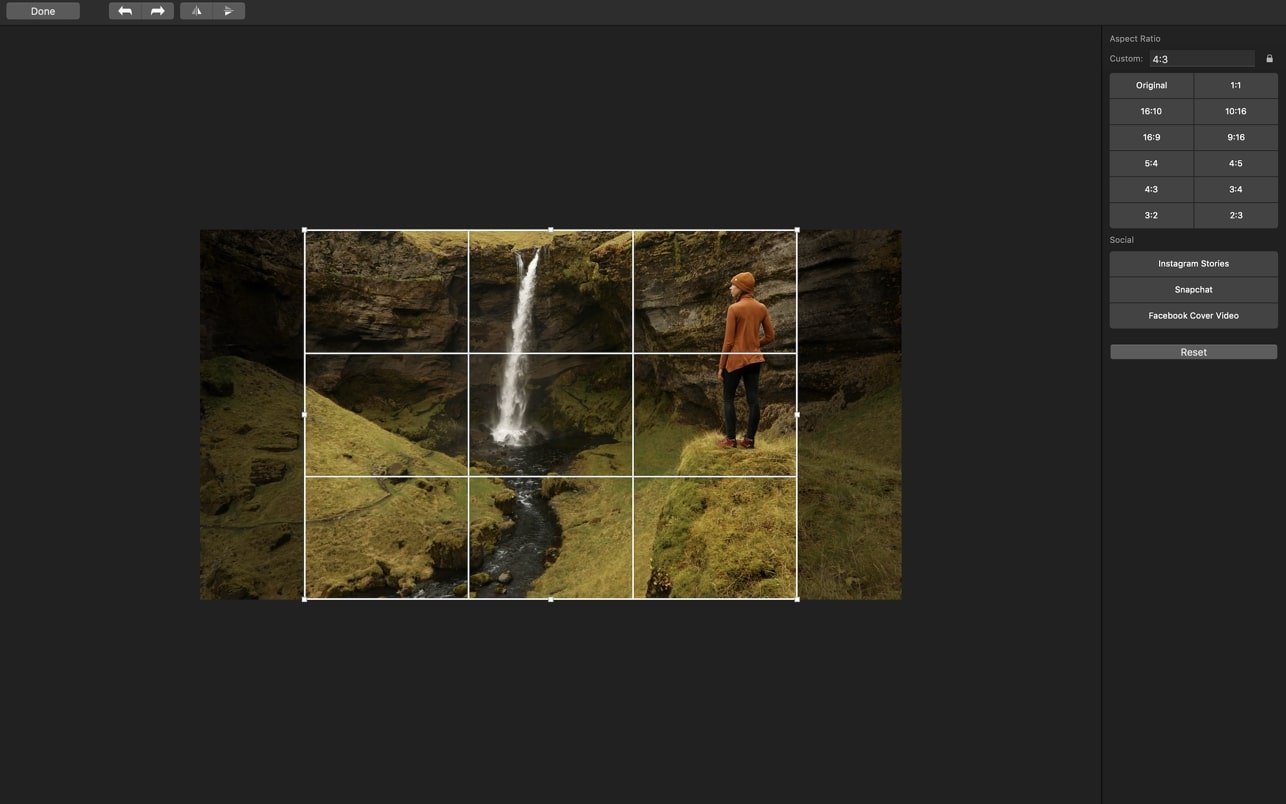
• Crop, rotate, and straighten to achieve flawless image framing.
• Export, modify, and import still images at any time.
• Adjust playback speed or add delay for extra creativity.
• Begin with preset filters and then manually refine color, brightness, and tone curves.
Learn
• Access comprehensive video tutorials that teach you how to create stunning cinemagraphs with Cinemagraph Pro for Mac.
• Start as a beginner and advance to expert guidance.
• Download practice documents to follow along and hone your skills.
• Dive into case studies and in-depth resources to maximize the attention-grabbing power of your cinemagraphs.
Made for Professionals
• Capture and edit ultra-high-quality 4K imagery using cinemagraph pro mac.
• Document-based workflow lets you revise, duplicate, and share with ease.
• Full iCloud Drive support means you can create or edit anywhere—seamlessly switching between your Mac, iPhone, or iPad.
Sharing
• Export in H.264, HEVC, ProRes 422/4444, or GIF formats.
• Upload quickly to Flixel for streamlined sharing and embedding.
• Utilize customized cropping and export settings, making it easy to optimize your cinemagraphs for social media posts or advertising campaigns.
Frequently Asked Questions
You May Also Like
Reviews & Comments
No comments yet. Be the first to share your thoughts!