ColorWell
Description
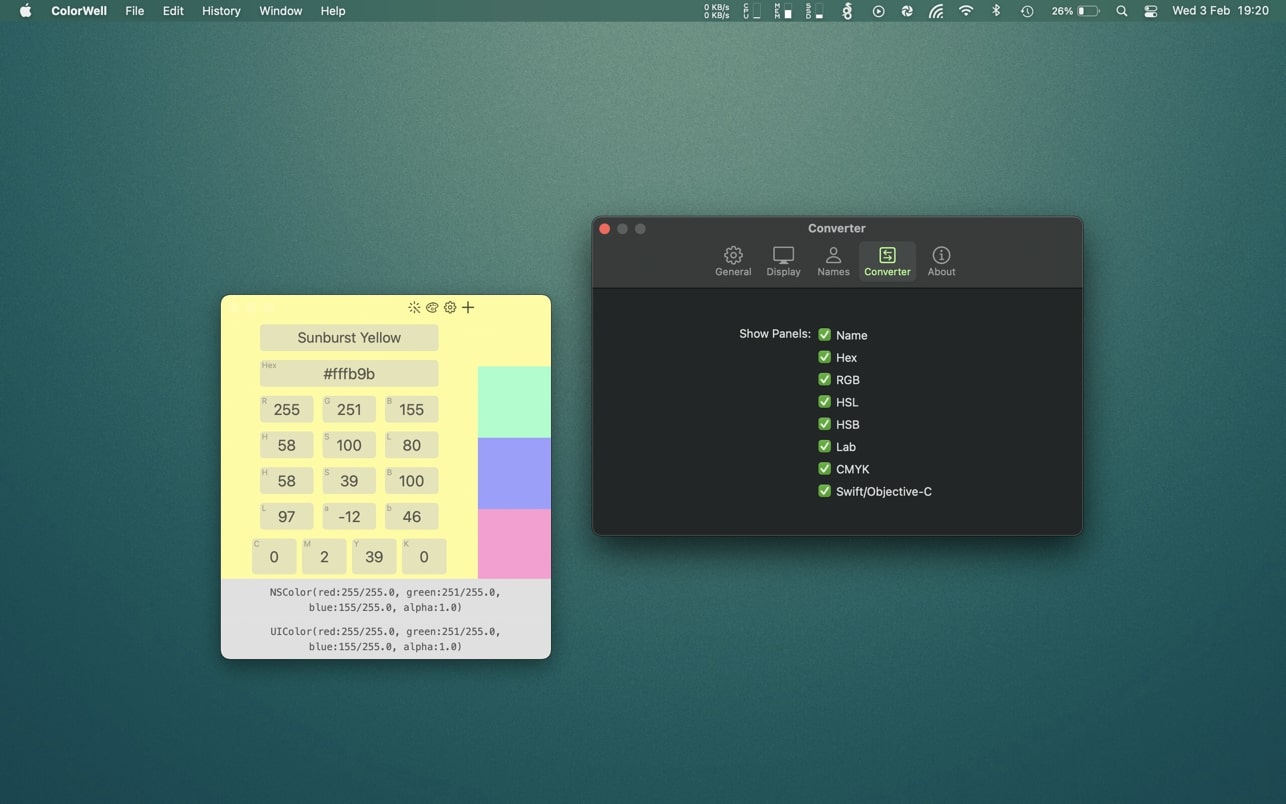
A beautiful and exceptionally intuitive color palette and palette generator are essential additions to the toolkit of any Mac web application or app developer, and the ColorWell app brings these capabilities to the forefront with ease of use and advanced features designed exclusively for macOS.
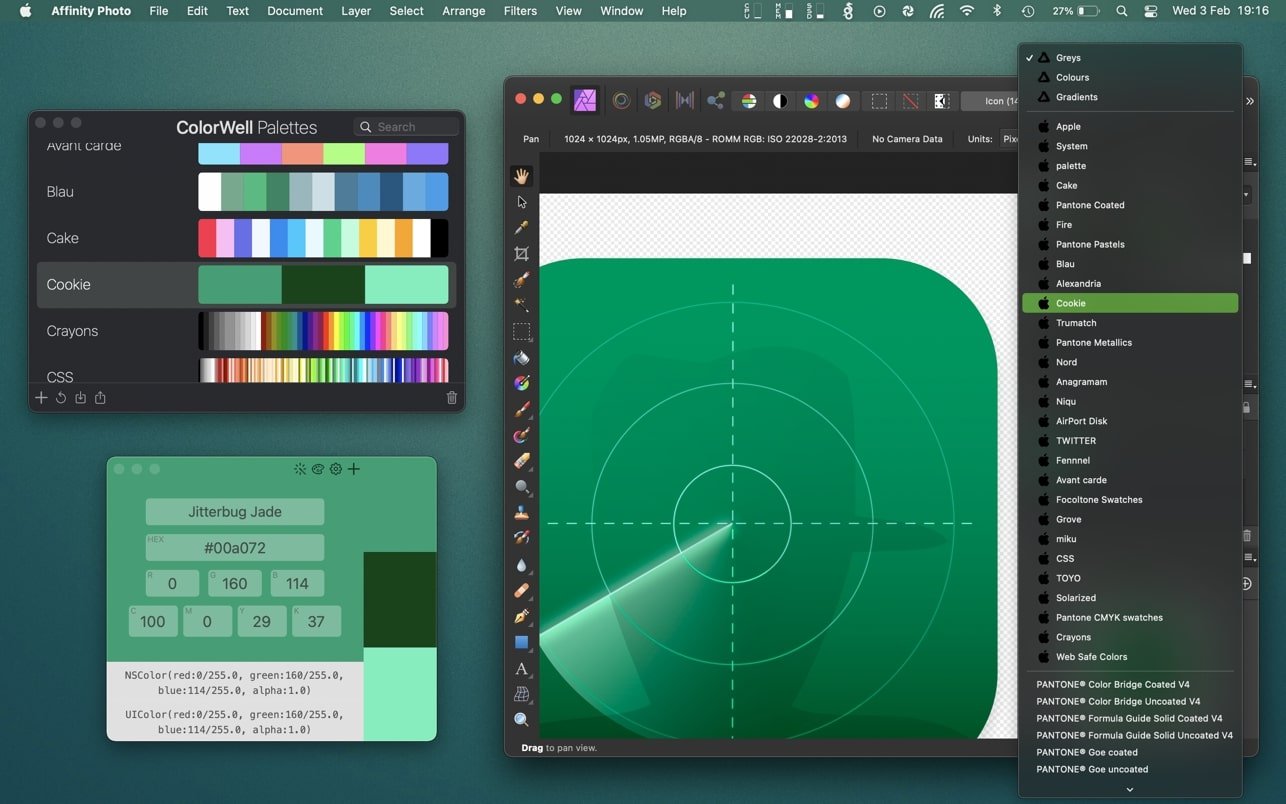
With ColorWell, you can effortlessly create an unlimited number of custom color palettes, always having instant access to comprehensive color information and ready-to-use code generation for Mac development environments. The fully editable palette database allows you to archive and restore any color palette for later use, all managed via a high-speed search system. What sets ColorWell apart is the seamless synchronization of your meticulously crafted palettes with the native macOS color panel. This ensures every color scheme you design is instantly accessible in Pages, Affinity Photo, Final Cut Pro, or any best-in-class app on macOS.
The process of importing and exporting palettes in popular file formats like JSON, Adobe .ase, and Apple .clr is incredibly straightforward. Import any palette and it will be automatically added into your macOS system color palette, making it instantly available across all your other Mac applications for smooth reuse and sharing.
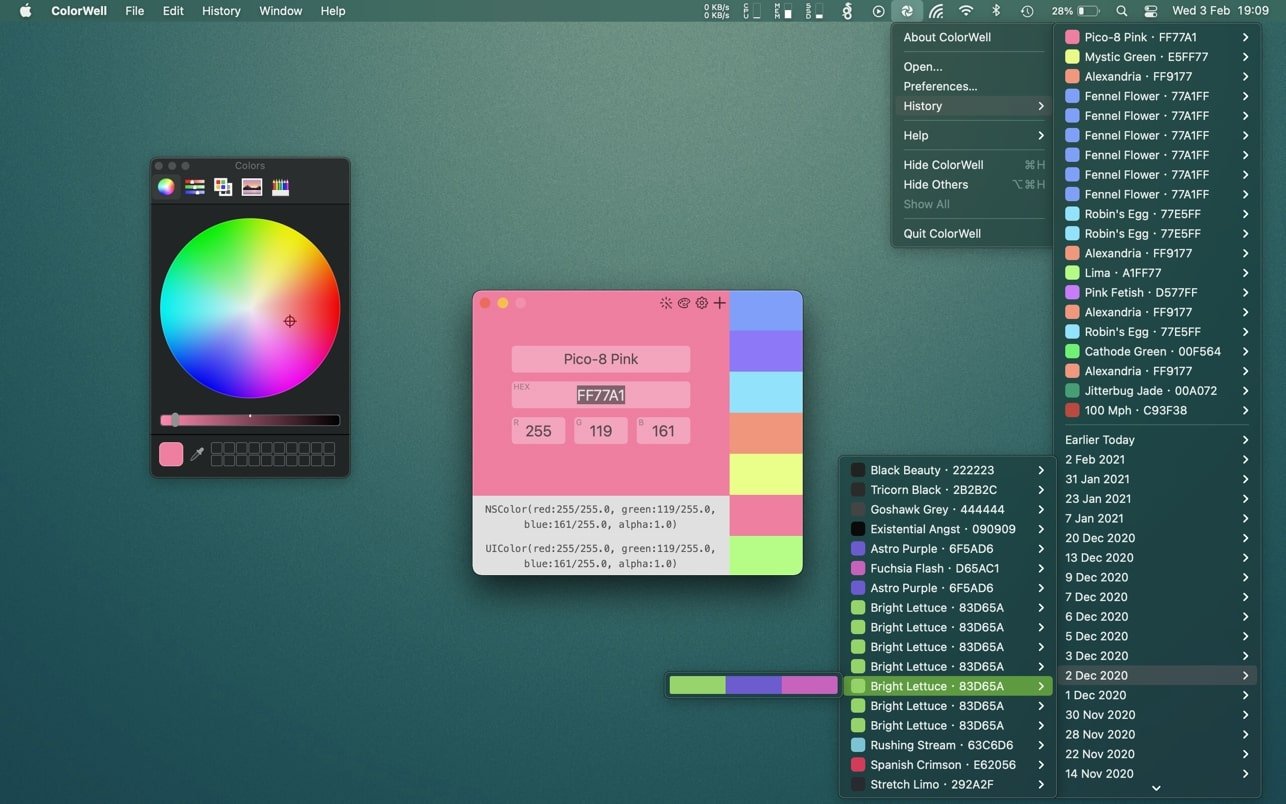
There's no reason to worry about tracking every small adjustment, as ColorWell automatically saves all color state changes in a comprehensive history, allowing you to easily revisit and restore any previous version at any time.
ColorWell includes over 17,000 built-in color names, making it simple to remember any hue you create or discover, streamlining your workflow and expanding your creative possibilities.
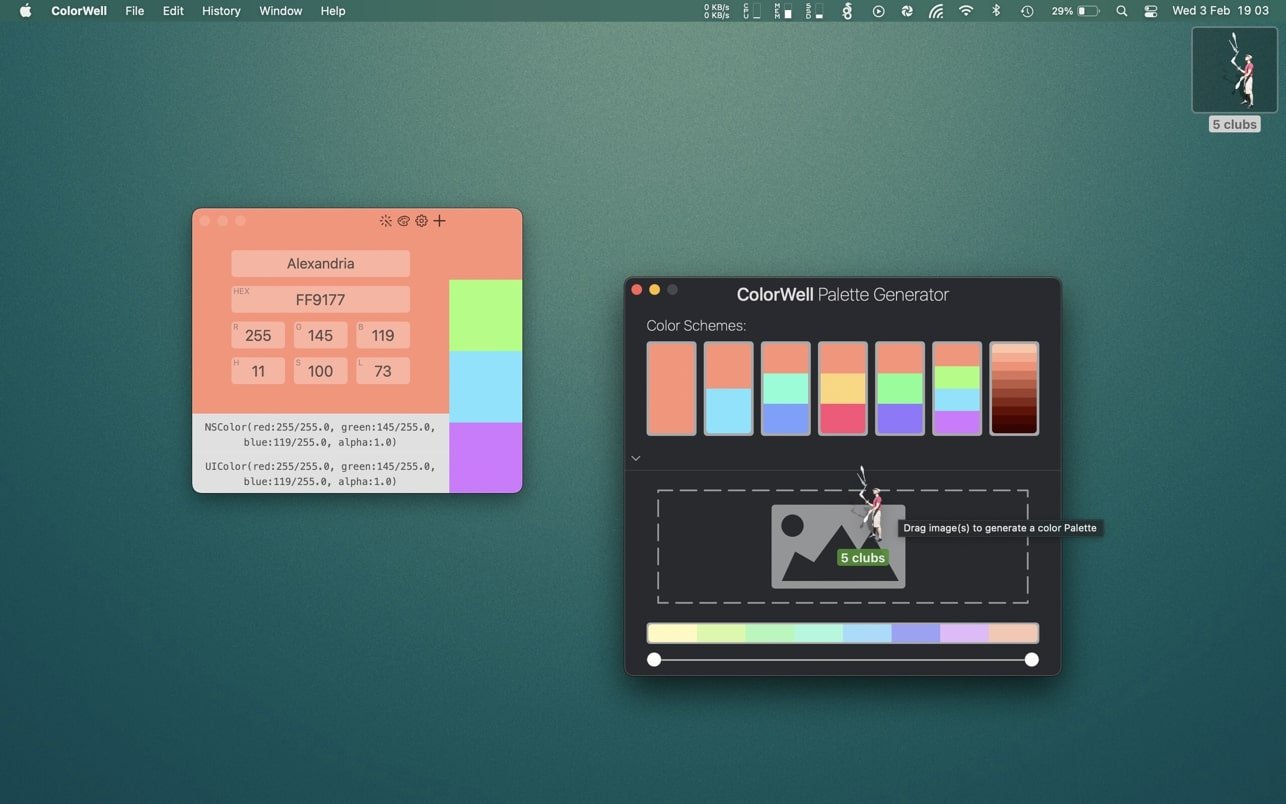
While accessing the default macOS color wheel can sometimes be time-consuming, ColorWell offers customizable global hotkey access or a single quick click from the system menu bar, enabling instant retrieval of hex, rgb, hsl, hsb, Lab, or cmyk values and ready-to-use code snippets from any color source within seconds.
If you’ve ever needed to rapidly generate a color palette from a source image—or multiple images—the Palette Generator is the perfect tool. Simply drag and drop your chosen image(s) into the generator window to build palettes based on the most prominent colors present in your photos. Of course, any palette you create can be saved directly to your ColorWell Palette database for future use and easy organization on your Mac!
Frequently Asked Questions
You May Also Like
Reviews & Comments
No comments yet. Be the first to share your thoughts!