Doppler
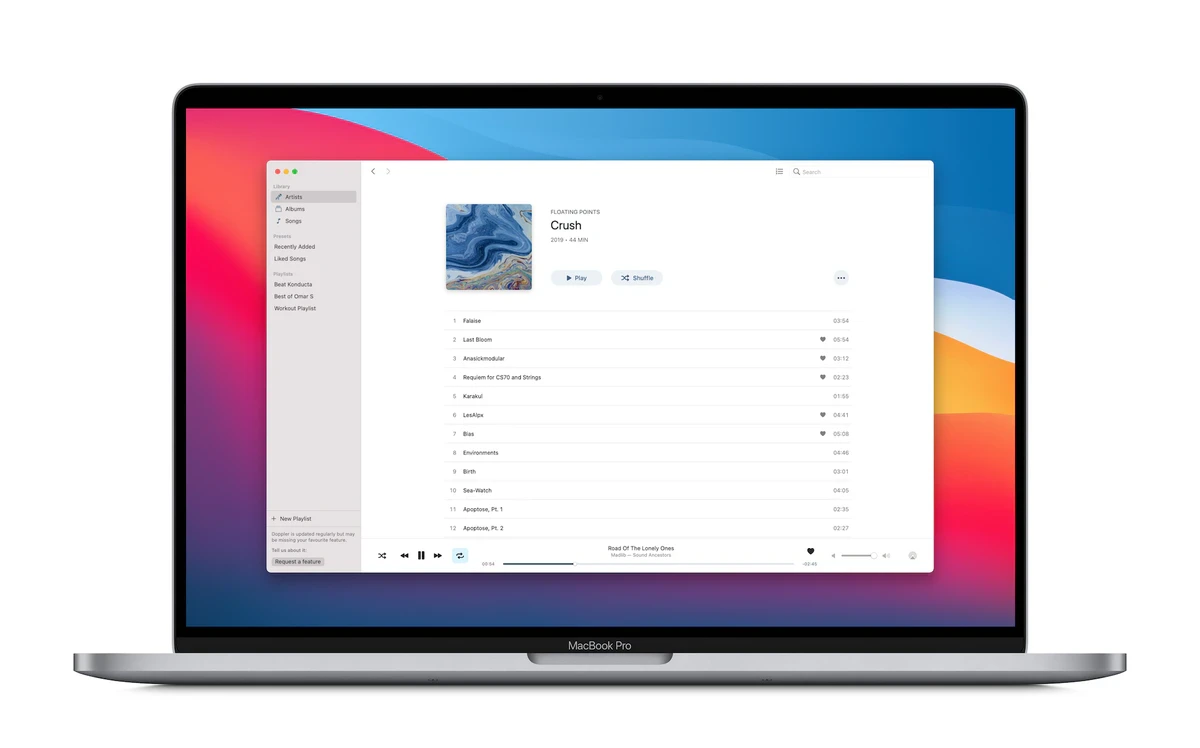
Description
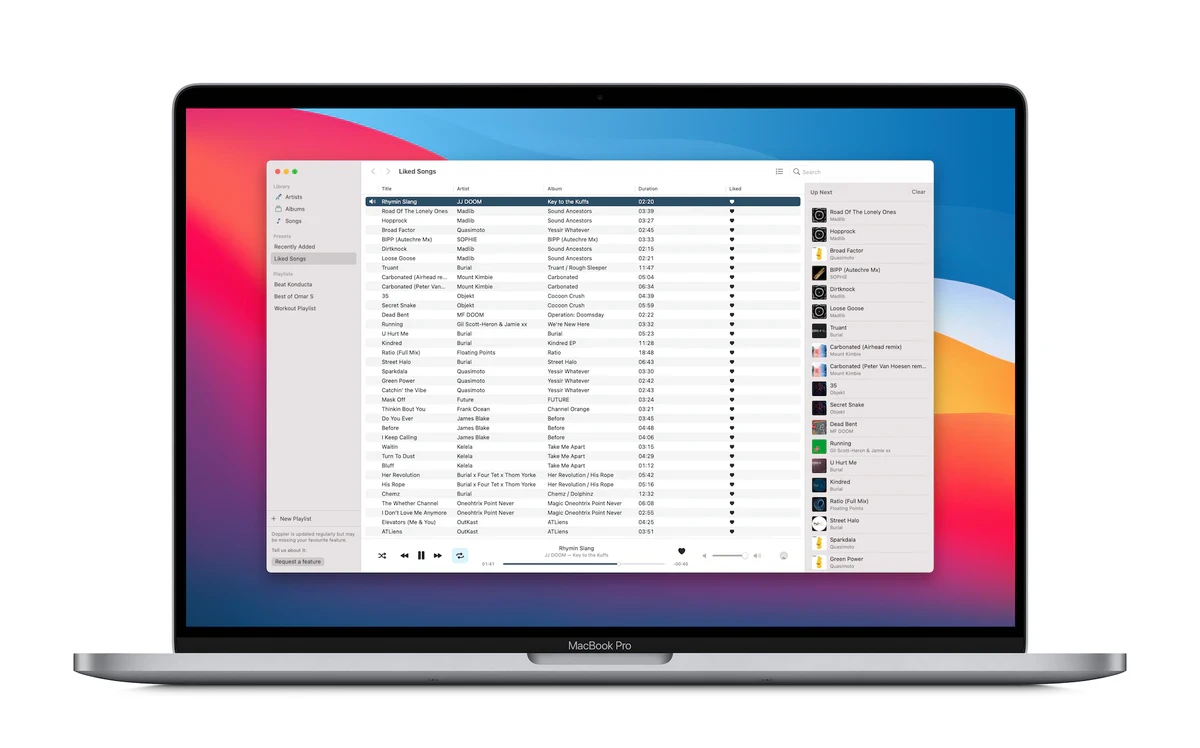
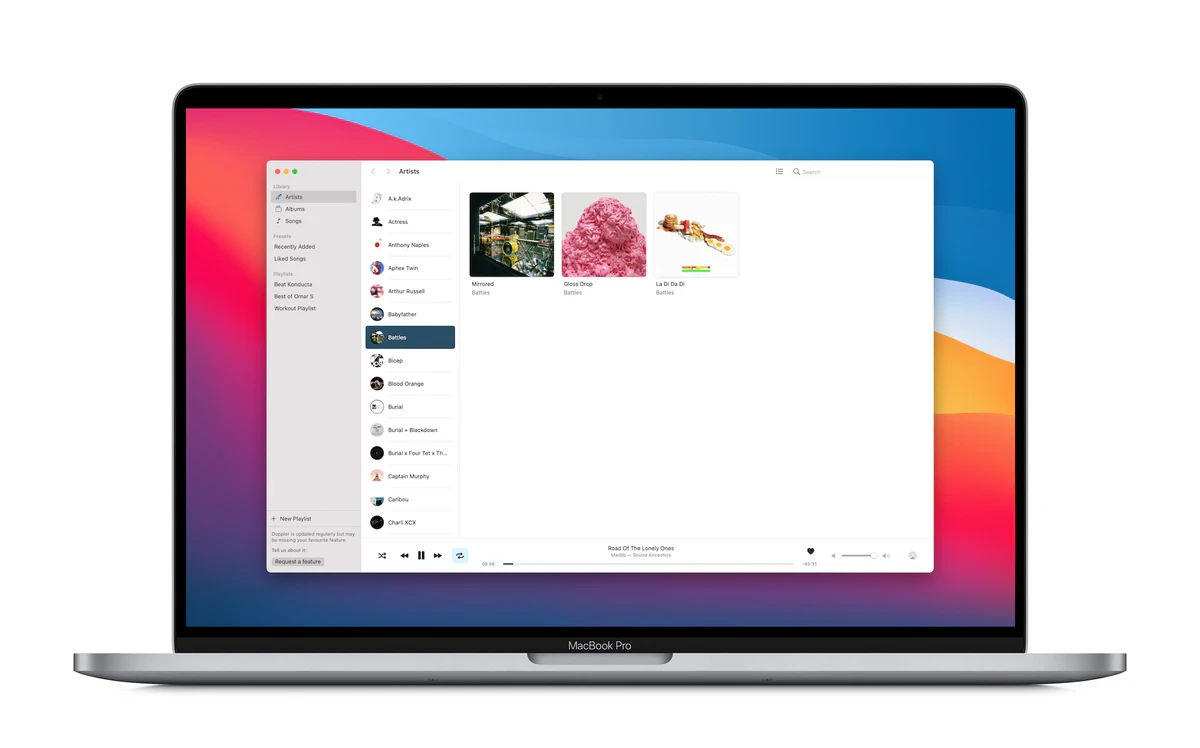
Doppler is a beautifully designed FLAC player and MP3 player that supports numerous audio file formats on Mac. With Doppler, you can easily import your music and playlists for offline listening and quickly edit song and album artwork, as well as metadata, without the need to sync your files.
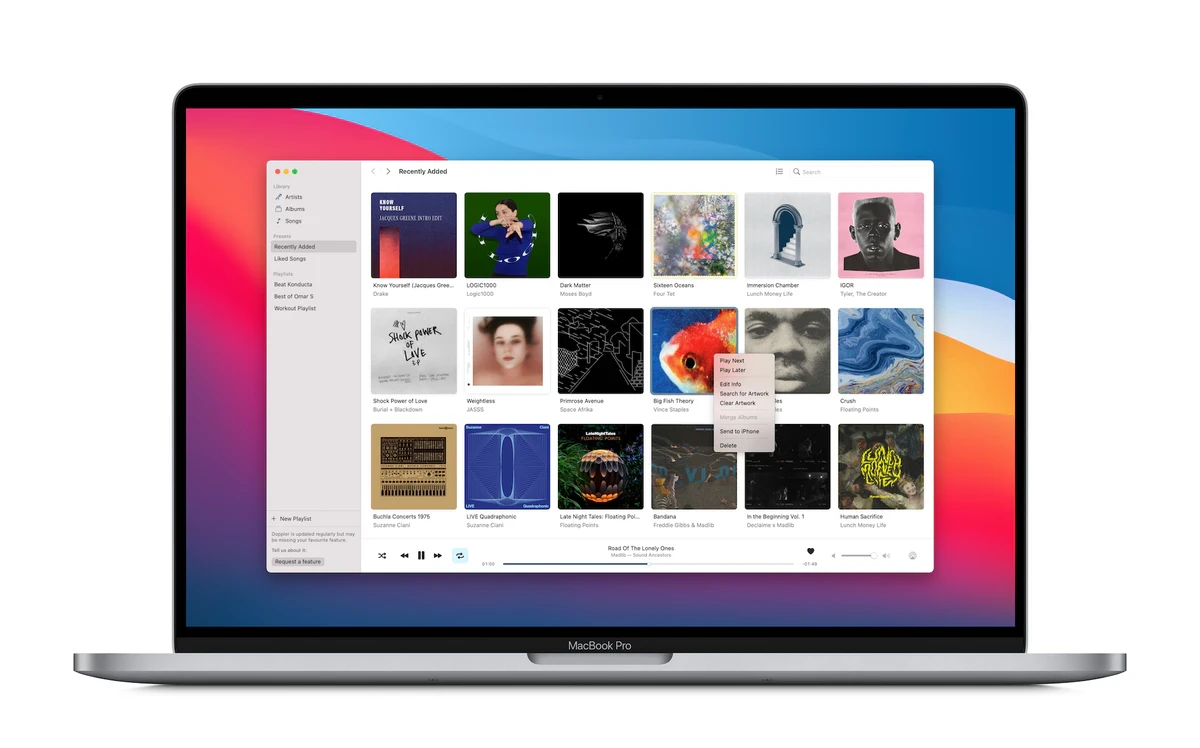
The interface of Doppler dynamically responds to your music and gives you instant access to your current playback queue. Tap directly on any recently added album or use the search to instantly explore your entire music collection with ease.
All your music and playlists are always stored locally on your Mac, ensuring you have your complete music library whenever you want it, even without an internet connection. Doppler goes even further by automatically importing any new music files you add, so your music library always stays up to date effortlessly.
Doppler supports an exceptionally wide variety of file formats, including FLAC, MP3, WAV, AAC, M4A, and many others. All audio files are kept locally for smooth offline playback. Doppler is an ideal companion for flights, subway rides, or anywhere you’re without Wi-Fi—your music is always with you.
Doppler integrates seamlessly with Bluetooth and AirPlay 2, enabling you to listen in the car, with AirPods, on the HomePod, or through any Bluetooth-compatible speaker. The latest version of Doppler also offers a purpose-built CarPlay app for a safer, more enjoyable driving experience.
To help keep your music library perfectly organized, Doppler supports editing of song and album metadata—directly on your Mac and entirely computer-free. You can also locate and download missing album artwork within the doppler app, making your collection look great at all times.
Features:
- Stunning, intuitive design
- Reliable offline and local playback
- Support for MP3, FLAC, AAC, WAV, M4A, and many more audio formats
- Easily create and edit playlists
- Edit song metadata directly within the app
- Highlights recently added albums
- Fast, full-library search functionality
- Import your existing albums and playlists with ease
- Edit your playback queue as you listen
- Listen seamlessly through AirPods, HomePod, or any Bluetooth-compatible speaker
- Automatic import of new music to keep your collection fresh
- Instantly share album information with friends
- Last.fm support for music tracking
- Search for and download missing album artwork
- Import music from Safari, Dropbox, Google Drive, and more
- Import music from your Mac over Wi-Fi
- Detailed listening statistics and reports
If you want a powerful and visually appealing way to manage your music library, doppler mac delivers flexible features and an exceptional experience. Doppler is the ultimate audio player for Mac, designed to make your listening and management seamless both online and offline.
Frequently Asked Questions
You May Also Like
Reviews & Comments
No comments yet. Be the first to share your thoughts!