EazyDraw
Description
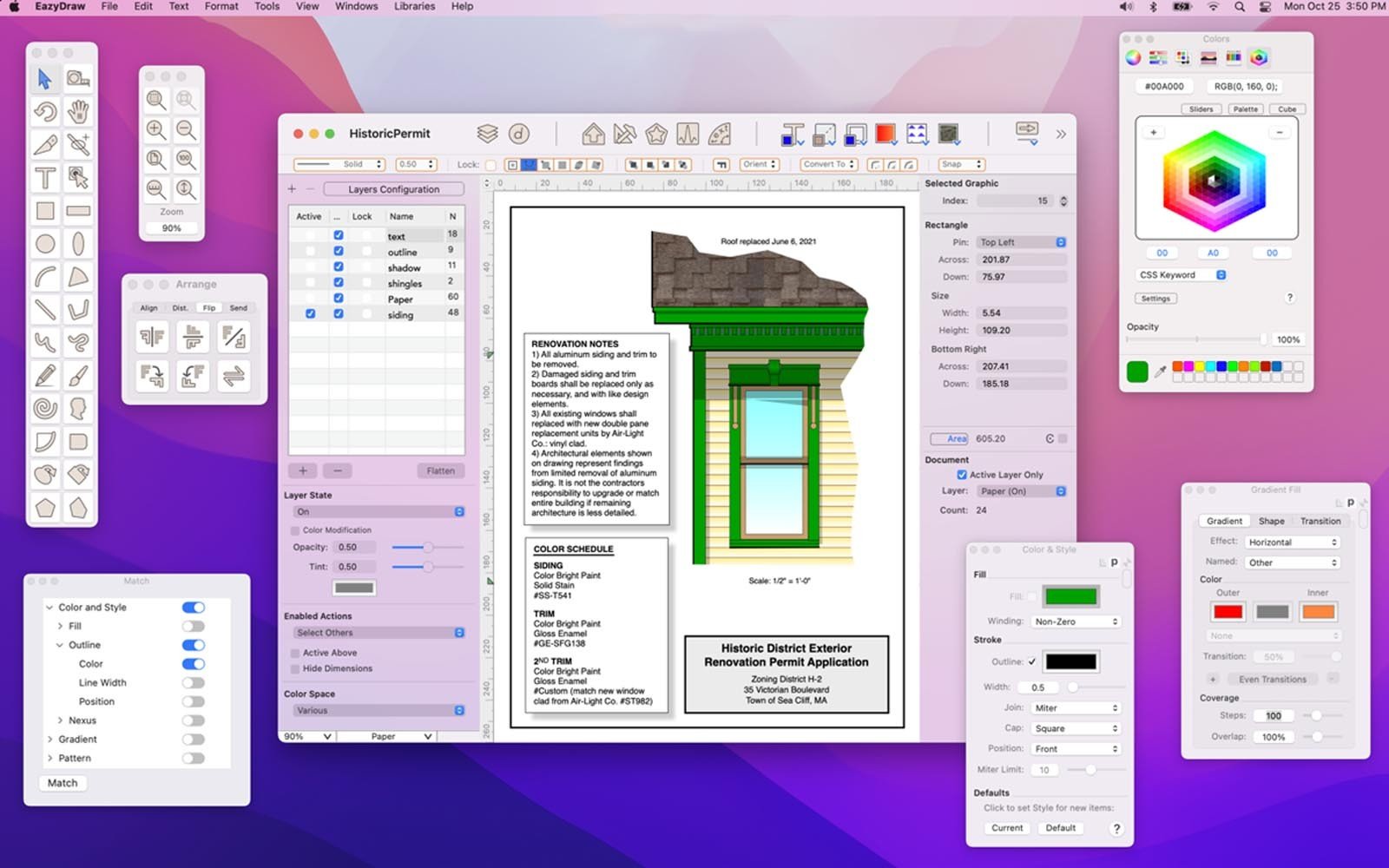
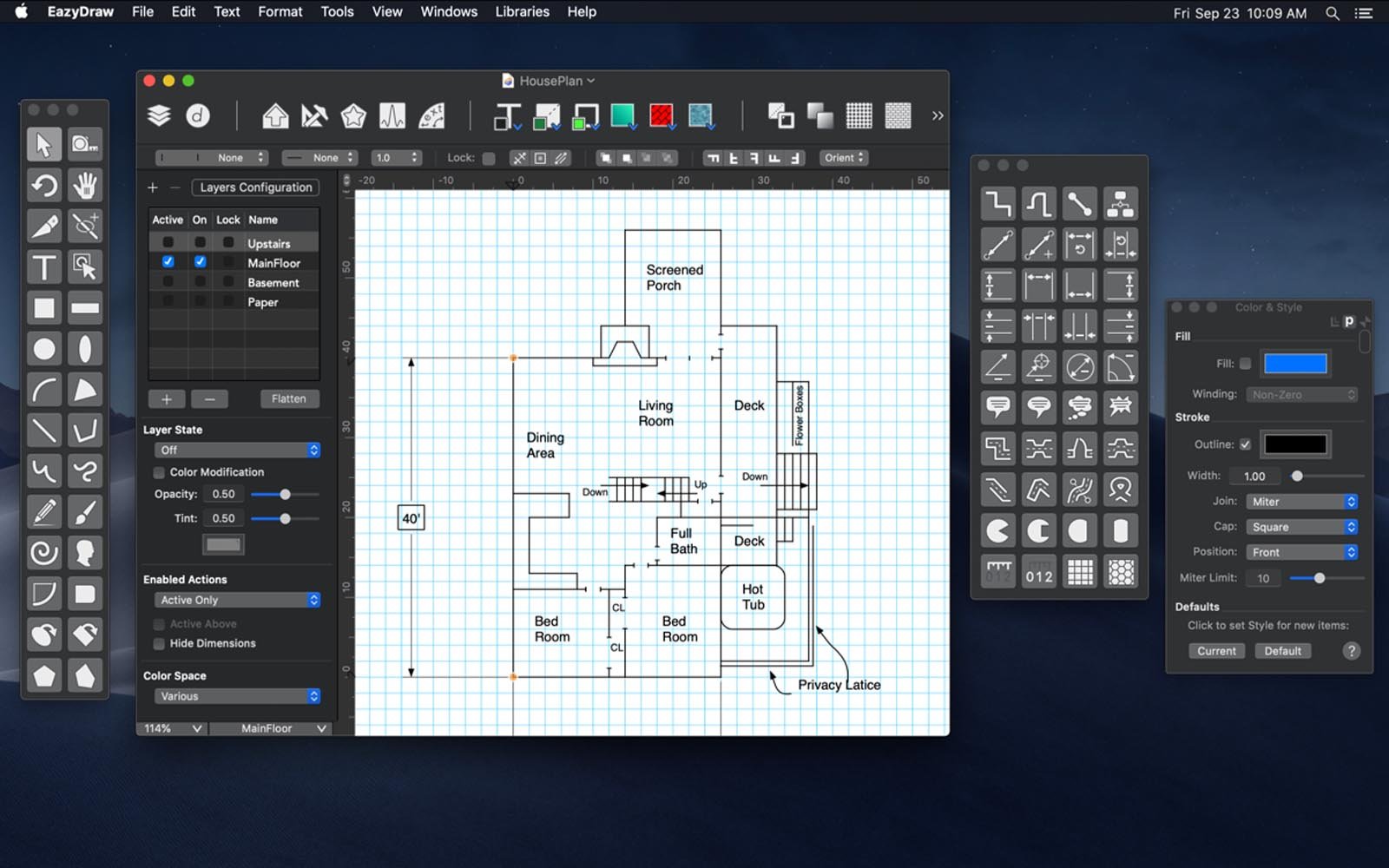
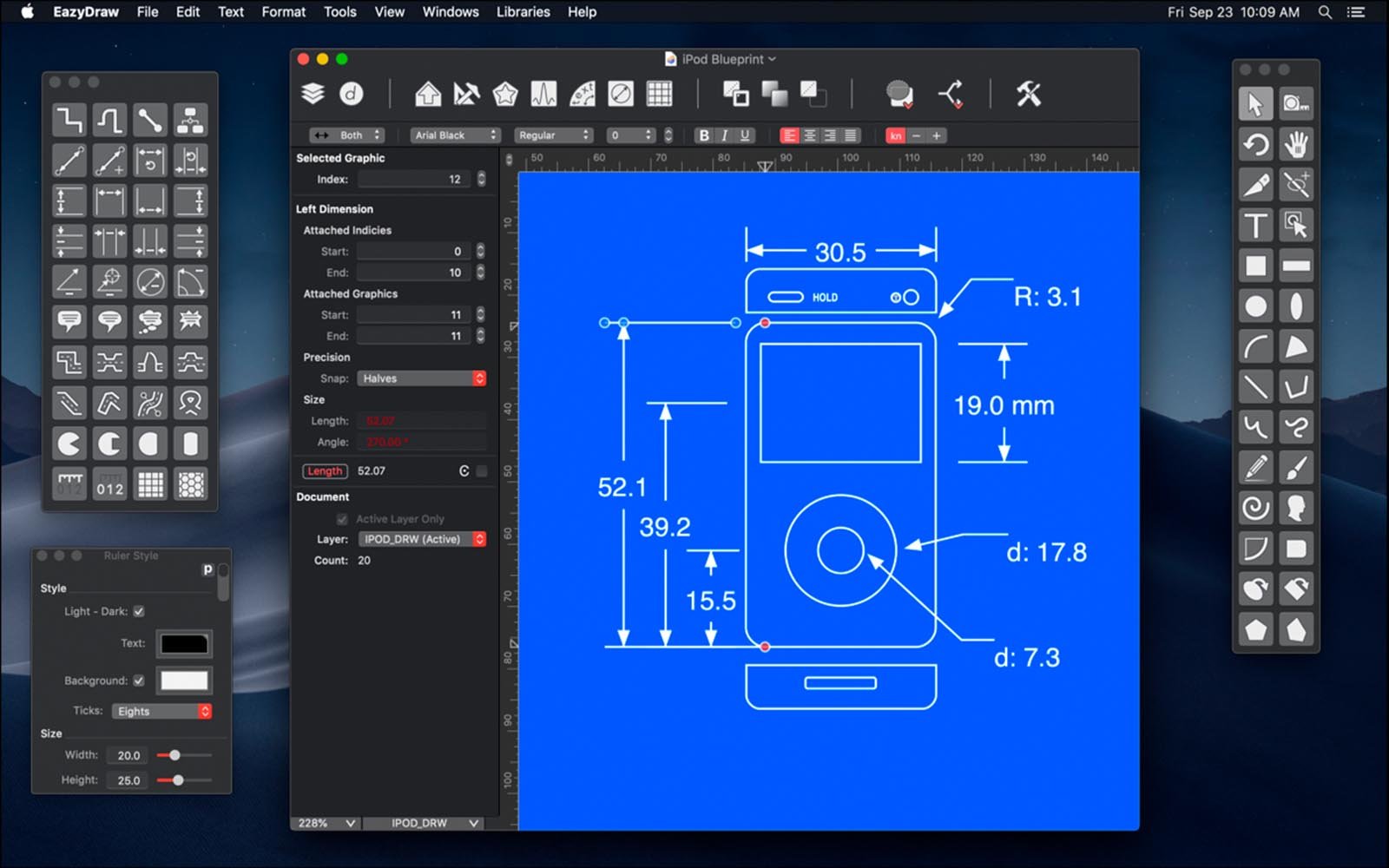
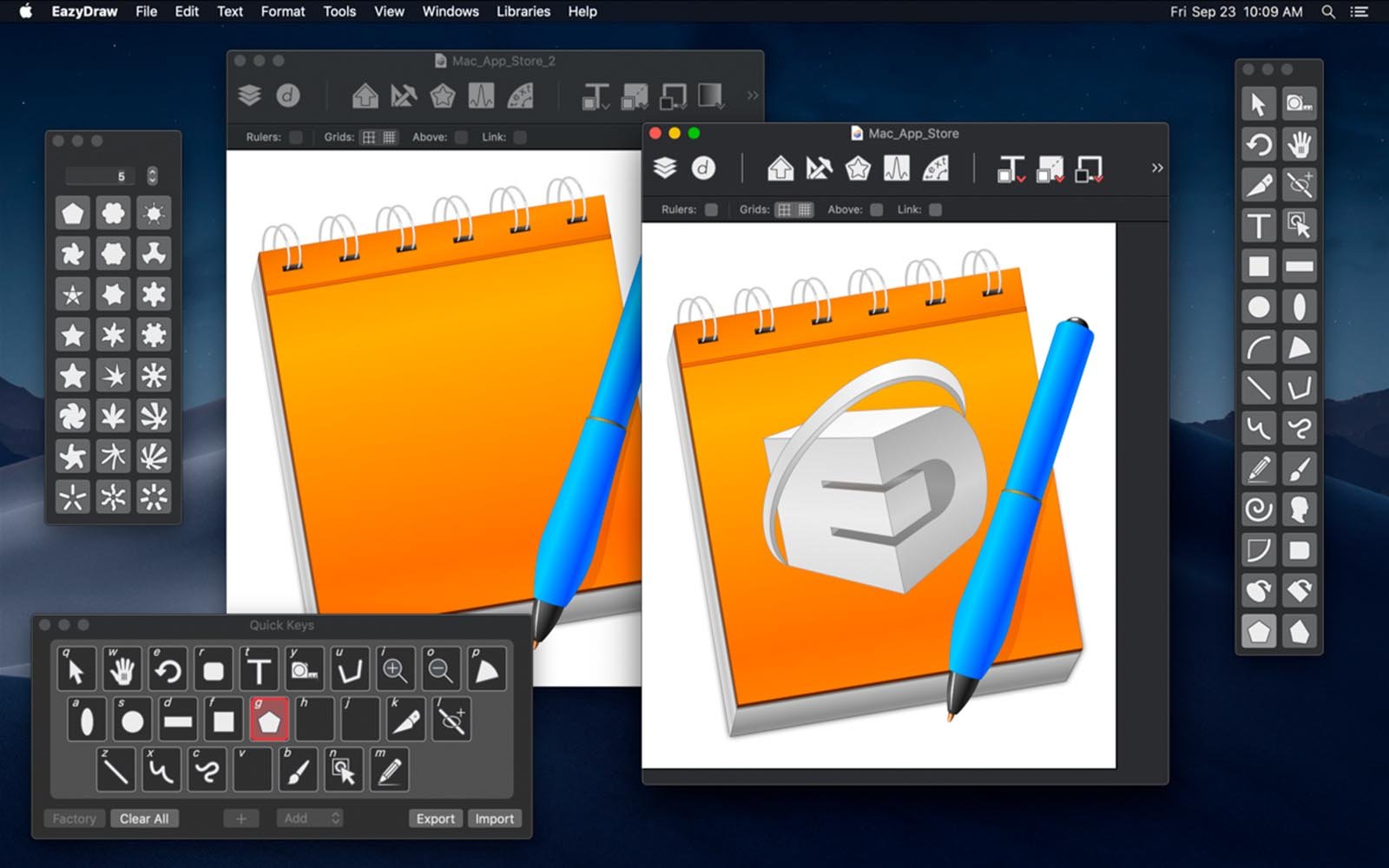
EazyDraw is a powerful and productive tool designed for expressing and conveying knowledge visually on Mac. Words alone are rarely enough to communicate complex information, concepts, or creative ideas. Enhance your creative capabilities with EazyDraw’s extensive features, utilizing integrated text, symbols, and comprehensive diagrams to bring your vision to life.
EazyDraw delivers a well-balanced set of functions, offering all the tools necessary for technical drawing, web and app graphic design, print publishing, logo creation, page and text layout, and much more. Easy enough for everyone to use, yet with the depth and functionality required for any advanced project, EazyDraw empowers users at any skill level.
The eazydraw app boasts comprehensive support for both vector and raster graphic formats: import and ungroup PDFs and EPS files for seamless editing. EazyDraw download now also supports import and export of SVG and DXF files. Effortlessly preview and publish your work in EPS and TIFF formats with accurate RGB or CMYK color management. Exchange scaled CAD drawings via DXF, preview and publish wide-gamut web graphics, and create development assets for macOS, iOS, and watchOS using vibrant Display P3 colors.
With full built-in support for SVG (Scalable Vector Graphics) files, EazyDraw mac allows you to import, edit, and manage vector SVG, EPS, and PDF drawings with flexibility. Export formats include SVG, PDF, EPS, JPG, TIF, Favicon, Keynote, and more, so your work is always compatible with industry standards.
A broad color gamut ensures enhanced visual experience on compatible Mac displays. Newer Macs (including PowerBook and iMac models from late 2015 and later) come equipped with P3 color-supported screens. The P3 color space features a substantially wider color range than traditional sRGB. Simply put, colors on a P3 display can appear much more vivid. To experience these enhanced colors, your application must support and render P3 colors, and your display must be a P3-enabled screen.
EazyDraw 9 offers complete color management, fully supporting P3 colors on appropriate screens. It delivers brilliant sRGB colors on non-P3 displays as well. For everyday use, all of this happens seamlessly and automatically—on the latest iMac and PowerBook models, your graphics simply look better with the eazydraw app.
Frequently Asked Questions
You May Also Like
Reviews & Comments
No comments yet. Be the first to share your thoughts!