
Flacbox


Description
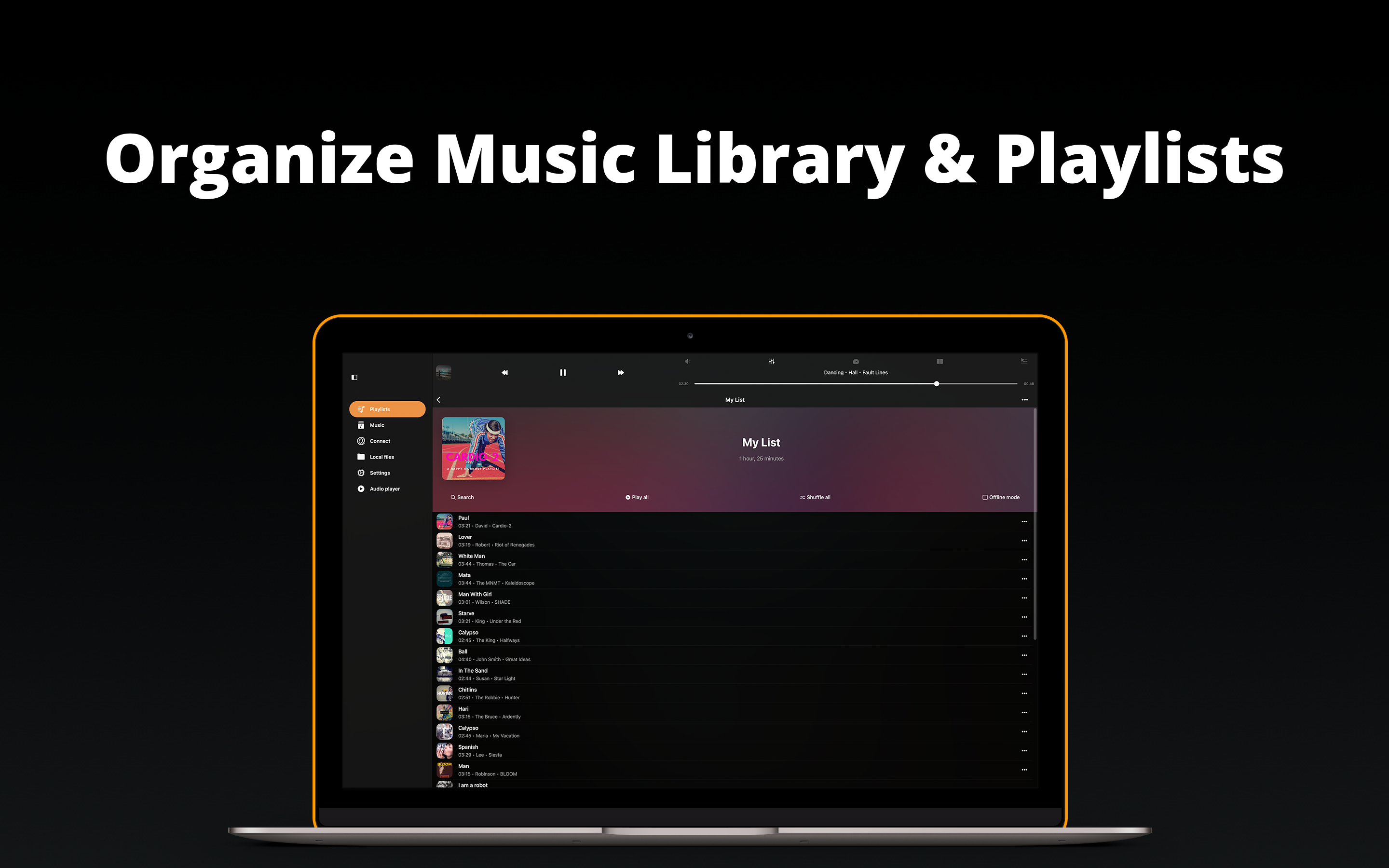
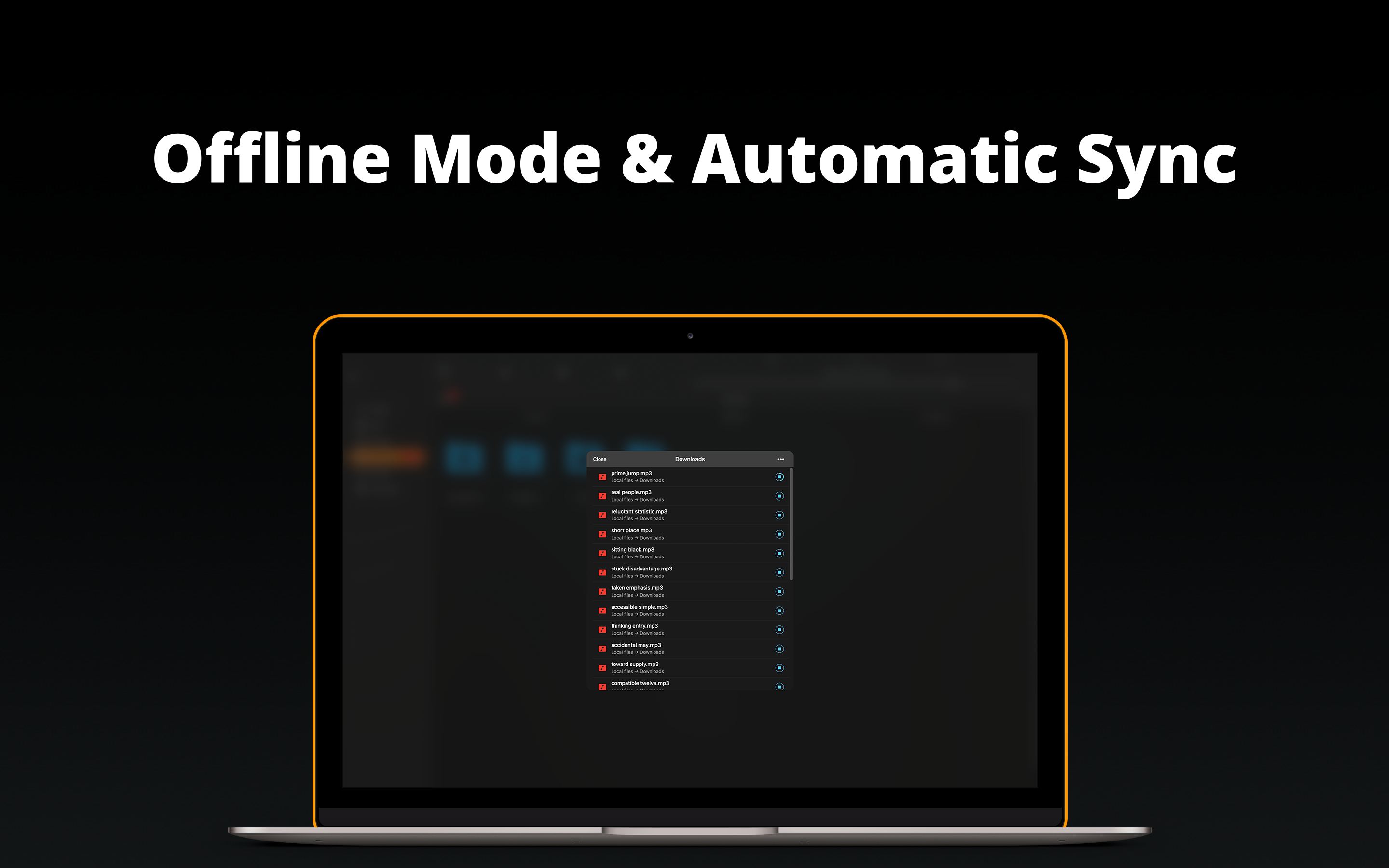
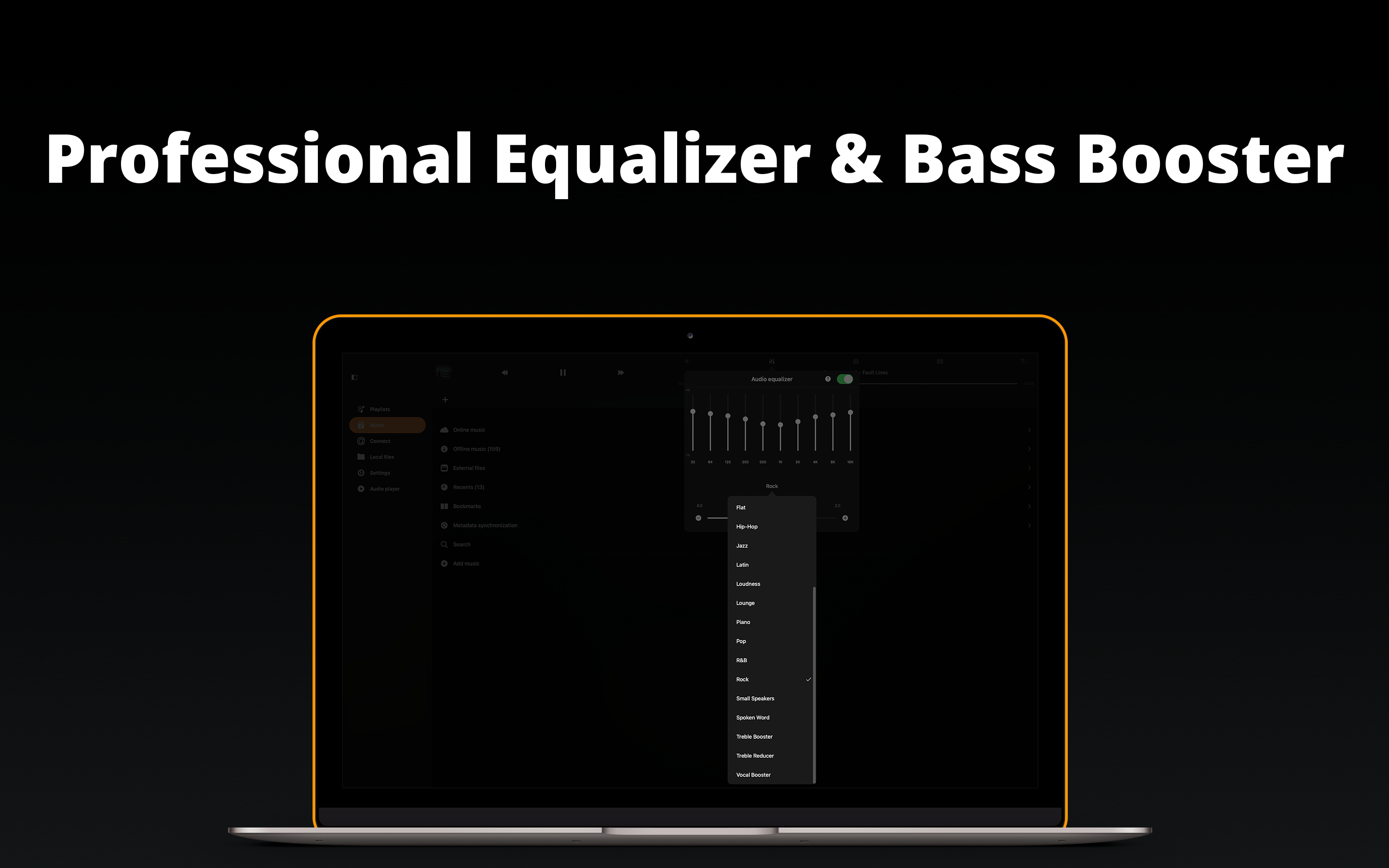
Flacbox is a high-resolution music player and streamer designed for Mac, offering an advanced equalizer and bass booster for the ultimate listening experience. Seamlessly open almost any audio file on your Mac and immerse yourself in lossless sound quality. Free up valuable storage space by moving your music library to personal NAS storage or popular cloud services, then effortlessly stream or download your favorite tracks for convenient offline playback. Automatically synchronize your entire music library across devices, with smart categorization of all audio files. Create personalized playlists, reorder tracks, and efficiently manage your entire collection using the integrated file manager. The built-in audio equalizer lets you choose genre presets, fine-tune sound levels manually, import and export your favorite settings, and boost volume using the preamp. Instantly locate any album or song with advanced smart search capabilities built into Flacbox for Mac.
Key Features:
• Supported audio formats: AAC, AC3, AIFF, ALAC, DSF, FLAC, M4A, M4V, MKV, MOV, MP3, MP4, MPEG, OGG, OPUS, PCM, WAV, WMA, and others.
• Supported cloud services: iCloud Drive, Google Drive, Dropbox, OneDrive, Box, MEGA, Cloud Mail.ru, 百度网盘, InfiniCLOUD, Yandex.Disk, WD MyCloud Home, Put.io, MediaFire, MyDrive, pCloud, HiDrive, OpenDrive.
• Network protocols: WebDAV, SMB, DLNA.
• Playlist formats: M3U, M3U8, CUE.
• Audio equalizer: custom presets, level meters, preamplifier.
• External streaming: AirPlay, AirPlay2.
• Wi-Fi file transfer.
• ID3 tag editor.
• Playback speed control.
• Pitch correction.
• Save/restore player queue and playback position.
• Audio channels: from 1 to 7.
• Sample rate: from 8 kHz to 384 kHz.
• Full-featured file manager.
• Sorting options: track number, title, album, artist, album artist, genre, composer, rating, year, BPM, play count, bitrate, duration.
• Media library: organized by songs, albums, album artists, artists, genres, composers.
• Audio playlists: create, import, export.
• Recently played files.
• Favorites.
• Audio bookmarks.
• Sleep timer.
• Skip interval.
• Personalization options.
• Comments.
• Widgets.
• Shuffle playback mode.
• Repeat modes: repeat all, repeat single, stop after current track.
• Album artwork support.
• Offline and online music synchronization.
• Advanced search.
• Background playback mode.
With Flacbox, experience a truly comprehensive and versatile music solution on macOS, combining file management, quality playback, smart search, and extensive customization all in one outstanding flacbox app. Discover how flacbox download can take your Mac music library and listening session to the next level.
Frequently Asked Questions
You May Also Like
Reviews & Comments
No comments yet. Be the first to share your thoughts!