
goPanel 2
Description
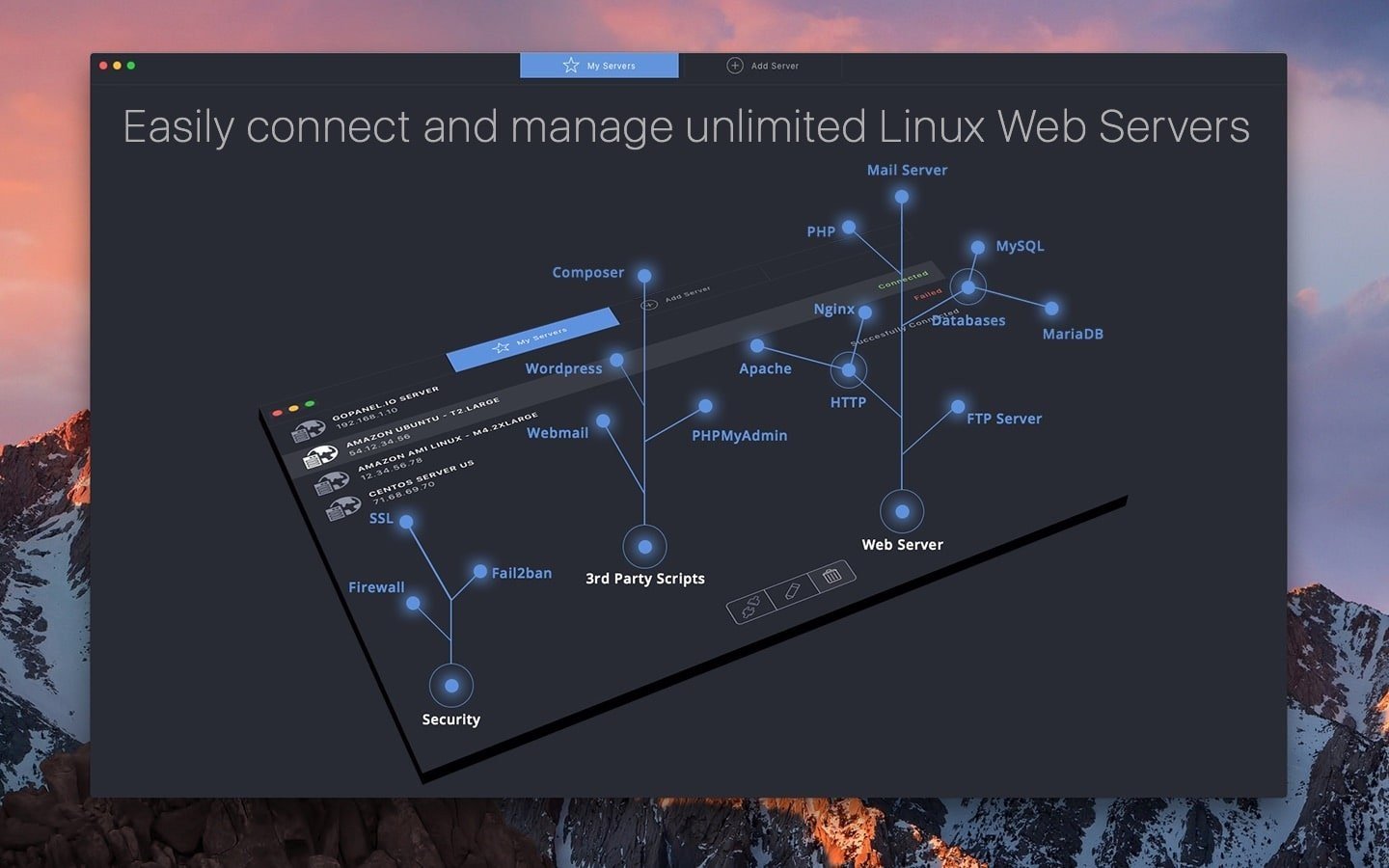
goPanel 2 is the most intuitive app for managing web servers and serves as a powerful alternative to existing server management software. Tailored for Mac users who set up Unix-based servers for web hosting, goPanel 2 delivers unparalleled convenience and control.
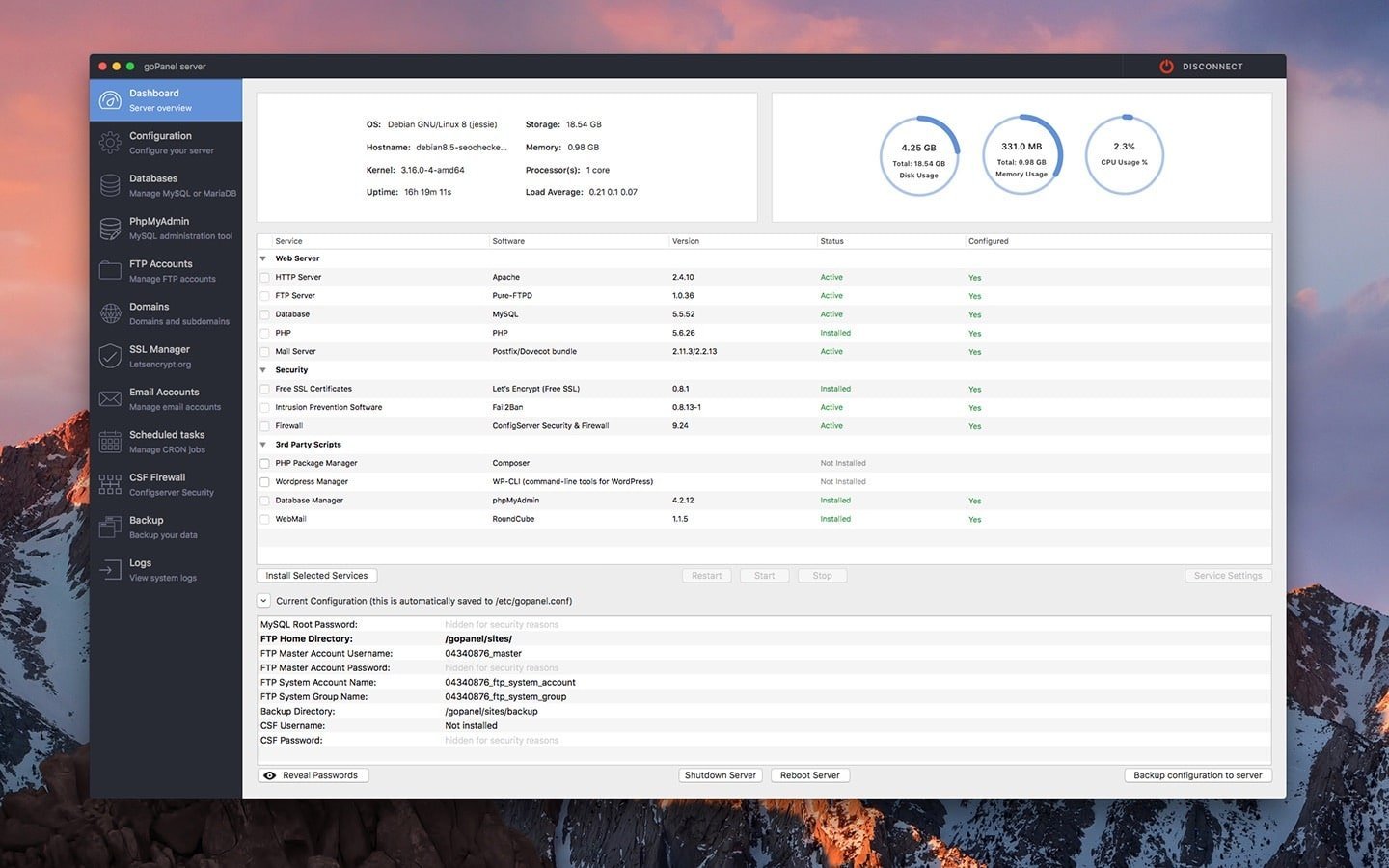
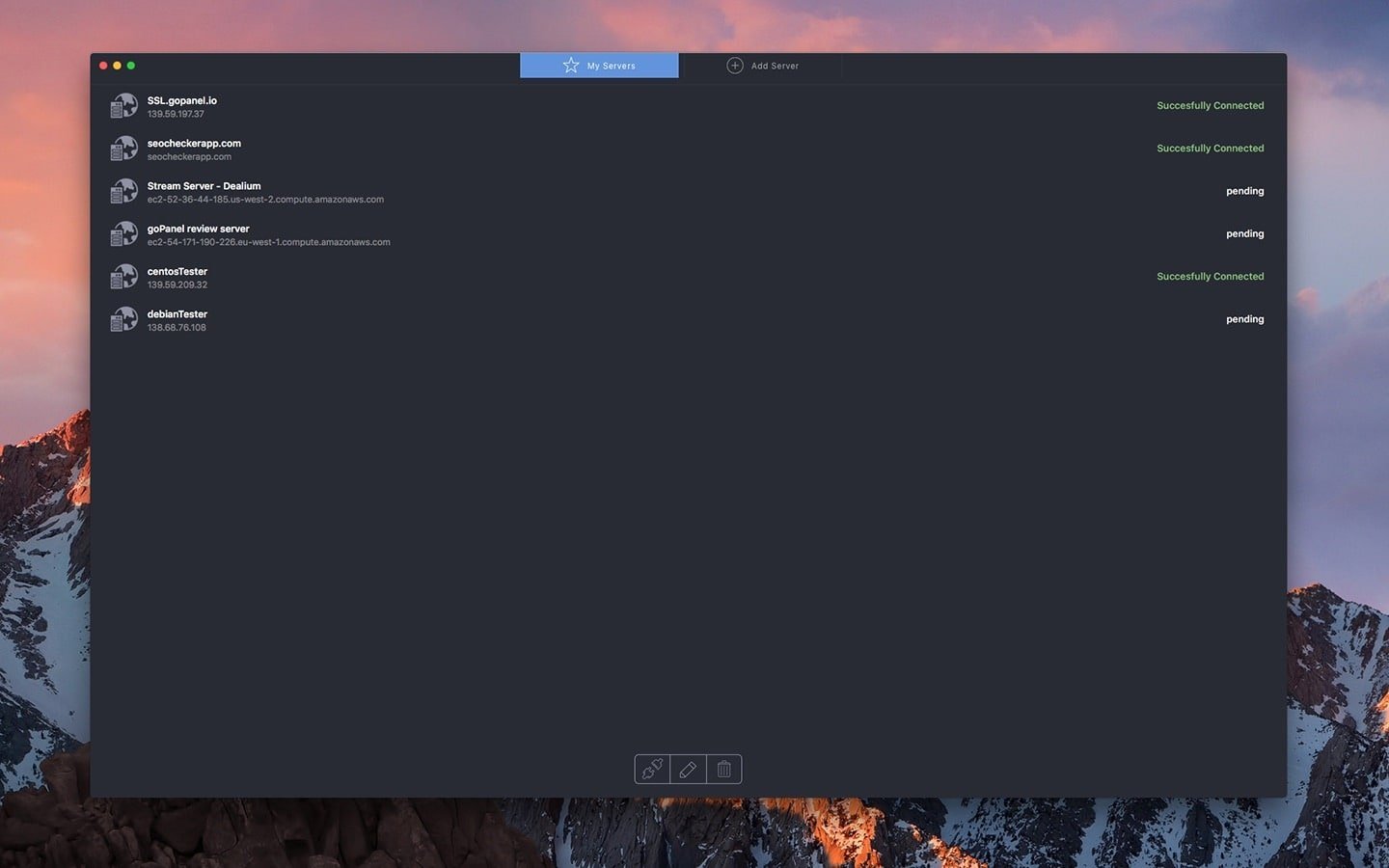
With goPanel 2 mac, effortlessly install and configure Apache, PHP, MySQL, FTP, domains, and Mail Server directly from your Mac. The app enables you to seamlessly connect to and manage an unlimited number of Linux servers, letting you scale your web hosting operations with ease.
Incredible features include:
- Simple installation and management for Apache, PHP, MySQL, Mail Server, and FTP.
goPanel 2 stands out as the most intuitive app for web server management, providing Mac users with an essential, user-friendly alternative to traditional software, especially when setting up web hosting environments on Unix-based servers.
- Manage unlimited servers, whether VPS or dedicated.
- Install, configure, and control services such as Apache, PHP, FTP (Pure-FTPd), mail servers, and more.
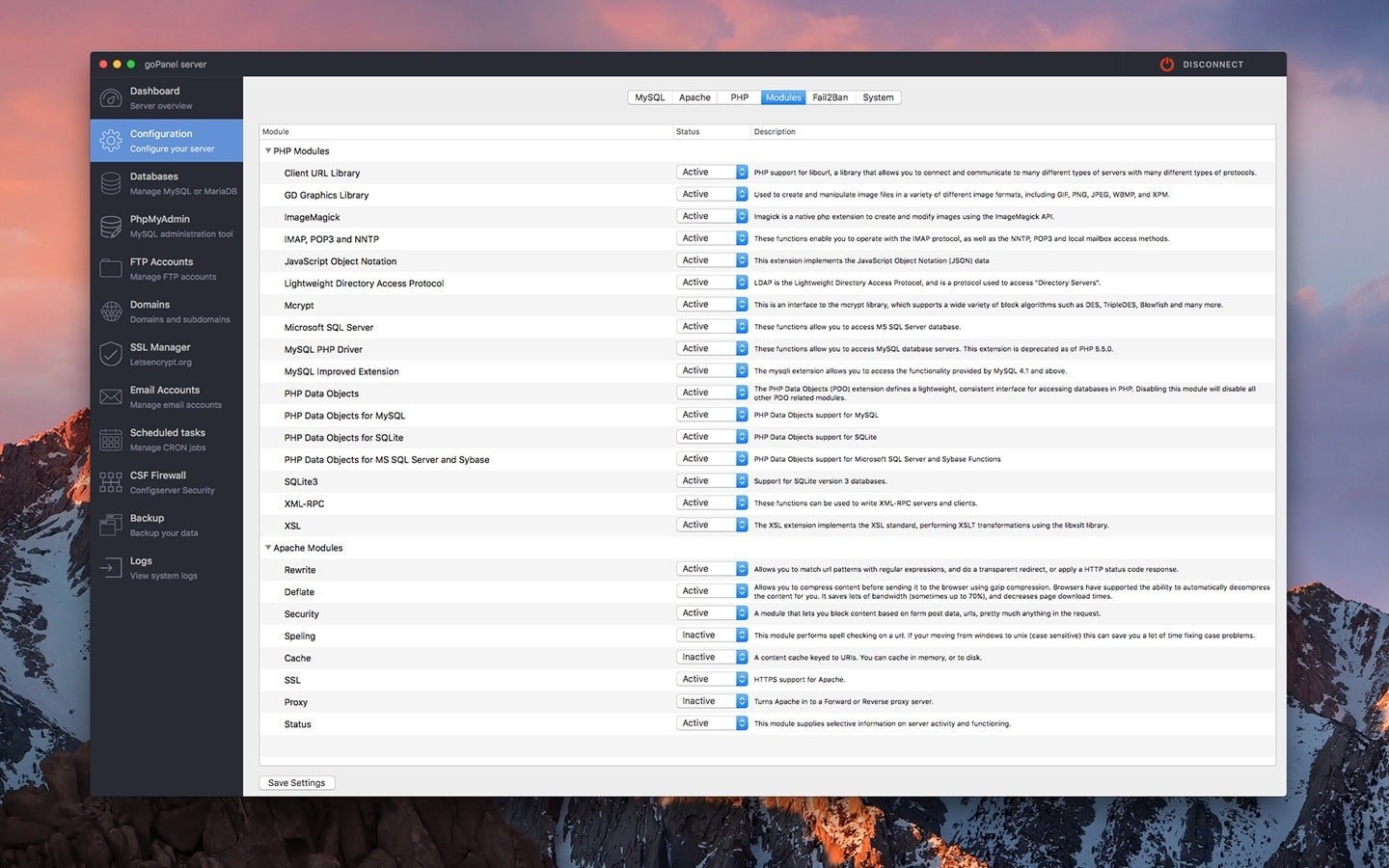
- Enable/disable PHP and Apache modules as you choose.
- Create unlimited MySQL users and databases, domains, FTP accounts, and email addresses.
- Backup your configuration settings for files or databases.
- Schedule recurring jobs with ease.
- View server logs and block IP addresses for security.
- Roll back up to 50 previous versions of your configuration files.
- Perform system updates to keep your server running the latest software.
Supported Linux distributions:
- Ubuntu 14.04 (LTS) and newer
- CentOS 6.x and newer
- Amazon Linux 2016.03/09 and 2017.03/09
- Red Hat Enterprise Linux 6.x and newer
- Debian 7 and newer
- Raspbian
- Amazon and Digital Ocean droplets
Managing your web hosting infrastructure on Mac is now easier than ever. Harness the power of goPanel 2 download and the flexibility of the goPanel 2 app for maximum productivity in server management.
Frequently Asked Questions
You May Also Like
Reviews & Comments
No comments yet. Be the first to share your thoughts!