
HQPlayer Desktop
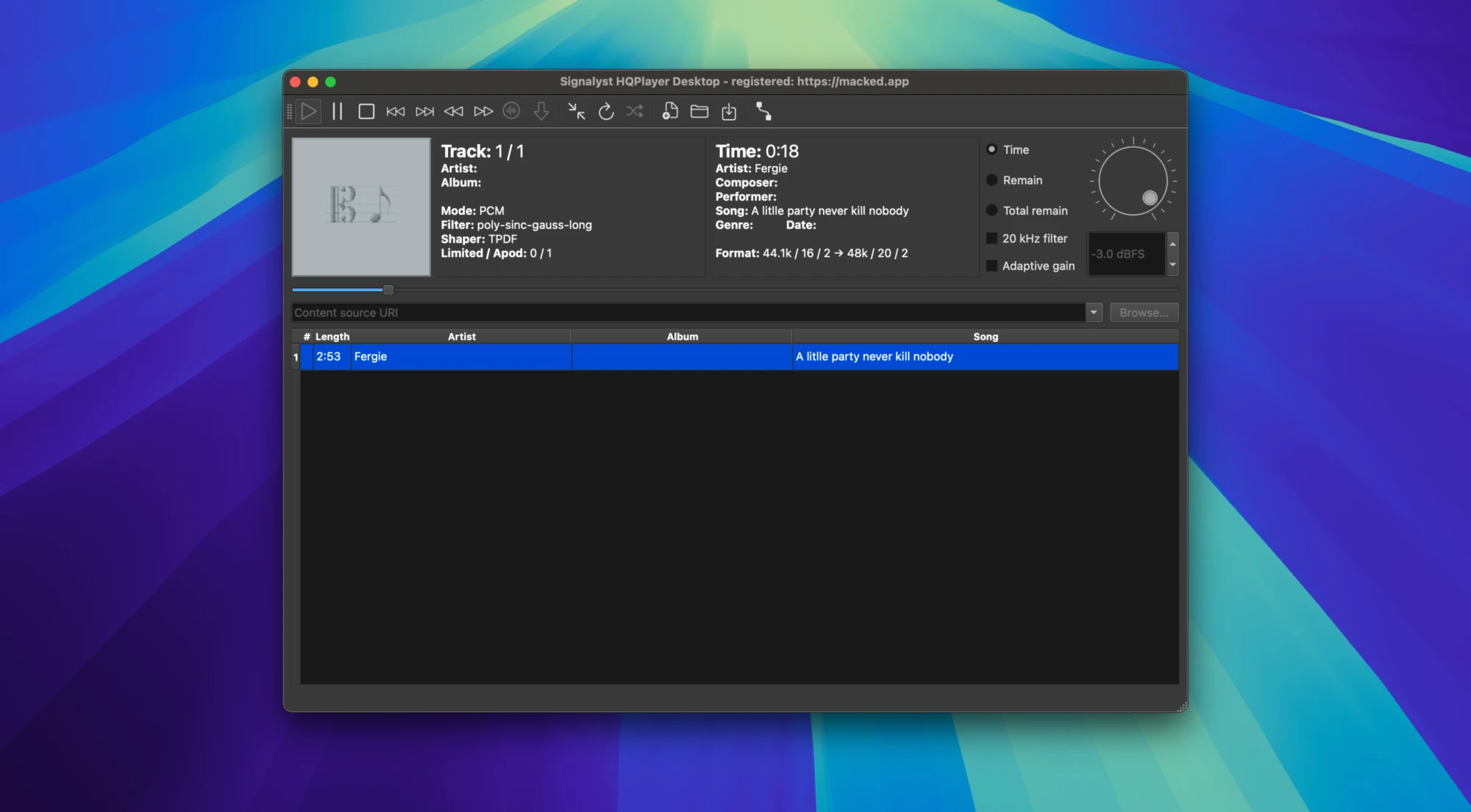
Description
HQPlayer Desktop is a premium, high-resolution multichannel audio player for Mac users, designed to deliver exceptional sound quality. The application incorporates several advanced, user-selectable resampling engines, offering precise noise shaping algorithms and delta-sigma modulators designed for audiophiles who demand absolute control over playback quality. With its suite of optimization tools, the hqplayer desktop app elevates audio experiences on Mac.
Some of the program’s features:
- Support for diverse audio formats, including CDDA (Audio CD), FLAC, WavPack (PCM and DSD), DSDIFF, DSF, RIFF (WAV, including DXD/RF64), AIFF, MP3, and more, making HQPlayer Desktop-compatible with virtually any high-fidelity digital music library on Mac.
- Playback capabilities for various channel configurations: stereo, 2.1, 3.0, quadraphonic, 3.1, 5.0, 5.1, and 7.1, ensuring lossless delivery across both stereo and immersive multichannel setups.
- Configurable speaker settings for multichannel playback, with user-controlled delay and gain for both PCM and SDM (DSD), allowing precise room and speaker correction tailored to Mac audio environments.
- Matrix processing capabilities, enabling comprehensive routing, channel filtering, and mixing with gain control for both PCM and DSD content, adaptable to even the most demanding configurations.
- ASIO professional driver support is integrated, crafted for Mac users who connect with advanced digital audio interfaces requiring accurate signal transfer.
- Embedded ID3v2 tag support in AIFF, DSF, WAV, and MP3 files (versions 2.2, 2.3, and 2.4); ensures seamless library organization and playback management within the hqplayer desktop download.
- Robust architecture offering up to 128 channel support (up to 48 DSD source channels), facilitating versatile setups from studio use to home hi-fi on Mac systems.
- Full compatibility with multi-core processors on Mac, allowing HQPlayer Desktop to harness modern resources for smooth playback, resampling, and processing, even in complex multichannel projects.
Frequently Asked Questions
You May Also Like
Reviews & Comments
No comments yet. Be the first to share your thoughts!