
Lightworks Pro
Description
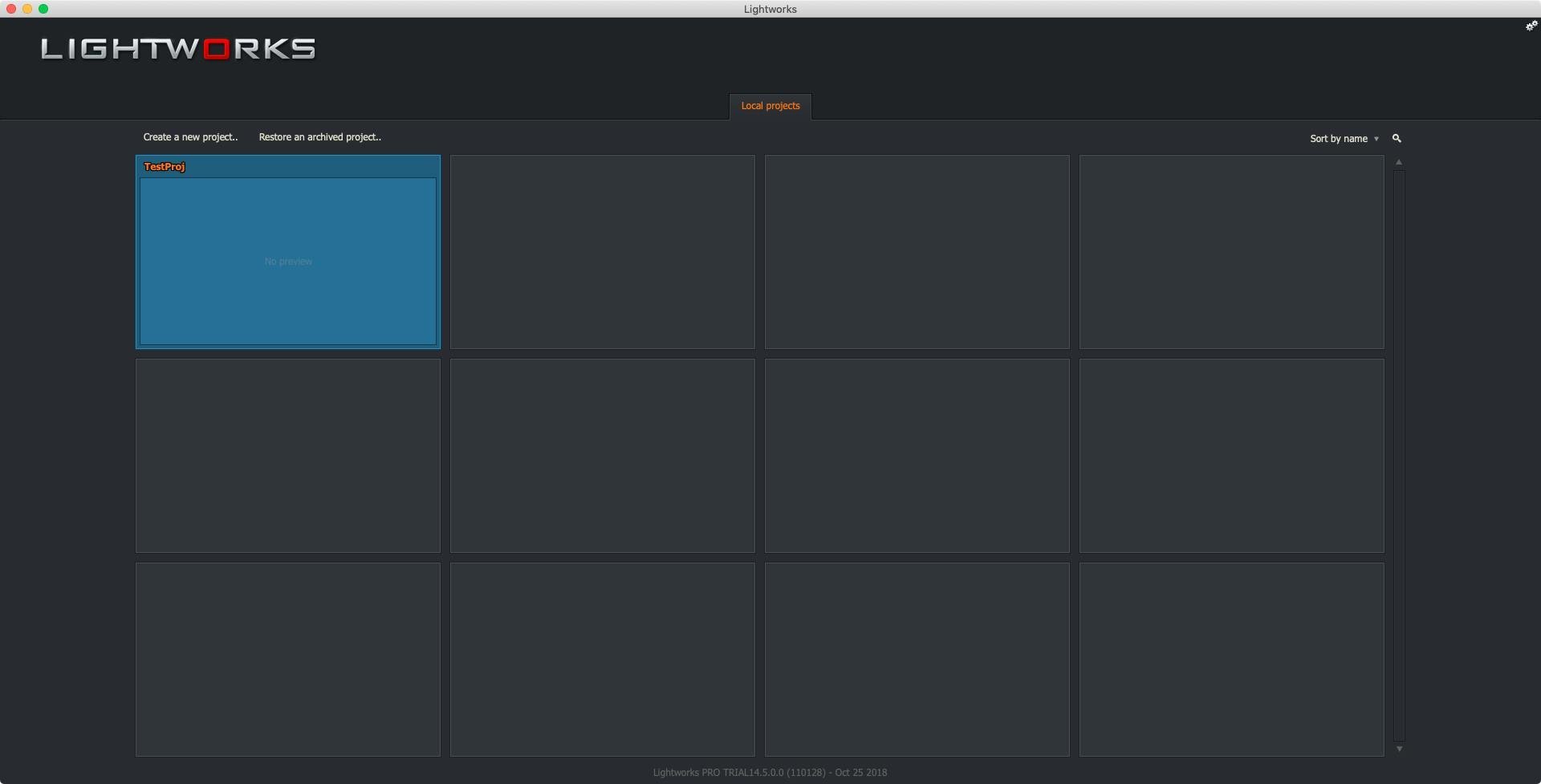
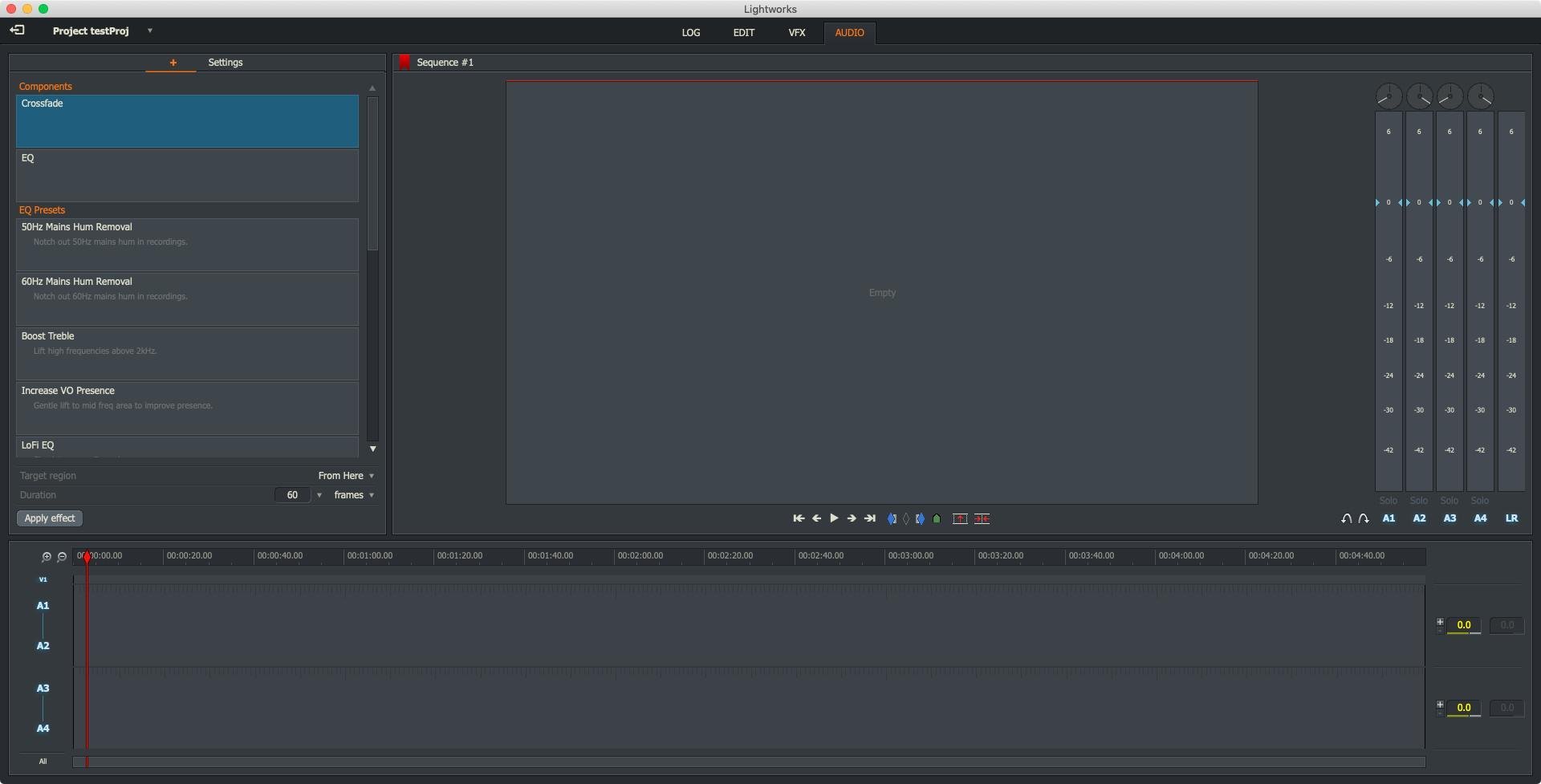
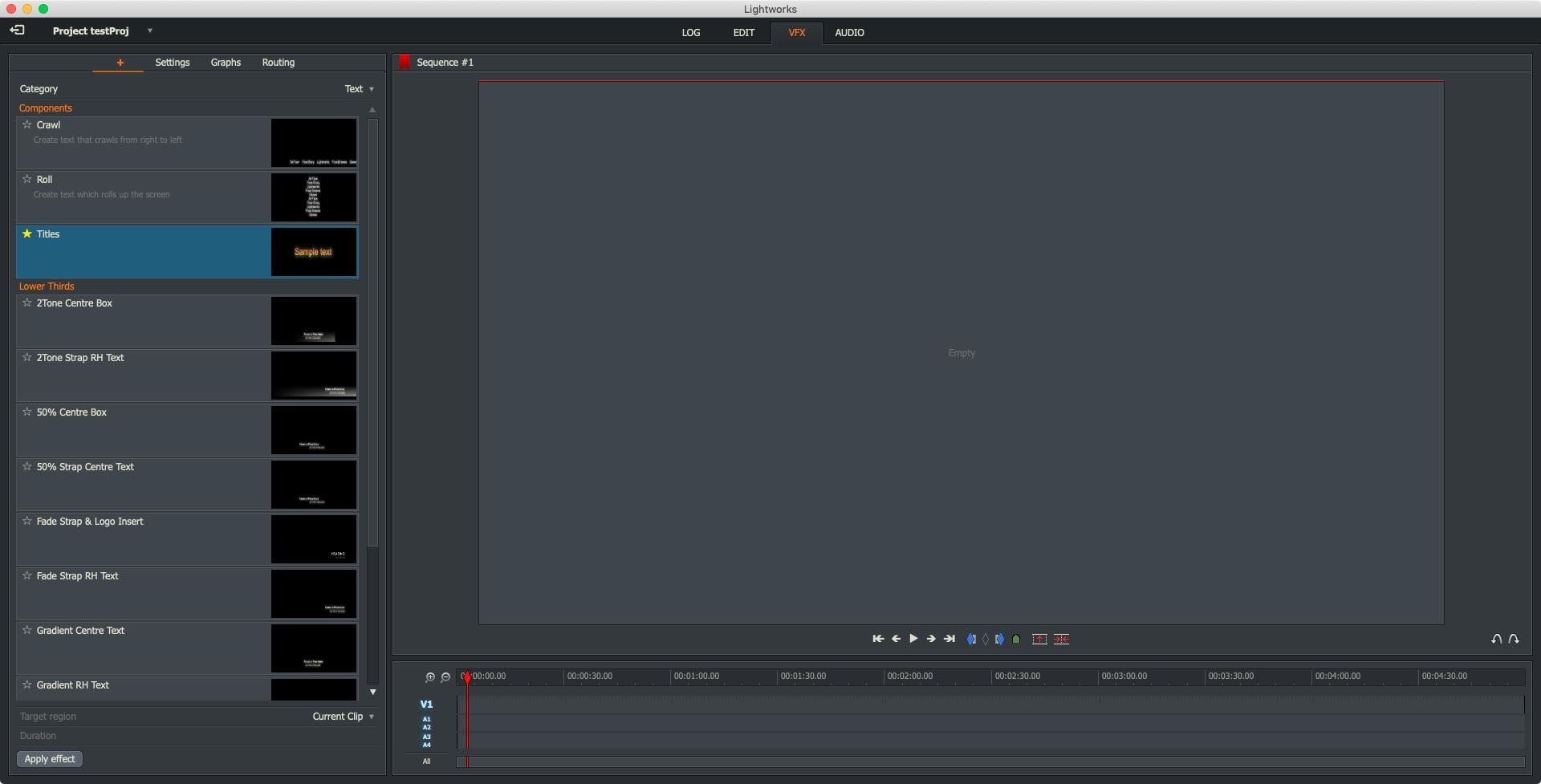
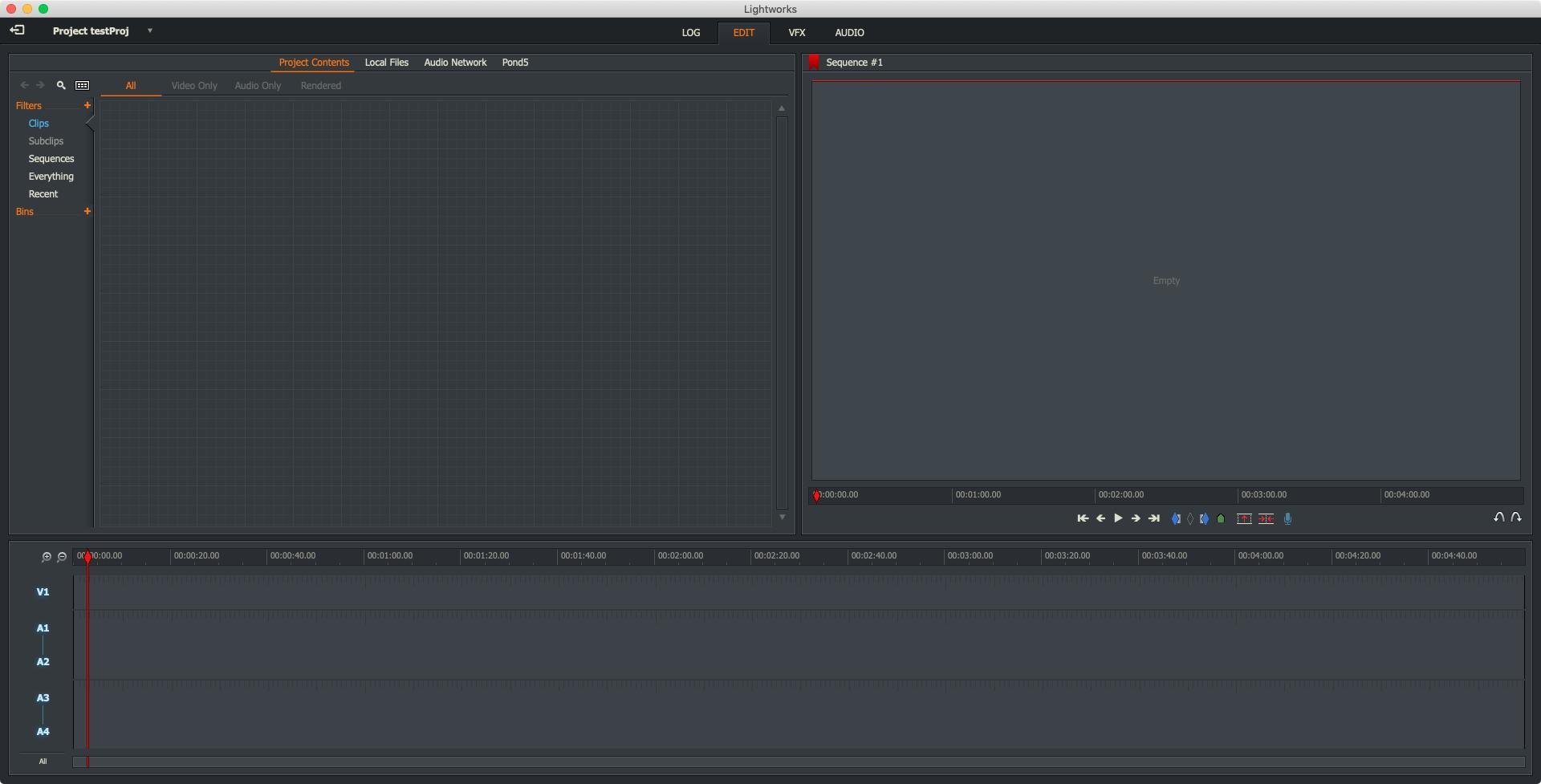
Lightworks Pro is a professional video editing application that has been chosen for editing some of the world’s most renowned films. Specifically designed to excel on Mac, Lightworks Pro is a trusted solution used both in the professional film industry and by enthusiastic amateurs. This powerful video editor stands out for its unique set of features that distinguish it from many other programs in its class. With Lightworks Pro for Mac, you can effortlessly change the frame rate of your projects, work with multiple cameras at the same time, record your finished edits directly to DVD or Blu-ray discs, overlay audio onto video clips, add advanced visual effects, seamlessly synchronize visuals and soundtracks, and manage an array of transitions and filters, all while supporting a wide range of different resolutions to match any project requirement.
The software allows for editing at any frame rate, delivering extreme flexibility for Mac users. An extensive library of tutorial materials is provided on the developer’s website, making it easy for editors to learn how to make the most of Lightworks Pro, regardless of prior experience.
Key Features of Lightworks Pro for Mac include:
• Broad output format support ensuring compatibility for any export need
• Advanced rendering capabilities for professional video quality
• Synchronized multi-channel playback for complex editing workflows
• Choice of tools for collaborative project sharing and group work
• Export in 3D or immersive formats for high-end production needs
• Rich selection of non-linear editing functions to streamline your creative process
• Full customization of the toolbar to create your ideal workspace
• Synchronization playback at variable speeds and detailed audio cleaning
• Synchronized slip editing for precision adjustments
• Dedicated hardware console support for enhanced control
• Integration with Finder context menus for faster access to files
• Object-oriented user interface for highly intuitive navigation
• Integration capabilities with extensive audio and video libraries.
Whether you’re pursuing Lightworks Pro download for Mac, using the Lightworks Pro app, or looking to maximize your creative workflow, this software equips editors on Apple platforms with everything necessary for film, broadcast, and digital projects, standing as a top choice for professional video editing on Mac.
Frequently Asked Questions
You May Also Like
Reviews & Comments
No comments yet. Be the first to share your thoughts!