MixBox
Description
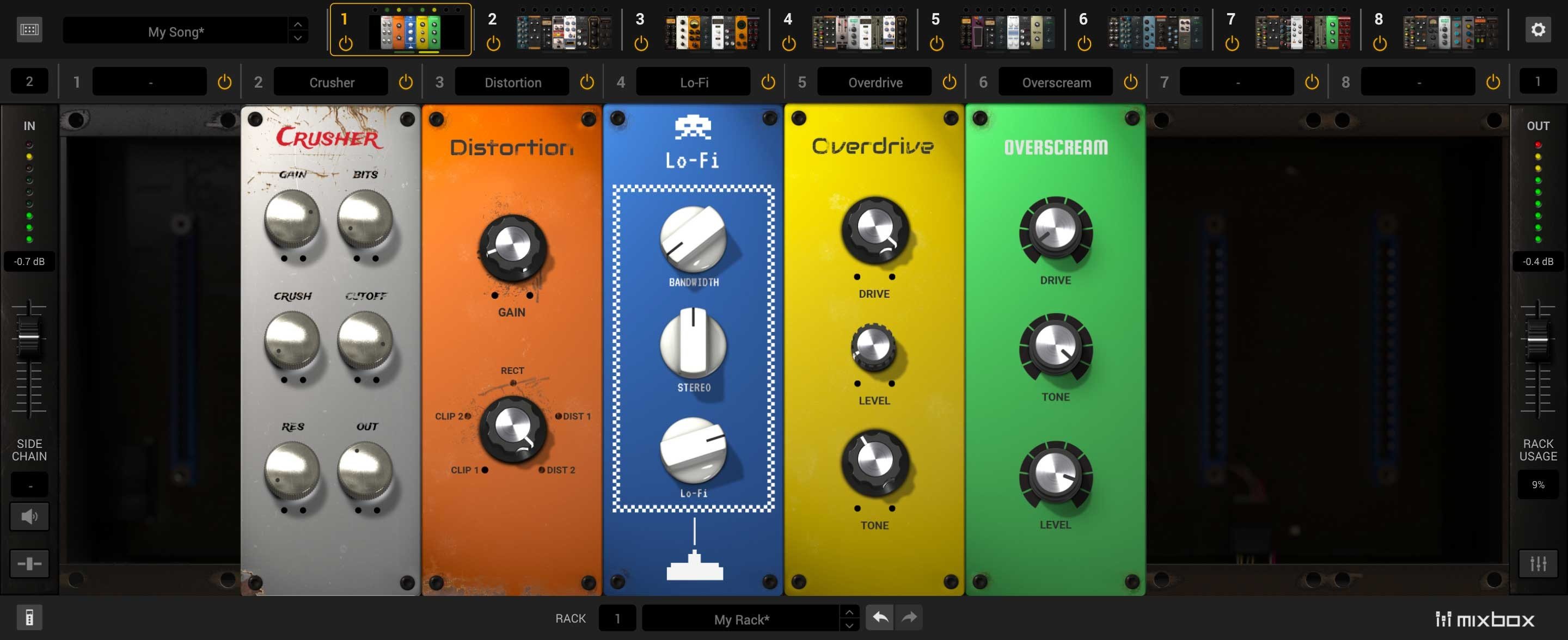
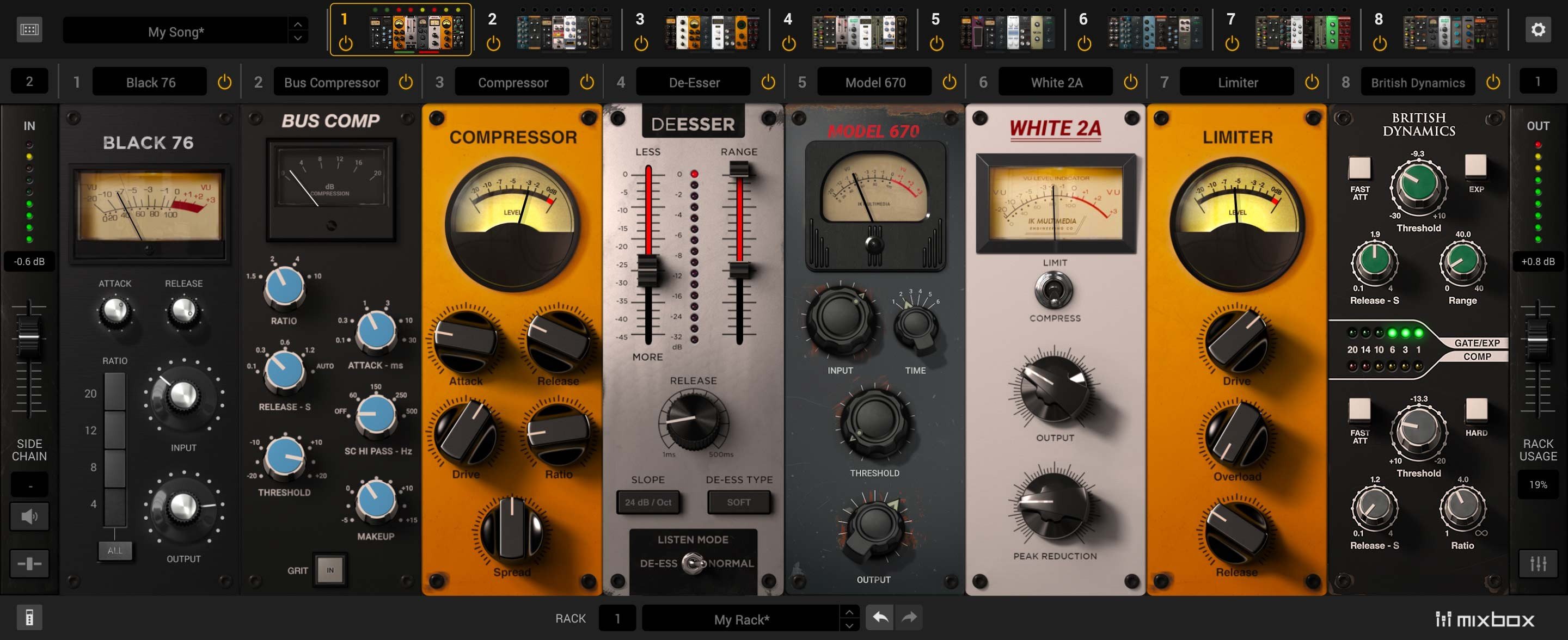
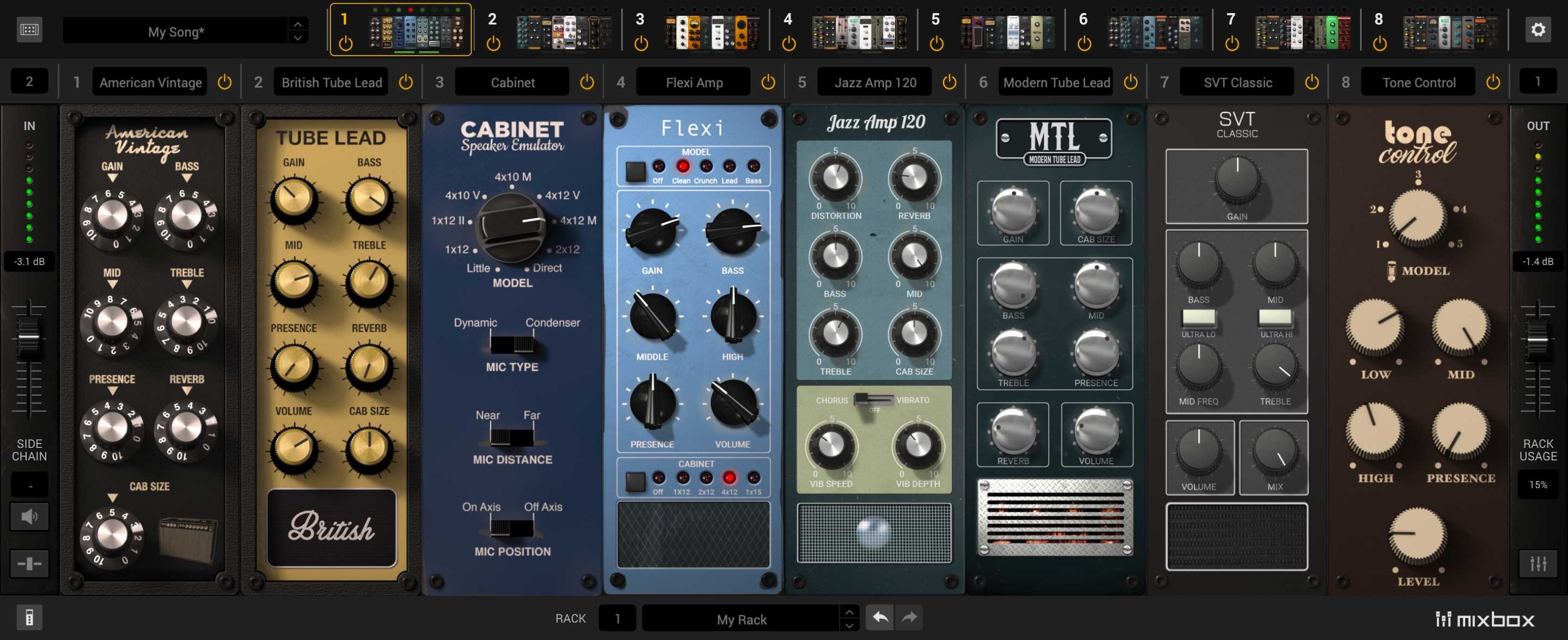
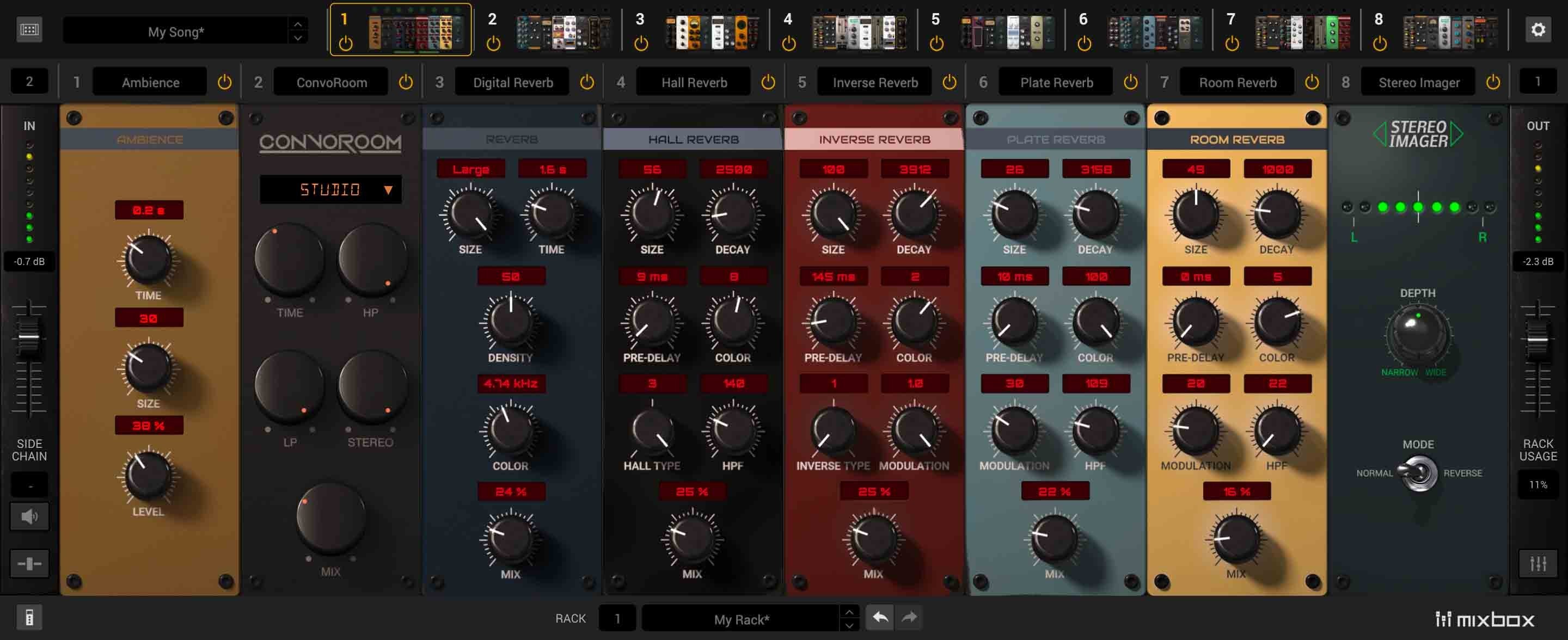
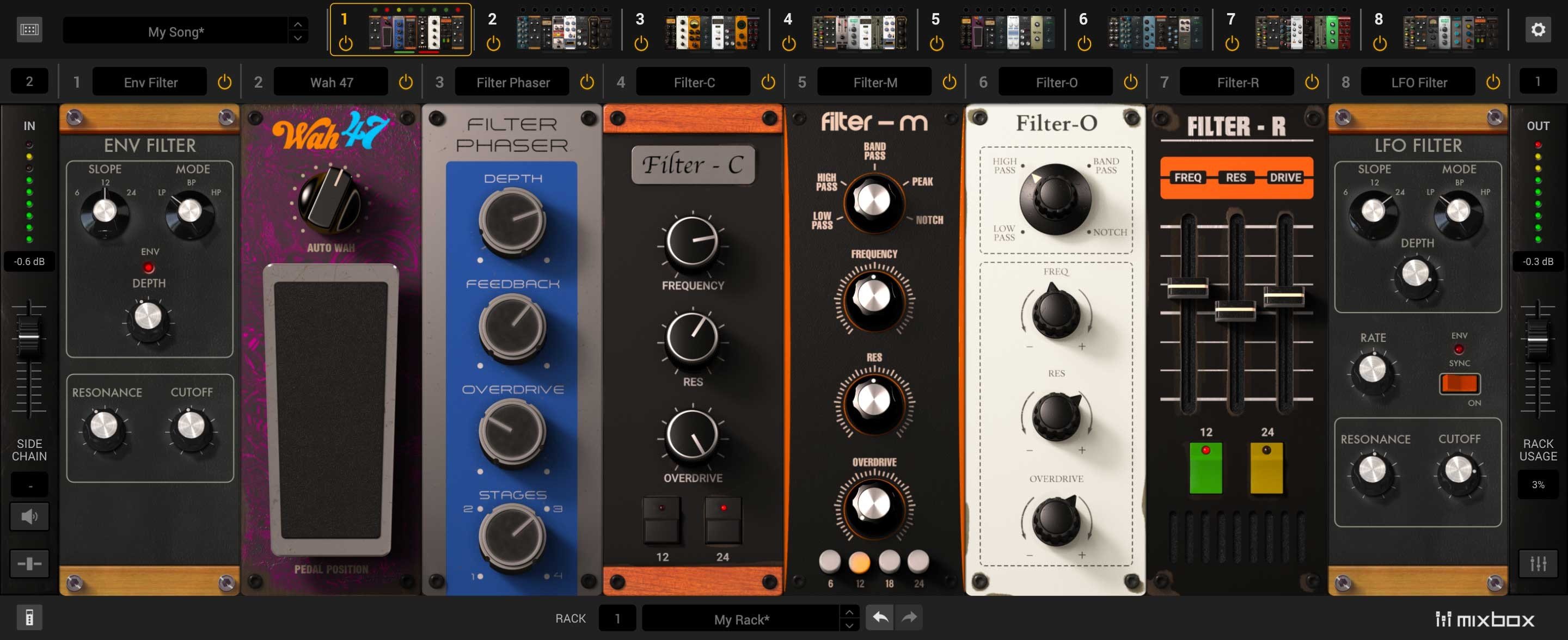
Unlimited sonic possibilities are right at your fingertips with MixBox, bringing over 70 award-winning mixing processors and creative effects directly to your Mac in a convenient 500-series style plug-in. Drawing from the acclaimed T-RackS, AmpliTube, and SampleTank, MixBox for Mac provides users with a streamlined, intuitive app environment that maximizes the creative potential of any project.
Effortlessly craft, compare, and save your own custom channel strips or multi-effect chains, or ignite your creativity by selecting from over 600 thoughtfully designed presets. Whether you’re working within your favorite DAW or operating in standalone mode, MixBox unites an extensive range of professional effects with a robust, highly efficient workflow—giving your mixes unprecedented power and flexibility on any Mac setup.
Key Features • Create your own custom channel strips for perfectly tailored signal chains. • Access to more than 70 effects from the celebrated T-RackS, AmpliTube, and SampleTank suites. • Tools include dynamics, EQs, filters, modulation, channel strips, saturation, reverbs, delays, distortion, and amplifiers. • Four brand-new reverb algorithms for Hall, Room, Plate, and Reverse environments. • Combine up to 8 processors within a single instance for deep sound sculpting. • Lightning-fast workflow with all controls clearly at your reach in the mixbox app. • Instantly save and recall entire effect chains for ongoing projects. • Over 600 presets suited to single processors as well as full chains for any creative context. • Host up to 8 fully loaded rack slots in standalone mode for live mixing needs. • Highly portable effects format for collaborative music production and session mobility, all optimized for Mac systems. Enjoy the optimized integration of mixbox mac and unlock total sound control with effortless mixbox download directly for your Mac device.
Frequently Asked Questions
You May Also Like
Reviews & Comments
No comments yet. Be the first to share your thoughts!