
Motion Weather 4K - Ultra HD
Description
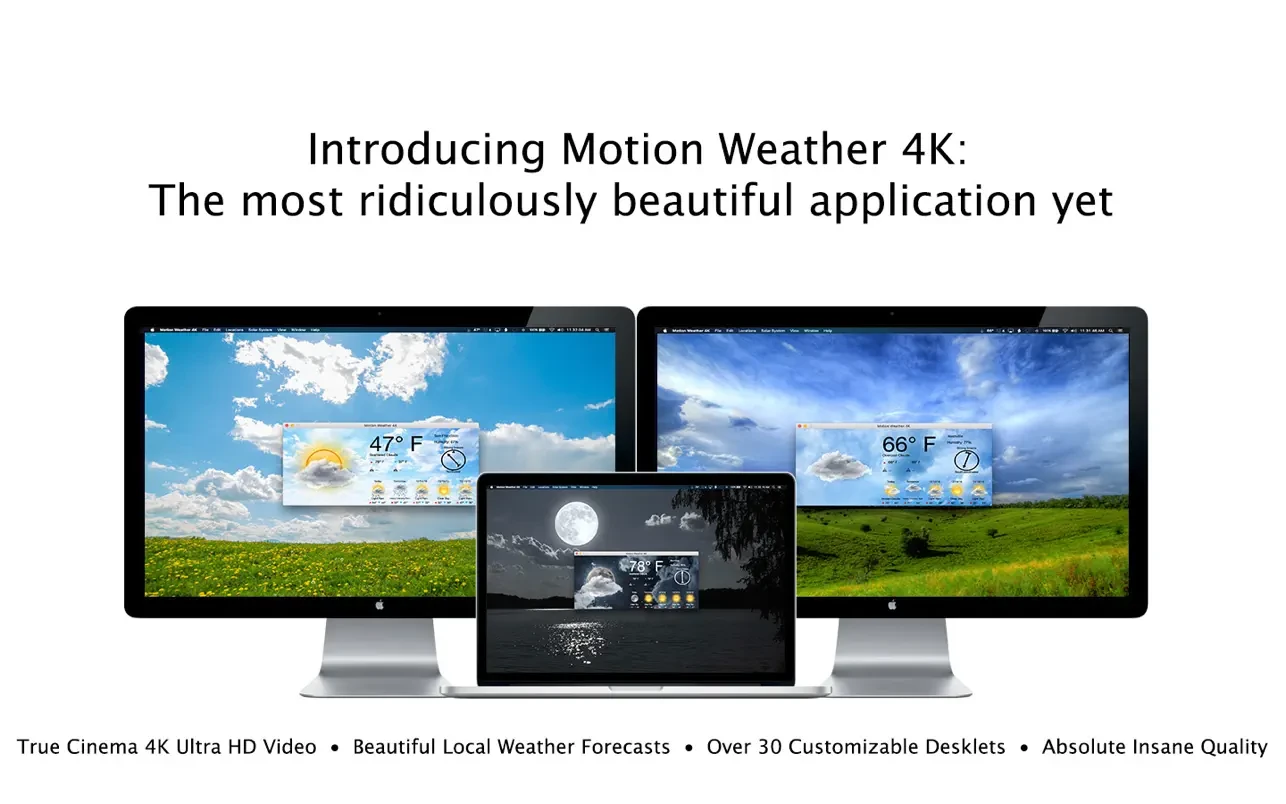
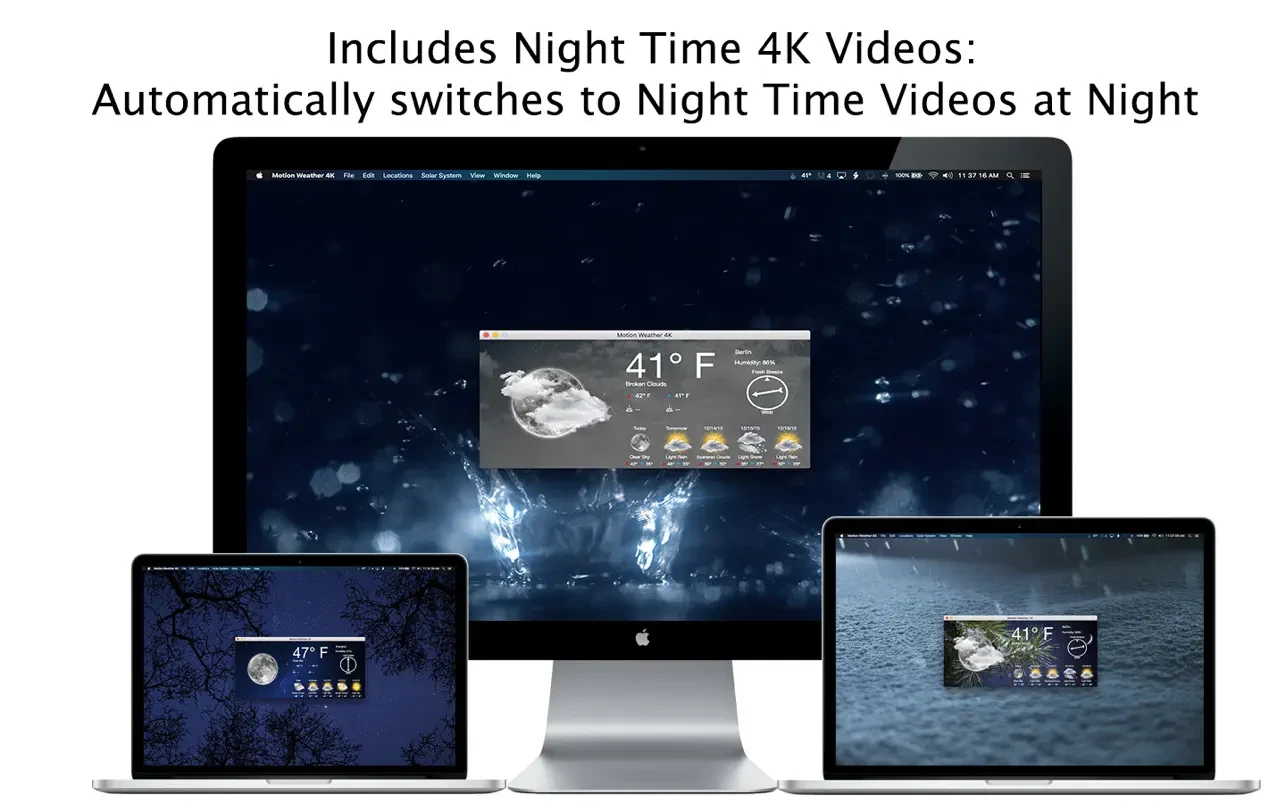
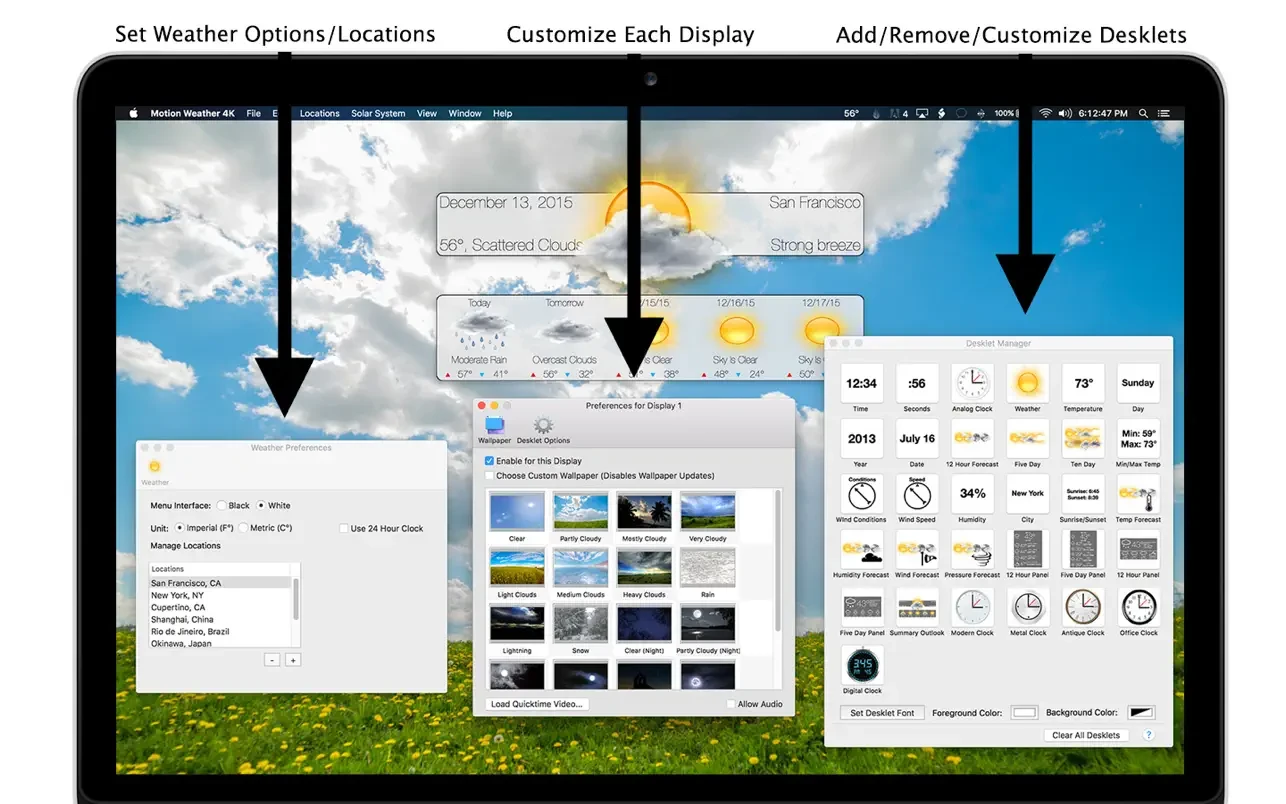
Motion Weather 4K is one of the most stunning and innovative weather applications ever developed for the Mac. Motion Weather 4K transforms your desktop wallpaper into a breathtaking cinematic 4K Ultra HD video that changes dynamically with the actual outdoor weather conditions—making every glance at your screen an immersive experience. In addition to being an exceptional weather app in its own right, Motion Weather 4K intuitively detects whether it is day or night, and it seamlessly updates your wallpapers and cinematic videos automatically to reflect the time of day.
Key Features:
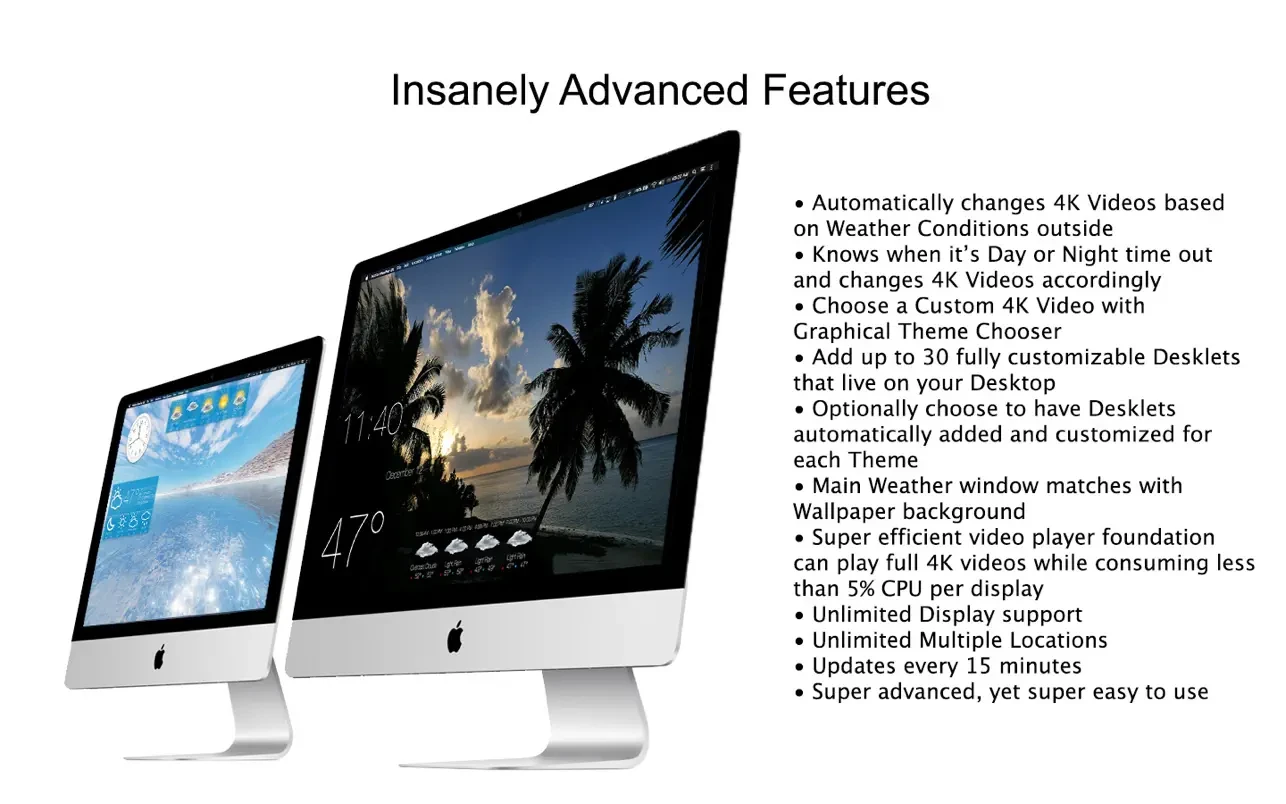
- Automatic wallpaper changes based on real-time outdoor weather, displayed in mesmerizing 4K Ultra HD video.
- Intelligent day and night detection with automatic adjustment to relevant 4K video scenes, ensuring the display always matches local conditions.
- Add up to 30 fully customizable desktop widgets (desklets), allowing you to personalize their position, size, font, foreground color, and background color.
- Optionally enable automatic addition and configuration of desklets for every theme as wallpapers switch, offering a tailored desktop experience.
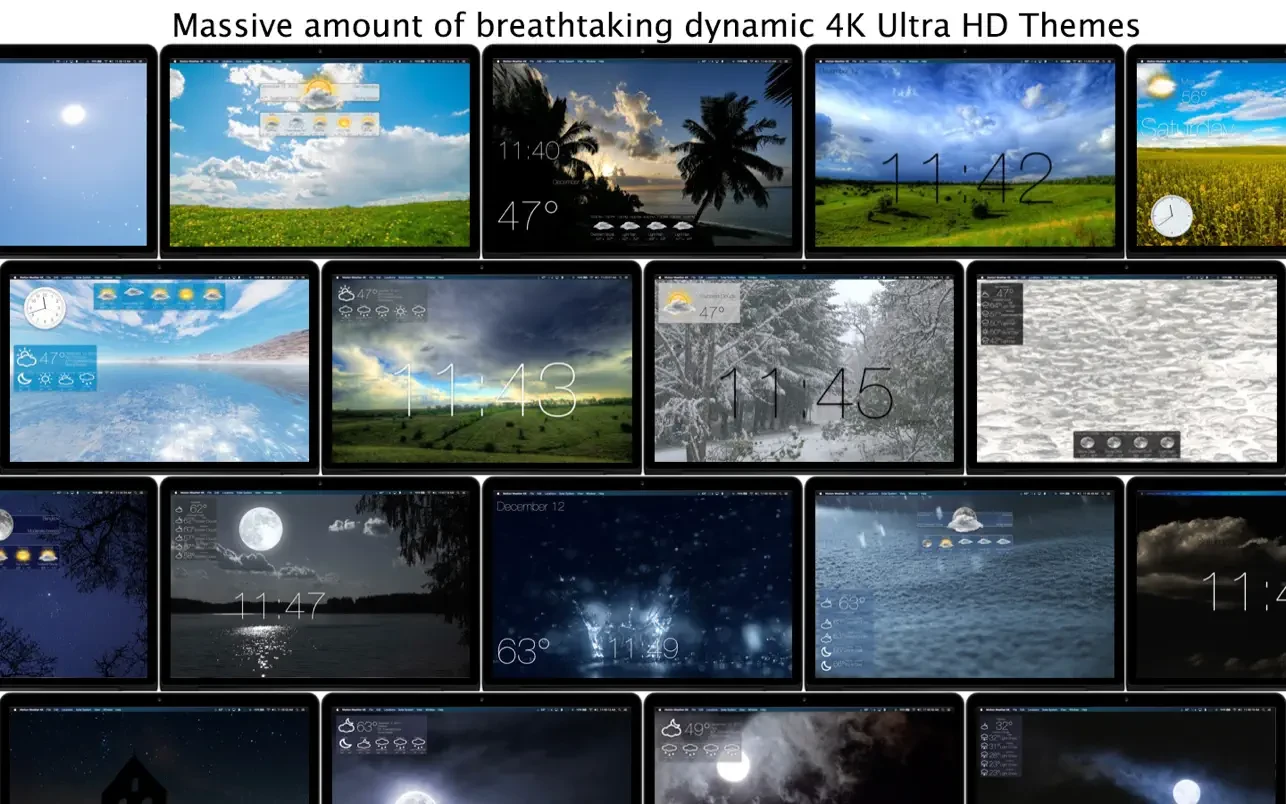
- Select your own custom 4K videos easily using the graphical theme switcher, or disable automatic wallpaper updates for manual selection.
- Highly efficient video player engine streams 4K video while maintaining an average CPU load of just 5% per display.
- The main weather window is seamlessly integrated, matching your desktop’s wallpaper background for cohesive visual harmony.
- Supports hundreds of thousands of locations worldwide for accurate weather updates no matter where you are.
- Unlimited display support: use Motion Weather 4K on as many screens as your Mac supports without compromise.
- Unlimited locations: track weather in as many places as you need.
- Weather data is refreshed every 15 minutes to ensure up-to-date and precise information.
- Instantly switch between multiple locations using a convenient location menu for quick access.
- Incredibly powerful yet remarkably easy to use, Motion Weather 4K sets a new standard for weather visualization and personalization on Mac.
Whether you want to experience the innovative capabilities of motion weather 4k mac or are searching for a new level of desktop weather visualization with motion weather 4k ultra hd, this application is designed to deliver a visually brilliant, efficient, and seamless weather experience that complements and transforms your Mac environment.
Frequently Asked Questions
You May Also Like
Reviews & Comments
No comments yet. Be the first to share your thoughts!