n-Track Studio Suite
Description
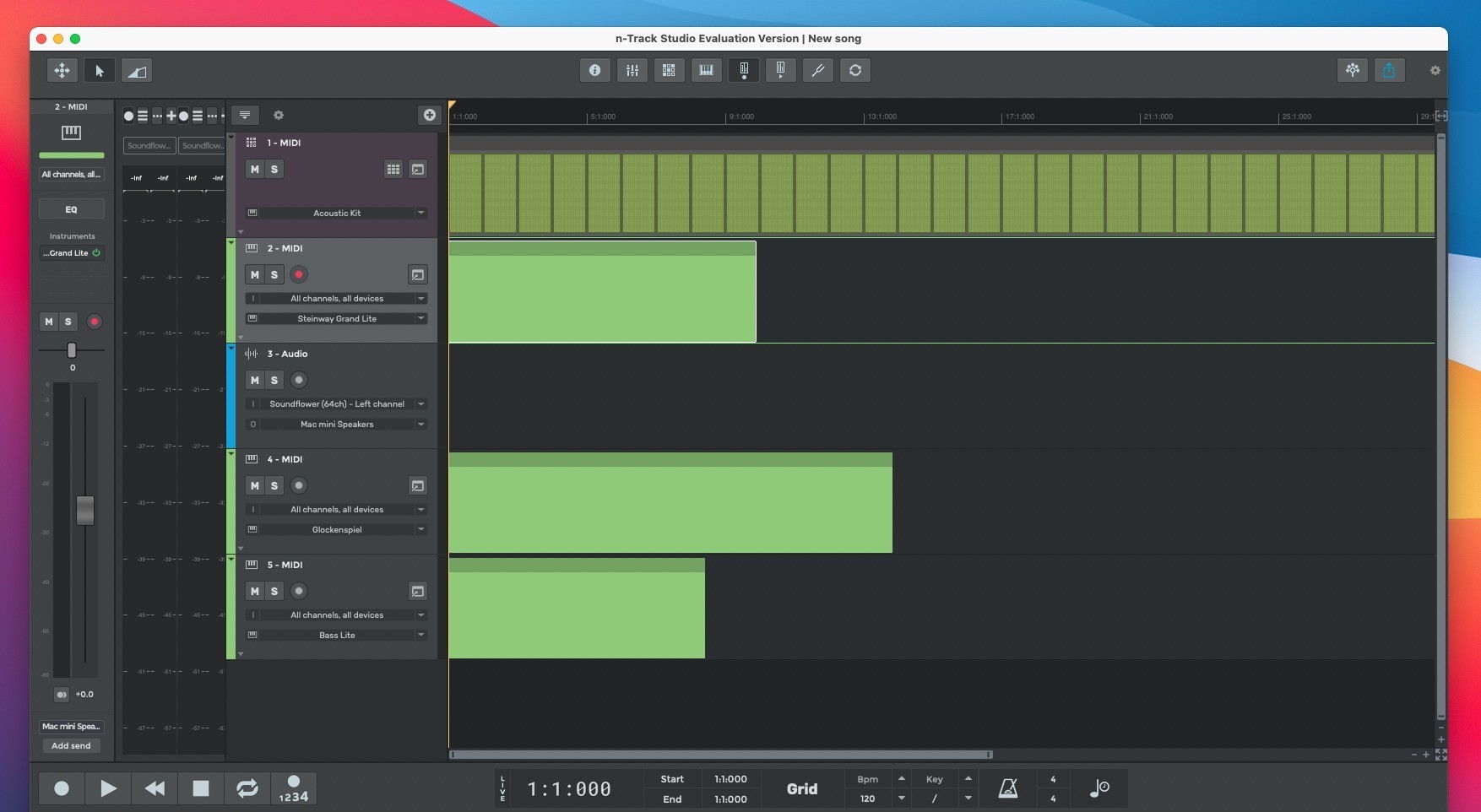
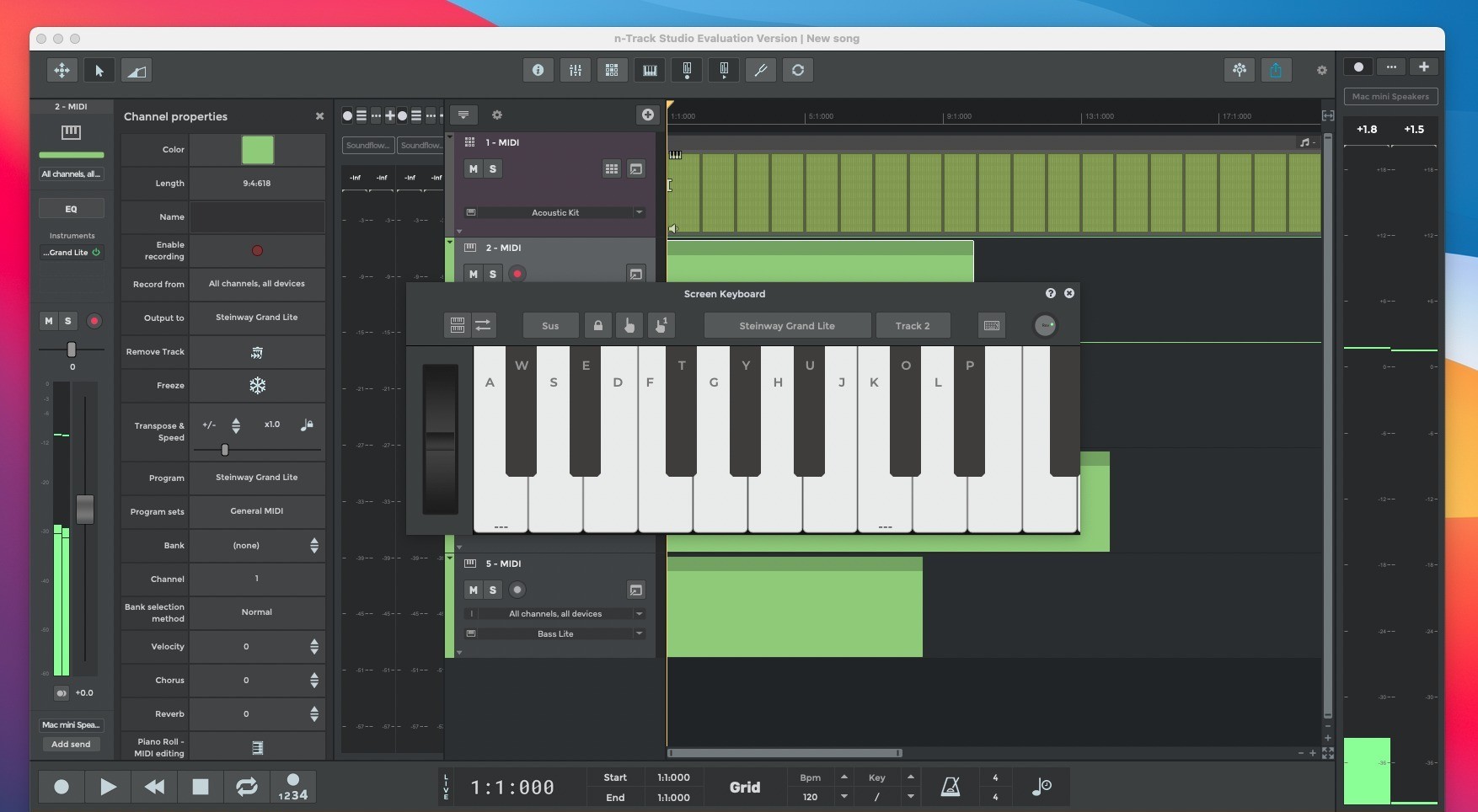
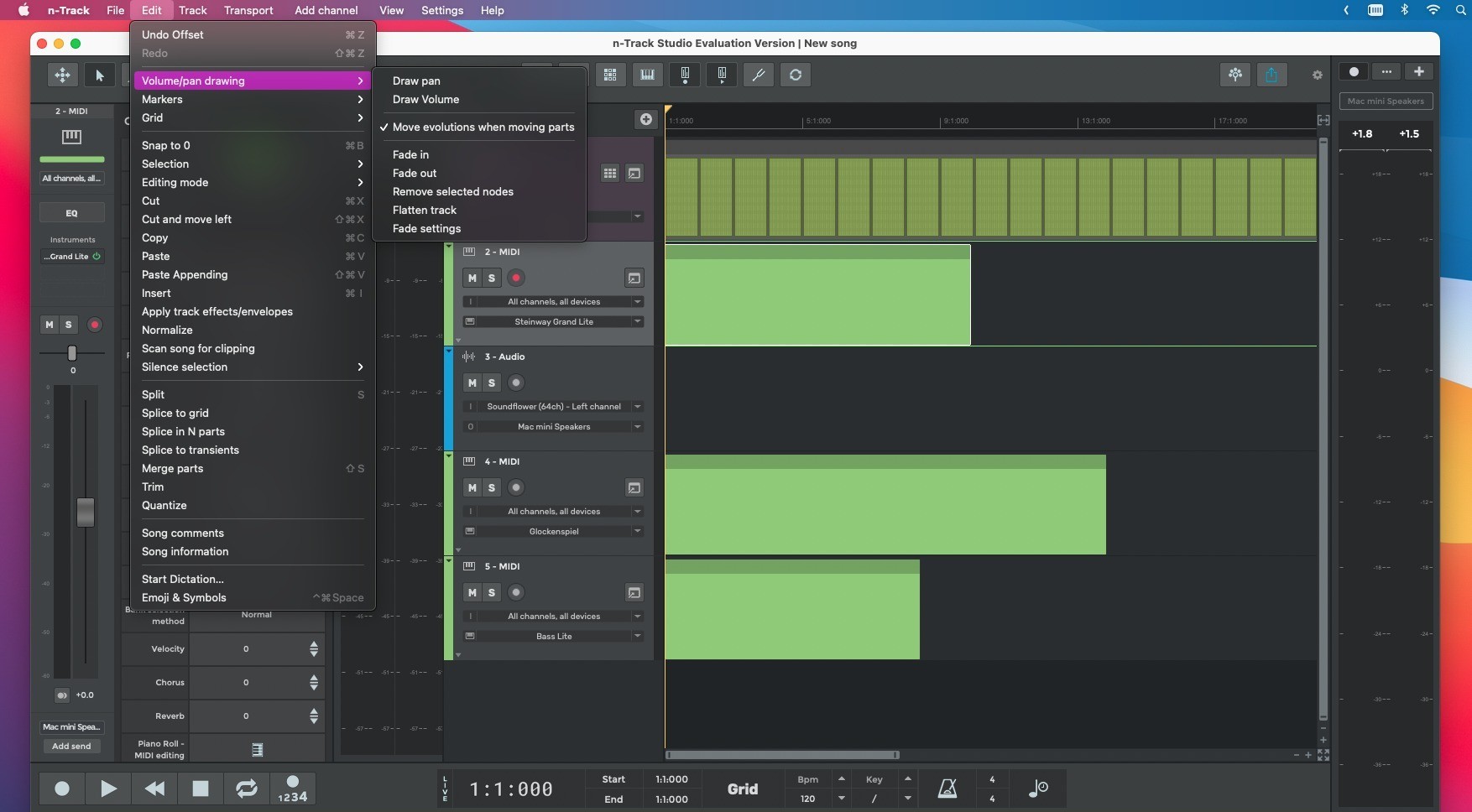
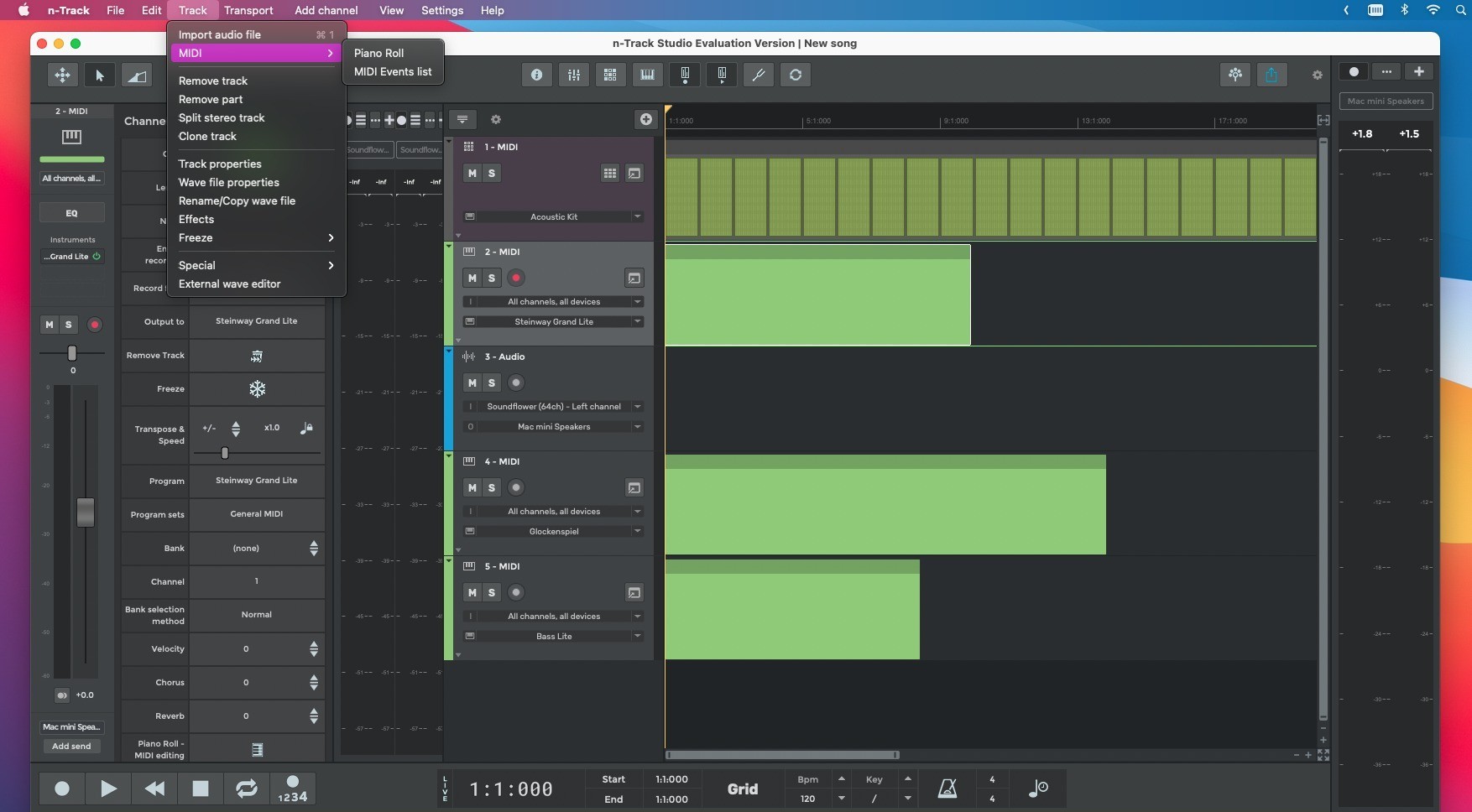
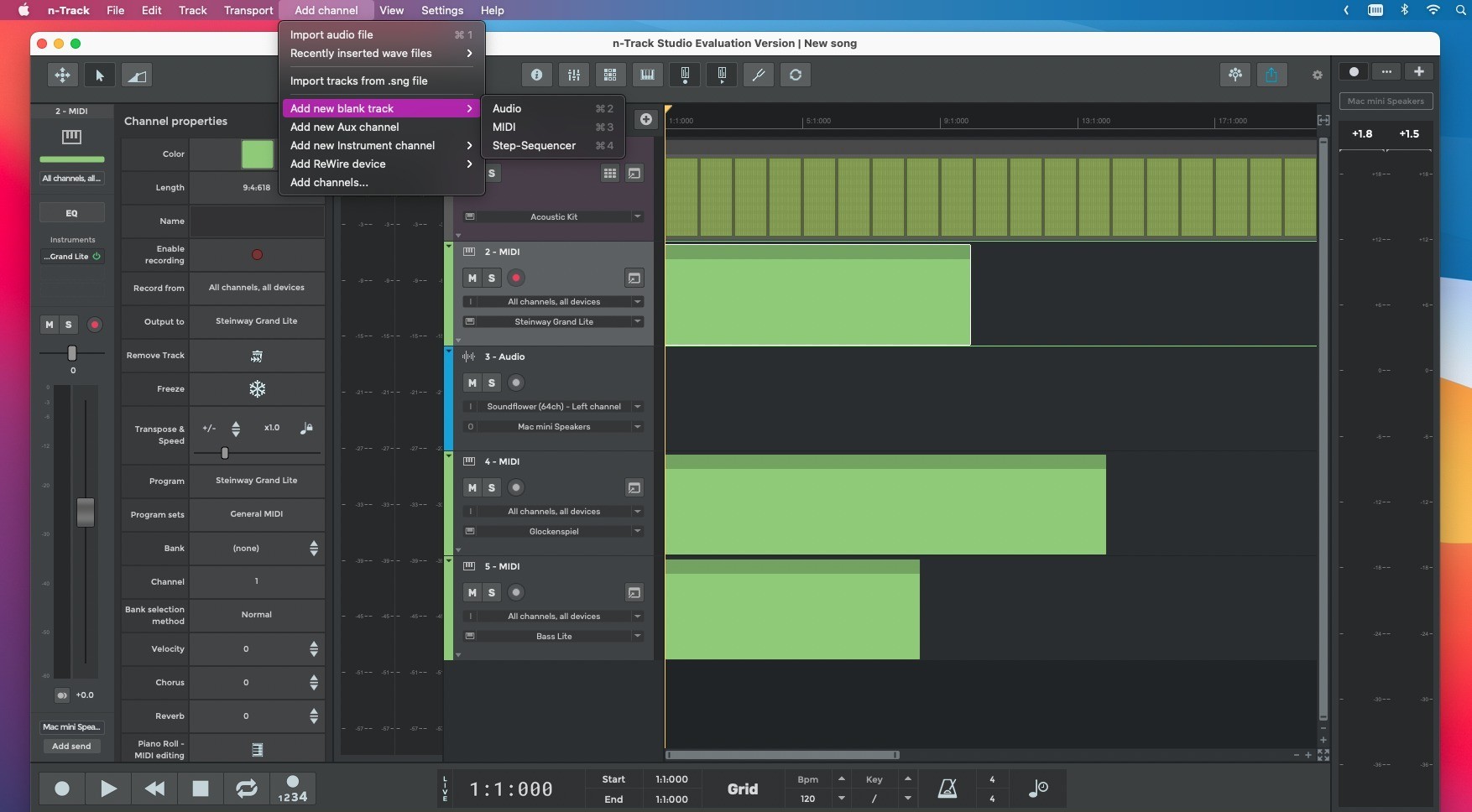
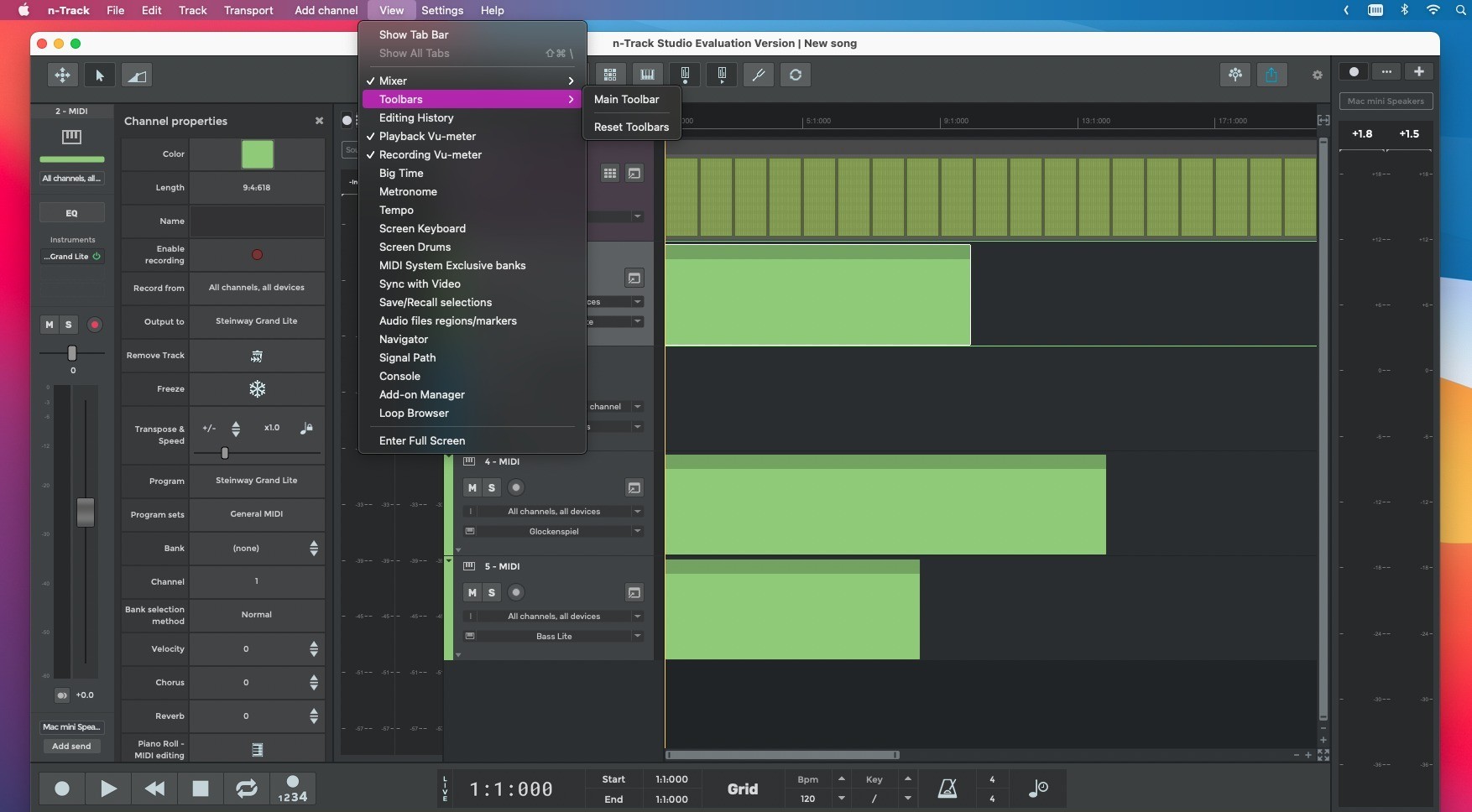
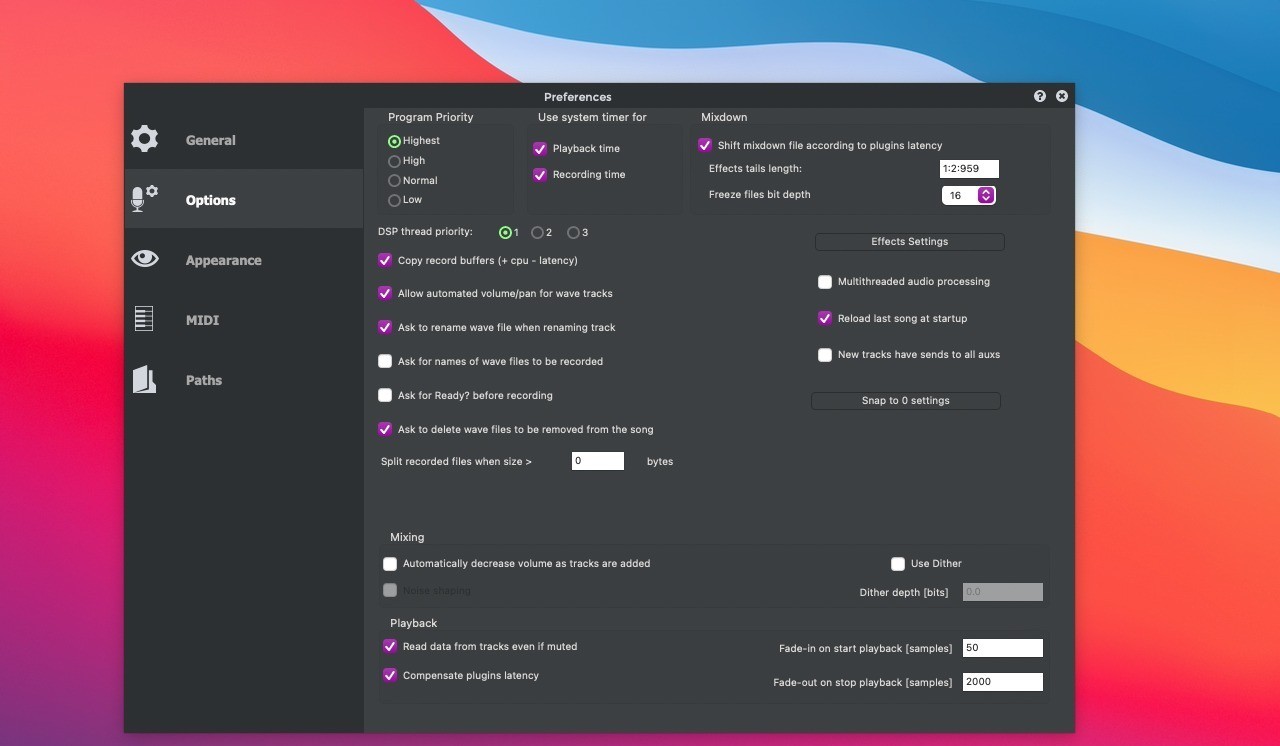
n-Track Studio is a comprehensive cross-platform audio editor offering extensive multitrack audio recording capabilities, crafted by the Italian company n-Track Software. Focused on Mac users, n-Track Studio Suite empowers musicians and producers with a fully featured DAW environment, allowing for recording, editing, and mixing audio with a straightforward workflow. The suite delivers professional-level sound, supporting up to 24-bit/192 kHz audio resolution. It handles an unlimited number of both audio and MIDI tracks and enables full integration of a vast array of virtual instruments for creative sound design.
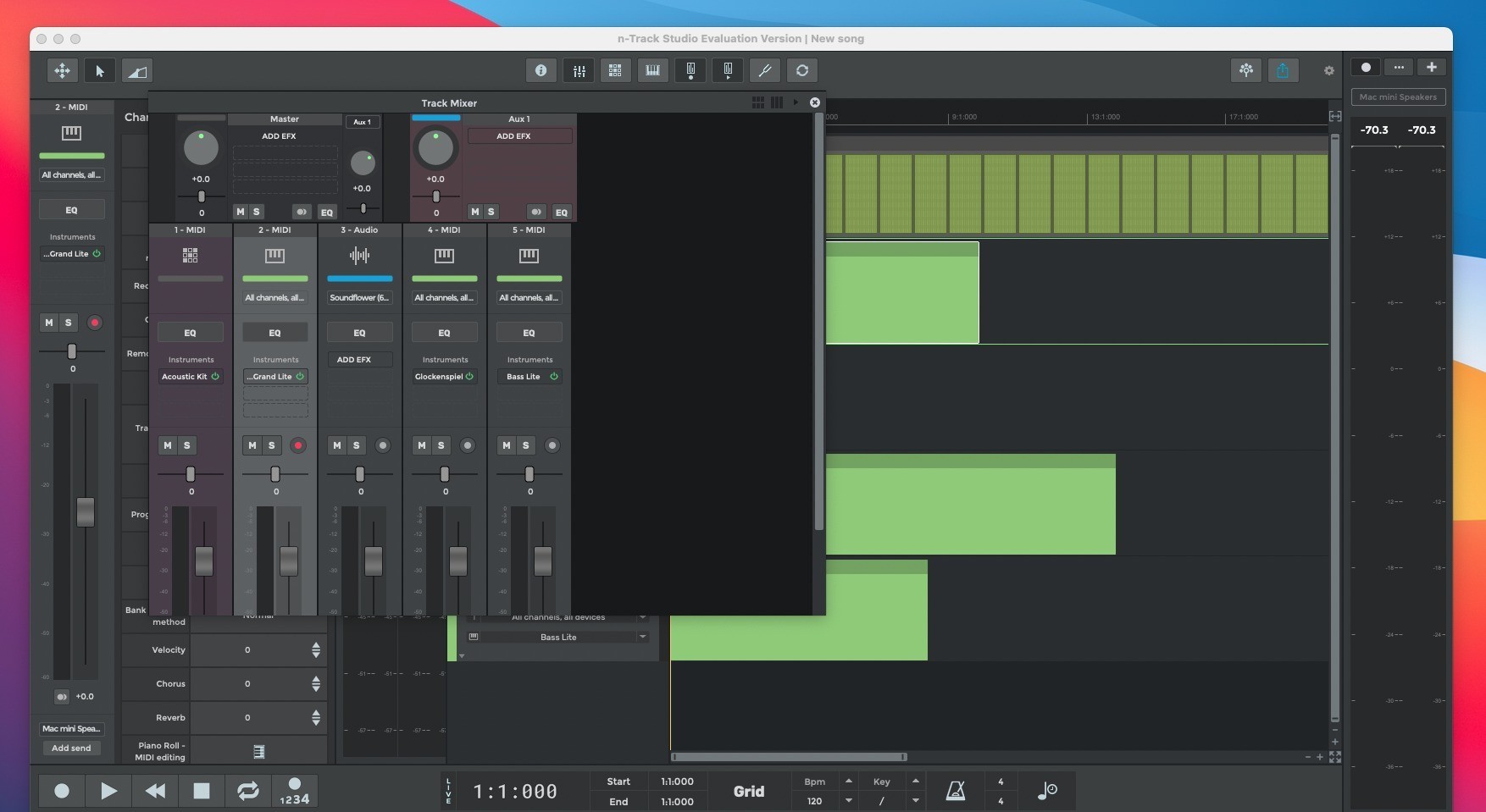
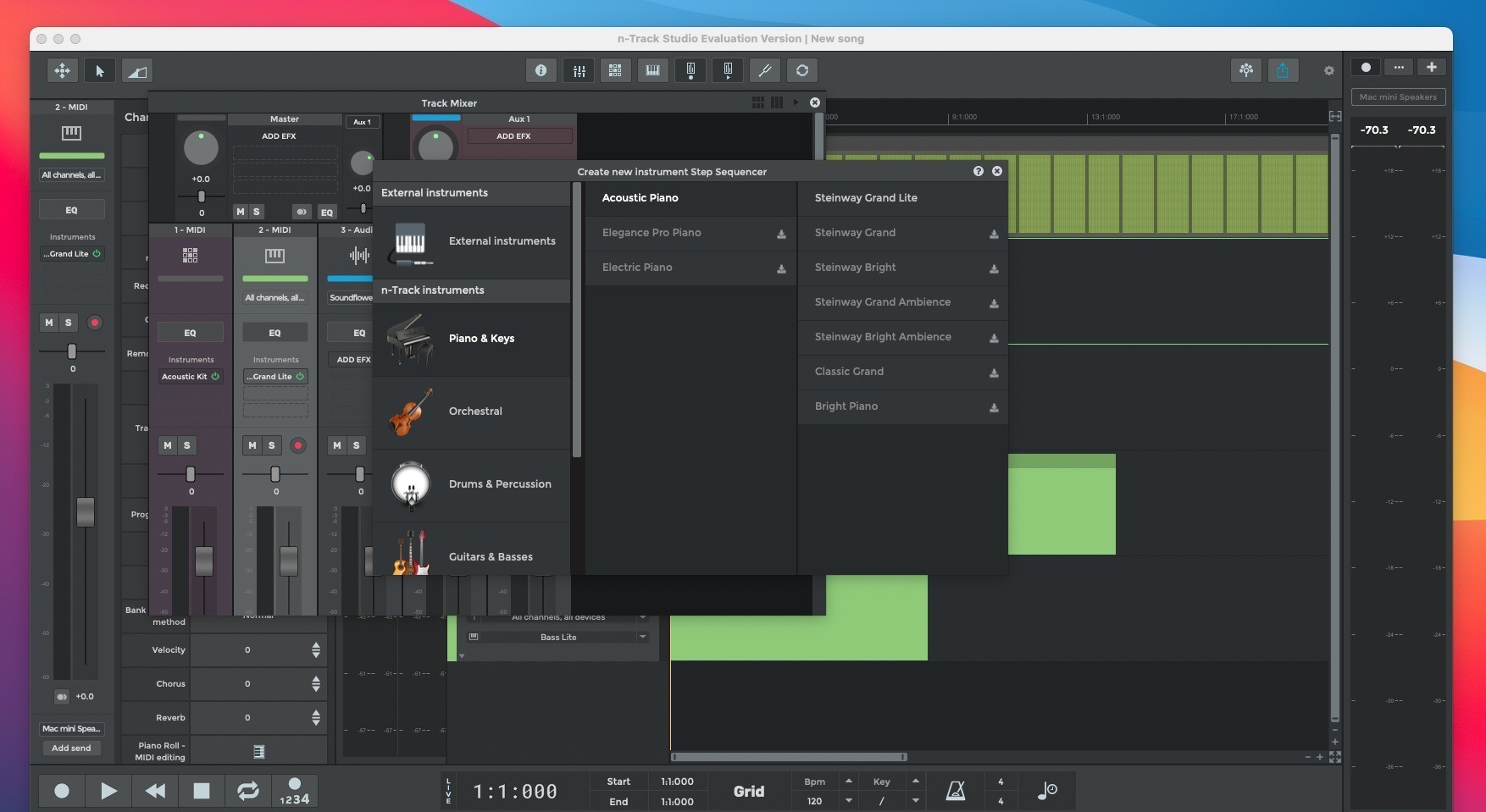
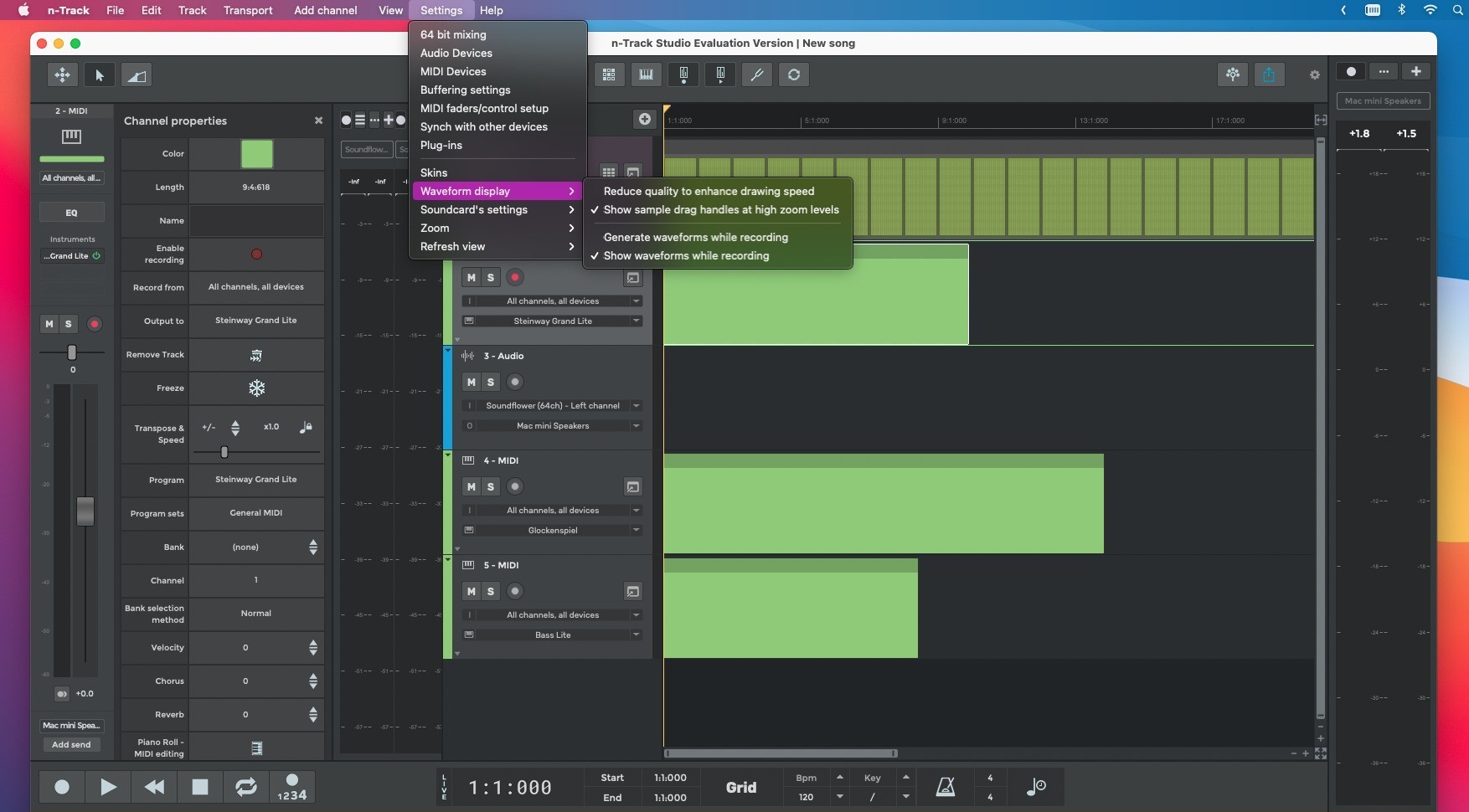
n-Track Studio Suite for Mac ensures that users benefit from a seamless recording, editing, and mixing experience. With its support for unlimited audio and MIDI tracks, the n-track studio suite mac edition accommodates even the most complex music projects. A wide variety of plugin formats are compatible with the app, including VST, VST3, DirectX, AU, and Re, making sure you can enhance your productions without limitations.
The suite's additional features elevate the creative process on Mac. Live input processing enables musicians to record tracks dry while monitoring with real-time effects. Advanced surround sound mixing lets you create audio projects for DVD in formats like 5.1, 6.1, and 7.1, delivering spatial audio experiences. When ready, effortlessly mix your entire song into a single WAV file for making audio CDs or share your music online through the integrated MP3 encoder.
Key Features:
• Full-featured DAW environment for audio recording, editing, and mixing • Professional 16- and 24-bit audio resolution up to 192 kHz • Streamlined, intuitive workflow tailored for Mac • Integrated video playback window for synchronizing video files (AVI, MPEG) with your project • Wide support for third-party plugins, including VST 2.x, VST 3, and ReWire • Broad compatibility with VST Instruments and synthesizer plugins • Robust synchronization with other software or external hardware via SMPTE/MTC or MIDI Clock, whether macOS acts as the master or slave • Sample-accurate MIDI track routing to VSTi/DXi software synthesizers, eliminating the need for dedicated MIDI hardware • Support for physical controller surfaces and motorized faders, ensuring hands-on mixing on your Mac with the n-track studio suite app
Frequently Asked Questions
You May Also Like
Reviews & Comments
No comments yet. Be the first to share your thoughts!