
Nuke 15
Description
Nuke 15 is a powerhouse compositing suite designed specifically for Mac users seeking the fastest performance and most advanced feature set in the desktop VFX market. Recognized as an industry-proven tool for visual effects production, Nuke 15 offers significant speed, versatility, and functionality, empowering your entire VFX pipeline with enhanced flexibility and productivity. The all-in-one production environment is further complemented by Hiero, which enables the creation of a seamless workflow by integrating data streams from various sources. Hiero’s smart timeline allows footage from different stages of production to be combined effortlessly, ensuring rapid review and adaptation according to script and production phases. Automation of key functions helps eliminate complex manual processes, streamlining your workflow.
The Nuke 15 app is renowned for film and video special effects creation. It has been instrumental in blockbuster movies such as King Kong and The Day After Tomorrow, as well as in hundreds of commercials and music videos. The software excels at editing video clips and image sequences, supporting workflows for processing, effect application, final assembly, and more—making it a stellar choice for commercials and a wide range of video tasks on Mac. Nuke exemplifies a node-based architecture, ensuring clarity and logical structure to your workflow. In version 5, the interface underwent a total transformation, adding Python scripting and 3D stereoscopy support, highly relevant for today’s productions. According to the developers, the latest versions have vastly improved software stability.
Key Features:
3D Environment
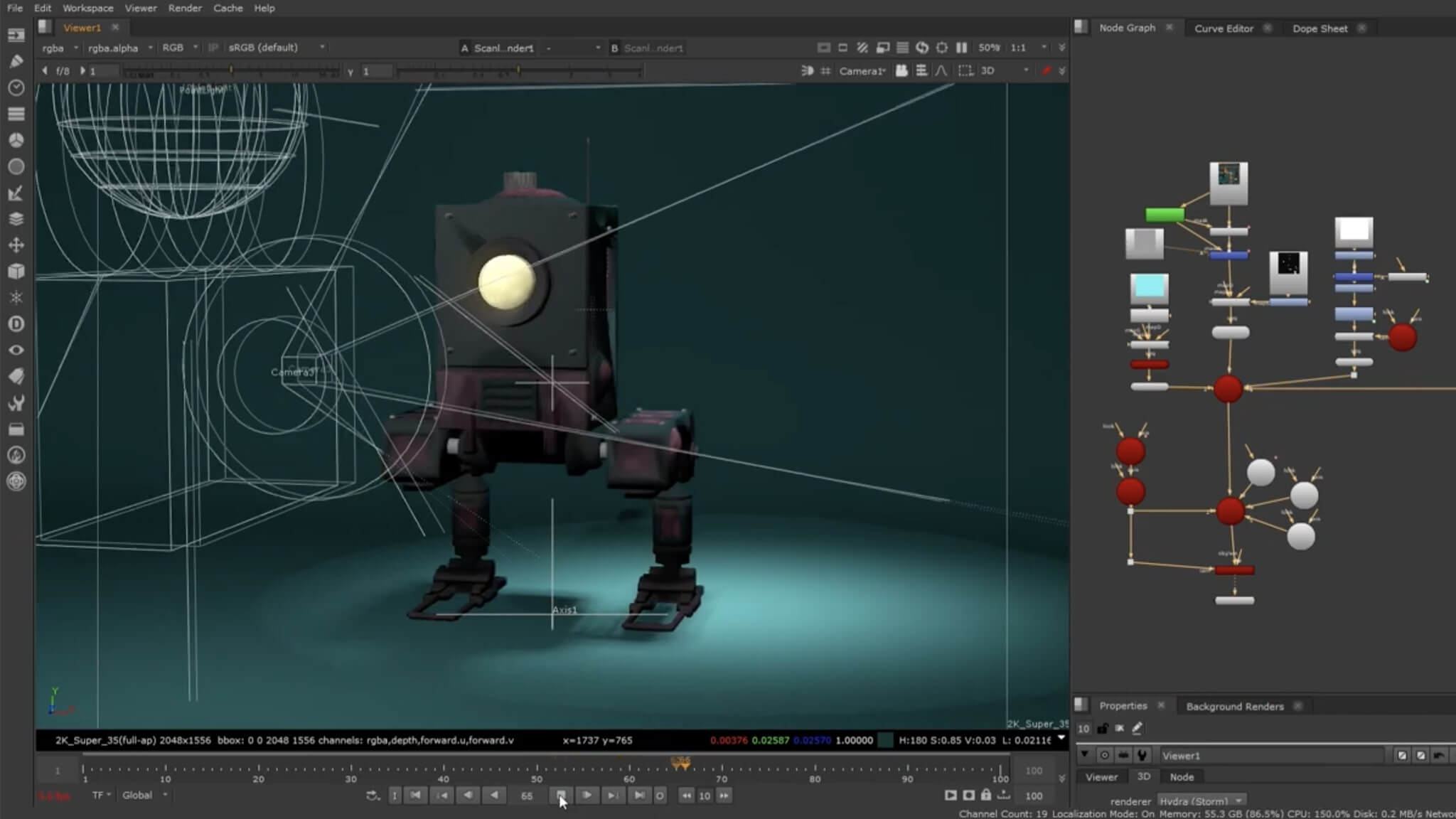
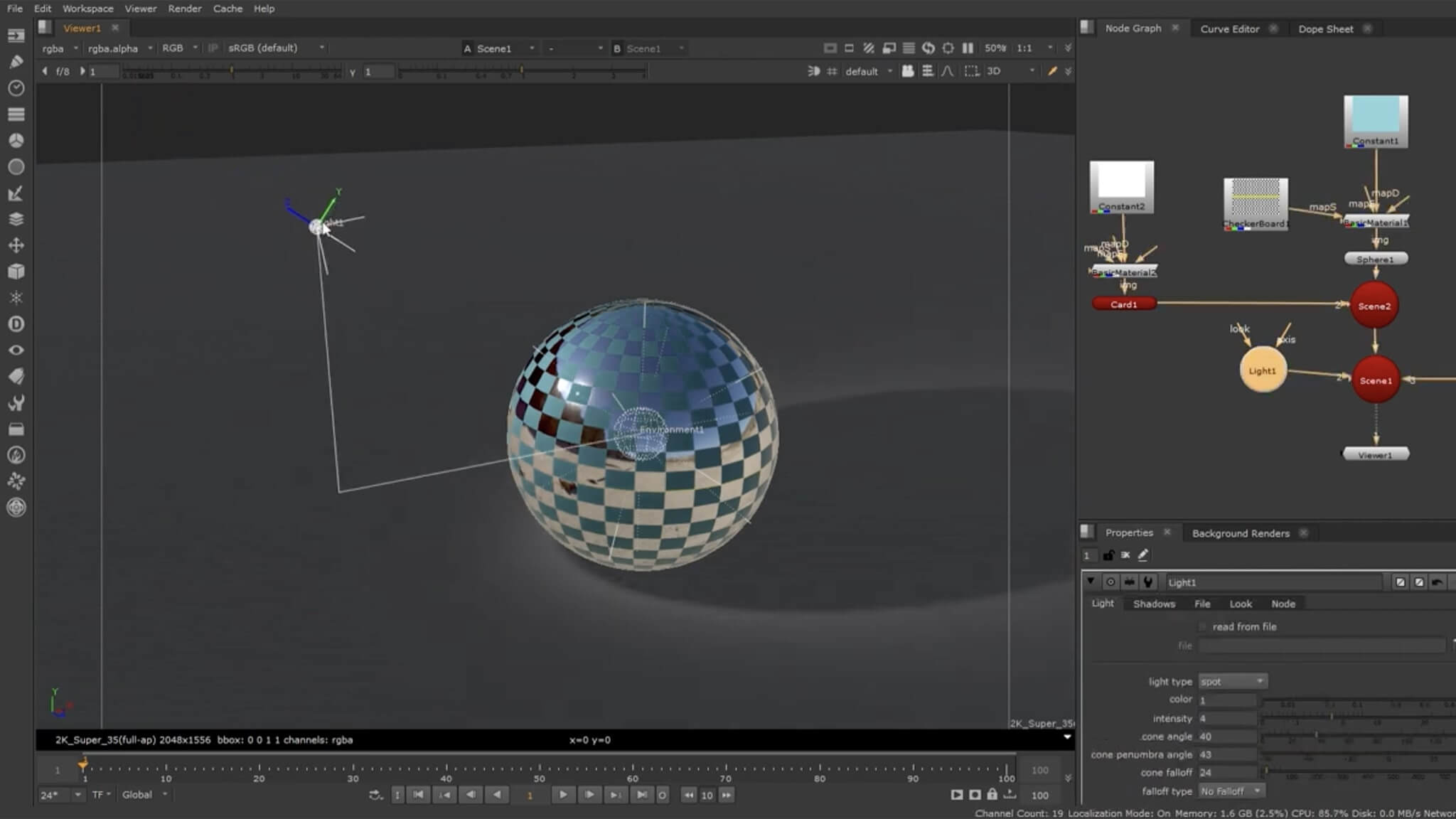
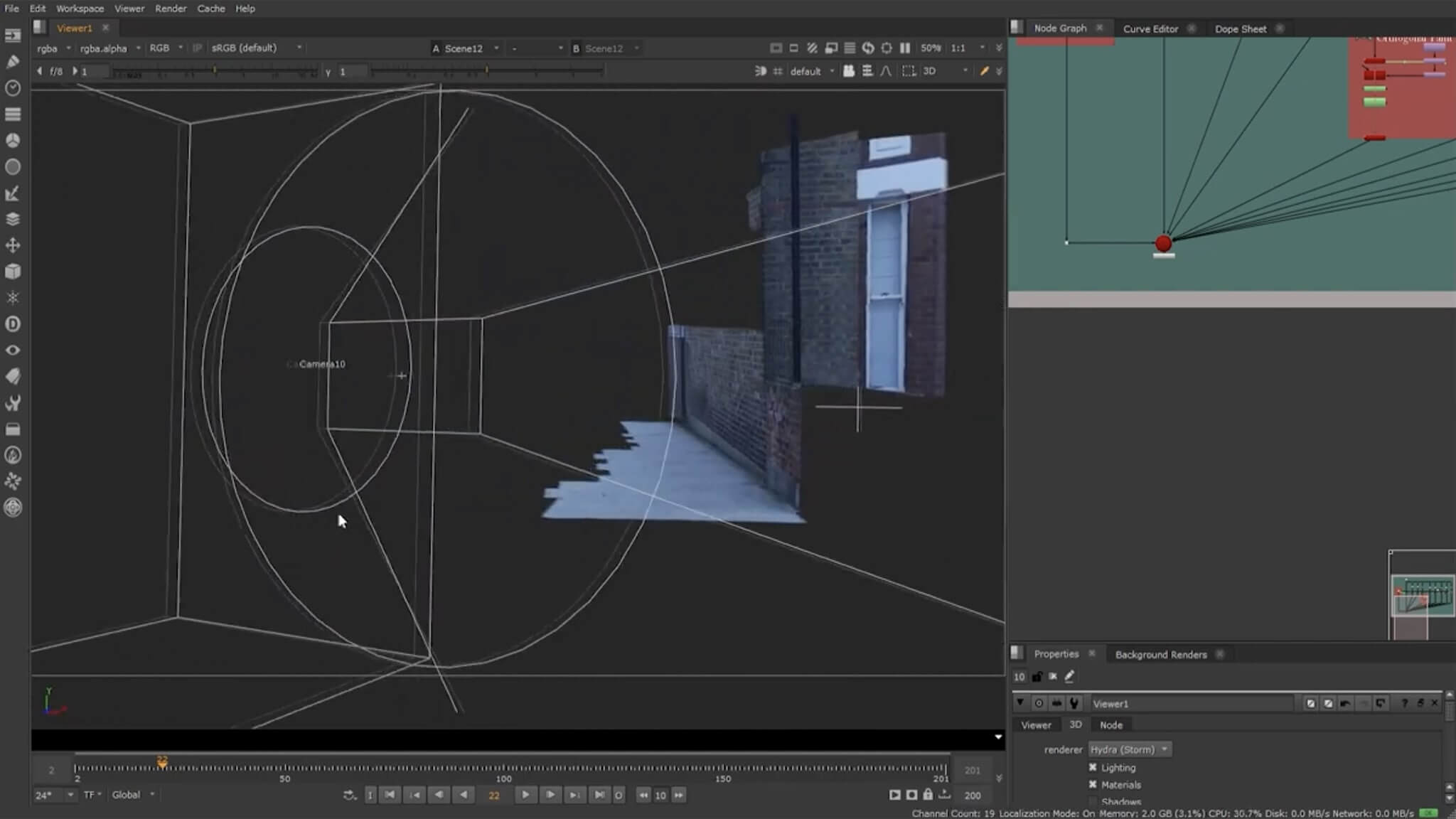
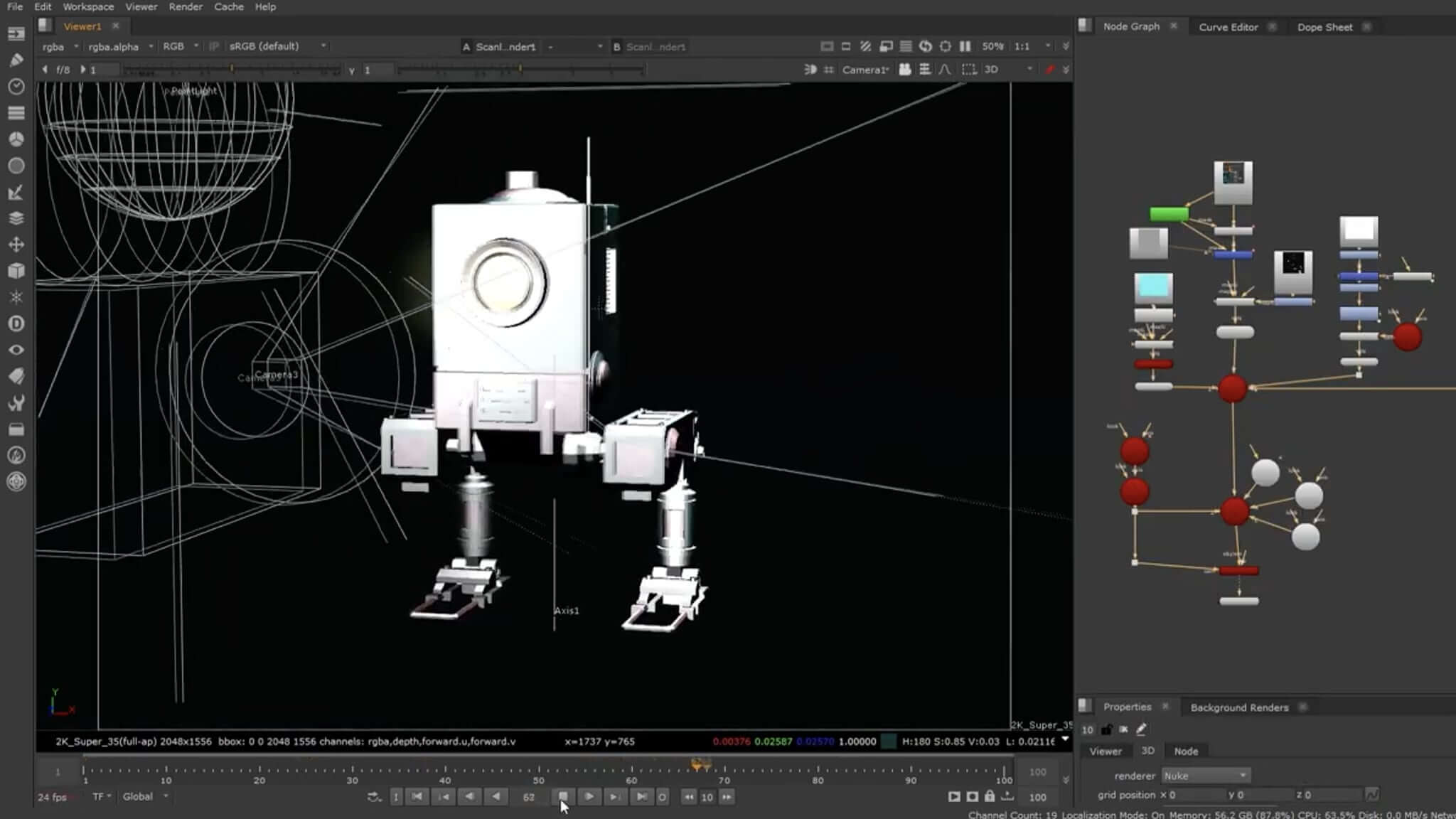
The powerful 3D workspace in Nuke 15 supports importing OBJ-format objects, advanced projection mapping, 3D camera data import, and more on Mac platforms.
64-Channel OpenEXR Workflow
Enjoy robust OpenEXR support with capabilities for reading, processing, and writing up to 64 channels within EXR data streams, tailored for high-end VFX needs.
Keying
The innovative image-based keyer (IBK) lets users achieve customized color control in each individual channel, facilitating the most precise chroma keying and compositing possible.
Customizable Interface
Save interface configurations, personalize tools including "bullseye" and "input" buttons, and use TCL node tagging—all making navigation through complex scripts intuitive and efficient.
Performance
Nuke 15 delivers superior responsiveness even when manipulating high-resolution content on modest Mac hardware. Its multithreaded, 32-bit floating-point scan-line architecture ensures best-in-class rendering speeds.
Openness
The compositing suite supports an open architecture. Both scripting and the user interface are built on TCL, affording nearly limitless customization. An SDK is also included for in-depth integration.
Plugins
Nuke 15 mac is fully compatible with all The Foundry’s OpenFX (OFX) plugins. Support extends to Keylight, the Tinder and Furnace collections in OFX format, with ongoing expansion planned as new plugins are released.
With its comprehensive feature set and seamless integration capabilities, Nuke 15 download for Mac is the ideal solution for VFX professionals who demand the best in performance, flexibility, and industry-standard support.
Frequently Asked Questions
You May Also Like
Reviews & Comments
No comments yet. Be the first to share your thoughts!