
Playr
Description
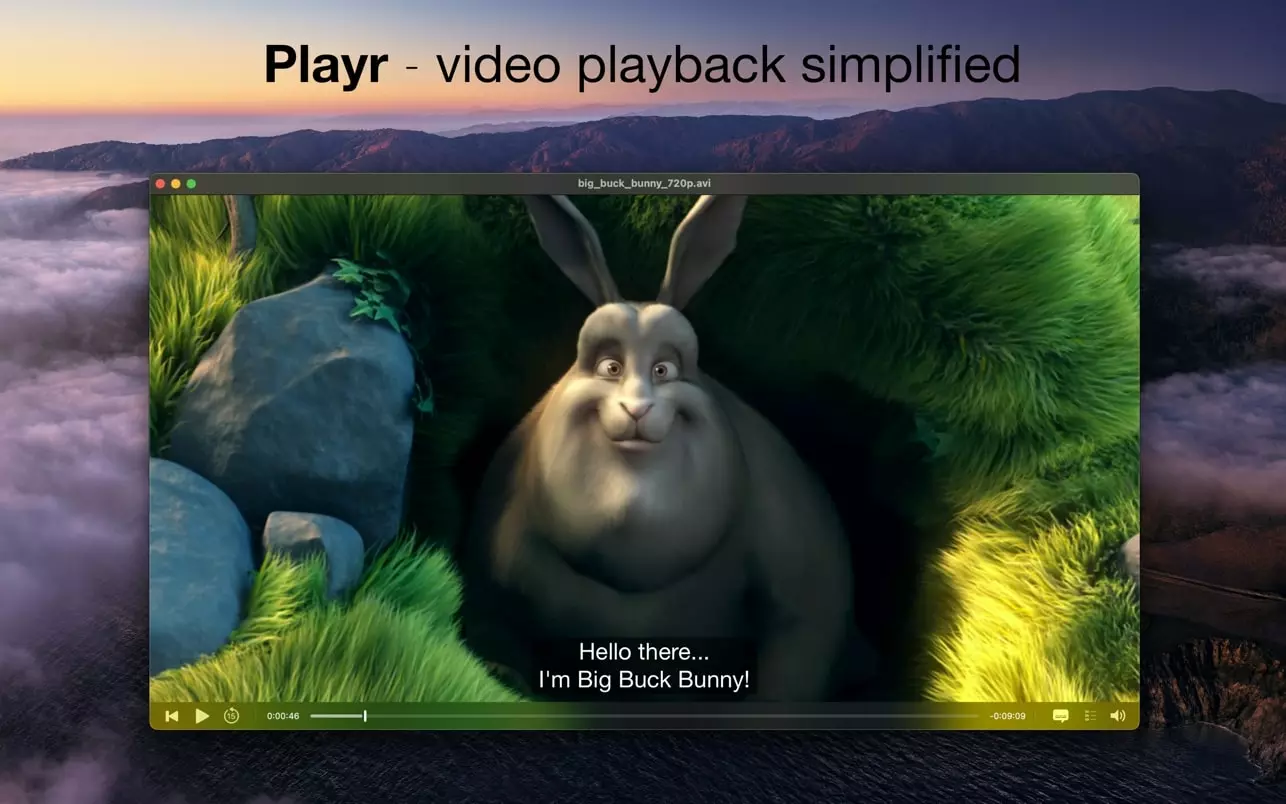
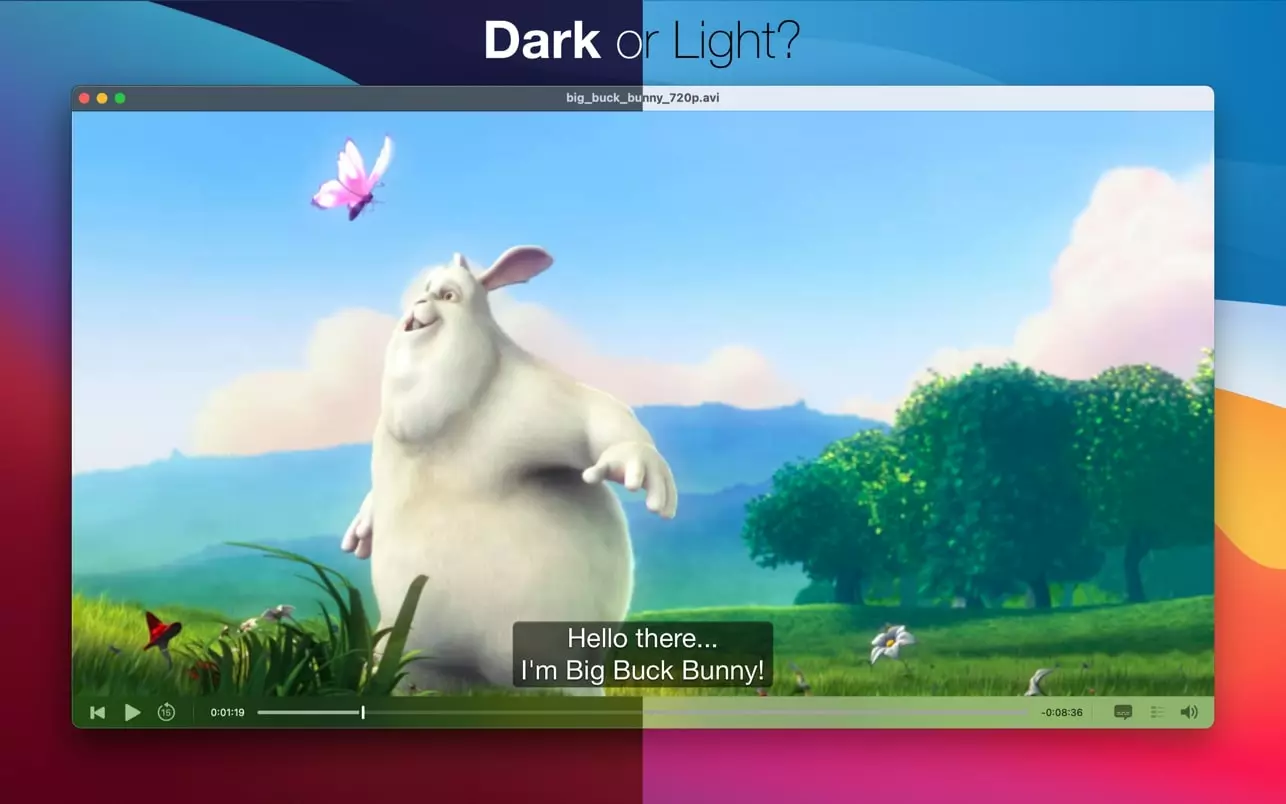
Playr was created with a singular focus on enhancing your video viewing experience on the Mac. This streamlined Playr app is intentionally free from unnecessary features like file organization or playlist creation, so nothing distracts you from enjoying your favorite movies and shows. With Playr, there’s no need to install extra add-ons or plugins to get started—the player just works right out of the box. Playr mac has been meticulously crafted using the latest available technologies and with close attention to even the smallest of details. The user interface remains clean, stylish, and remarkably simple to use.
Key features include:
- Playback of virtually any video file format with no need for additional system extensions or plugins.
- Completely independent of QuickTime for video playback.
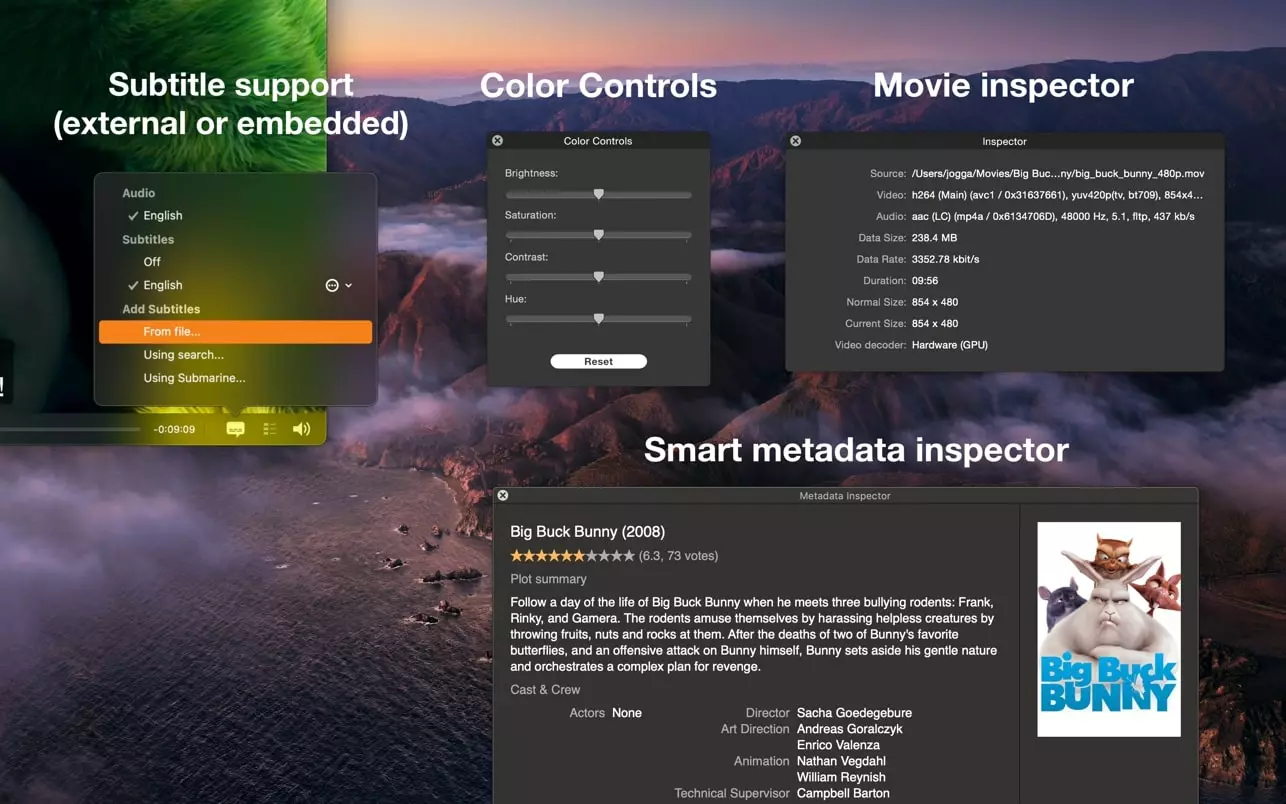
- Automatically loads and displays embedded or external subtitles for seamless viewing.
- Advanced built-in subtitle search engine—find subtitles for your favorite movie or TV show effortlessly.
- Supports all major subtitle formats for maximum compatibility.
- Full support for subtitle styling tags such as italic, bold, and underline in subtitle files.
- Highly customizable subtitle appearance, including font, size, color, shadows, and more.
- Retina-ready subtitle display for crystal-clear text.
- Handy metadata inspector that fetches information from the web automatically, including IMDb links for instant access to film details.
- Detailed movie inspector that gives you all the technical and informational specifics you might need.
- Integrated color management for accurate video playback.
- Built-in fullscreen player for immersive viewing, naturally.
- Touch Bar support for a modern Mac experience.
- Fully native 64-bit performance for smooth operation.
Note: Playr cannot play movies purchased from the iTunes Store due to Apple DRM protection.
Frequently Asked Questions
You May Also Like
Reviews & Comments
No comments yet. Be the first to share your thoughts!