
RAW Power
Description
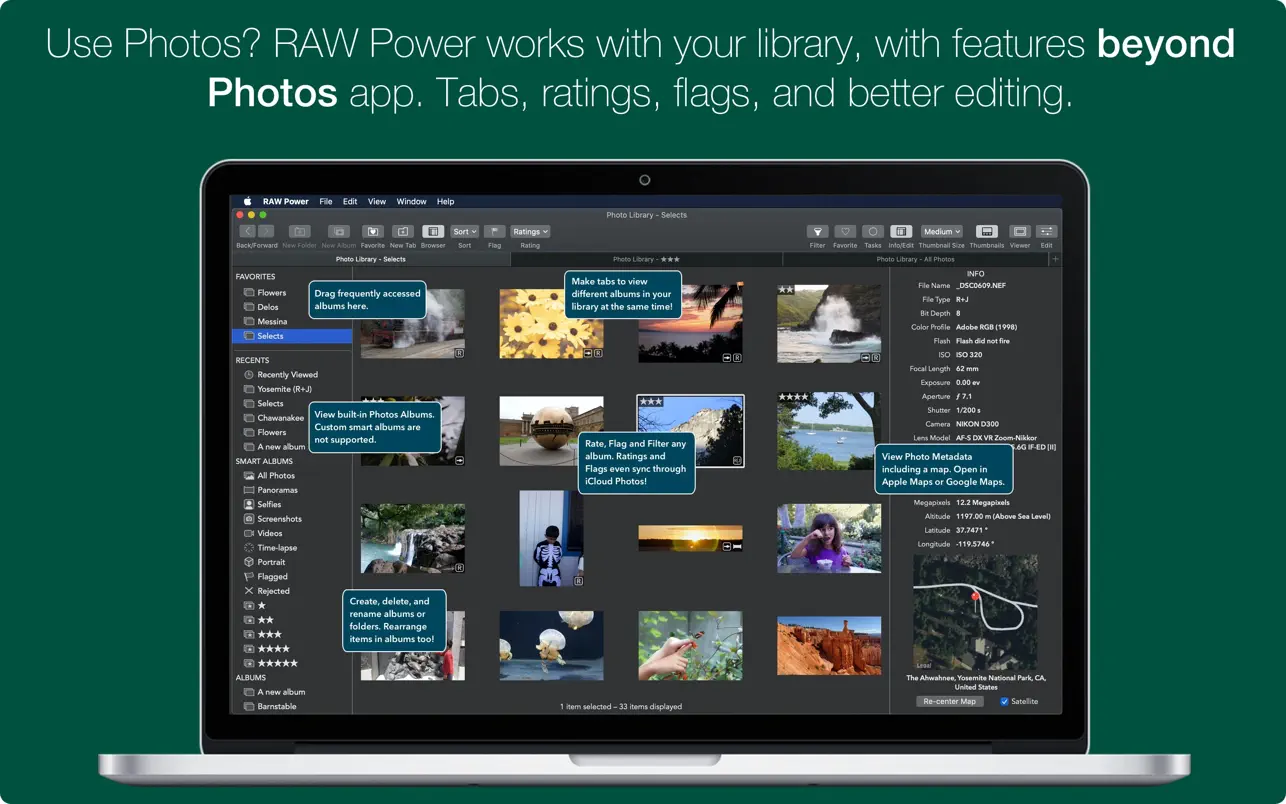
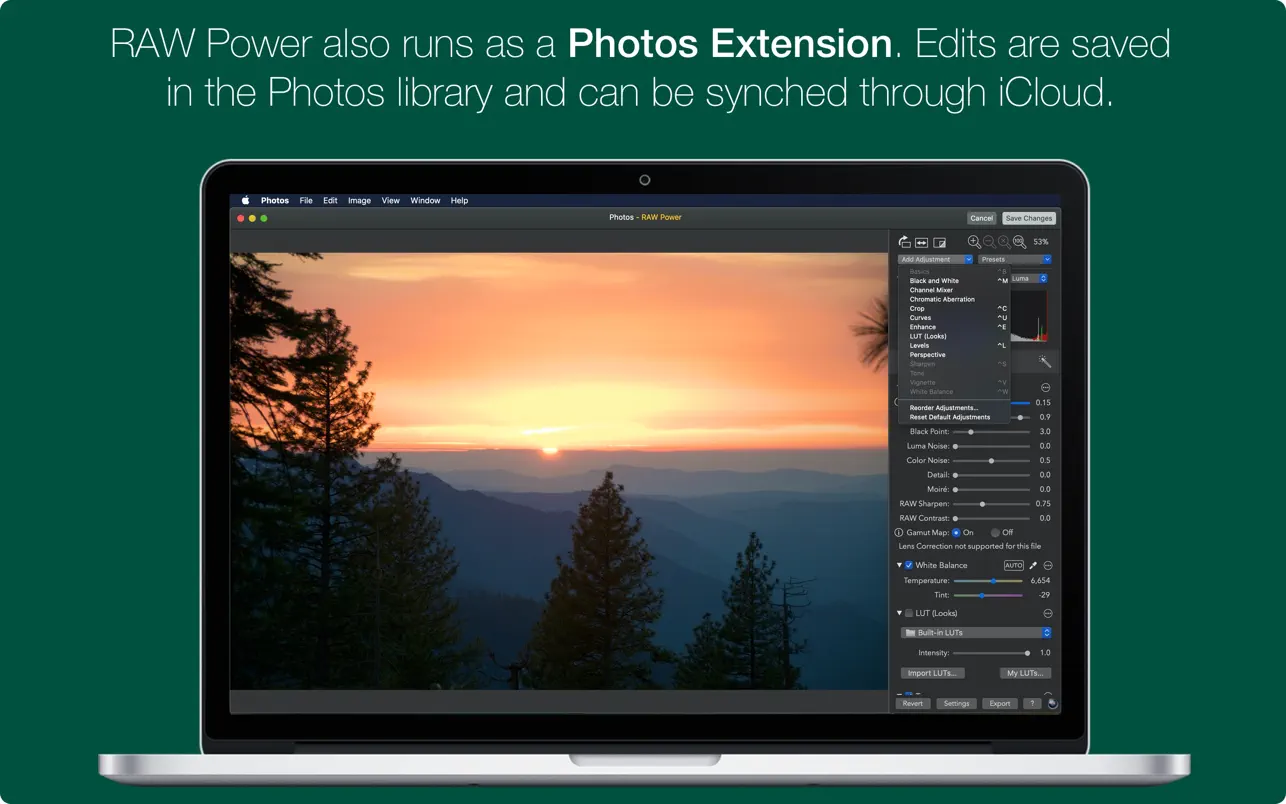
Make your best photos even better with Raw Power. Raw Power unleashes the full potential of Apple’s RAW format with a simple, user-friendly set of editing tools designed for Mac users. Seamlessly continue your editing right inside Apple Photos as an extension, or use Raw Power as a powerful standalone photo editor on your Mac.
If you love extra controls for RAW image processing, you’ll feel right at home with Raw Power. With adjustments like Boost—previously exclusive to Aperture—you can enhance your images in ways not possible with any other solution. Raw Power leverages advanced RAW processing enhancements built into macOS Sierra, bringing next-level photo editing to your desktop.
Key Features:
- Extends the Apple Photos app for macOS Sierra, allowing deeper image manipulation.
- Advanced camera support utilizing Apple’s RAW camera updates (full compatibility list: https://support.apple.com/en-us/HT207049).
- Take full control of Boost, Apple’s specialized filter, to achieve unmatched highlight recovery.
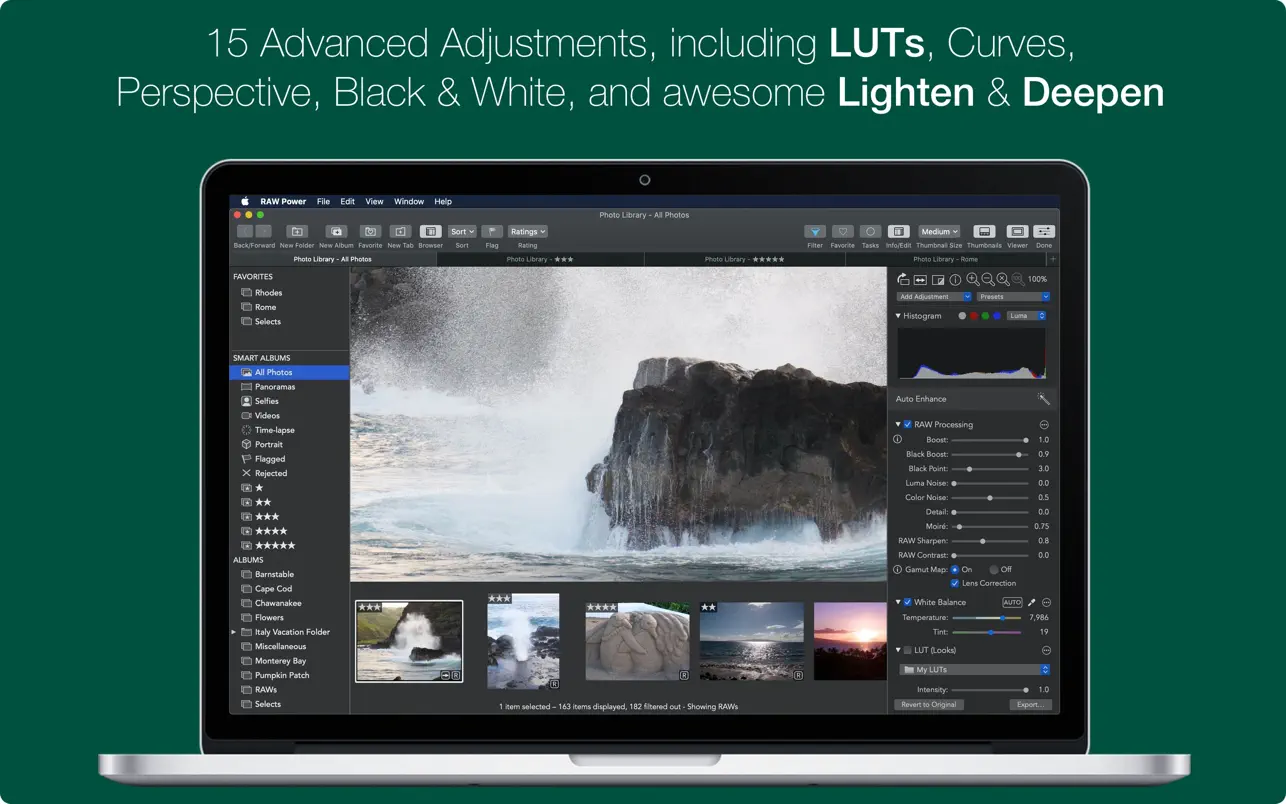
- Real-time controls including robust noise reduction, Black Point, RAW sharpening, and much more.
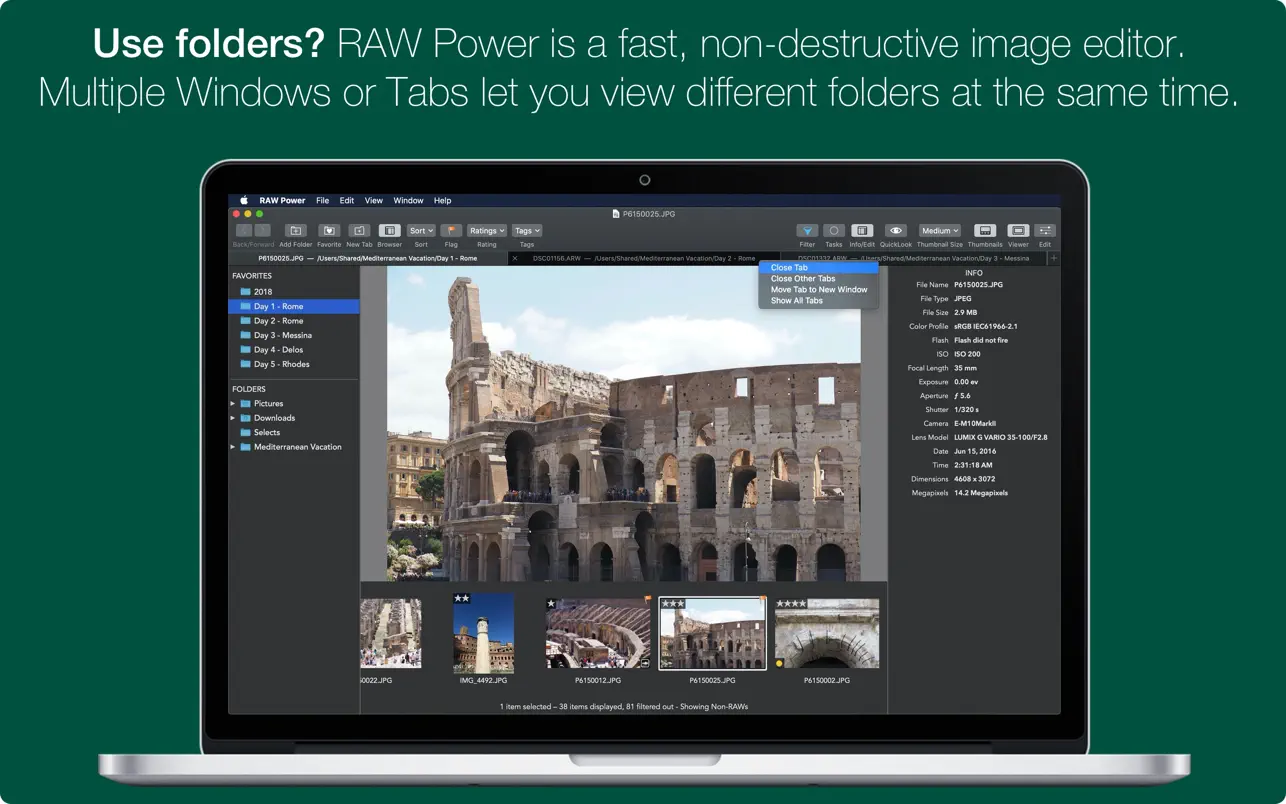
- Fully non-destructive editing—experiment without loss of quality.
- Precision curve adjustments with expanded curve tools and Lab modes for intricate color corrections.
- Dedicated recovery slider for focused highlight management.
- White balance sampling for pinpoint color accuracy.
- Luminance-oriented sharpening for superior detail enhancements.
- All sliders are GPU accelerated and operate in real time for instant feedback while editing.
- Manage highlights, shadows, and a wide array of advanced adjustments.
- Supports hundreds of RAW cameras for broad compatibility.
- Images render identically to how they appear in Photos, Aperture, or iPhoto.
- Supports iPhone RAW images and other DNG files, expanding device compatibility.
- Works seamlessly with JPEGs, TIFFs, and additional graphic formats for maximum flexibility.
- In-depth video tutorials available on YouTube to master every tool and feature of Raw Power.
Get all the advantages of the raw power mac experience, easily accessible and designed to maximize the quality of your photographs directly on the Mac. Whether you’re looking to start your next photo project or gain more advanced image control, the raw power app unlocks tools that elevate Mac photo editing to a new level.
Frequently Asked Questions
You May Also Like
Reviews & Comments
No comments yet. Be the first to share your thoughts!